CRAFTYBOX
Preparing your block world
正在准备你的方块世界
First visit setup
首次访问设置
CRAFTYBOX
Preparing your block world
正在准备你的方块世界
First visit setup
首次访问设置
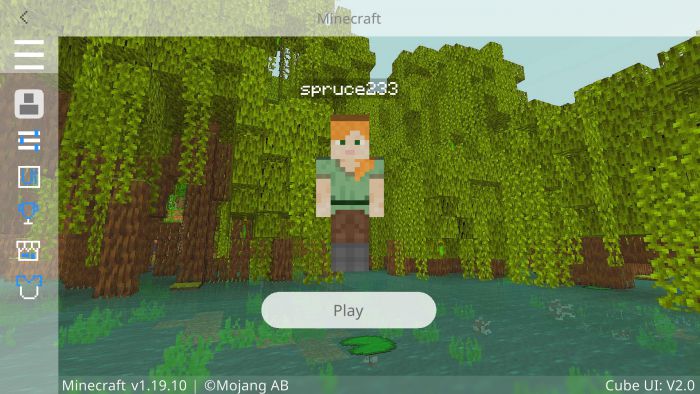
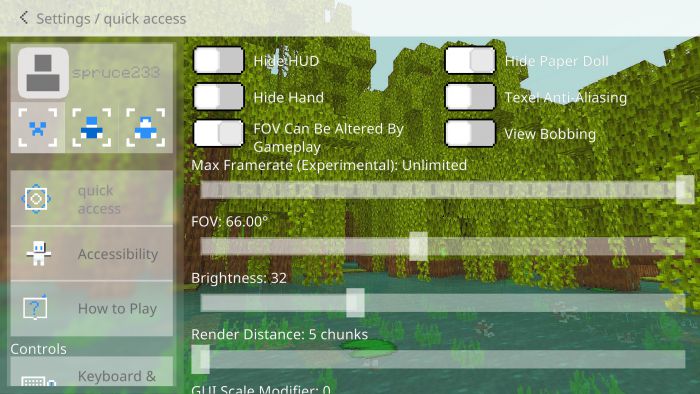
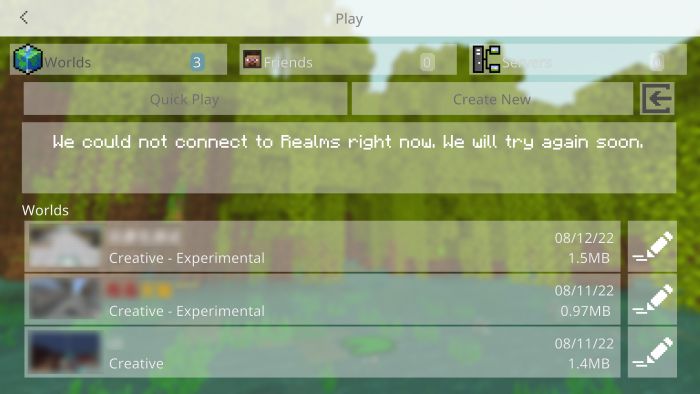
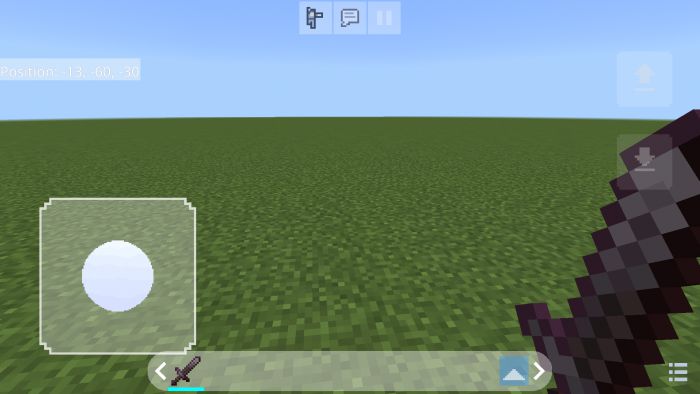
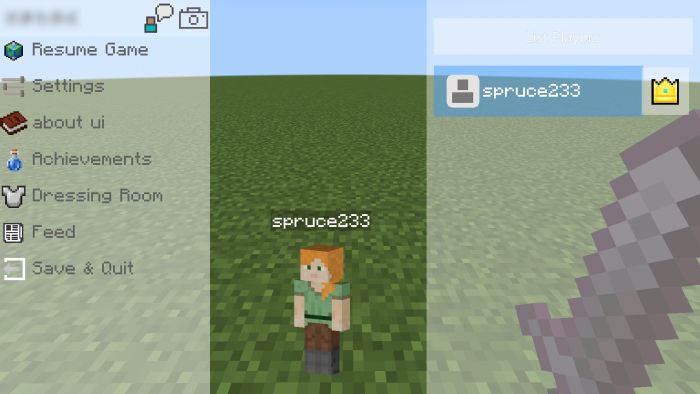
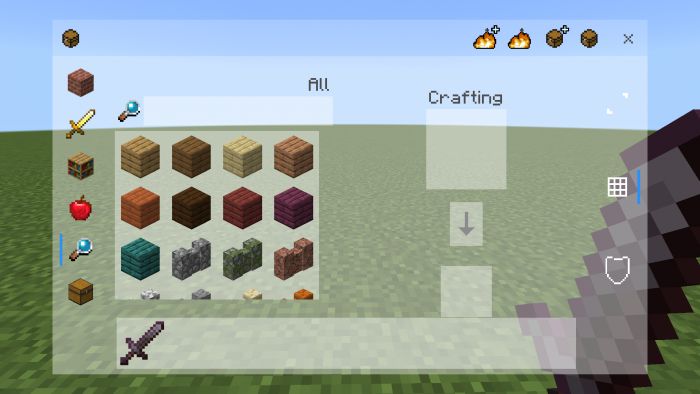
Cube UI Client Refresh every menu in Minecraft PE with Cube UI — a sleek client-style interface overhaul with clean panels, smooth layouts and modern vibes. Features: Redesigned menus, buttons and HUD with a cube aesthetic Faster, cleaner navigation across all screens Modern styling for inventory, settings and pause menus Works on both 1.21 and 1.20 Bedrock versions Why You'll Love It: 1 Your game instantly looks premium and polished 2 Less clutter means quicker menu actions 3 A fresh feel without changing gameplay at all How to Get Started: 1 Download the Cube UI Client. 2 Install it in Minecraft PE. 3 Open your world and enjoy the new experience.