CRAFTYBOX
Preparing your block world
正在准备你的方块世界
First visit setup
首次访问设置
CRAFTYBOX
Preparing your block world
正在准备你的方块世界
First visit setup
首次访问设置
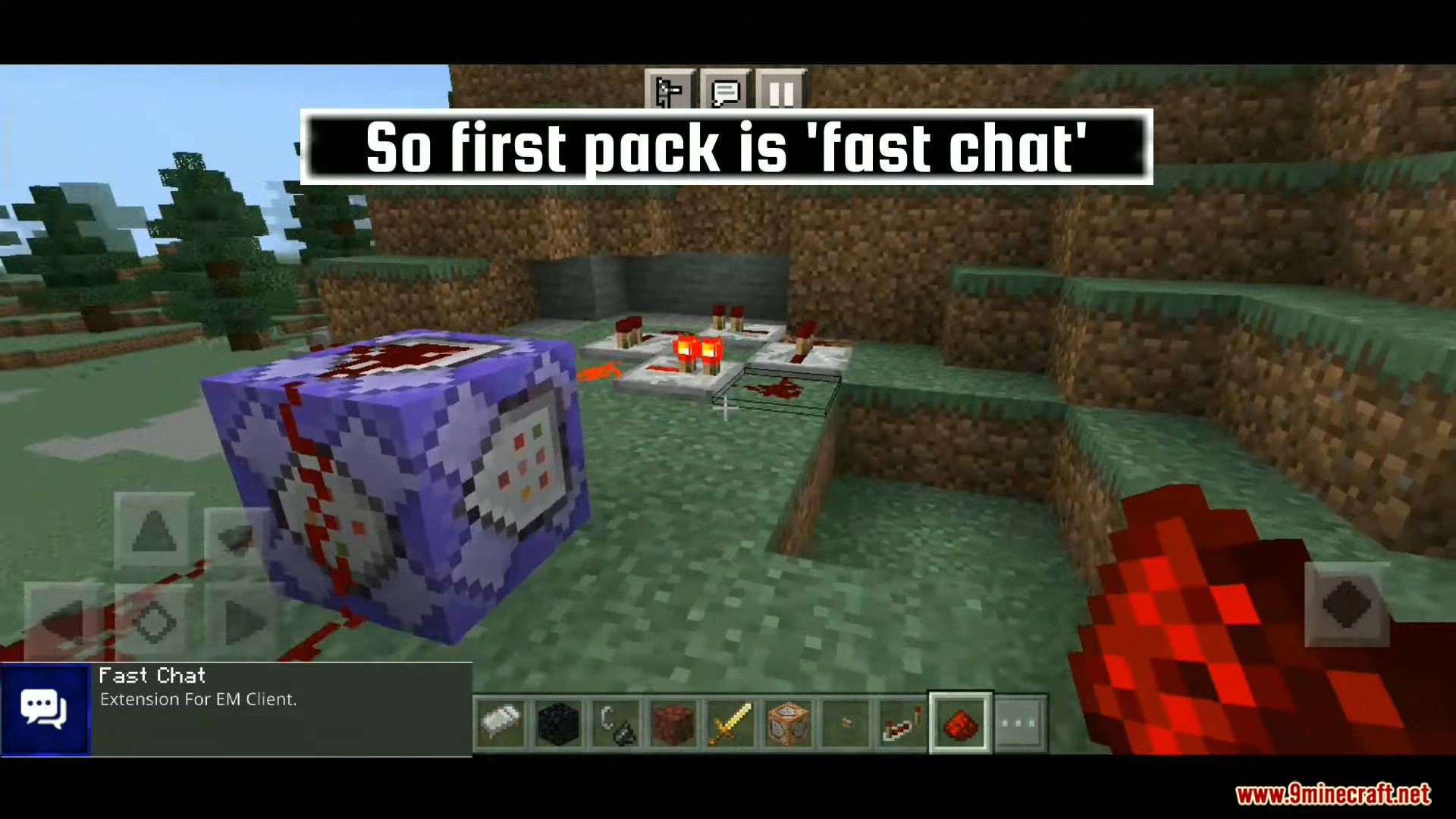
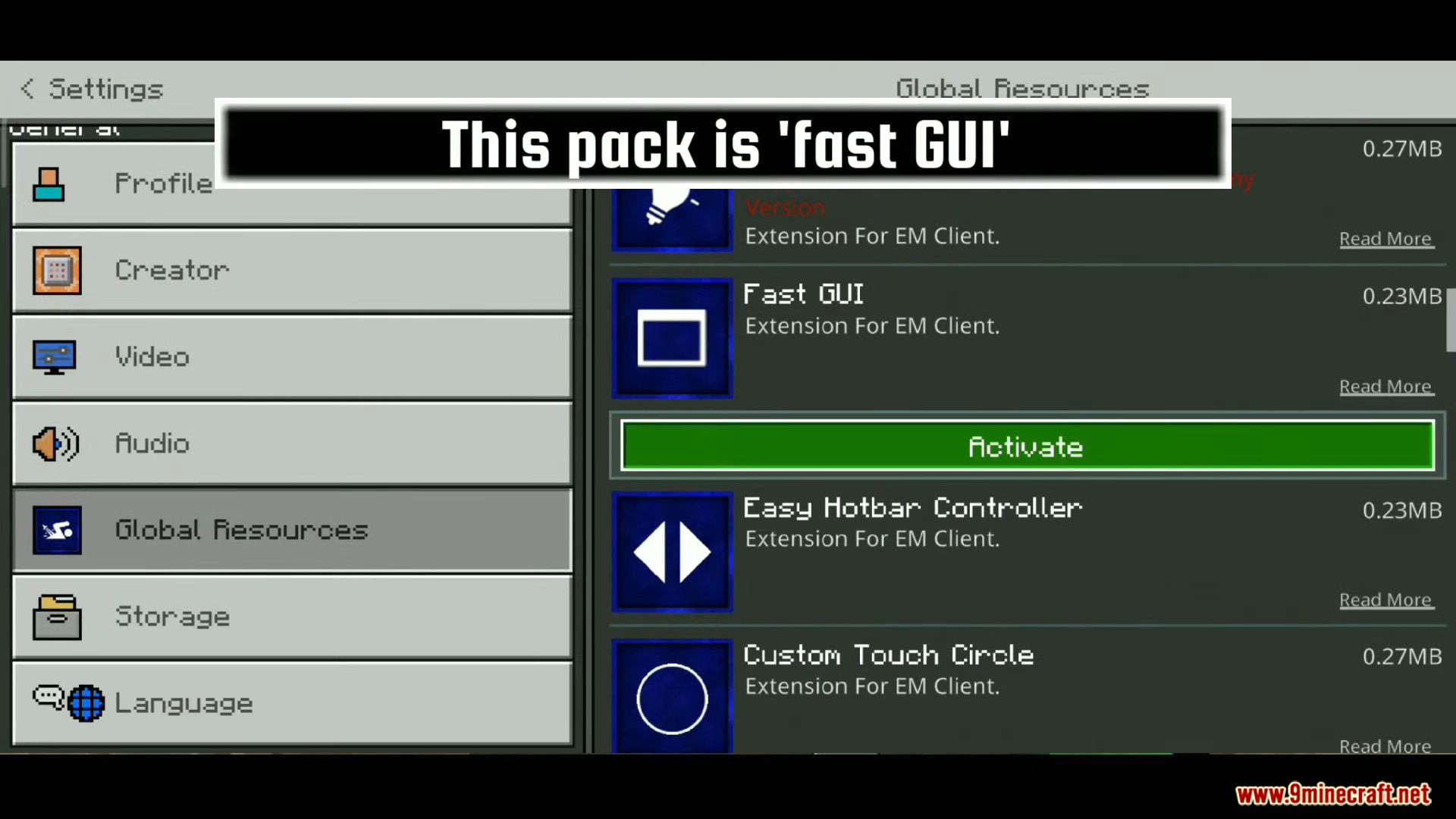
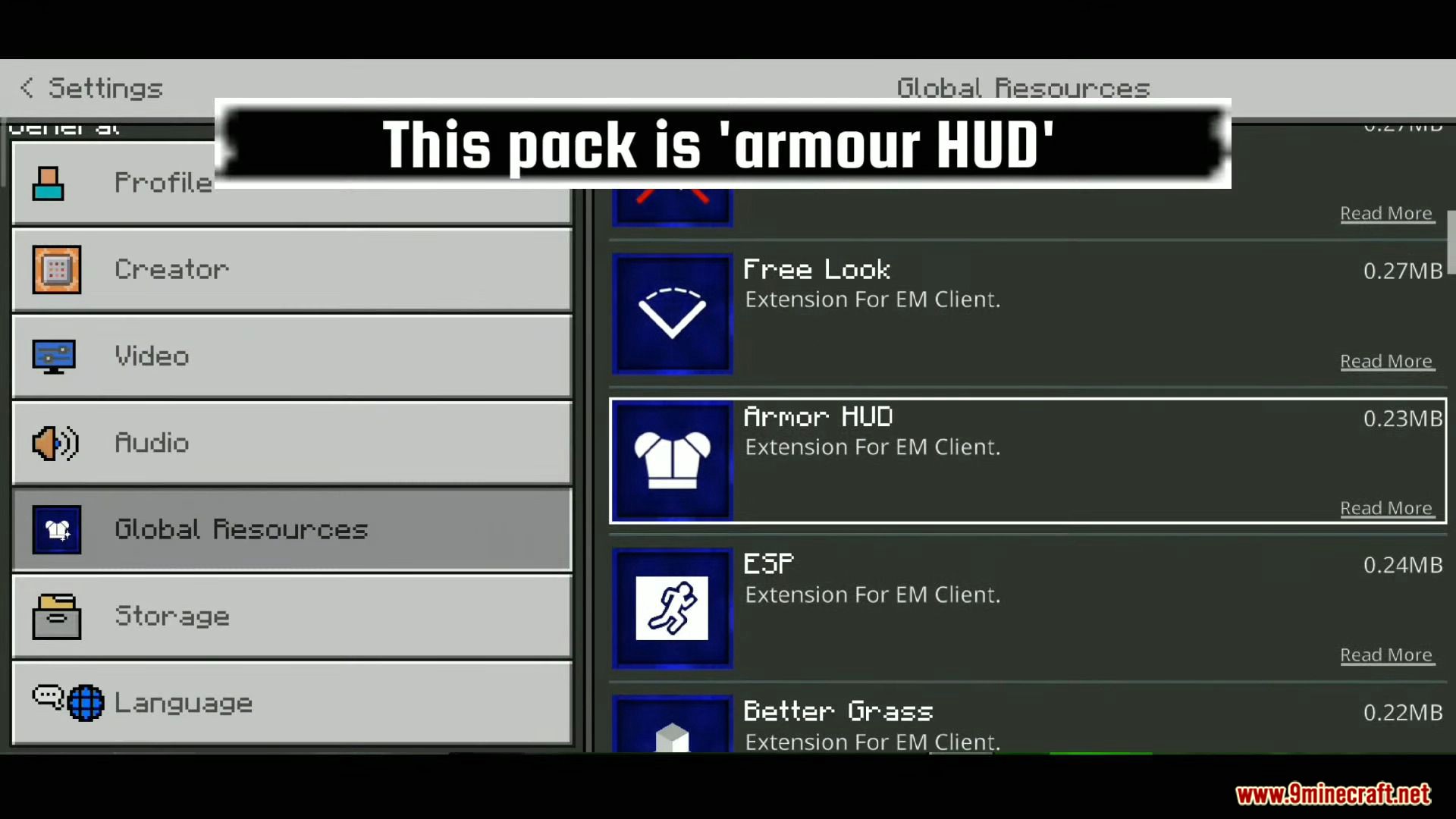
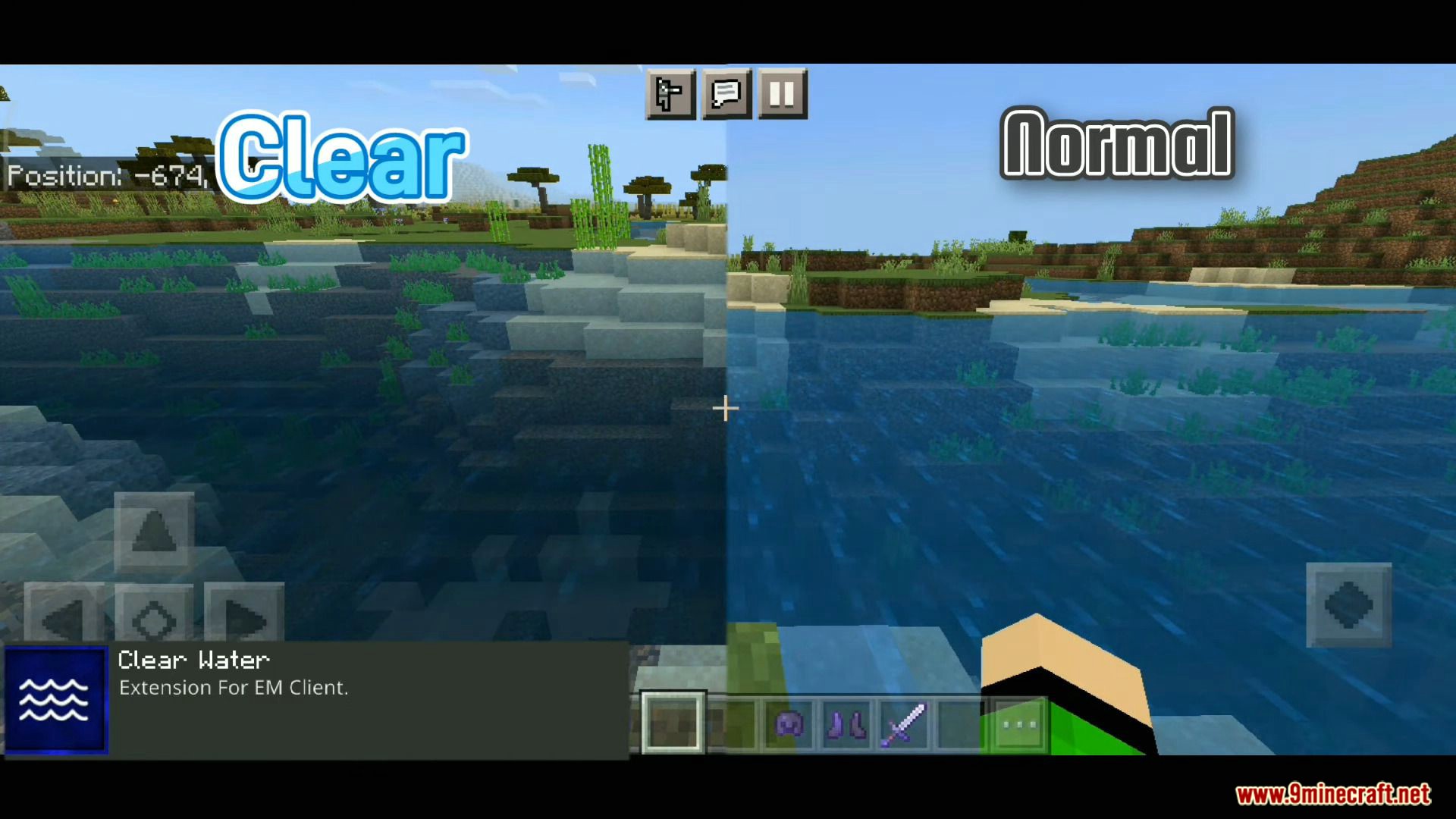
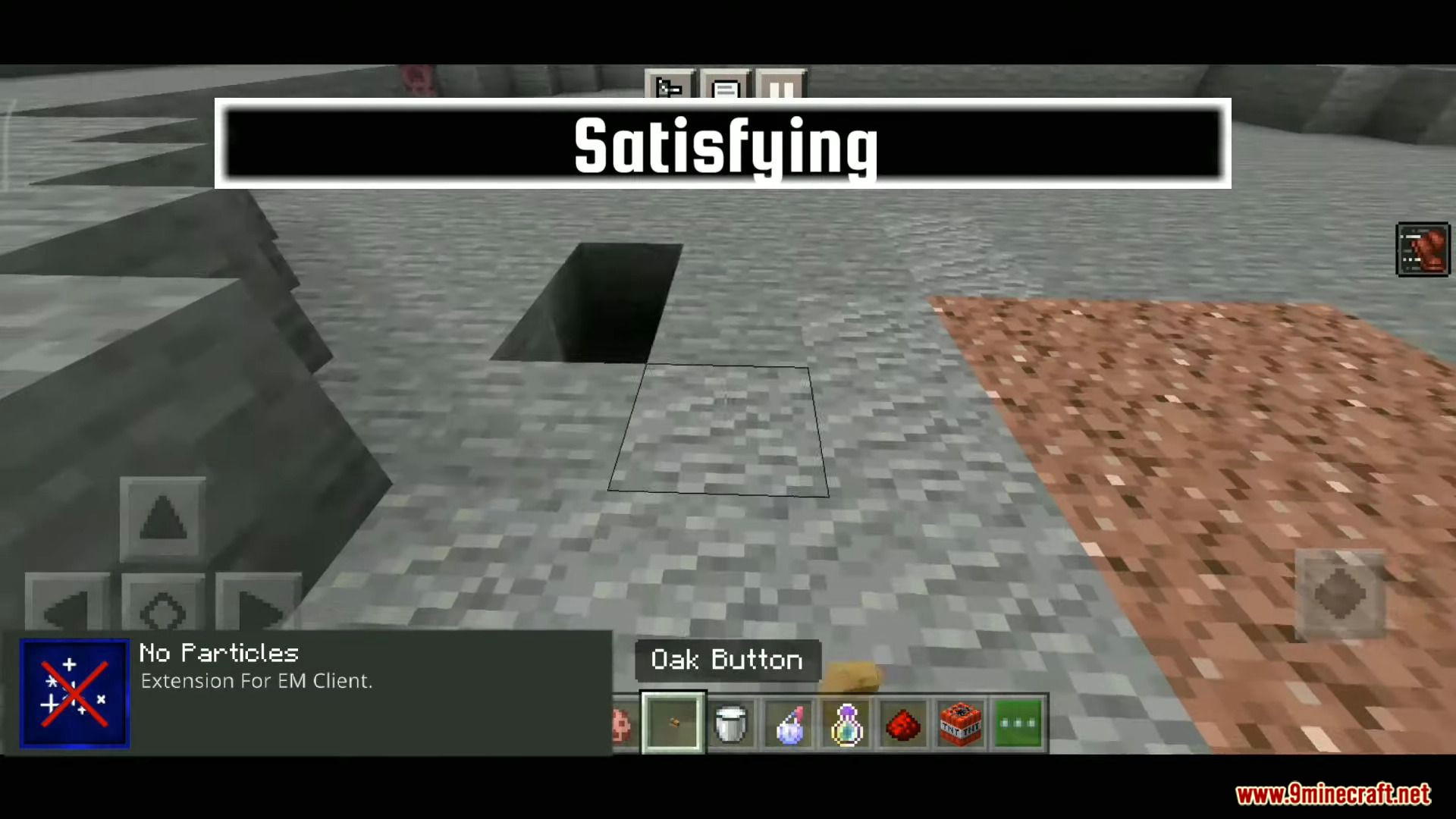
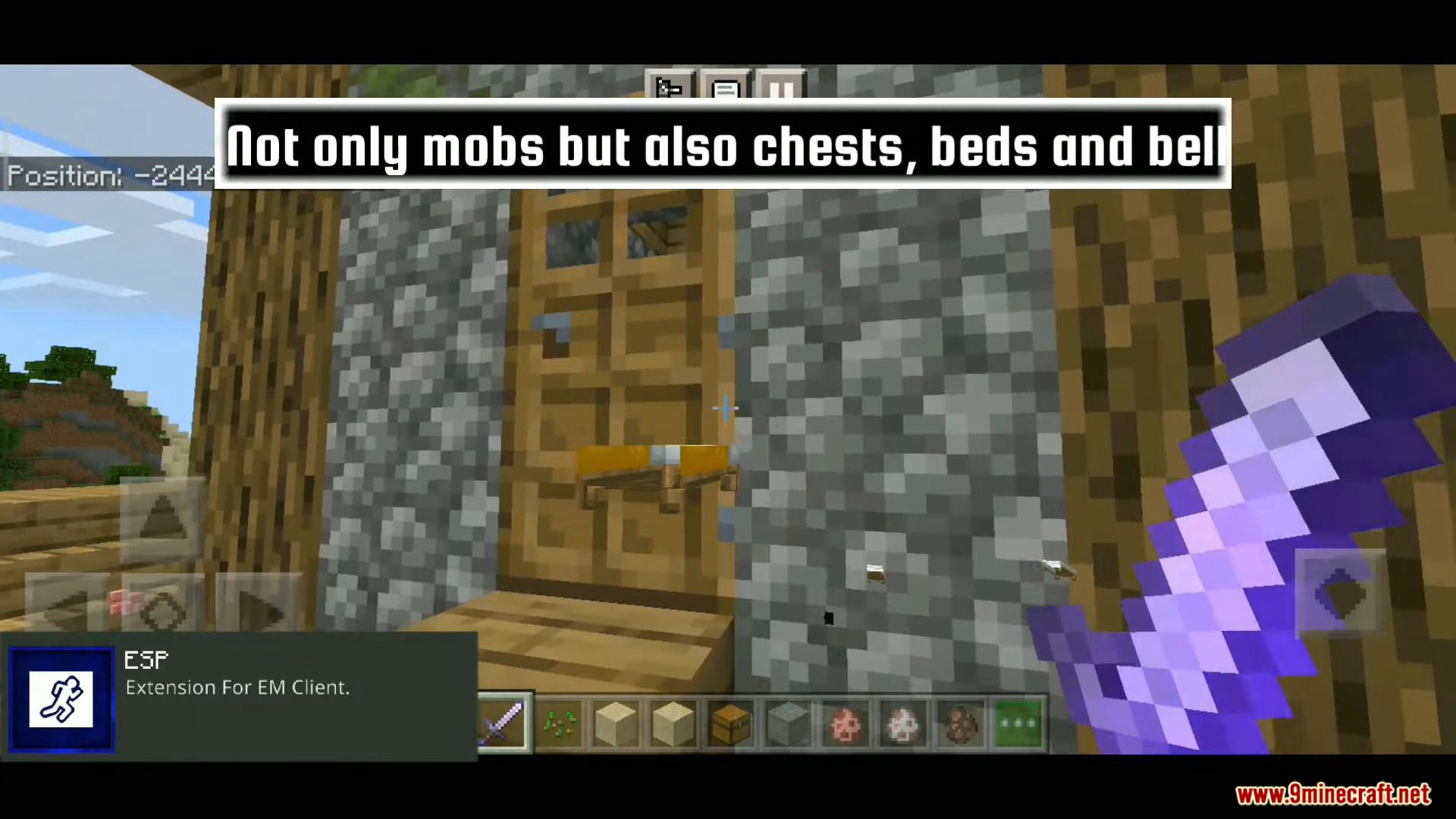
EM Client A feature-loaded utility client for Bedrock — Full Bright, ESP outlines, F1 mode, and handy hotbar buttons all in one pack! Features: Full Bright toggle for total cave visibility ESP-style outlines to spot entities easily F1 hide-HUD mode and quick hotbar buttons All-in-one convenience for MCPE/Bedrock 1.21 Why You'll Love It: 1 Multiple powerful utilities in a single install 2 On-screen buttons make features one tap away 3 Ideal for mobile players who want PC-style tools How to Get Started: 1 Download the EM Client. 2 Install it in Minecraft PE. 3 Open your world and enjoy the new experience. One client, every tool you need — play smar