
CRAFTYBOX
Preparing your block world
正在准备你的方块世界
First visit setup
首次访问设置
CRAFTYBOX
Preparing your block world
正在准备你的方块世界
First visit setup
首次访问设置
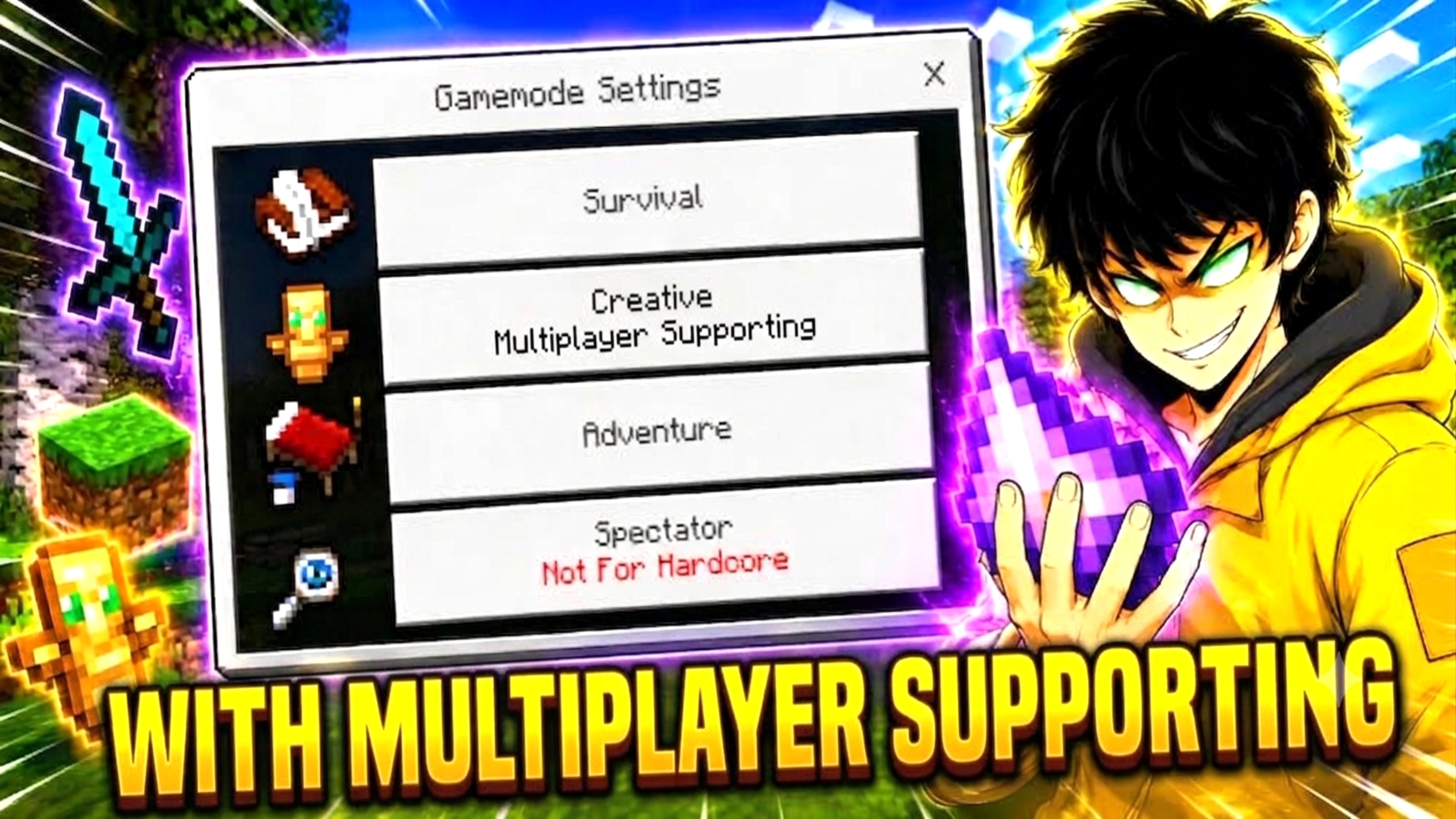
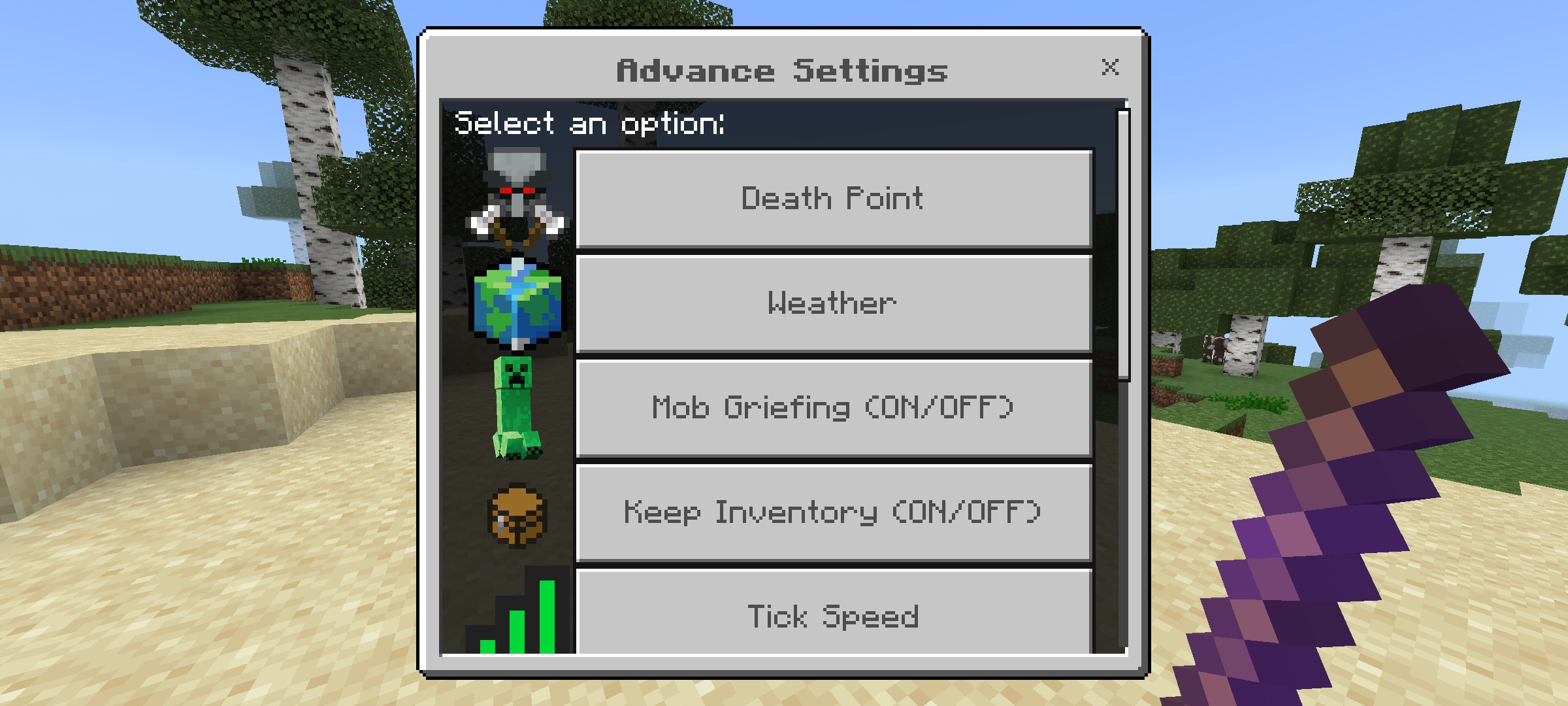
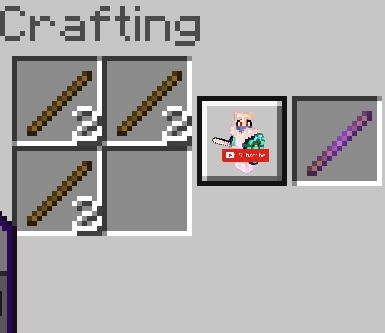
Advance Settings Creative Mode Take full control of your world with advanced settings in Creative Mode, all while staying achievement friendly! Features: Death Point Saving System Weather Menu, Mob Griefing Toggle, Keep Inventory Toggle Tick Speed, Time Control, Difficulty Settings Gamemode Control, Infinite Health Boost Why You'll Love It: 1 Unprecedented control over your world settings 2 Easy management of gameplay parameters 3 Perfect for map creators and testers How to Get Started: 1 Download the Advance Settings Creative Mode addon. 2 Install it in Minecraft PE. 3 Open your world and use the Advance Setting Stick to access the UI. Master your
Read the full details and screenshots
Open this resource in CraftyBox