
CRAFTYBOX
Preparing your block world
正在准备你的方块世界
First visit setup
首次访问设置
CRAFTYBOX
Preparing your block world
正在准备你的方块世界
First visit setup
首次访问设置
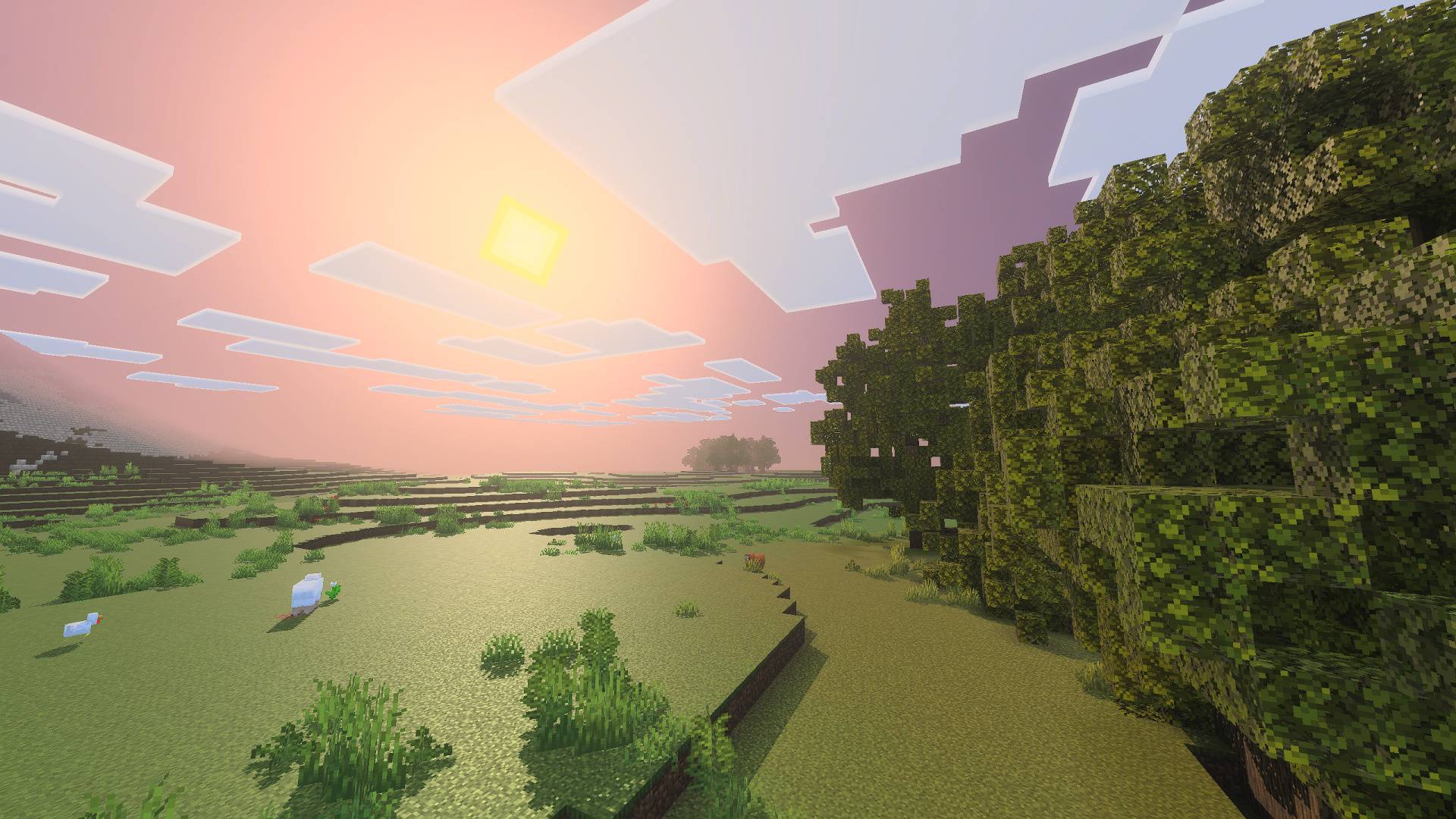
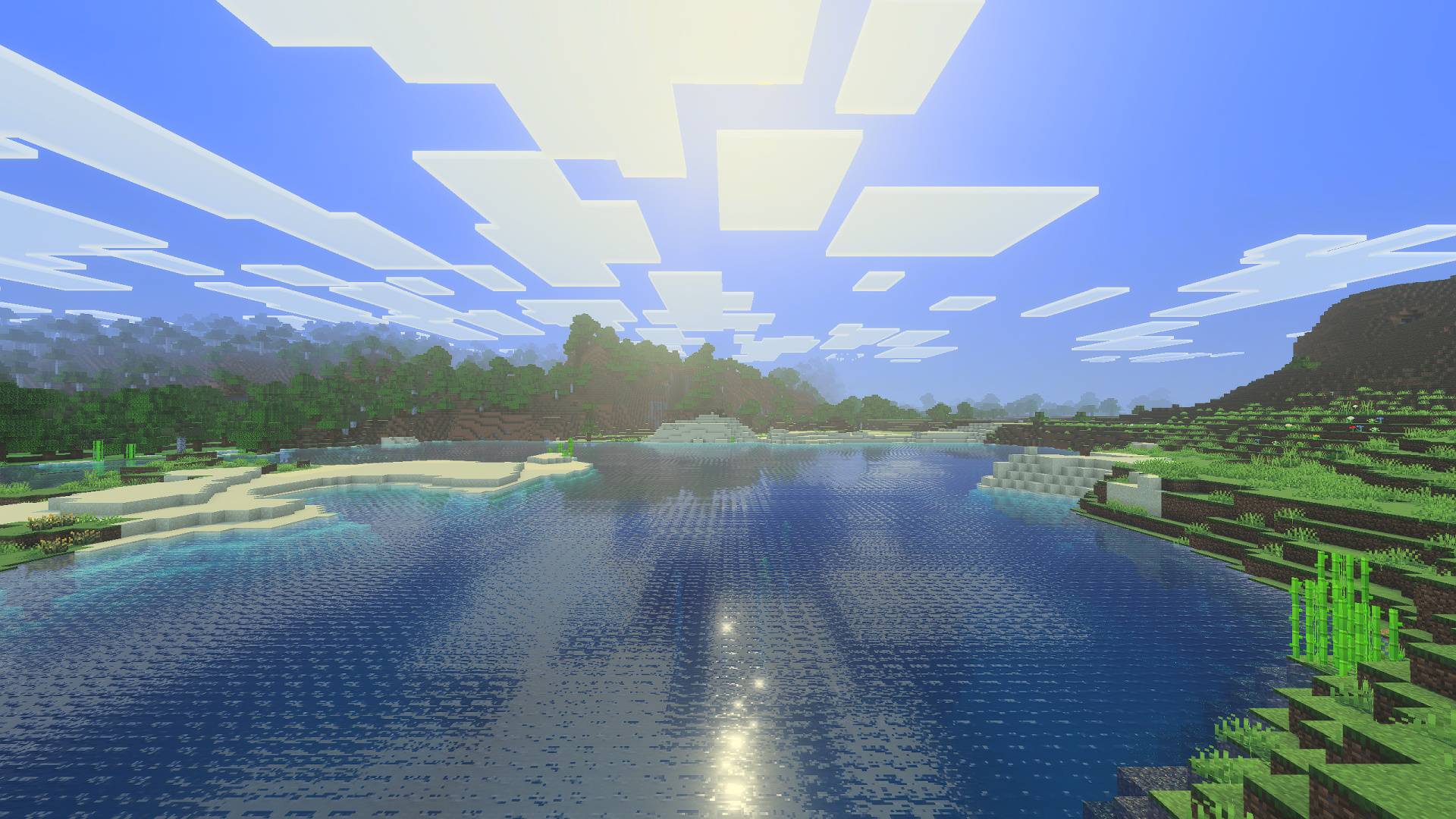
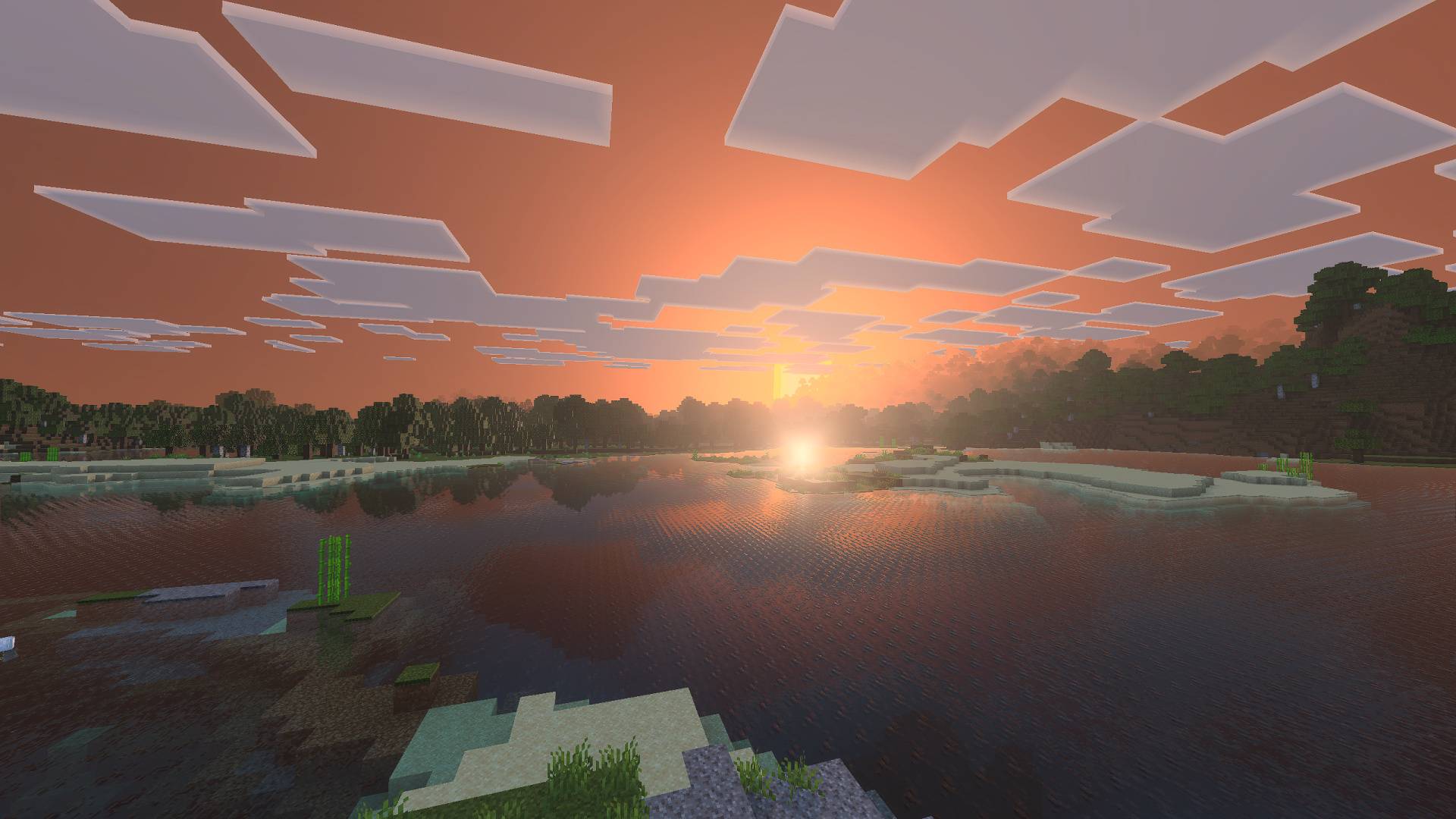
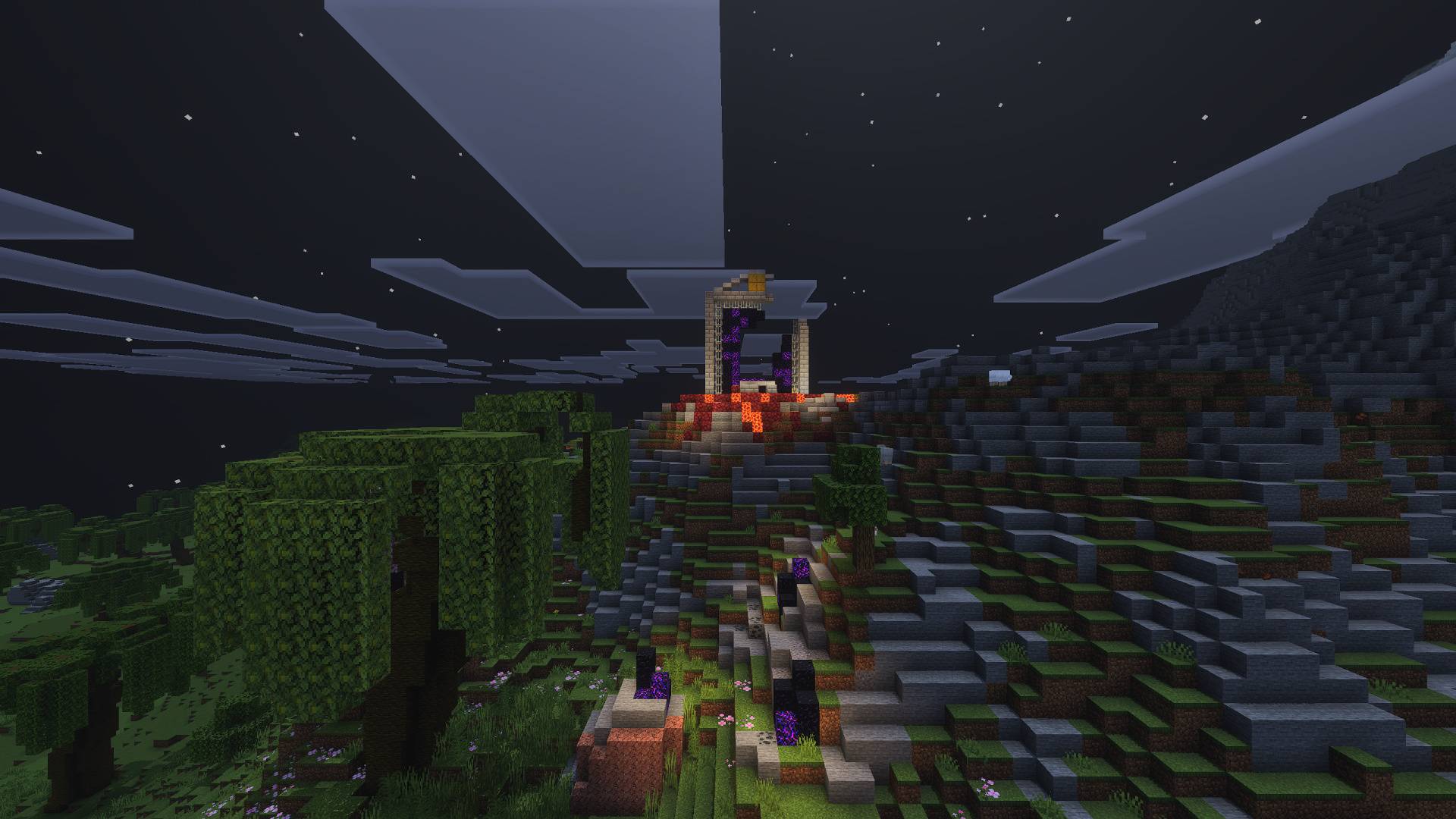
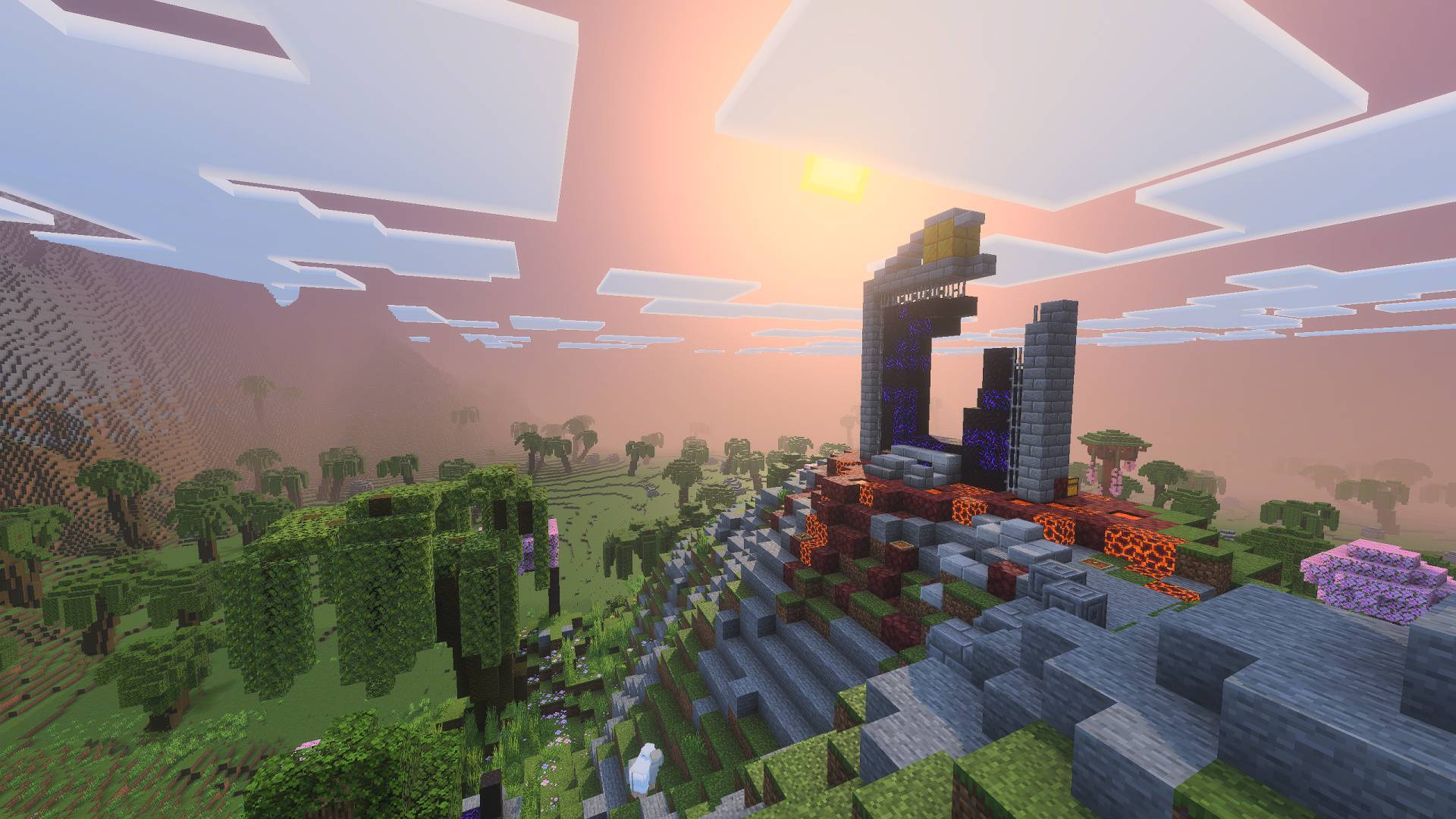
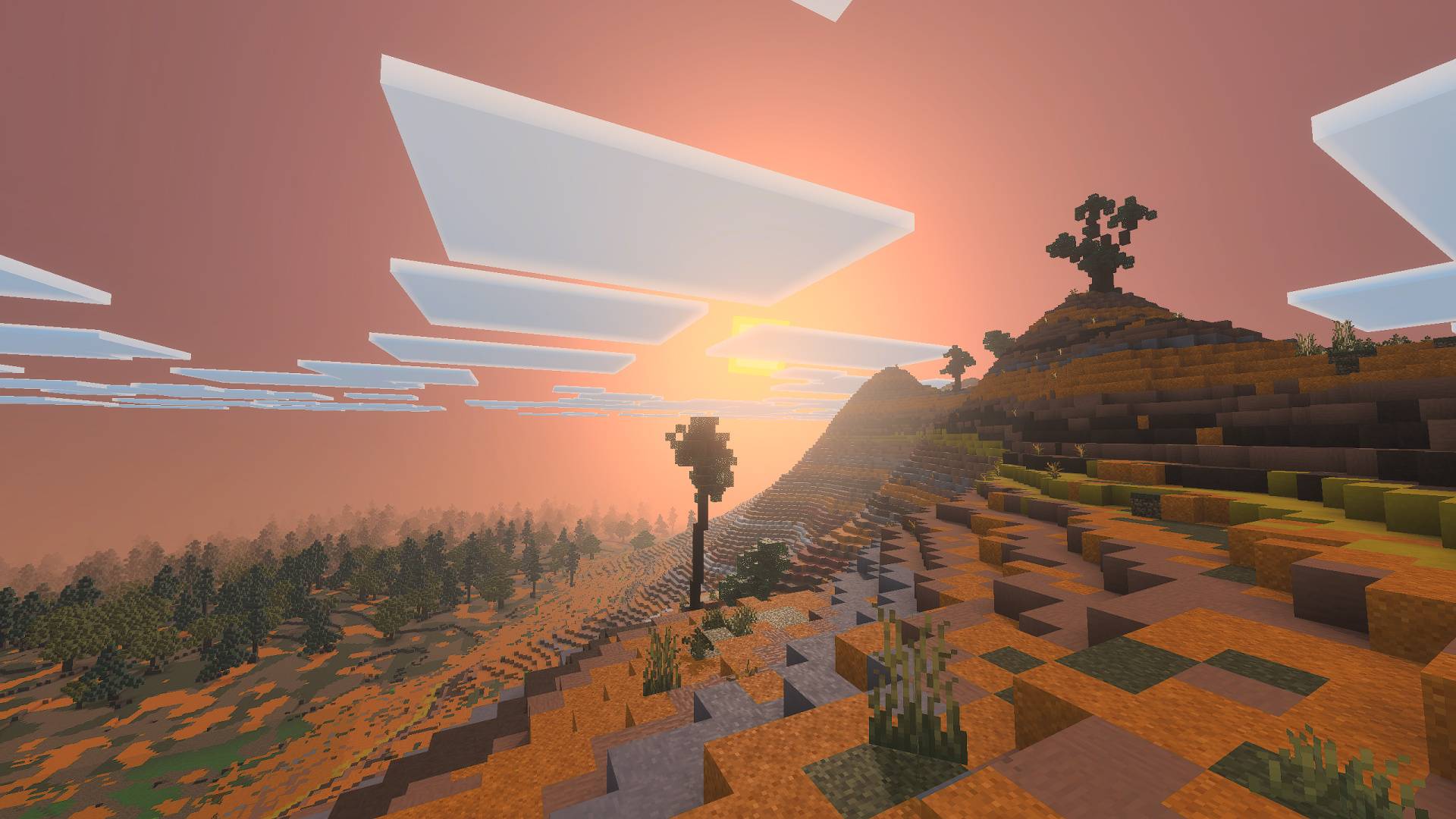
Agni Shader Named after the god of fire, Agni ignites your world with warm, blazing light and rich, fiery color for MCPE 1.21+. Features: Warm, fire-kissed color grading with bold sunsets Intense golden sunlight and dramatic sky gradients Molten-gold water reflections at dusk Efficient rendering that keeps gameplay fluid Why You'll Love It: 1 Sunsets so fierce they belong in a movie 2 A bold, warm identity unlike cooler shader packs 3 Runs reliably on everyday mobile hardware How to Get Started: 1 Download the Agni Shader. 2 Install it in Minecraft PE. 3 Open your world and enjoy the new experience. Let Agni set your horizon ablaze!
Read the full details and screenshots
Open this resource in CraftyBox