
CRAFTYBOX
Preparing your block world
正在准备你的方块世界
First visit setup
首次访问设置
CRAFTYBOX
Preparing your block world
正在准备你的方块世界
First visit setup
首次访问设置
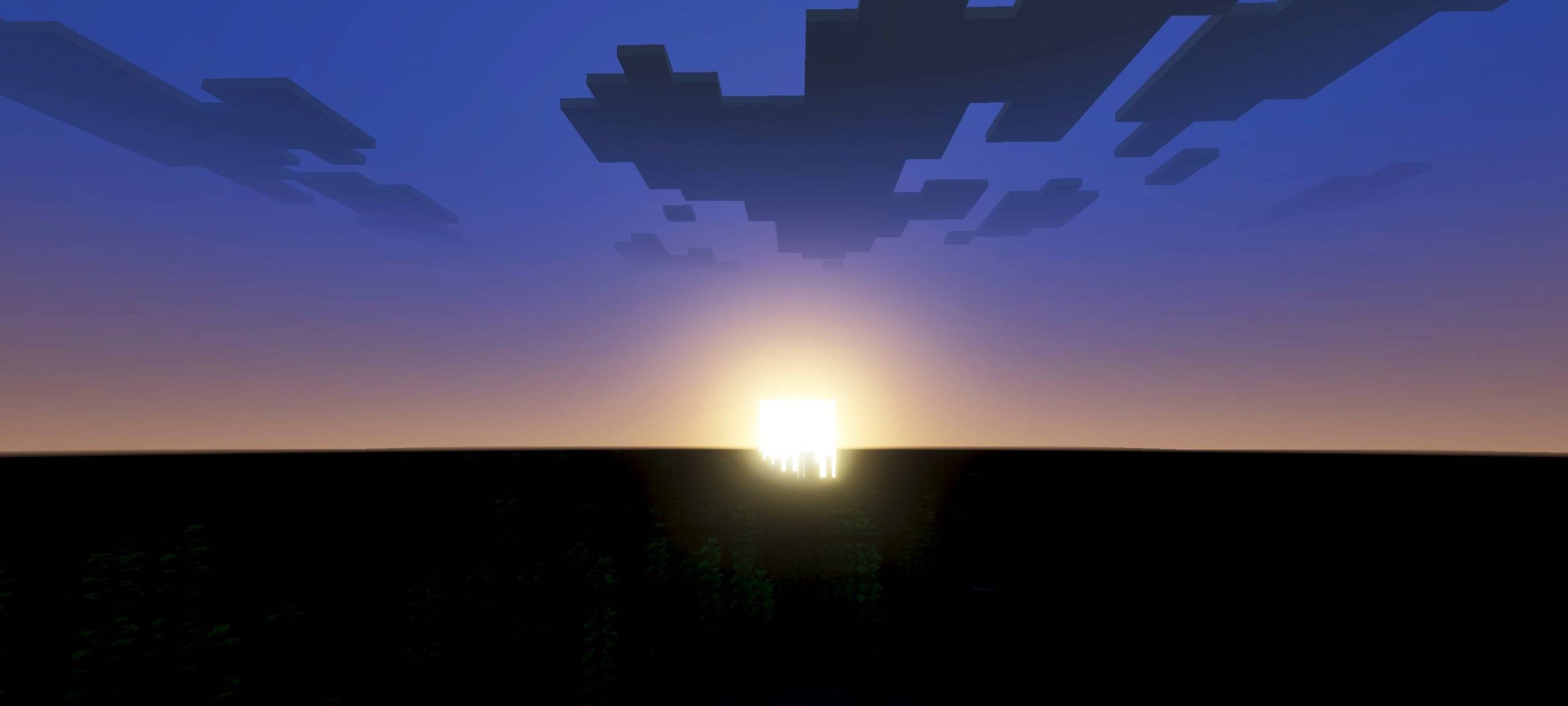
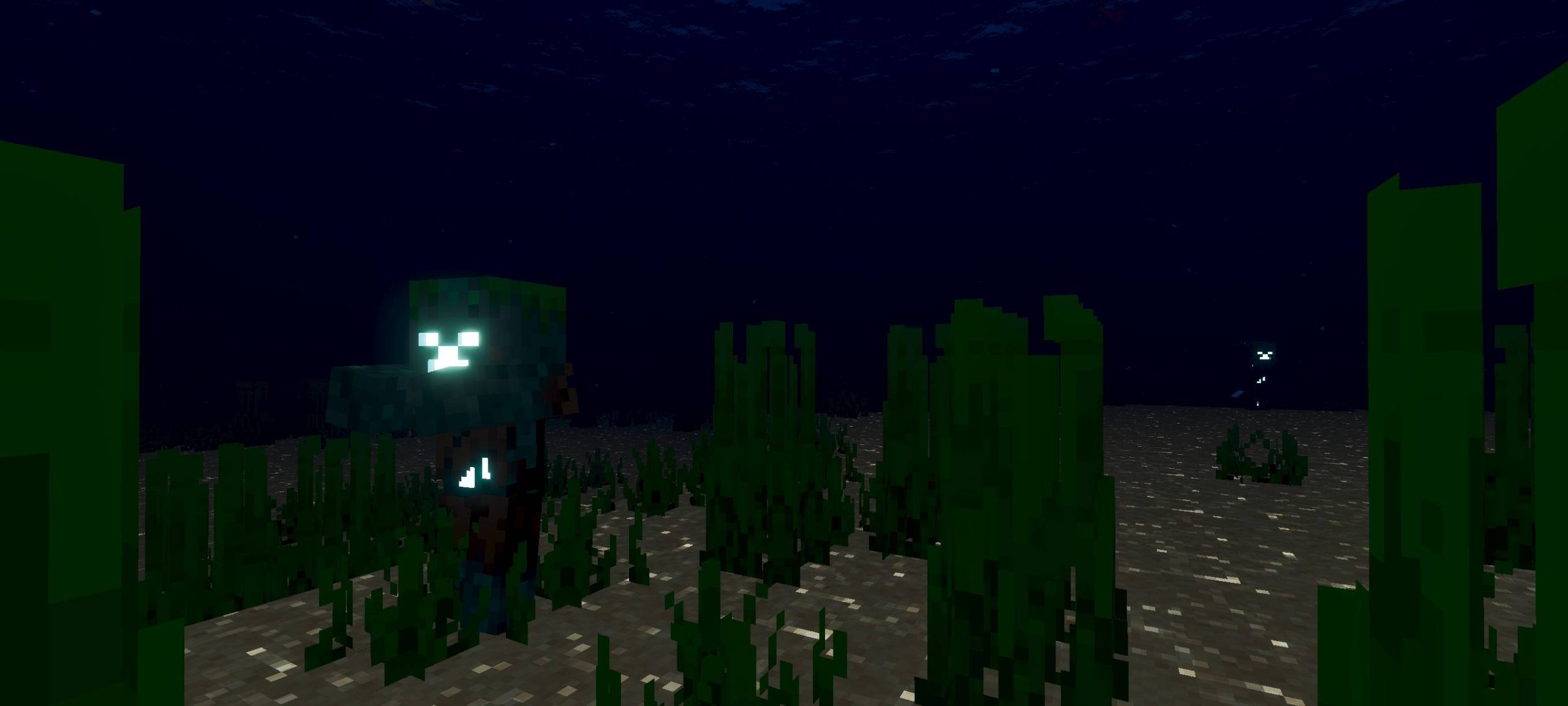
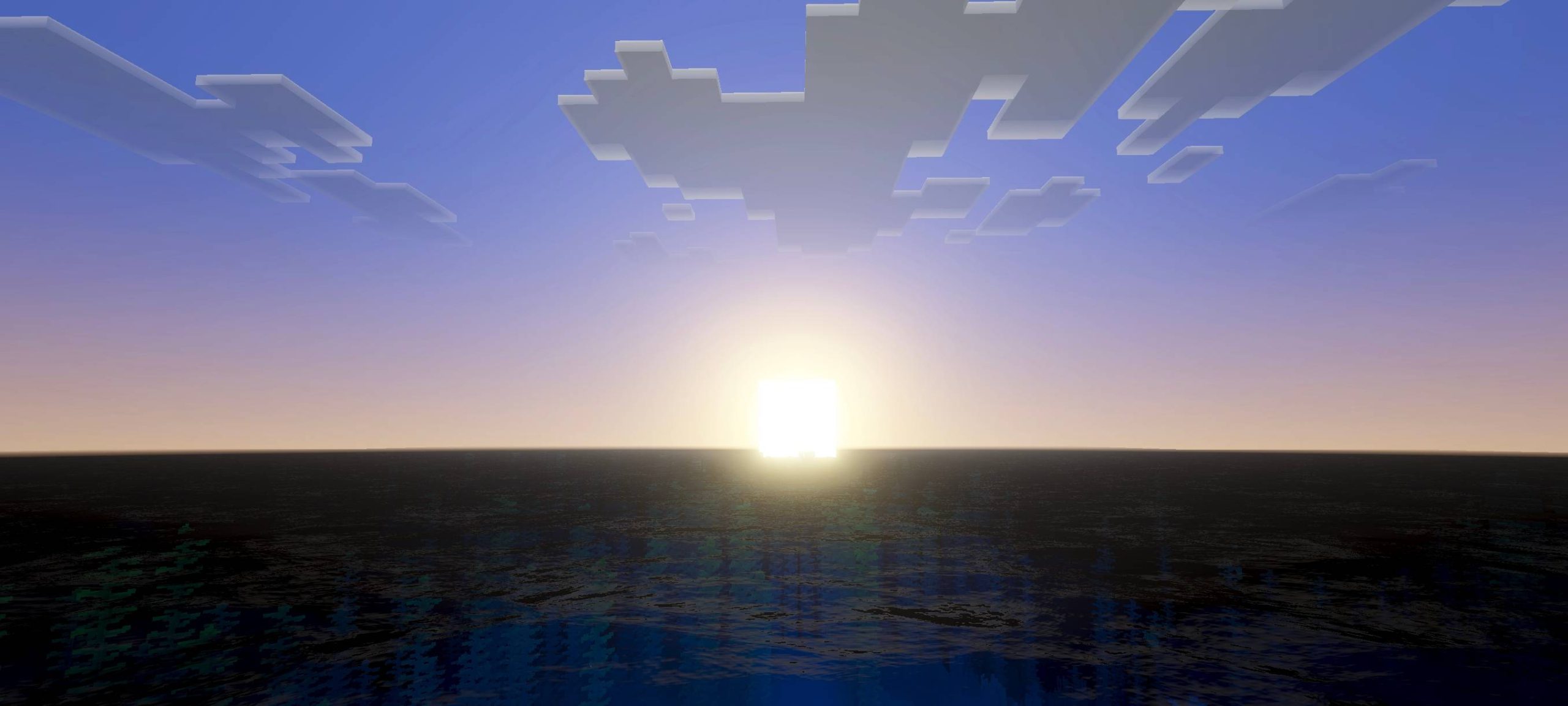
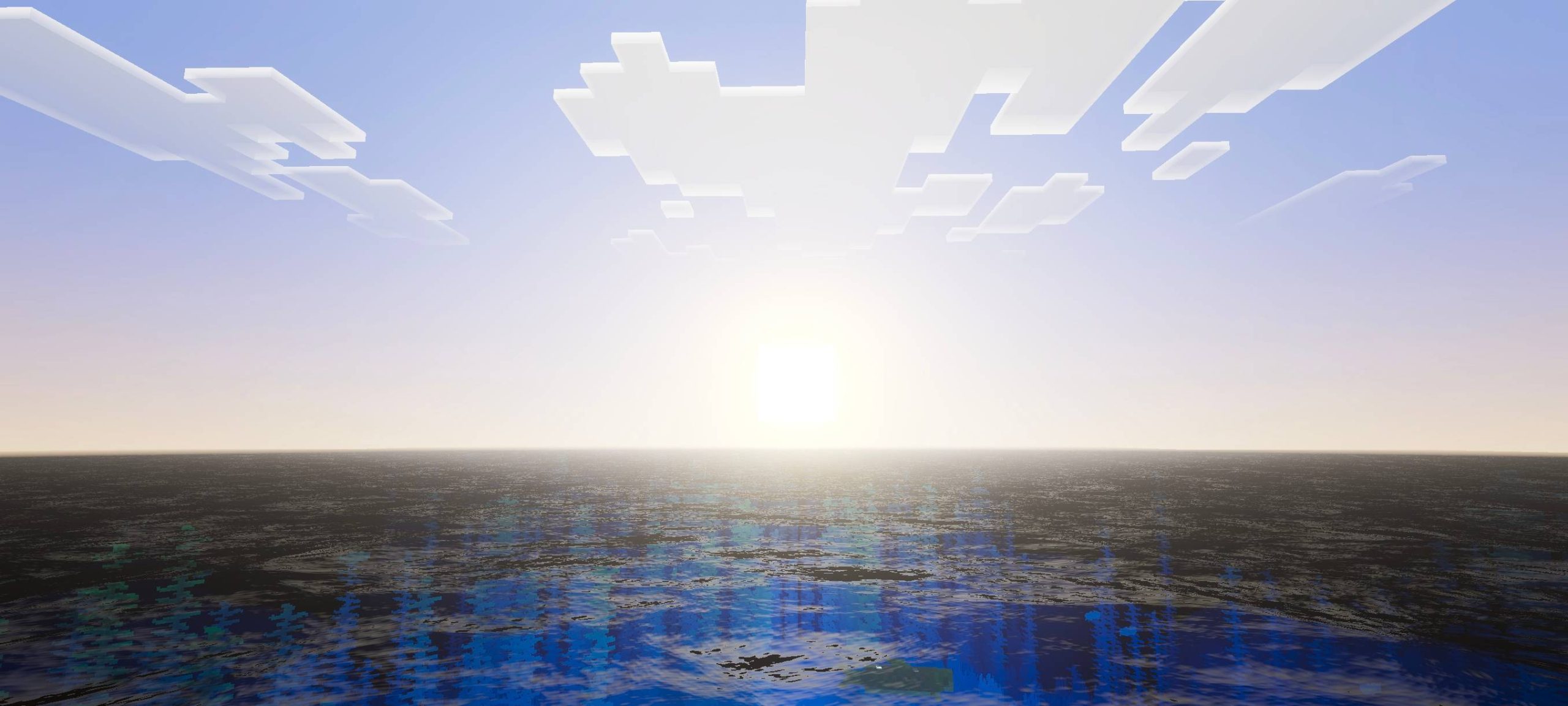
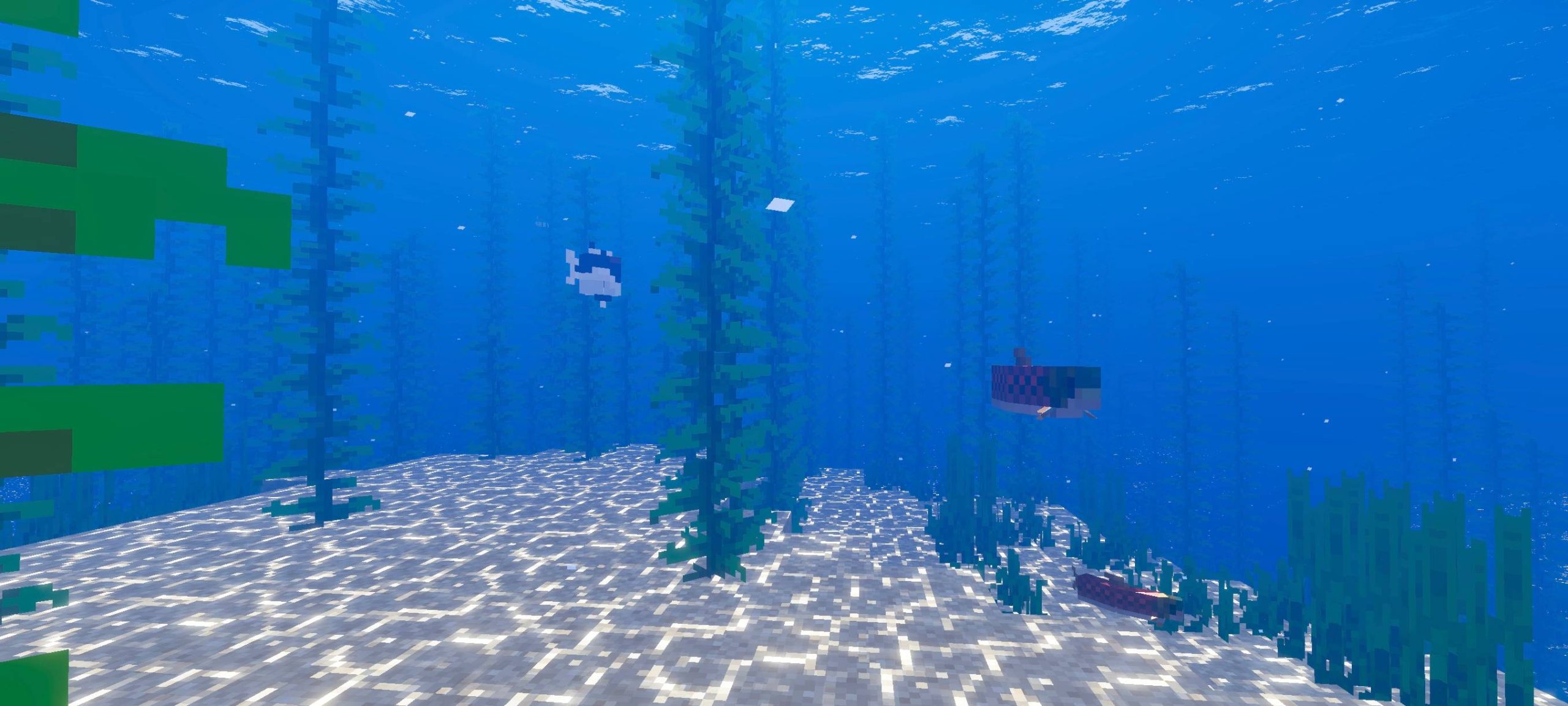
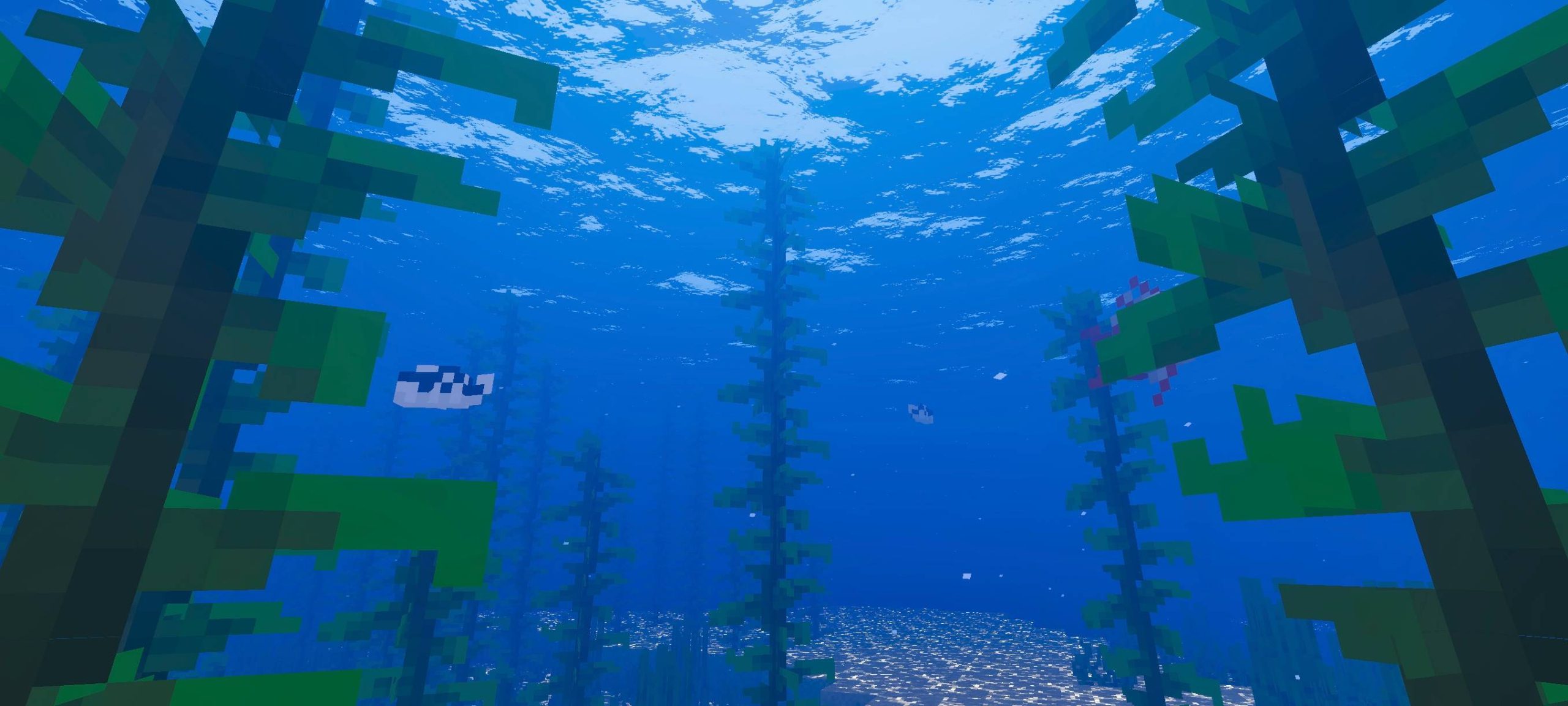
Breeze Shader Breeze Shader drifts through MCPE/Bedrock 1.26+ like a fresh summer wind, bringing airy skies, cool tones, and a light, refreshing feel to every biome. Features: Fresh, cool color palette with a breezy outdoor feel Light, drifting clouds and clear open skies Crisp water tones with gentle sparkle Feather-light performance for smooth play Why You'll Love It: 1 A refreshing look that makes exploring feel relaxing 2 Beautiful plains, beaches, and mountaintops 3 Barely touches your FPS while lifting your visuals How to Get Started: 1 Download the Breeze Shader. 2 Install it in Minecraft PE. 3 Open your world and enjoy the new experience.
Open this resource in CraftyBox