
CRAFTYBOX
Preparing your block world
正在准备你的方块世界
First visit setup
首次访问设置
CRAFTYBOX
Preparing your block world
正在准备你的方块世界
First visit setup
首次访问设置
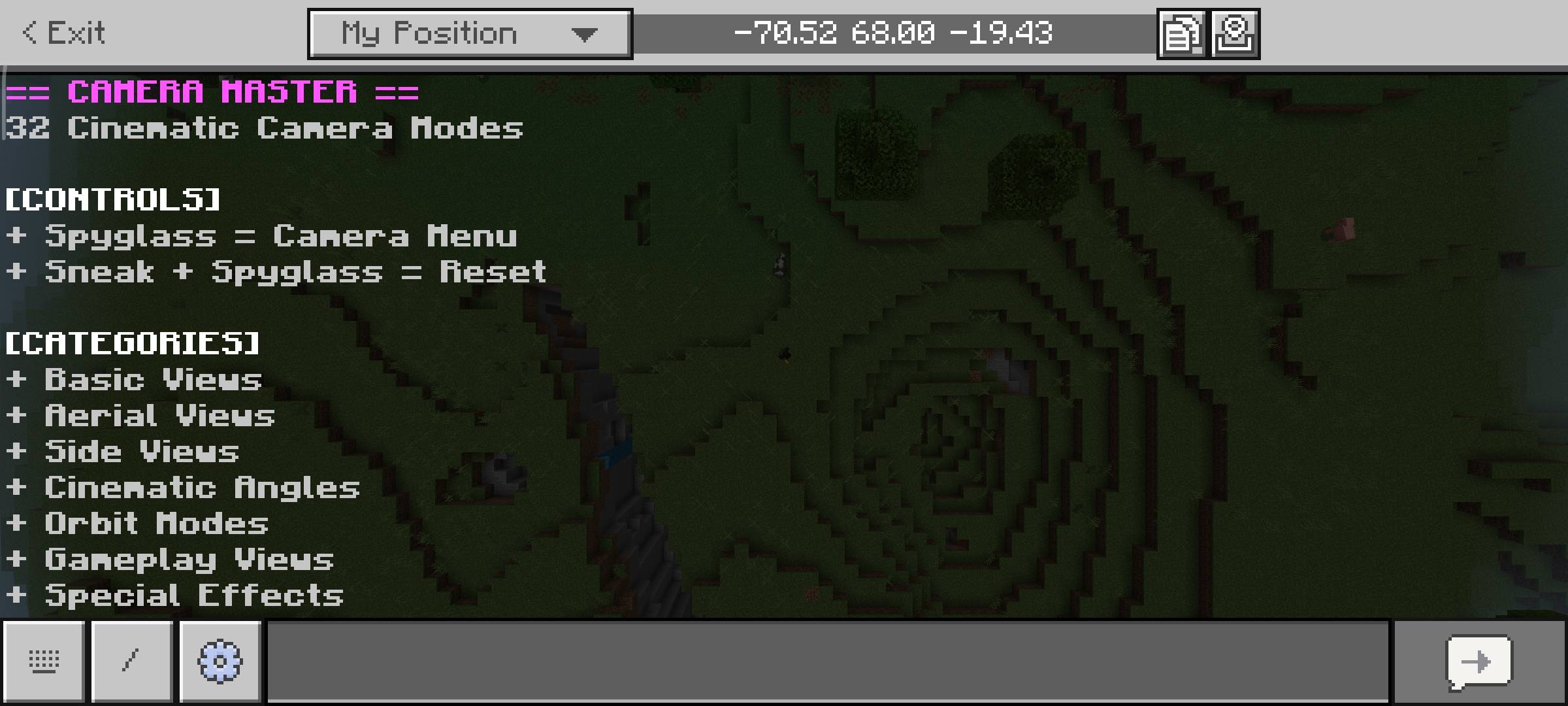
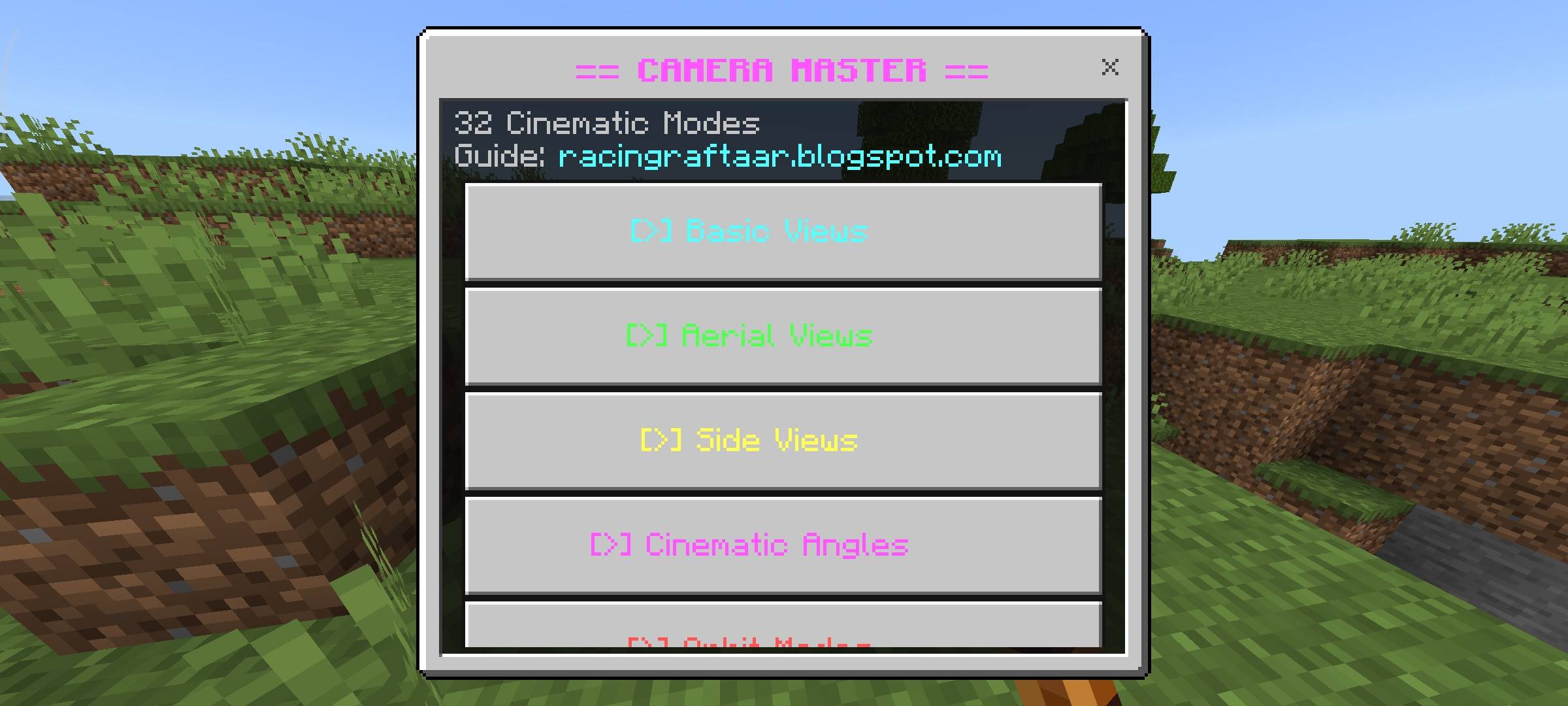
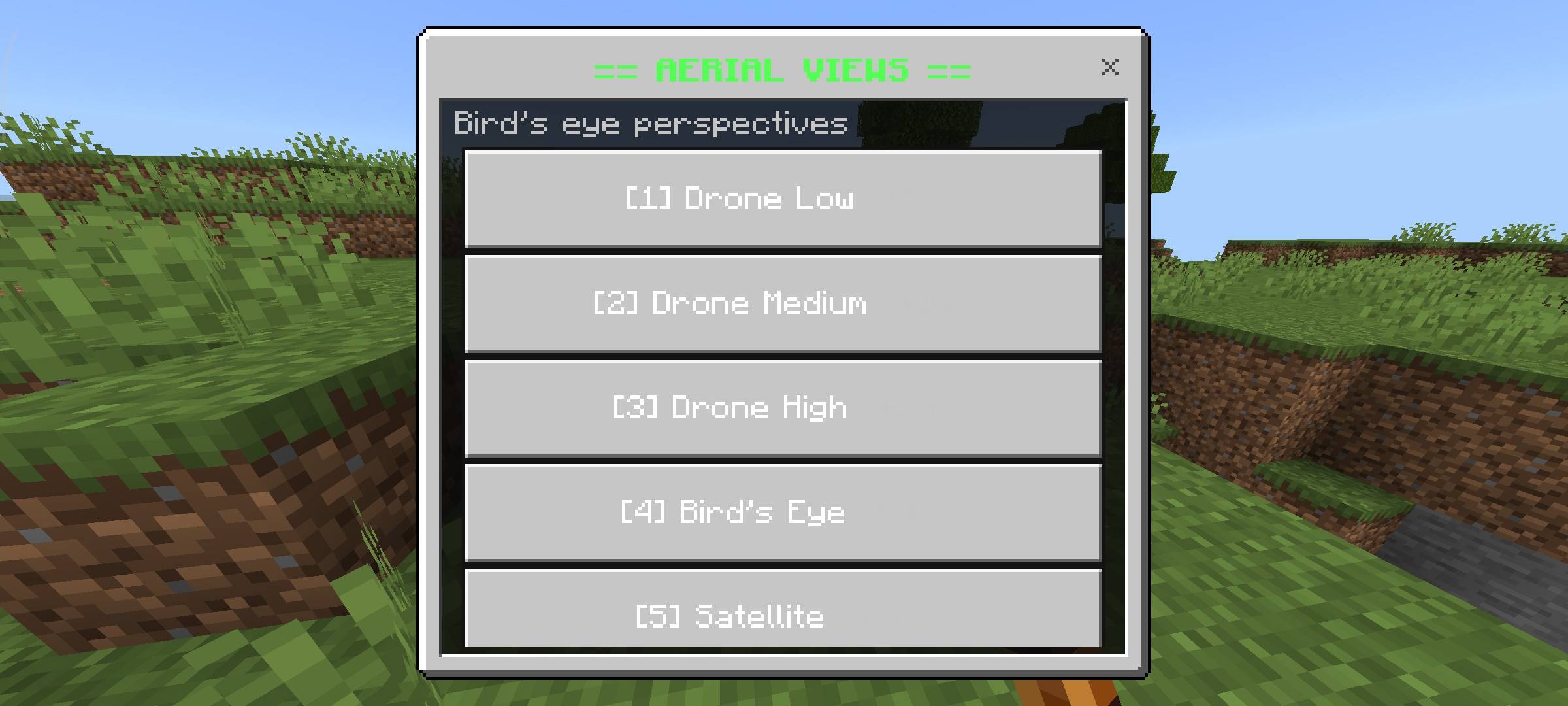
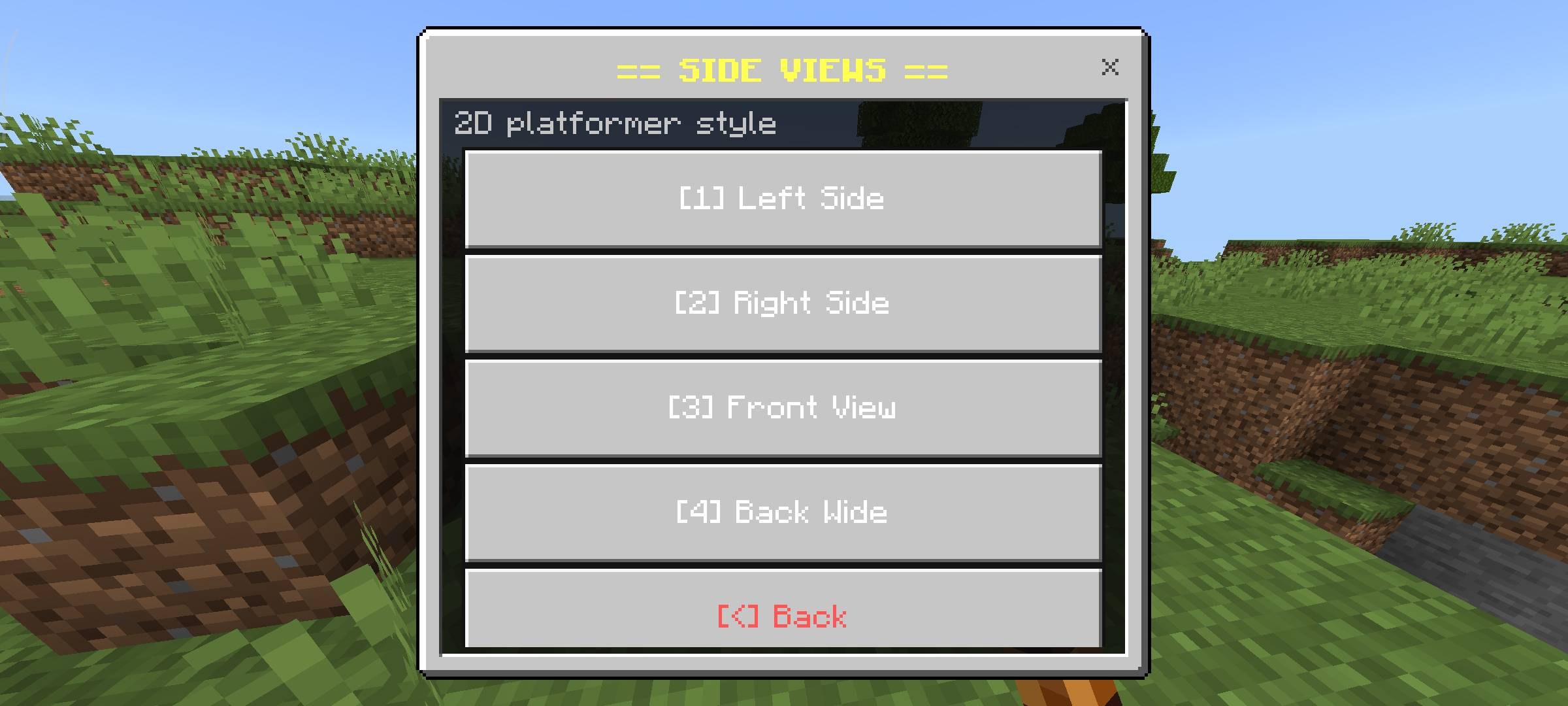
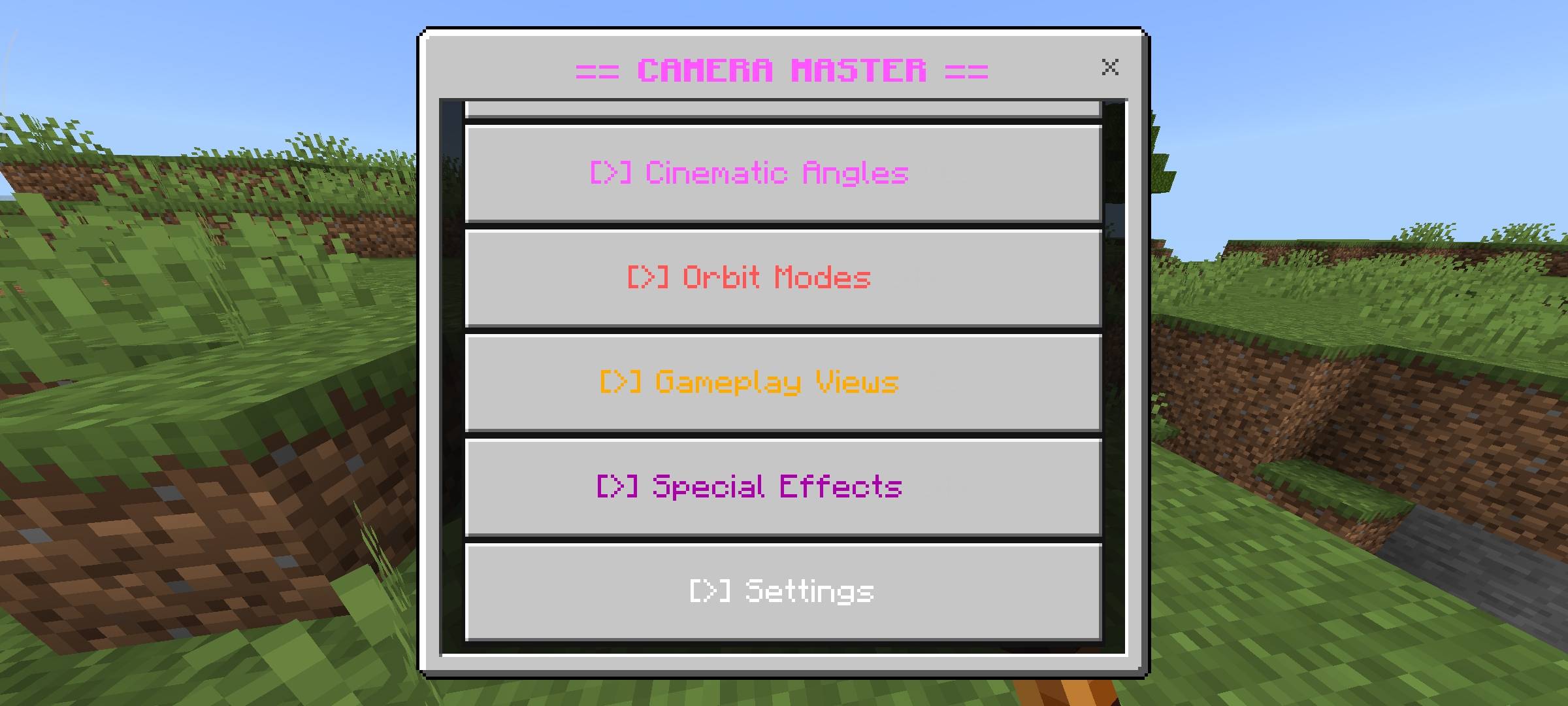
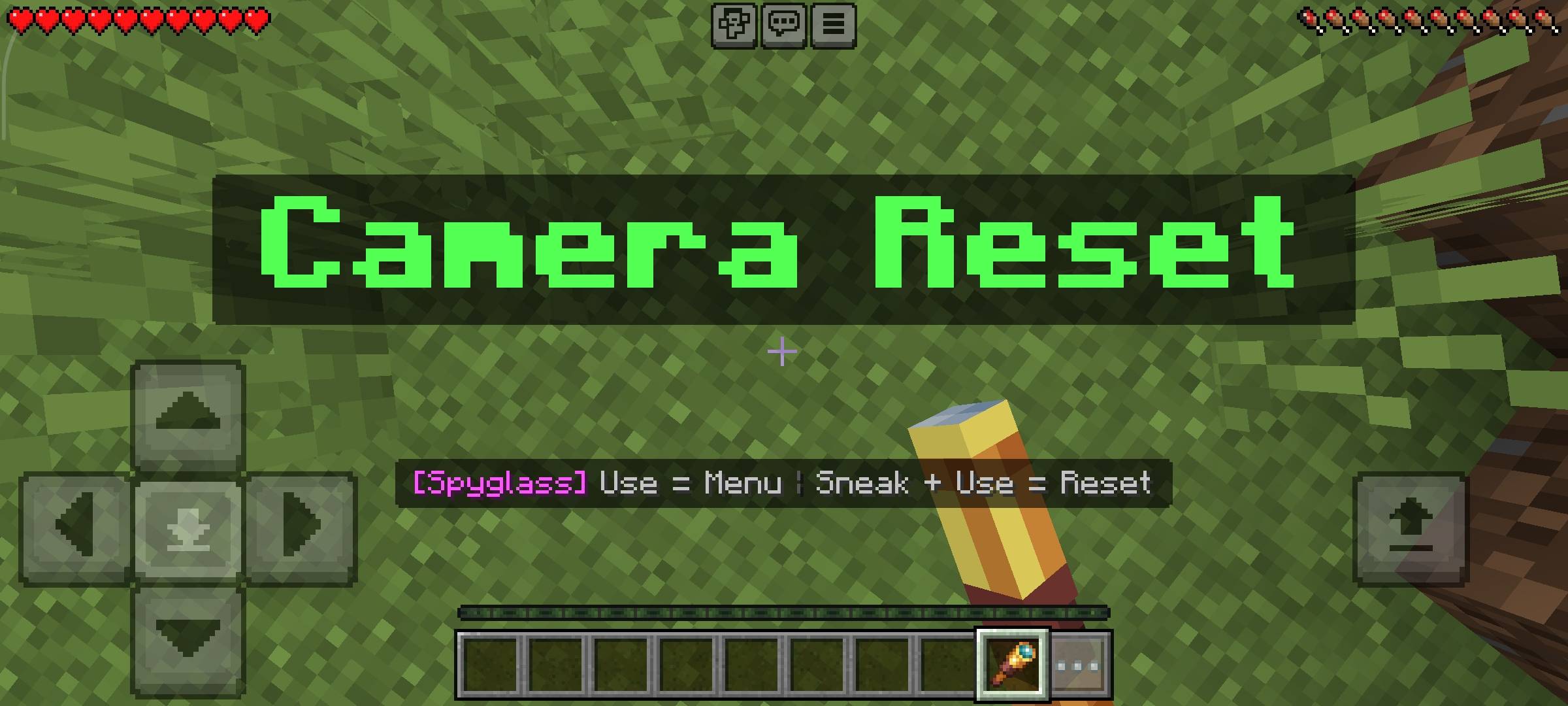
Camera Master - Cinematic Views Transform your gameplay recordings and screenshots with 32 advanced cinematic camera modes organized across 7 categories! Features: 32 versatile camera modes including basic, aerial, and side views. Fully interactive Spyglass menu for seamless on-the-fly control. Orbit modes for smooth 360-degree character rotations. Customizable transition speeds, distances, and smooth easing. Why You'll Love It: 1 Eliminates the need for complex commands or external tools. 2 Perfect for content creators showcasing builds and adventures. 3 Completely redefines the default Minecraft perspective limits. How to Get Started: 1 Download the Cam
Open this resource in CraftyBox