
CRAFTYBOX
Preparing your block world
正在准备你的方块世界
First visit setup
首次访问设置
CRAFTYBOX
Preparing your block world
正在准备你的方块世界
First visit setup
首次访问设置
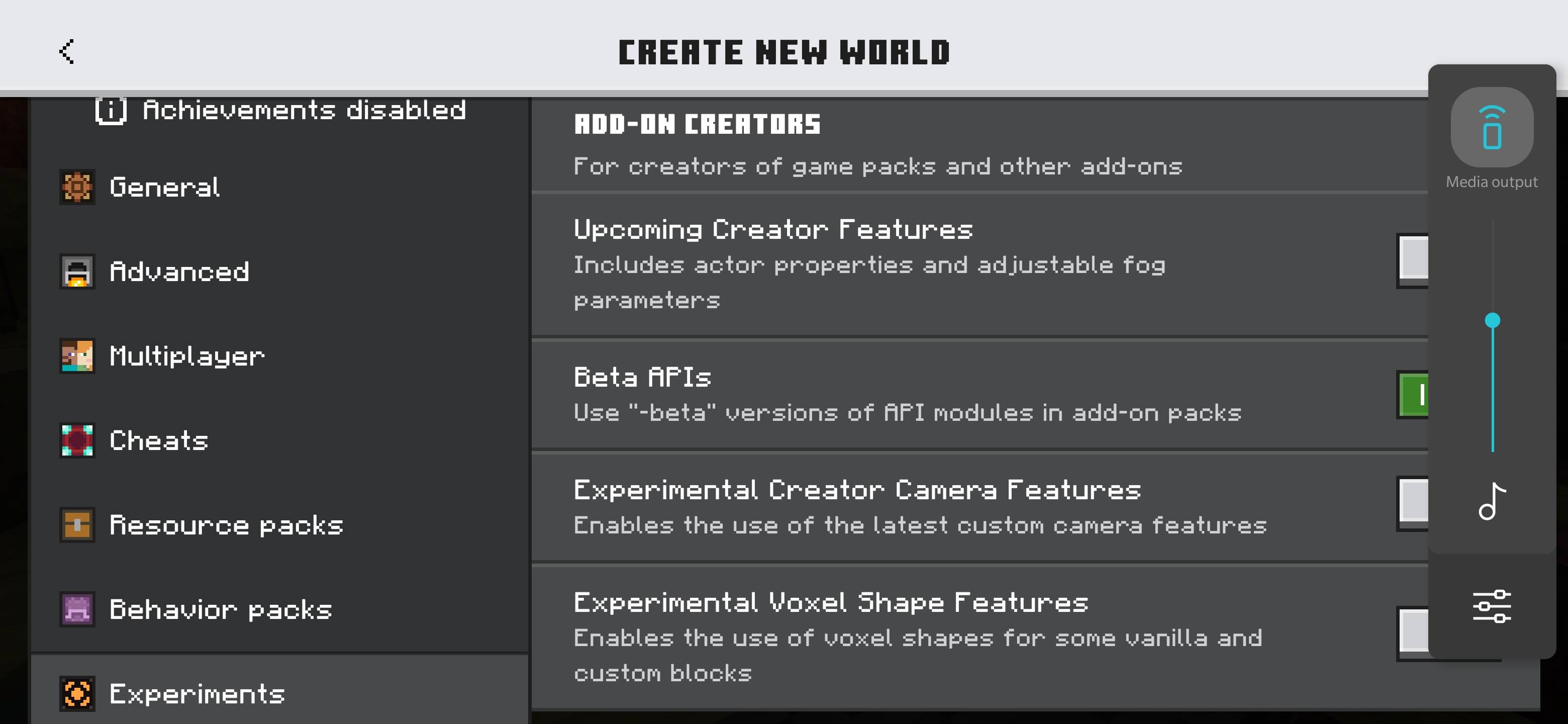
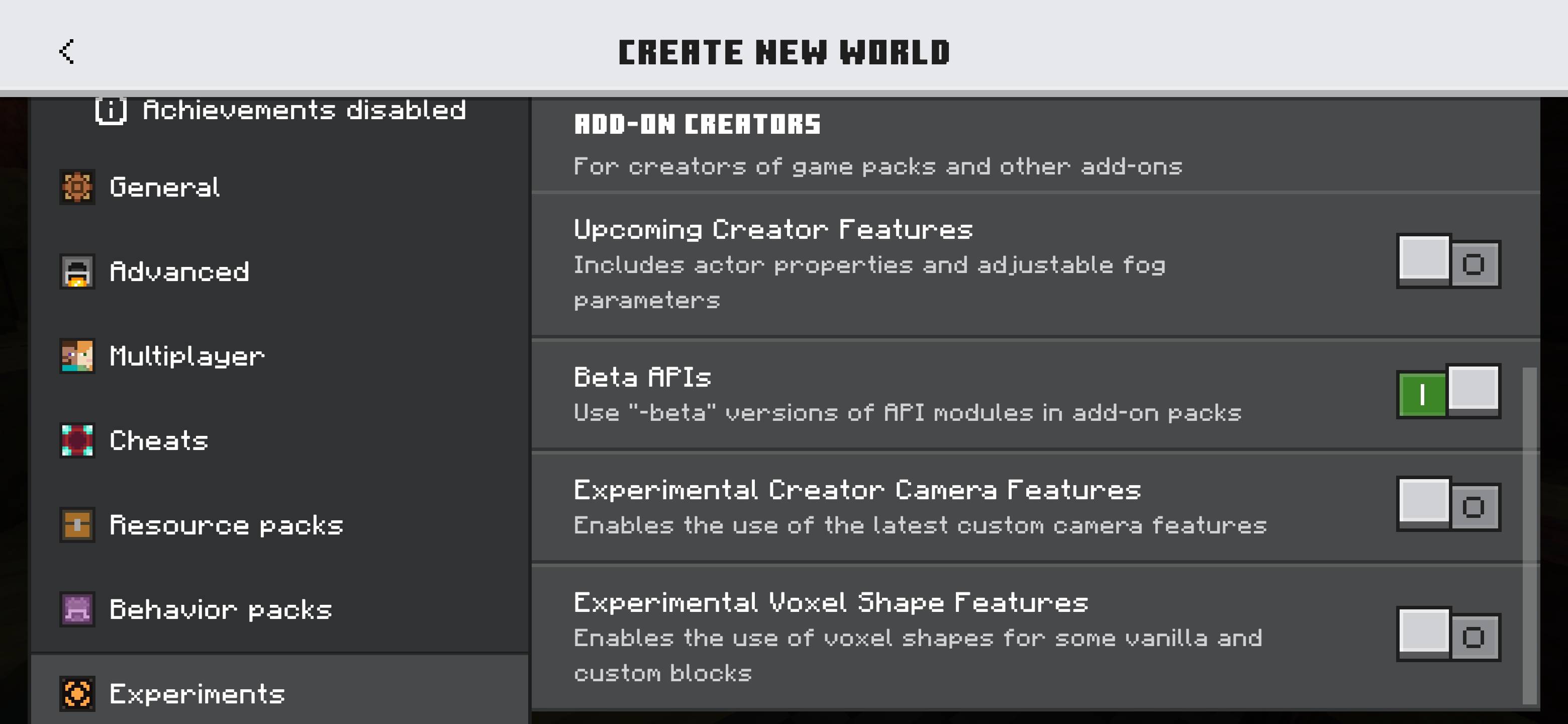
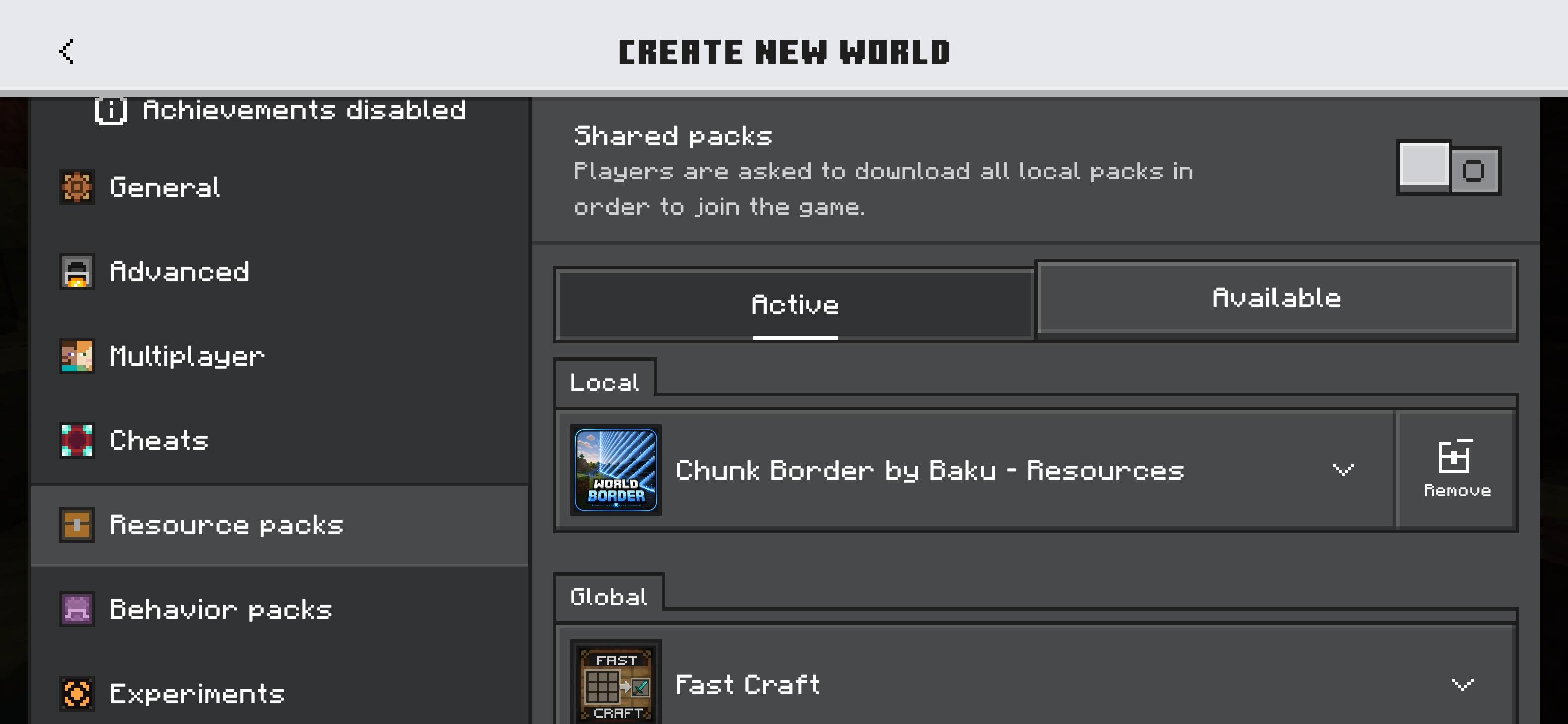
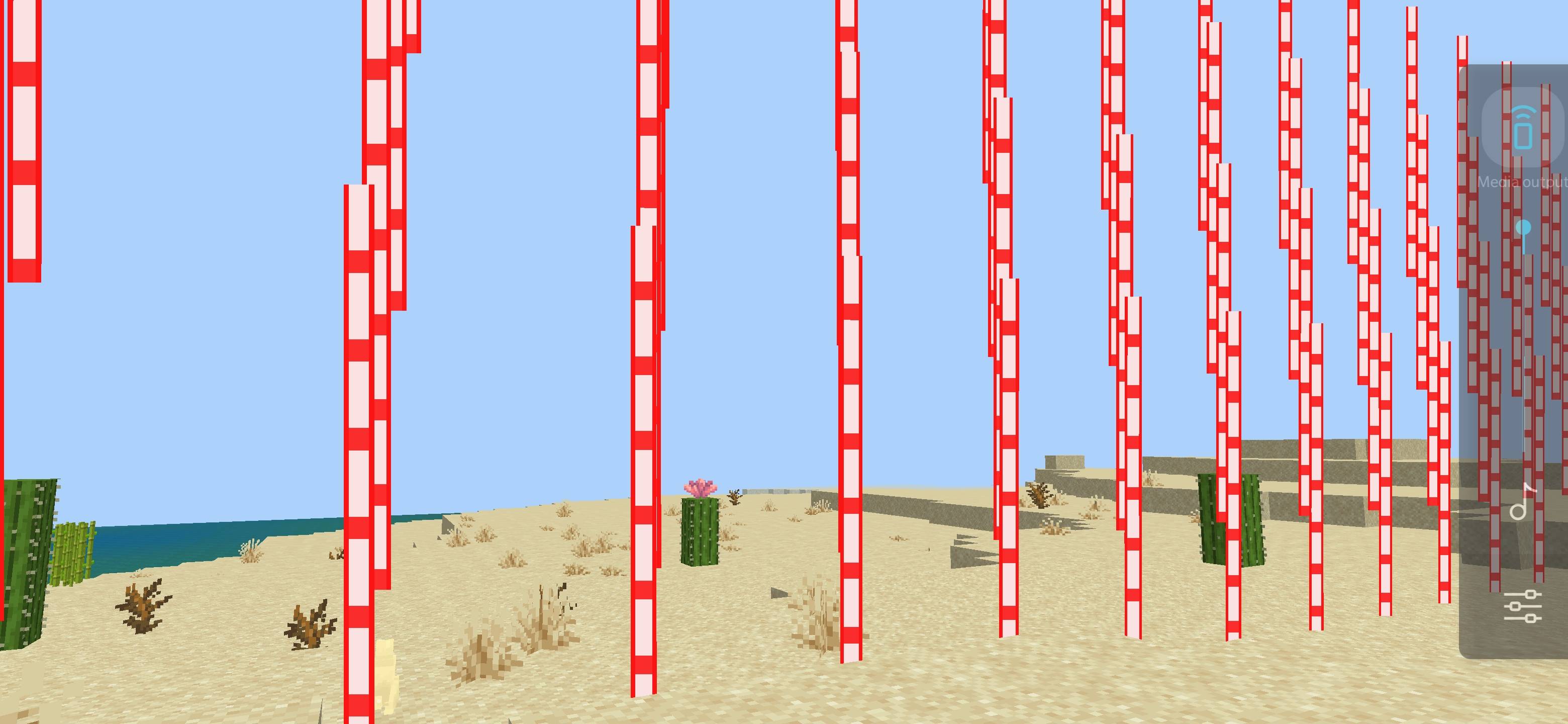
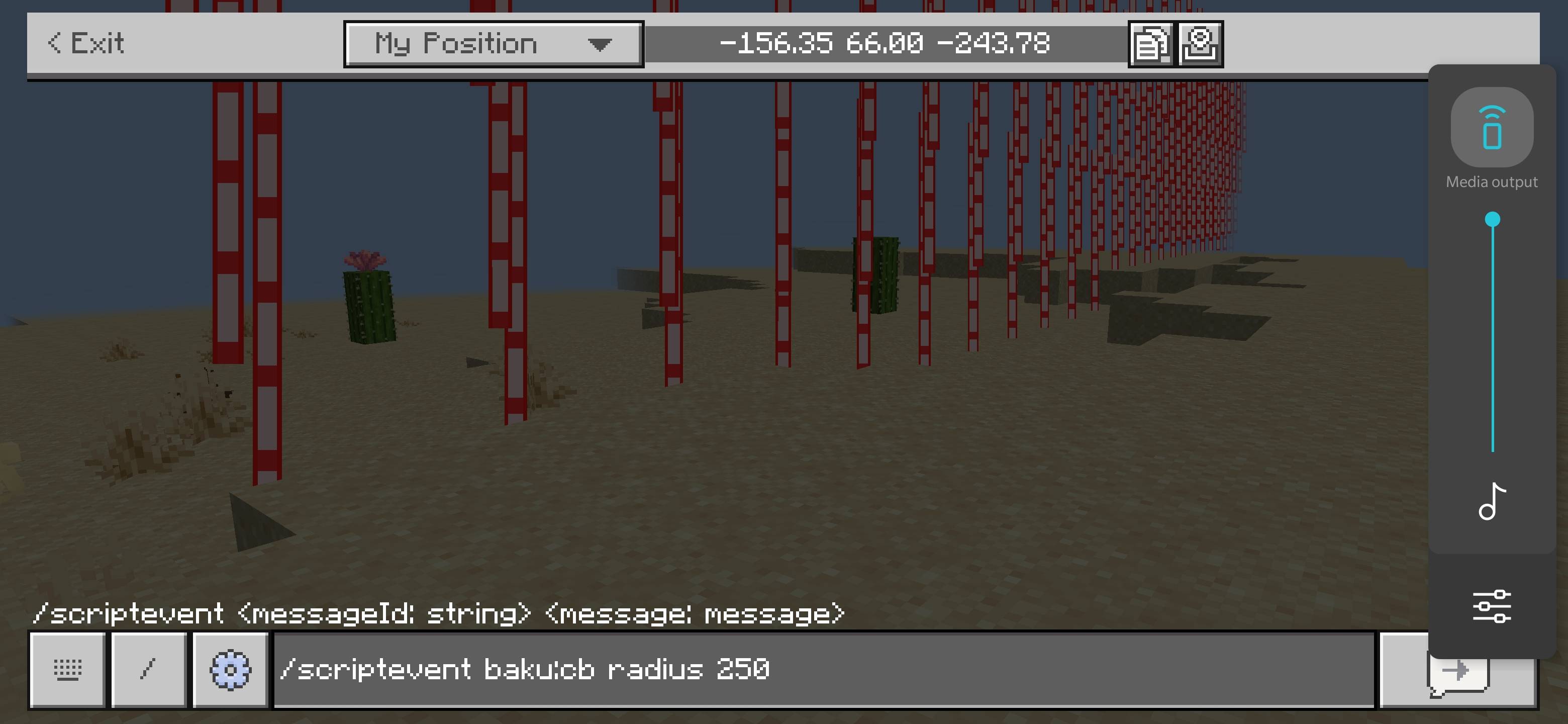
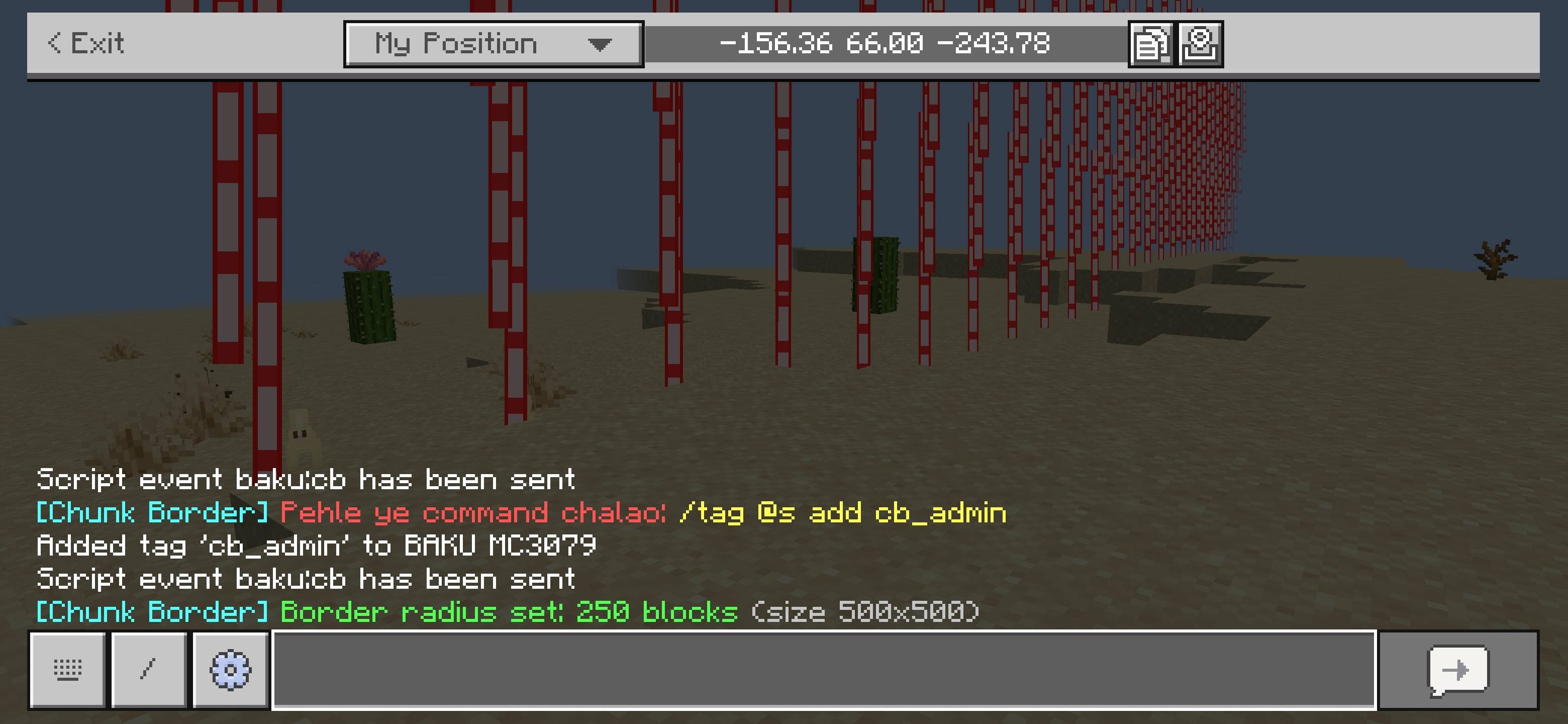
CHUNK BORDER Manage your professional Minecraft Bedrock worlds with a Java-style border featuring hard boundaries, damage systems, and custom controls. Features: Java-style visible glowing border Hard boundary preventing player crossing Damage system and block placement restriction outside borders Fully adjustable size and radius via commands Why You'll Love It: 1 Perfect for multiplayer servers and structured maps. 2 Easy-to-use admin commands for total control. 3 Lightweight and completely survival friendly. How to Get Started: 1 Download the CHUNK BORDER. 2 Install it in Minecraft PE. 3 Open your world and enjoy the new experience. Define your w
Read the full details and screenshots
Open this resource in CraftyBox