
CRAFTYBOX
Preparing your block world
正在准备你的方块世界
First visit setup
首次访问设置
CRAFTYBOX
Preparing your block world
正在准备你的方块世界
First visit setup
首次访问设置
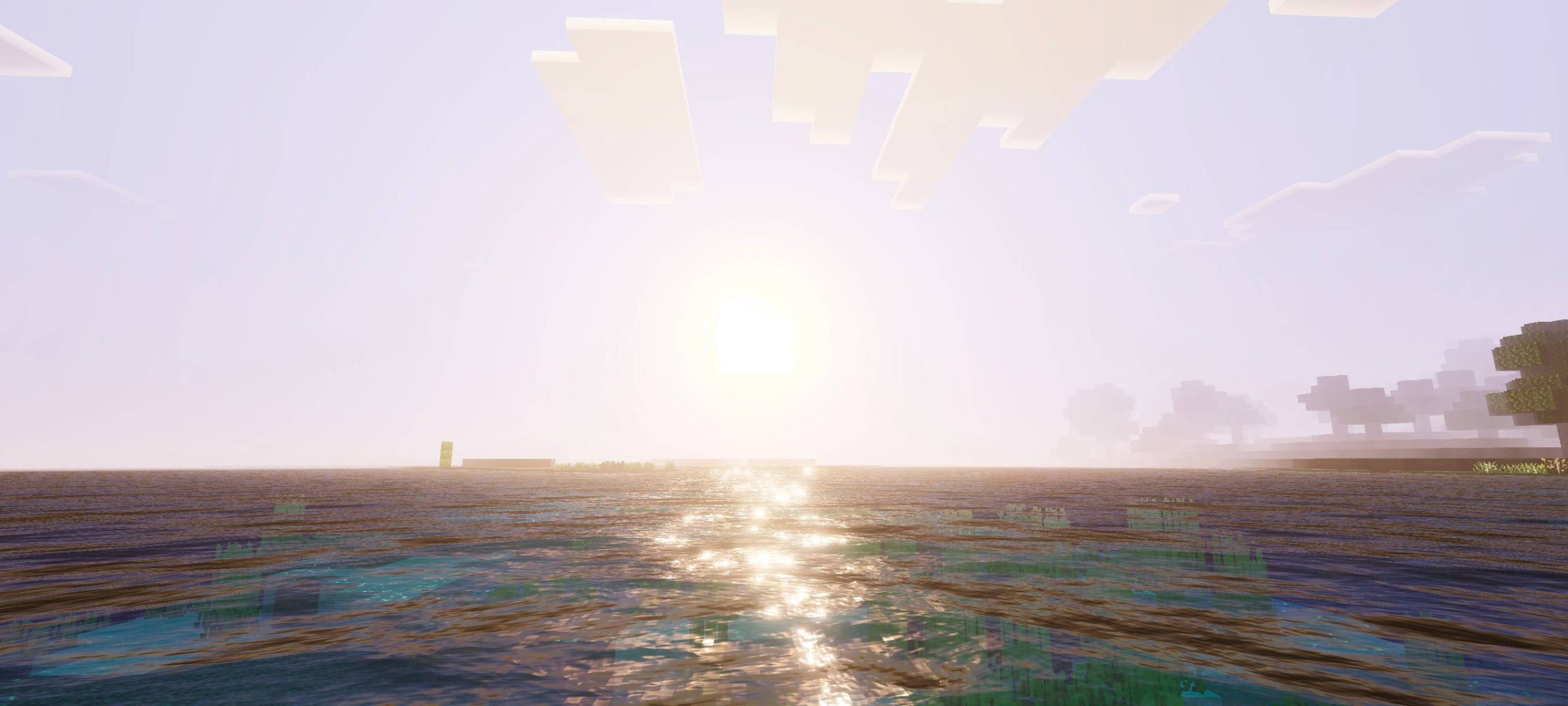
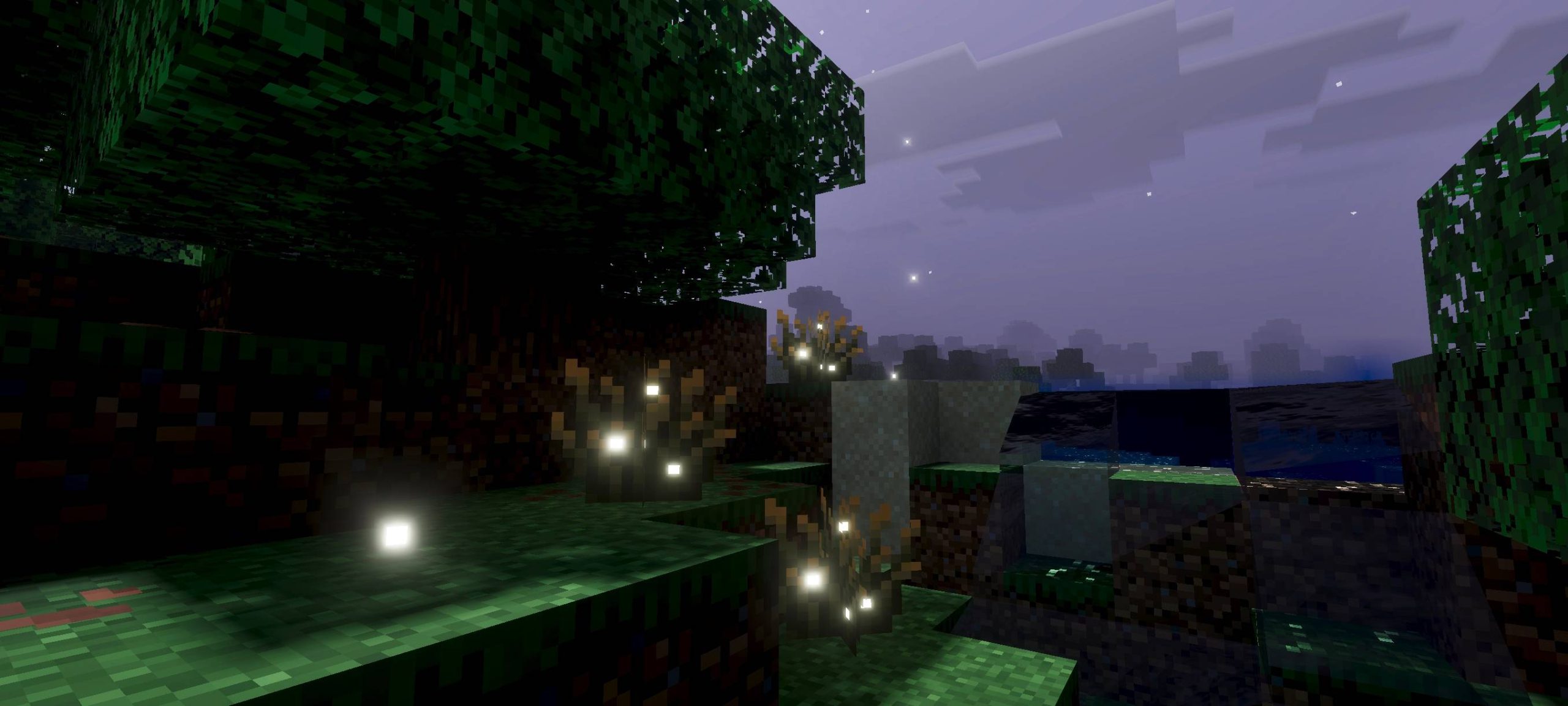
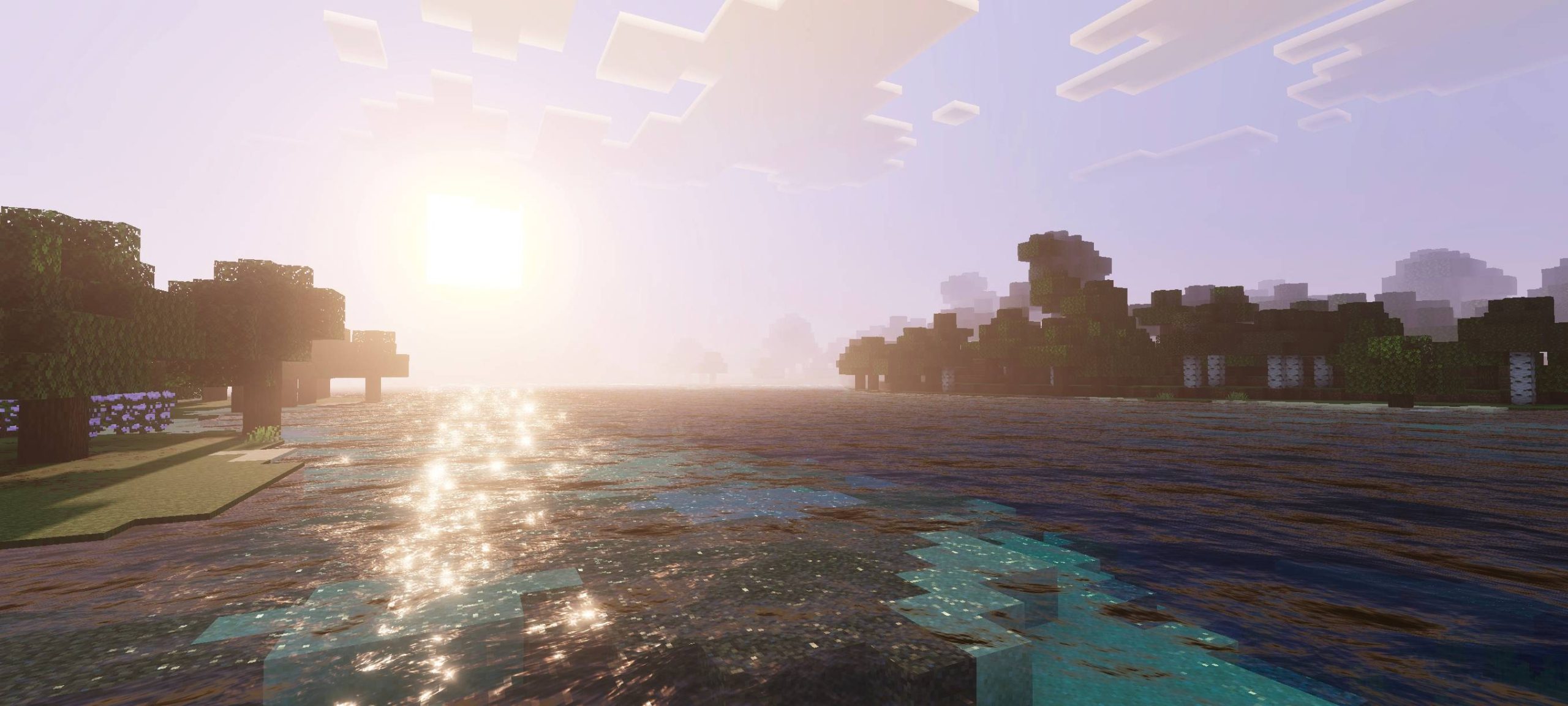
Cinematic Visual Shader Give Minecraft PE a movie-worthy makeover with a cinematic shader that adds rich lighting, deep shadows and dramatic color grading for stunning visuals. Features: Cinematic lighting and dramatic shadows Rich color grading for a film-like look Enhanced water and atmospheric effects Designed to make every scene screenshot-ready Why You'll Love It: 1 Transforms your world into a cinematic experience 2 Perfect for screenshots and video content 3 Adds mood and depth to every view How to Get Started: 1 Download the Cinematic Visual Shader. 2 Install it in Minecraft PE. 3 Open your world and enjoy the new experience. Turn every m

Open this resource in CraftyBox