
CRAFTYBOX
Preparing your block world
正在准备你的方块世界
First visit setup
首次访问设置
CRAFTYBOX
Preparing your block world
正在准备你的方块世界
First visit setup
首次访问设置
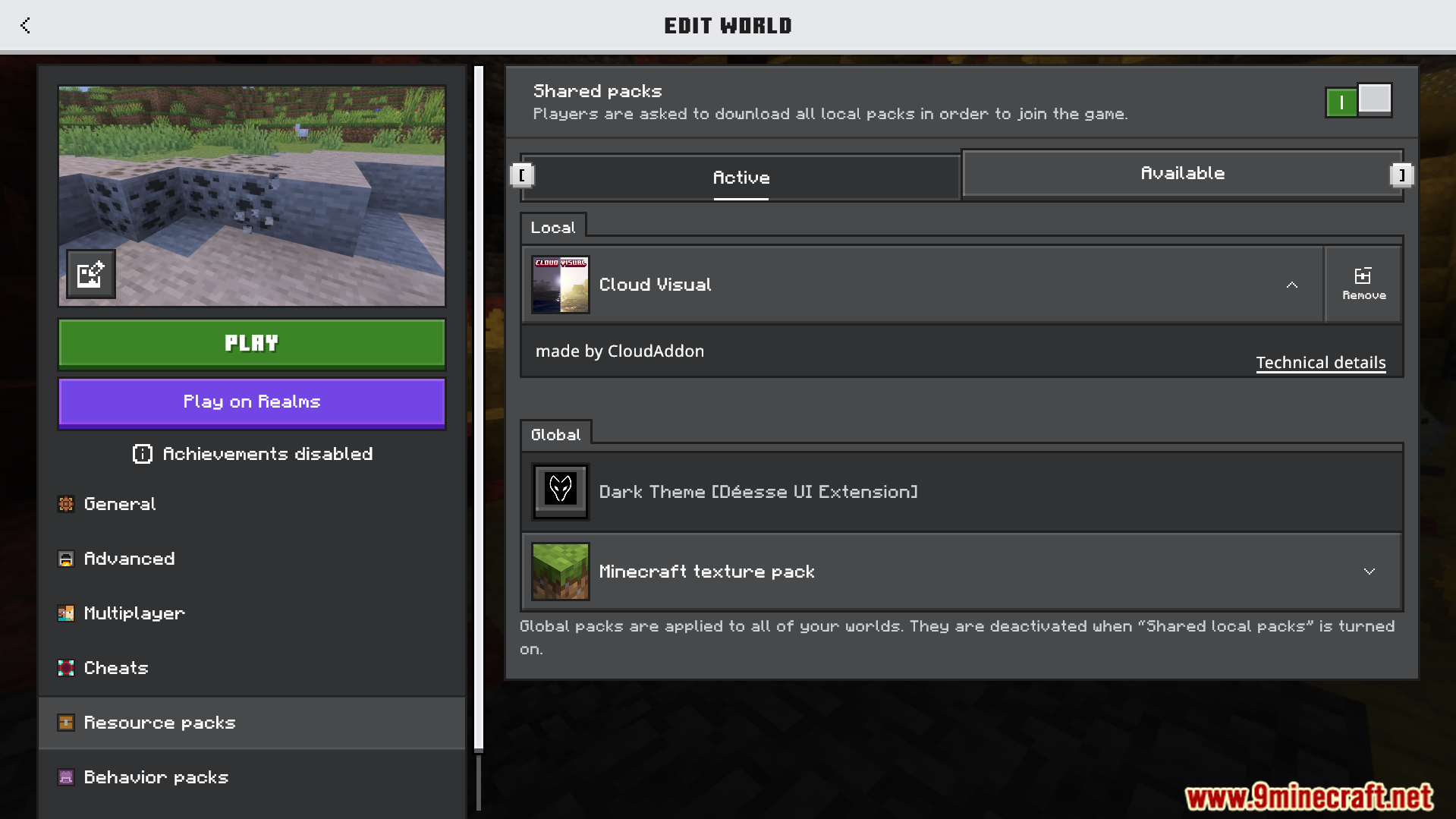
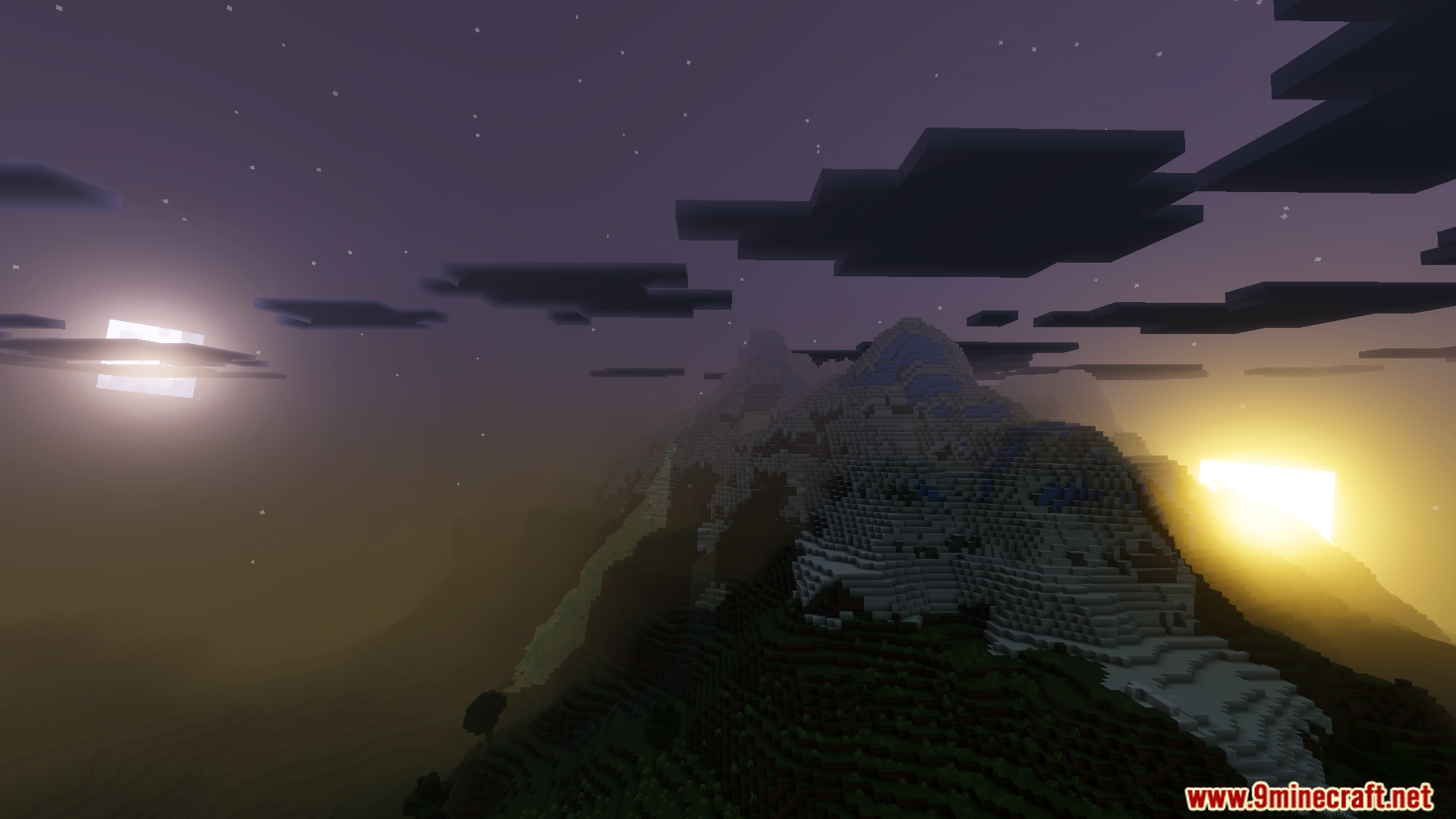
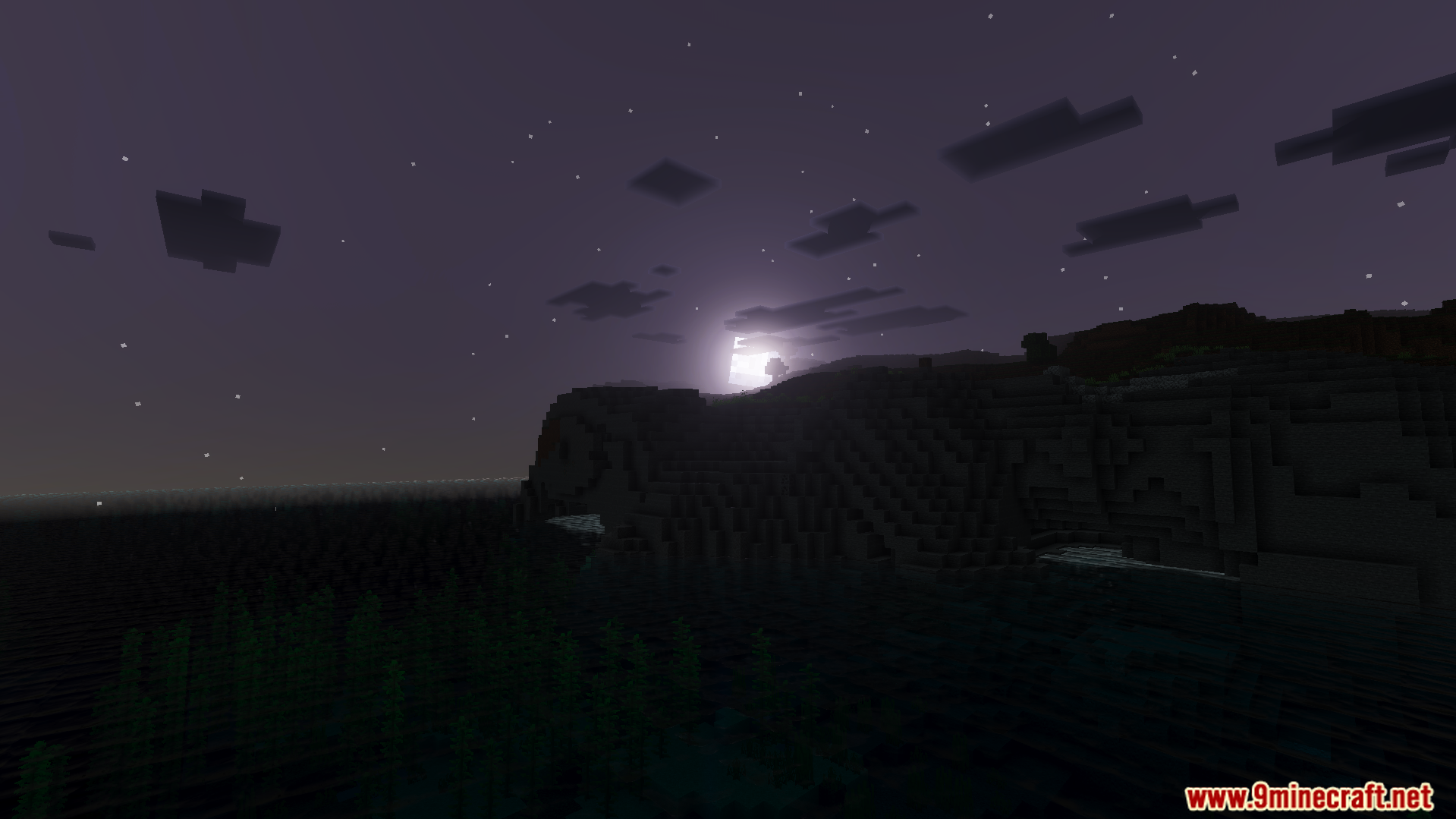
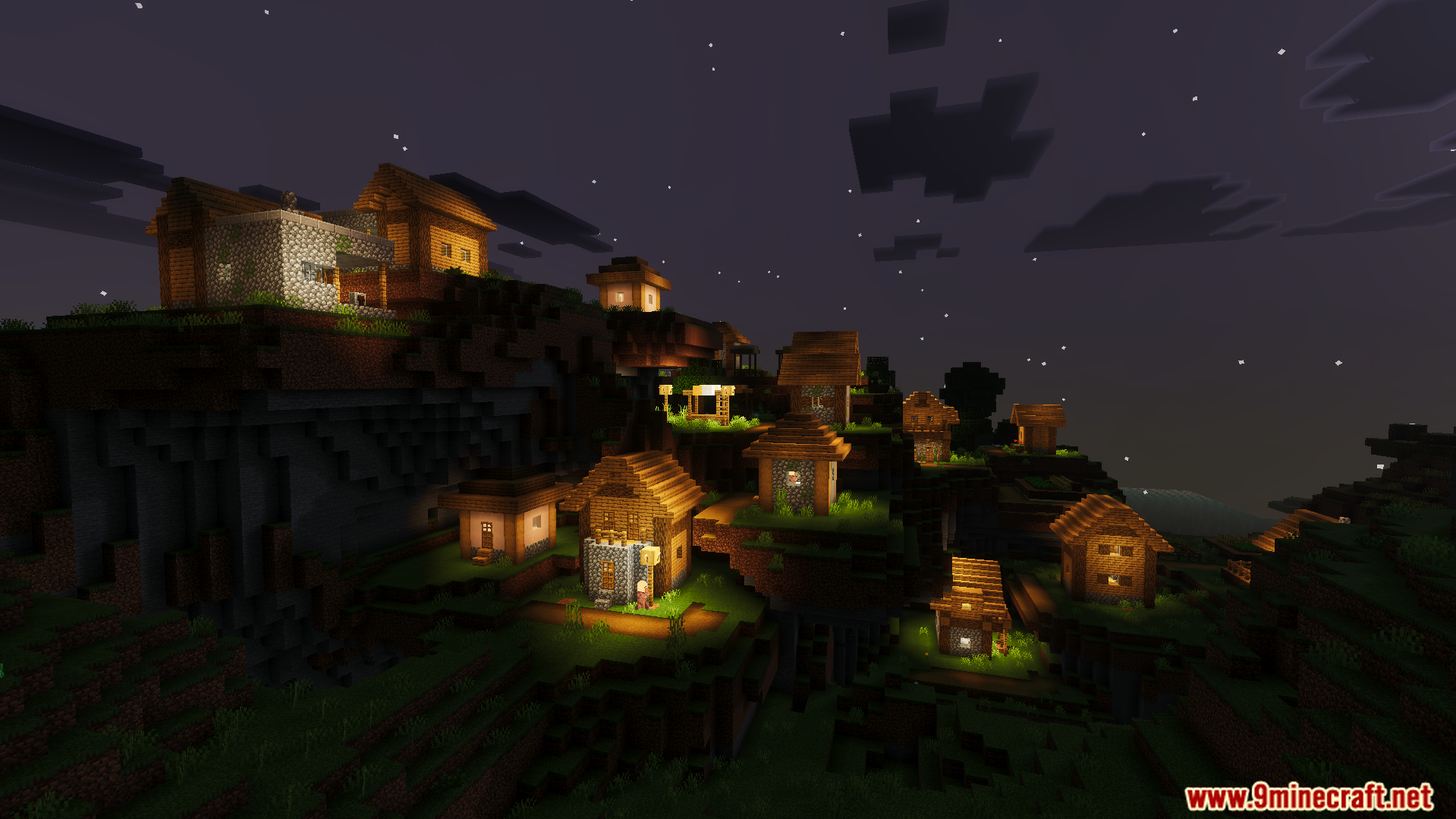
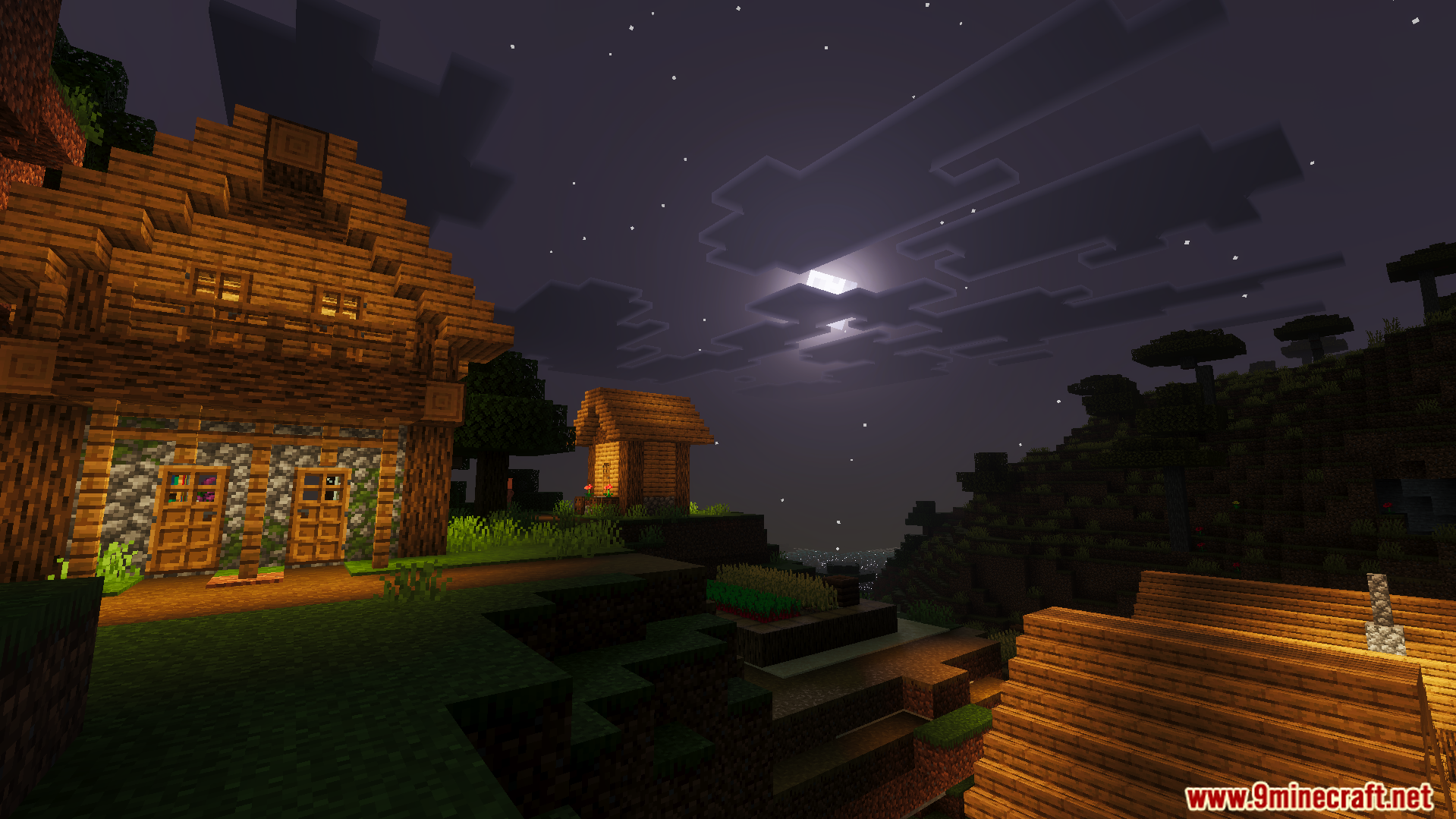
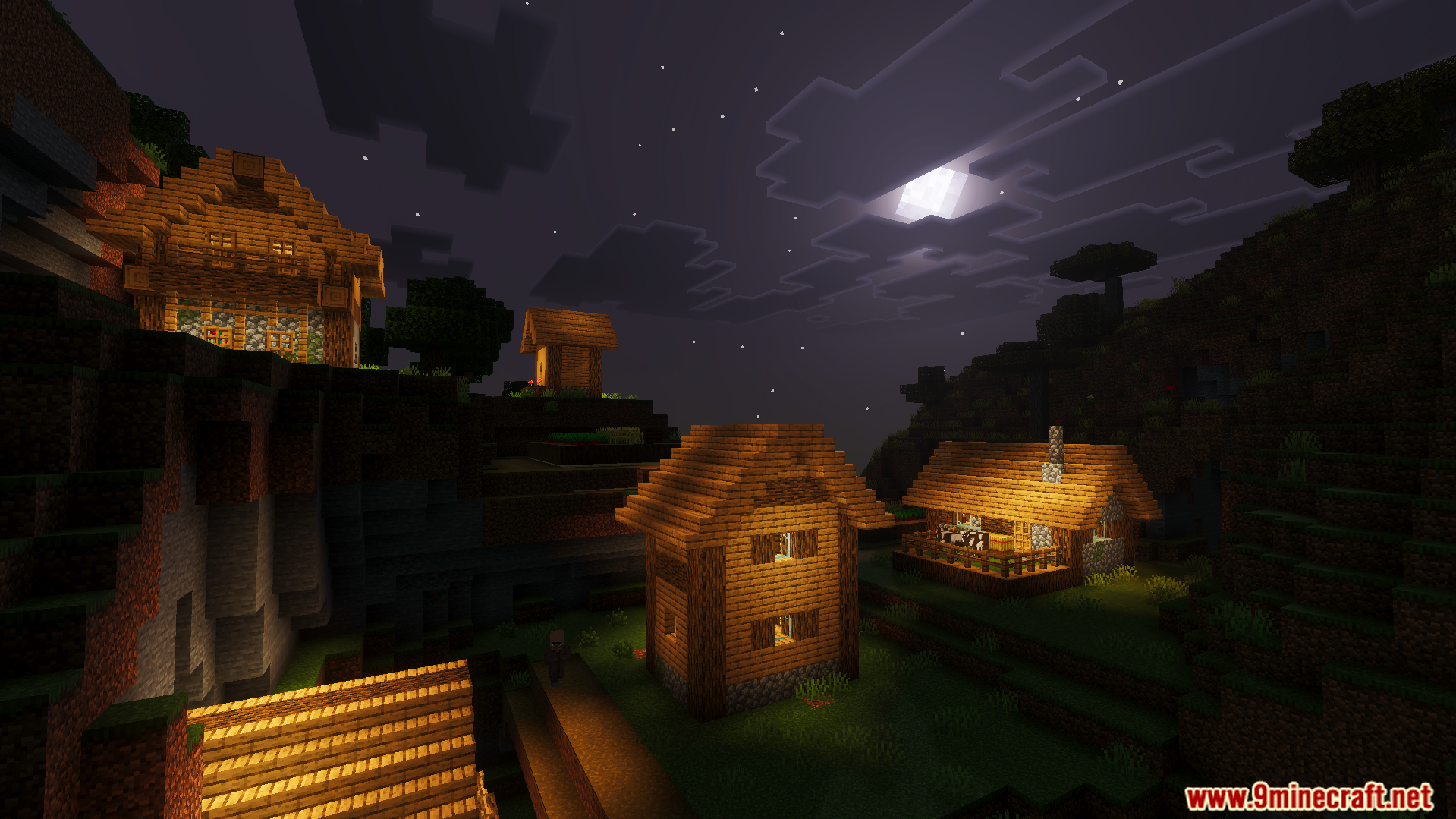
Cloud Visual Shader Realistic water reflections and soft moonlight define this atmospheric shader for Minecraft 1.26+ — serenity in every frame. Features: Mirror-like water that reflects clouds and sky Gentle, soft moonlight for beautiful calm nights Fluffy, volumetric-style cloud visuals Balanced tones that flatter any biome Why You'll Love It: 1 Nighttime lakeside views become genuinely magical 2 Subtle realism that doesn't overwhelm the vanilla style 3 Smooth enough for daily survival sessions How to Get Started: 1 Download the Cloud Visual Shader. 2 Install it in Minecraft PE. 3 Open your world and enjoy the new experience. Head in the clouds,
Read the full details and screenshots
Open this resource in CraftyBox