
CRAFTYBOX
Preparing your block world
正在准备你的方块世界
First visit setup
首次访问设置
CRAFTYBOX
Preparing your block world
正在准备你的方块世界
First visit setup
首次访问设置
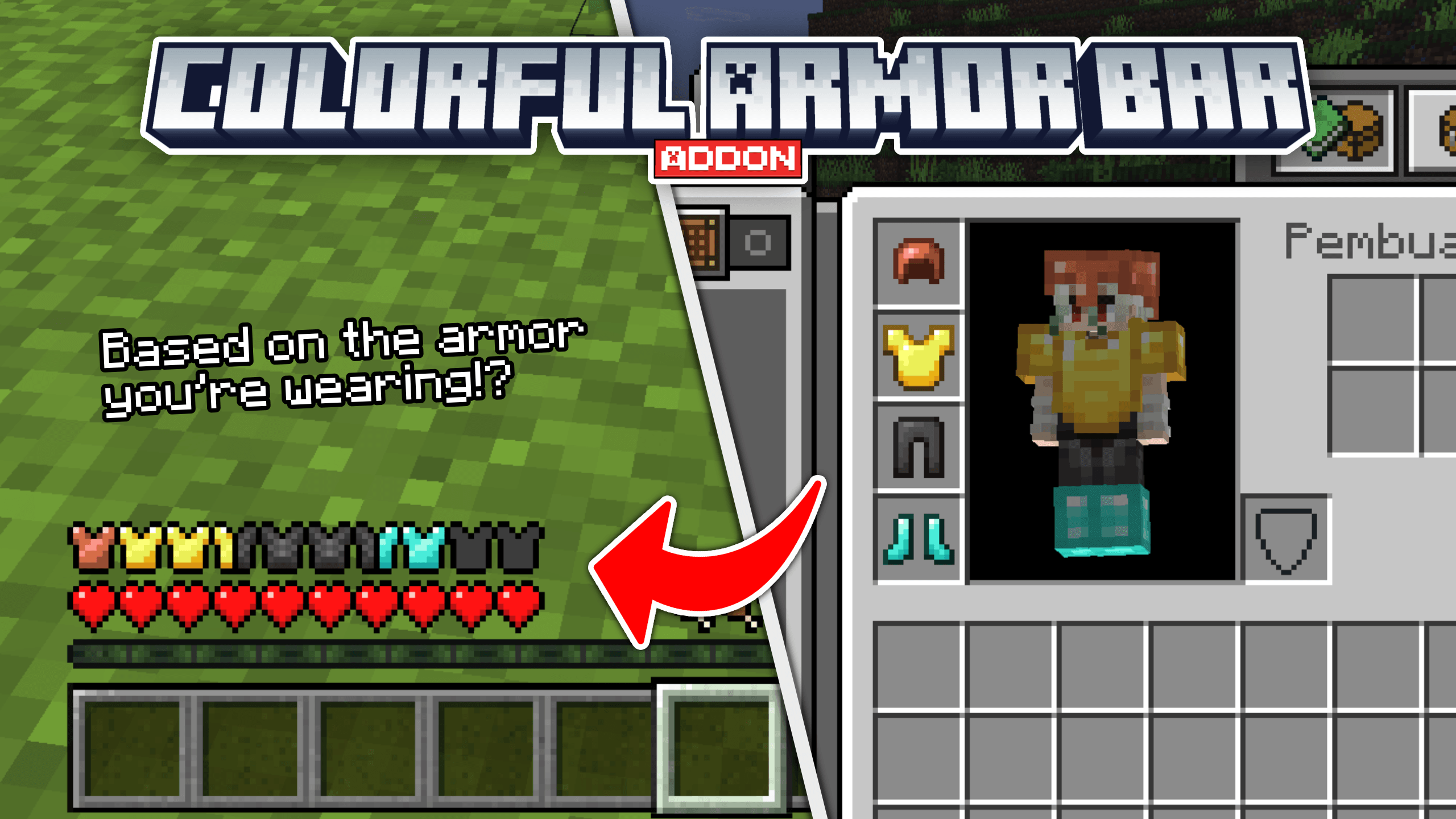
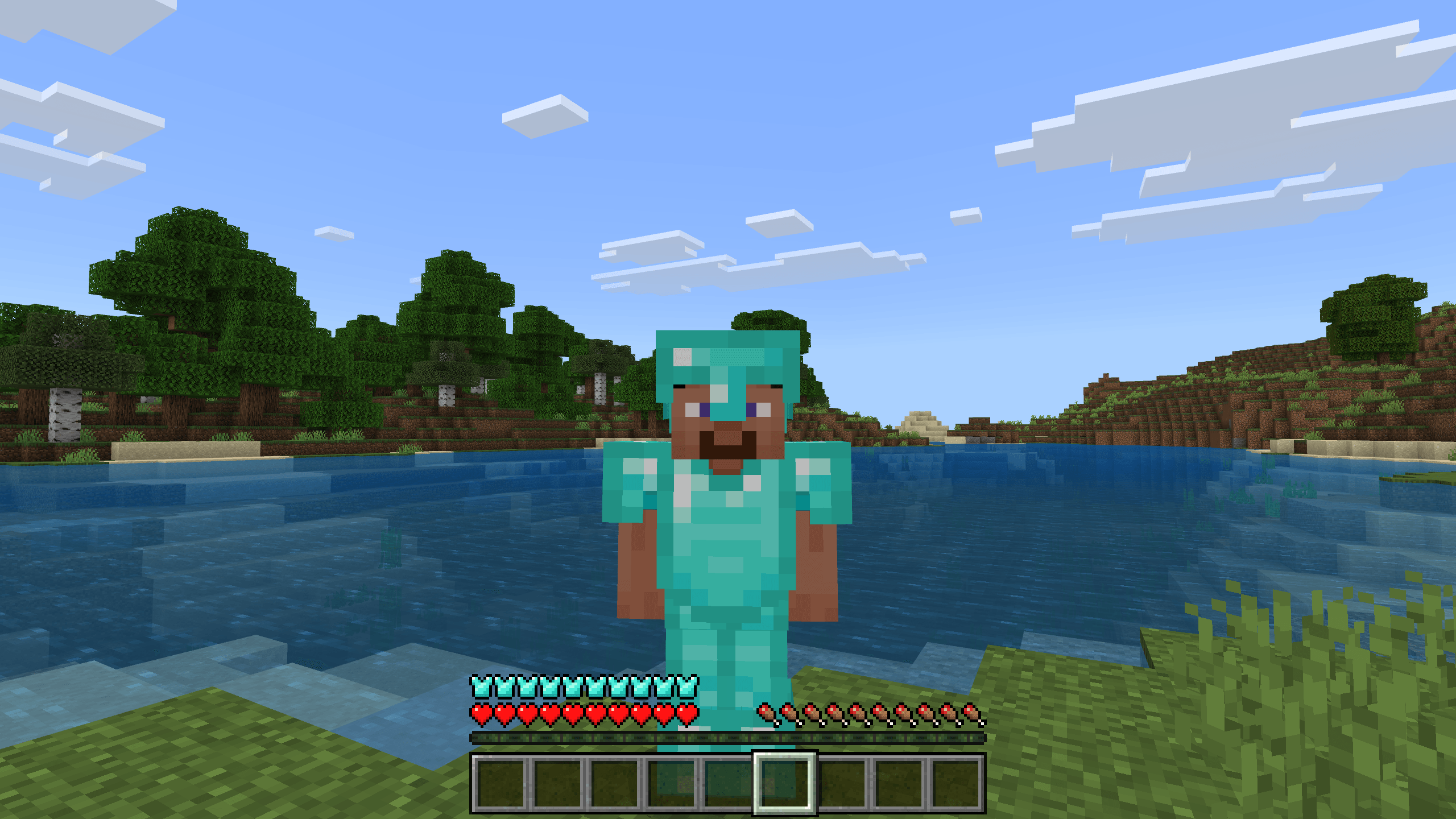
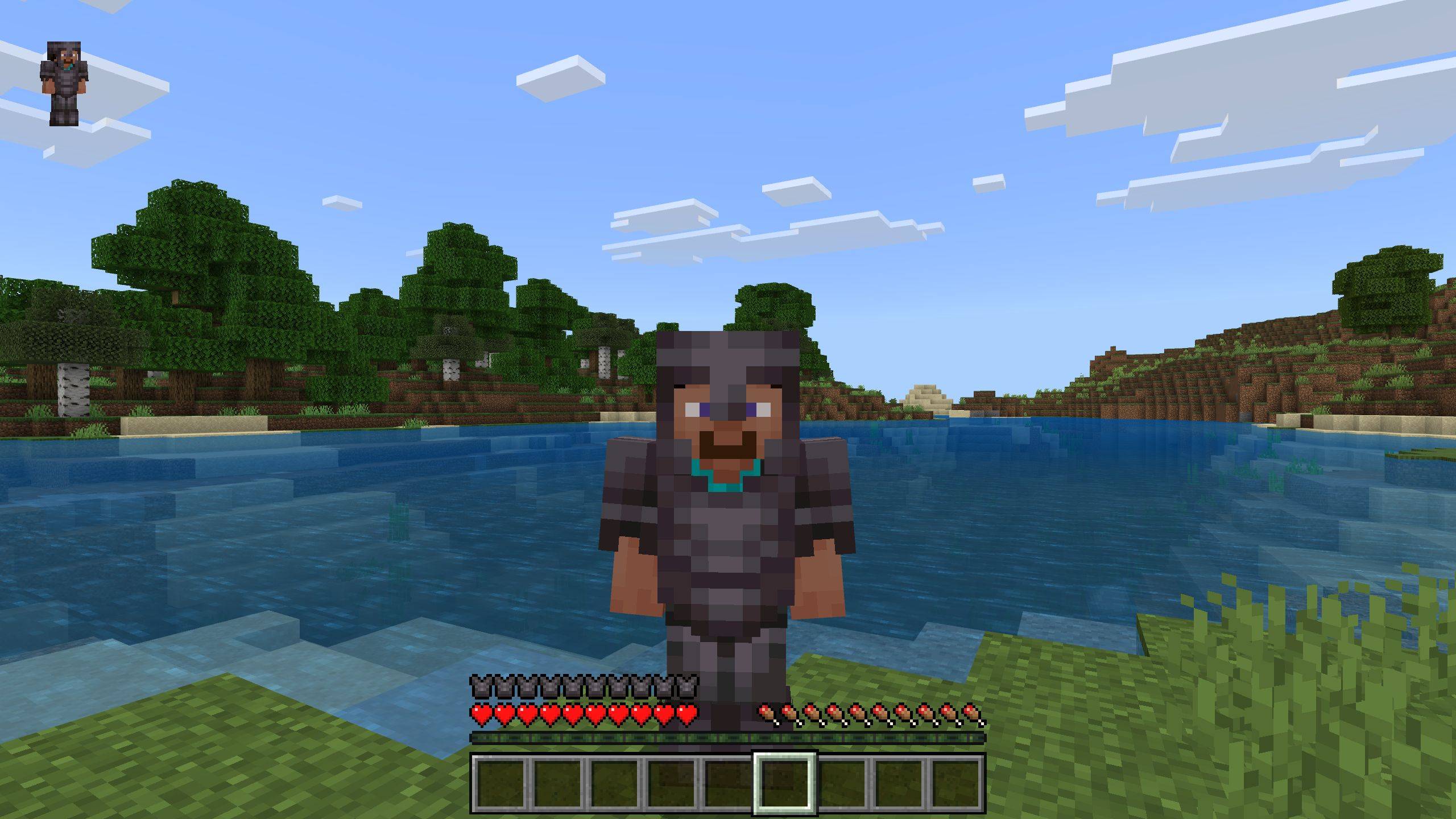
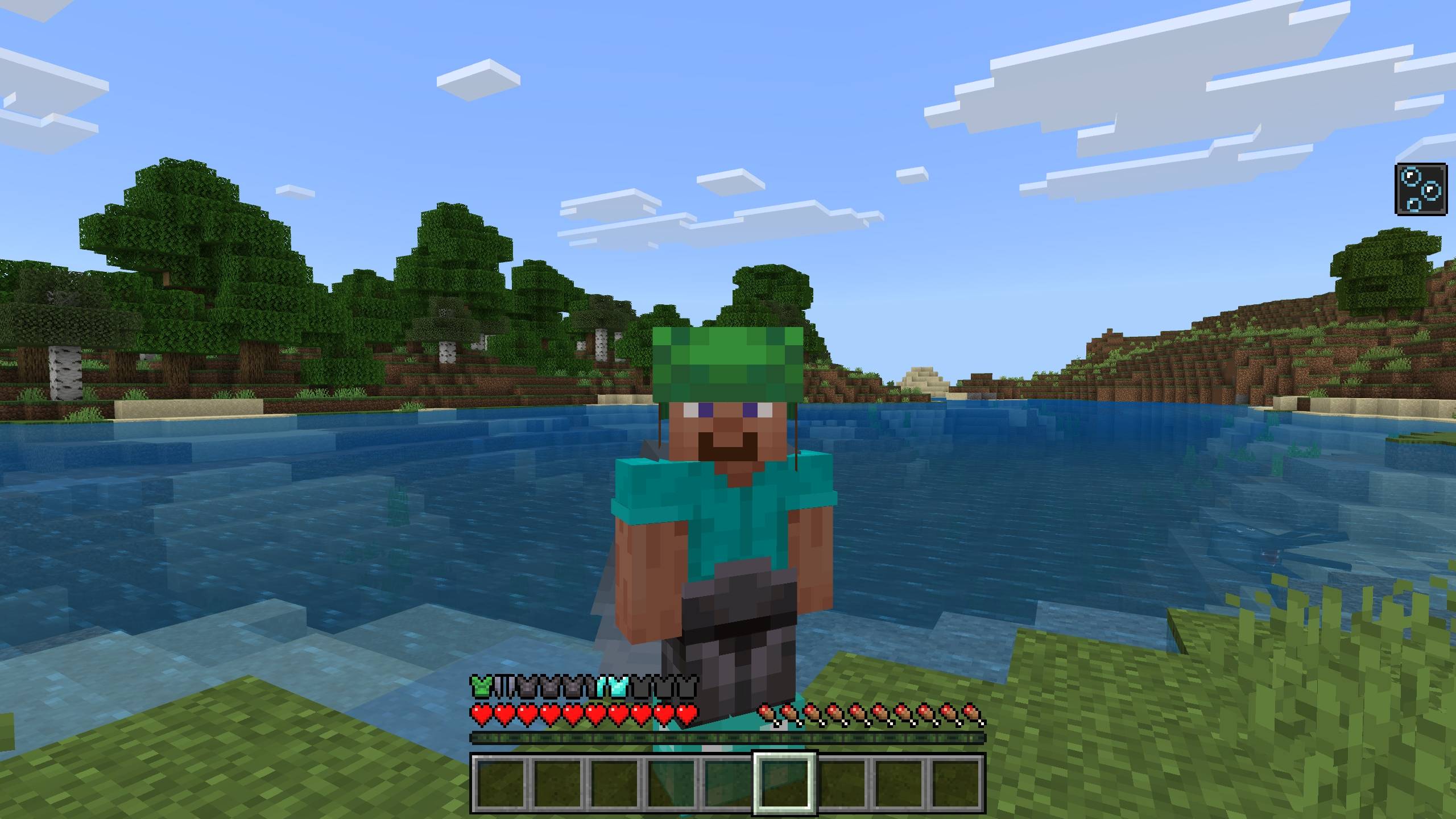
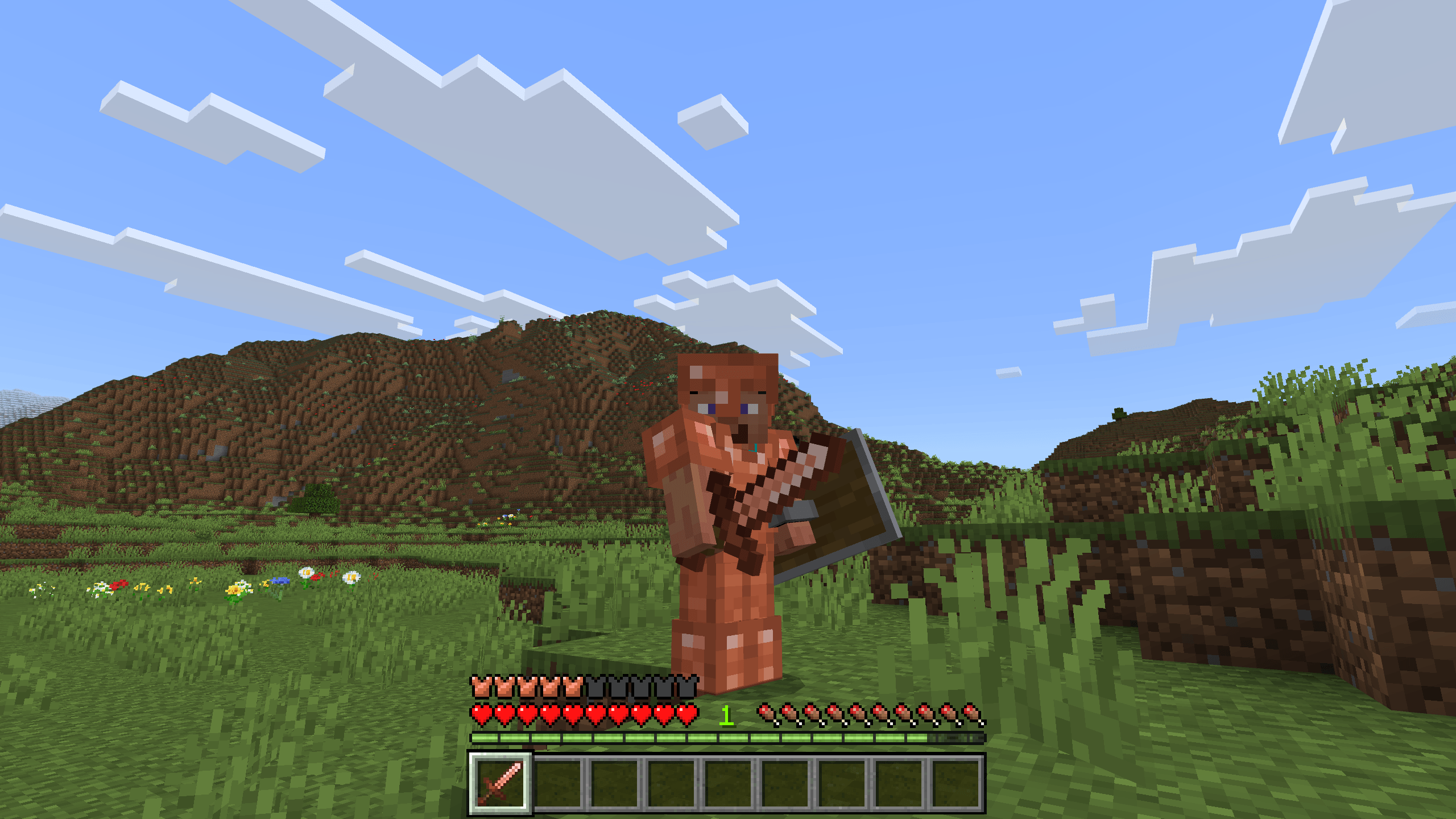
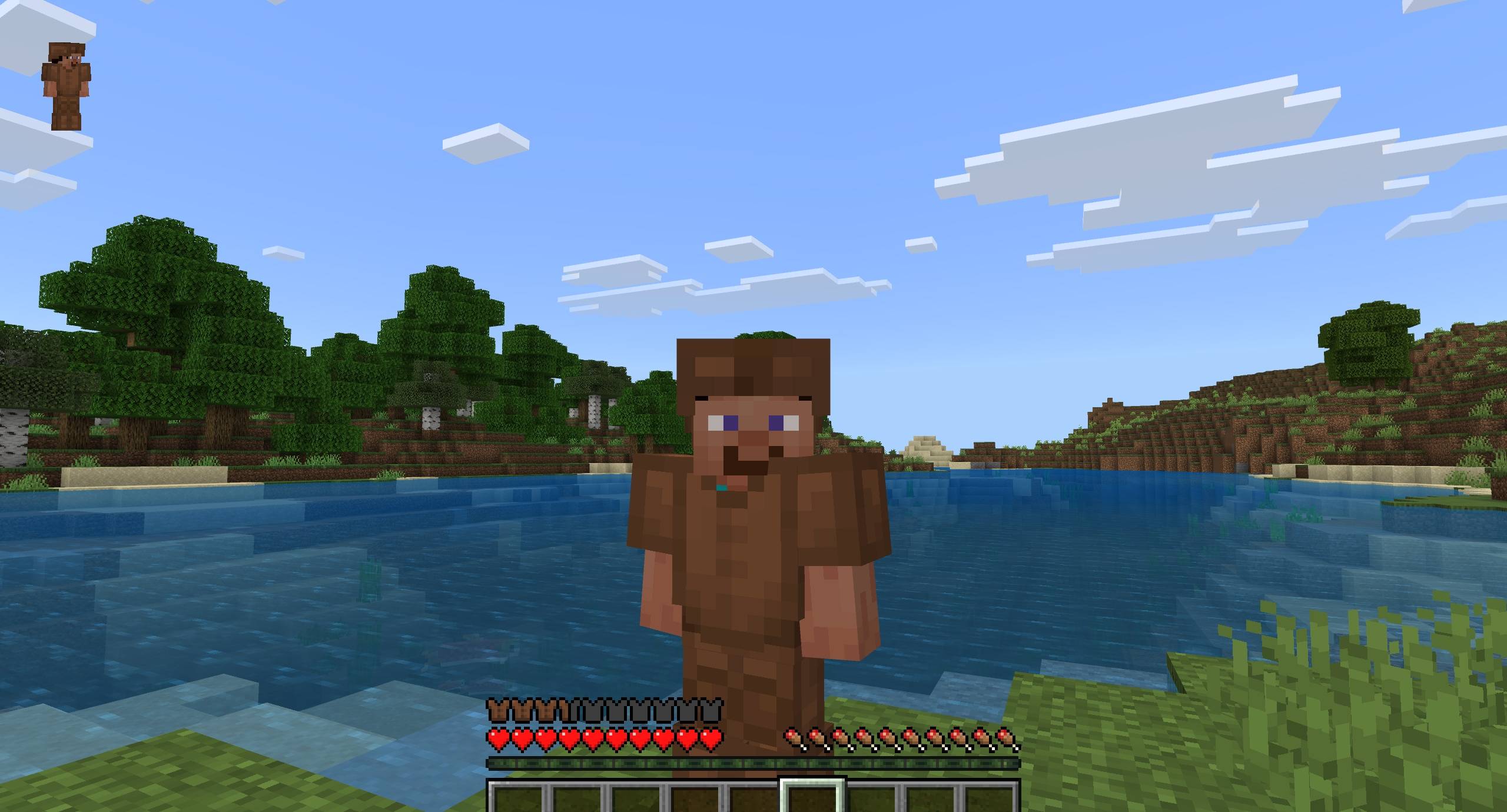
Colorful Armor Bar Display your worn armor directly on a dynamic, chroma-styled armor bar. Features: Armor bar changes dynamically based on equipped armor sets Supports leather, iron, gold, diamond, and netherite Custom texture folder support for modded armors Lightweight HUD enhancement for Bedrock Edition Why You'll Love It: 1 Keeps your screen clutter-free while tracking armor durability. 2 Visually reflects your currently equipped gear instantly. 3 Easily extensible for custom armor add-ons. How to Get Started: 1 Download the Colorful Armor Bar. 2 Install it in Minecraft PE. 3 Open your world and enjoy the new experience. Track your equipped pr
Open this resource in CraftyBox