
CRAFTYBOX
Preparing your block world
正在准备你的方块世界
First visit setup
首次访问设置
CRAFTYBOX
Preparing your block world
正在准备你的方块世界
First visit setup
首次访问设置
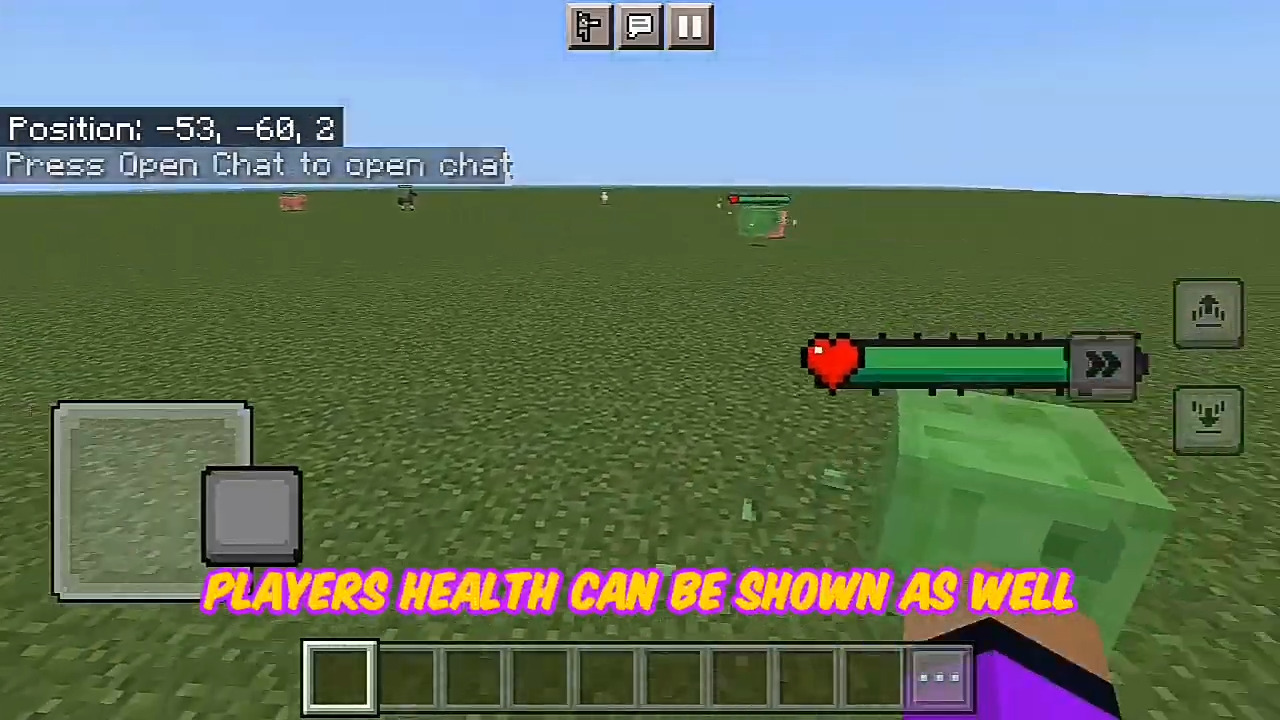
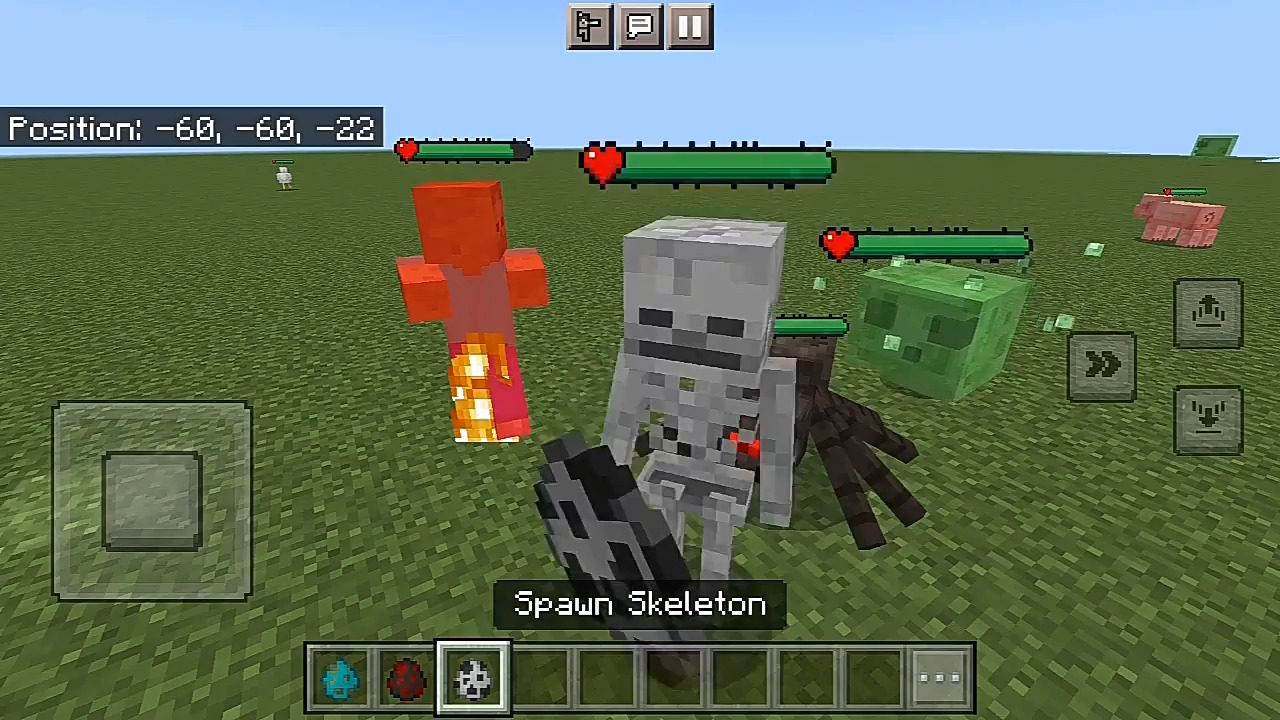
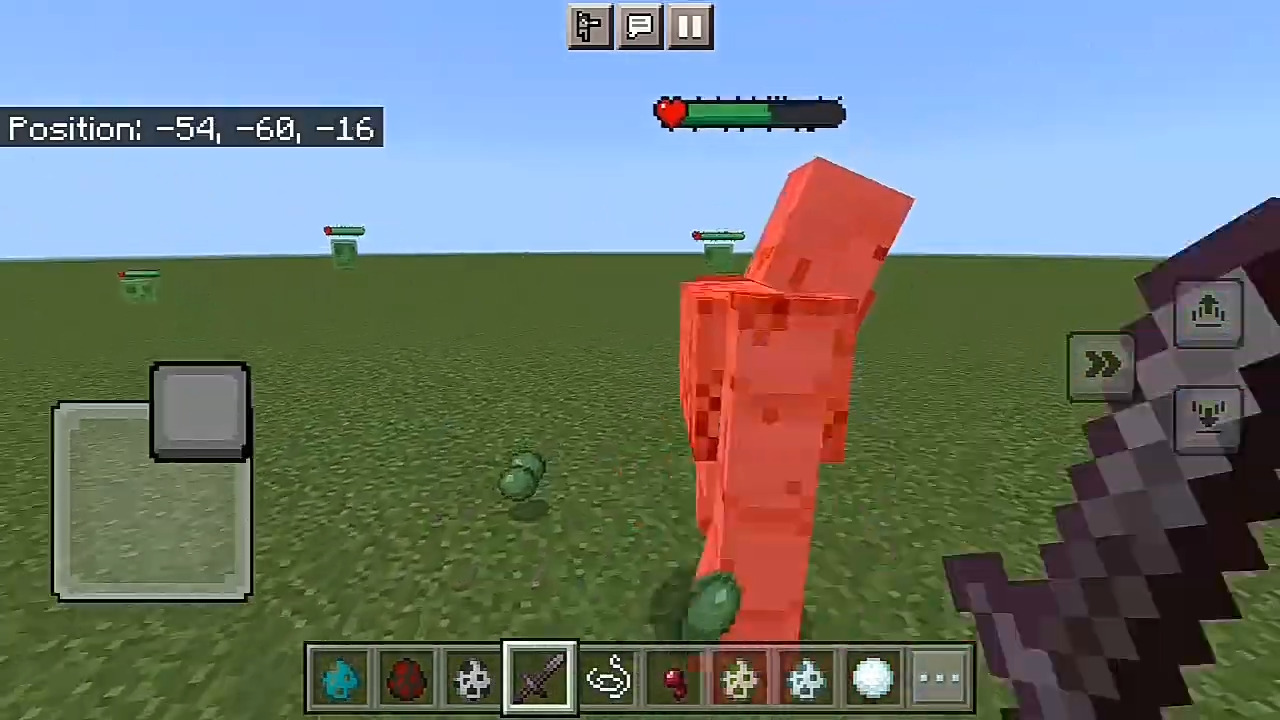
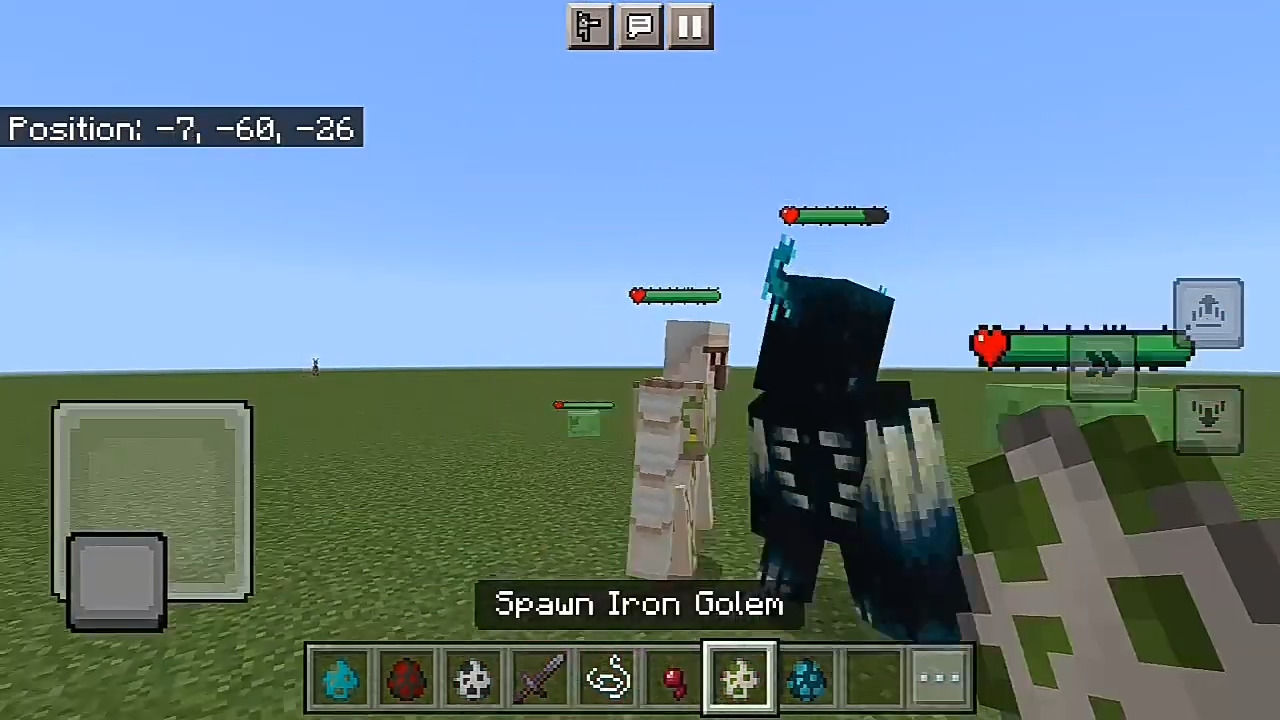
Damage & Health Indicators Addon See exactly how much damage you deal and how much health every mob has left with clear, floating indicators above enemies in combat. Features: Floating damage numbers pop up with every hit Live health bars displayed above mobs and players Instantly know when an enemy is low and ready to finish Clean UI overlay that works across all combat situations Why You'll Love It: 1 Makes fights more readable and satisfying 2 Helps you plan attacks and retreats 3 Adds an RPG-style layer to combat How to Get Started: 1 Download the Damage & Health Indicators Addon. 2 Install it in Minecraft PE. 3 Open your world and enjoy the new e
Open this resource in CraftyBox