
CRAFTYBOX
Preparing your block world
正在准备你的方块世界
First visit setup
首次访问设置
CRAFTYBOX
Preparing your block world
正在准备你的方块世界
First visit setup
首次访问设置
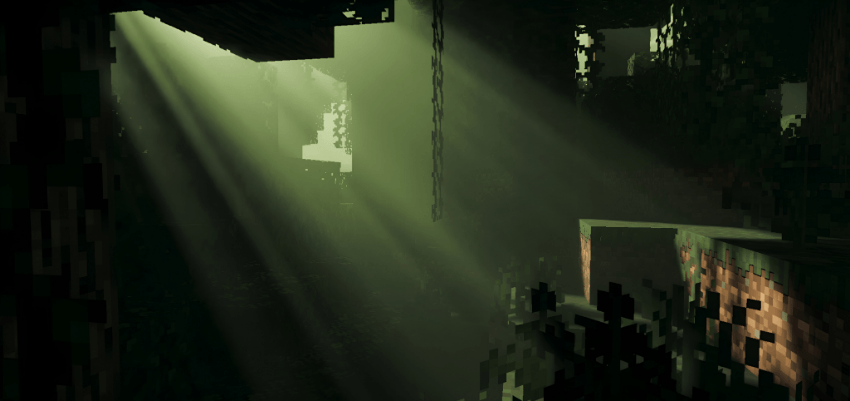
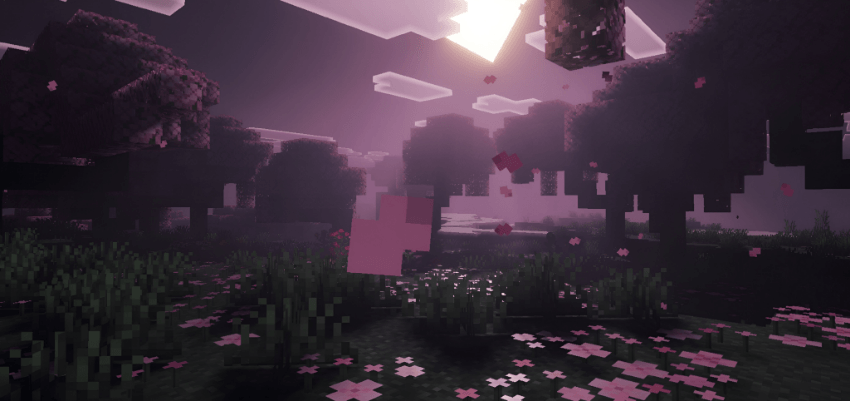
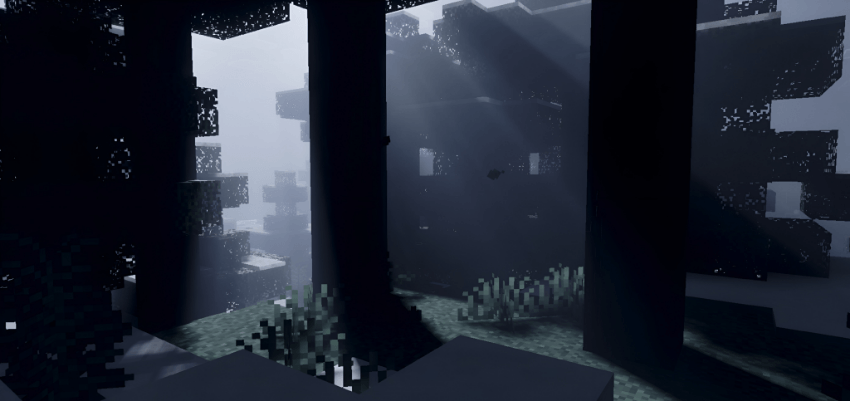
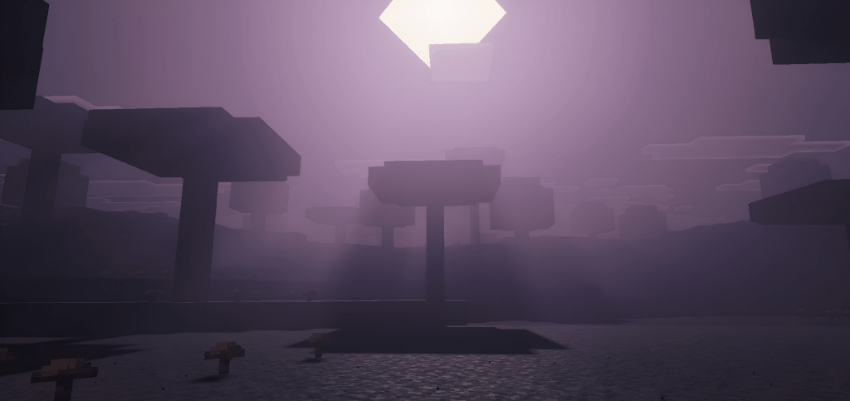
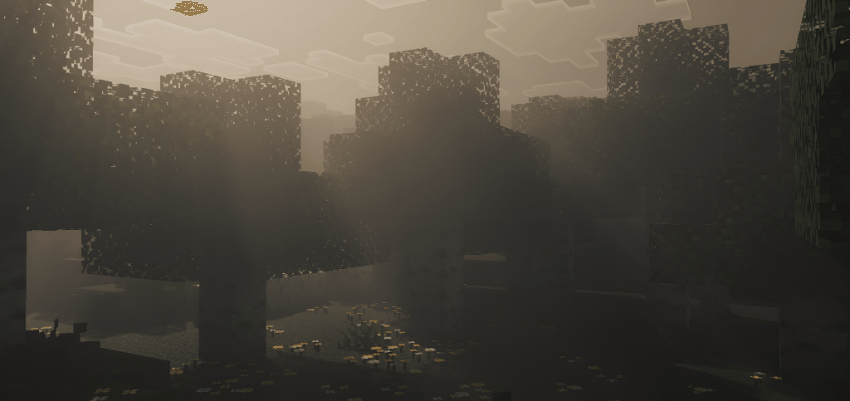
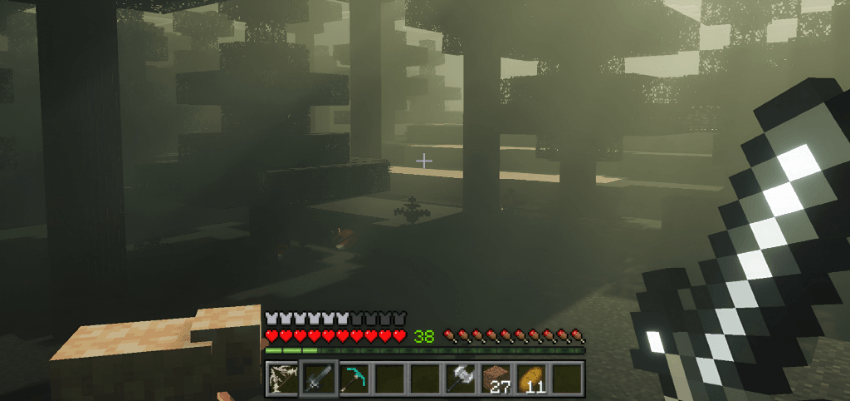
Dark Souls Visuals Shader Cloak your world in grim, gothic gloom with the somber cinematic tones of Dark Souls Visuals for MCPE 1.26+. Features: Bleak, gothic color grading Heavy atmospheric fog and haze Dramatic dark contrast for a foreboding mood Built for MCPE/Bedrock 1.26+ Why You'll Love It: 1 Perfect for dark fantasy adventures 2 Grim, immersive souls-like atmosphere 3 Cinematic mood with steady performance How to Get Started: 1 Download the Dark Souls Visuals Shader. 2 Install it in Minecraft PE. 3 Open your world and enjoy the new experience. Face a grim world where death lurks.
Open this resource in CraftyBox