
CRAFTYBOX
Preparing your block world
正在准备你的方块世界
First visit setup
首次访问设置
CRAFTYBOX
Preparing your block world
正在准备你的方块世界
First visit setup
首次访问设置
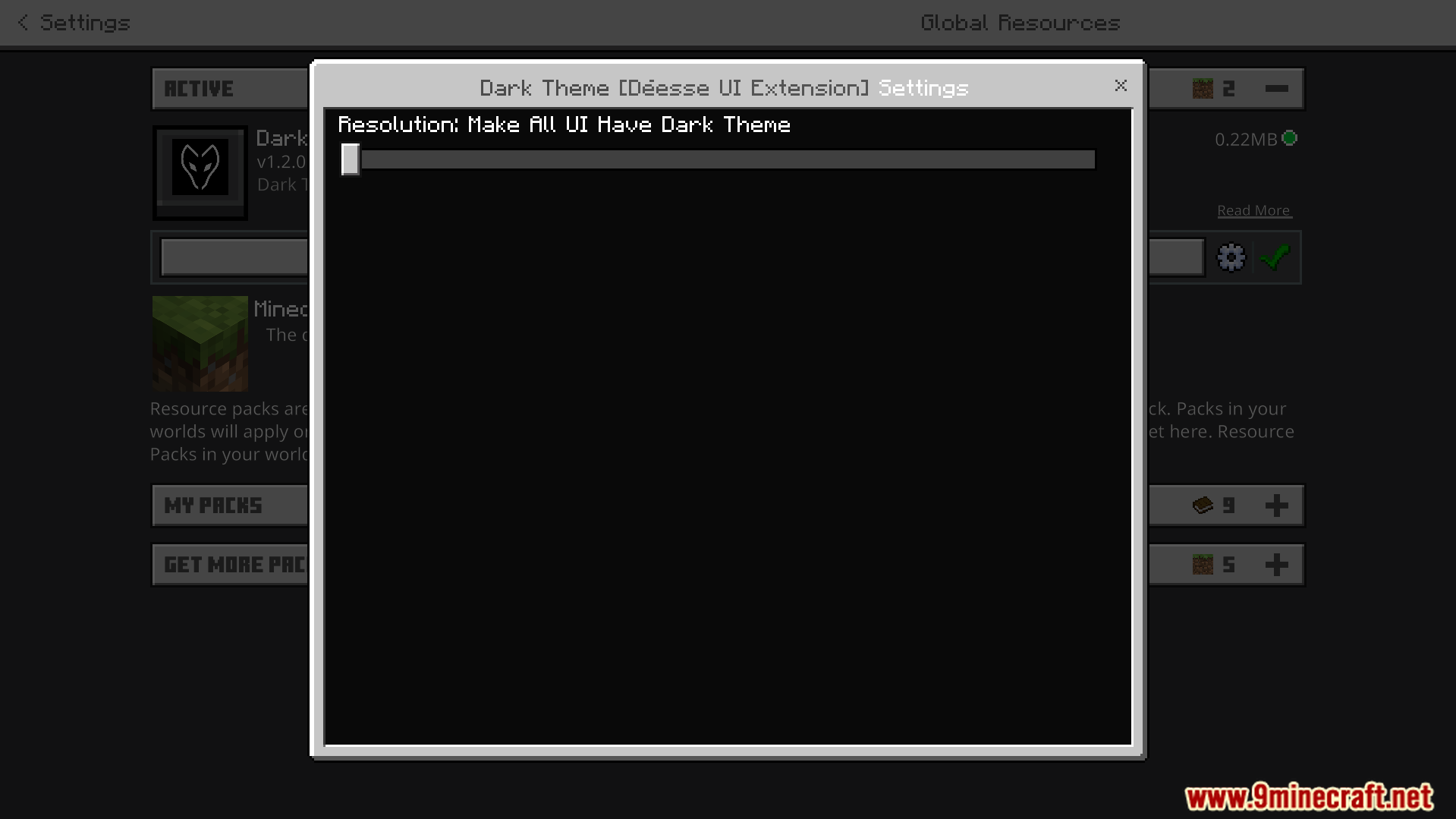
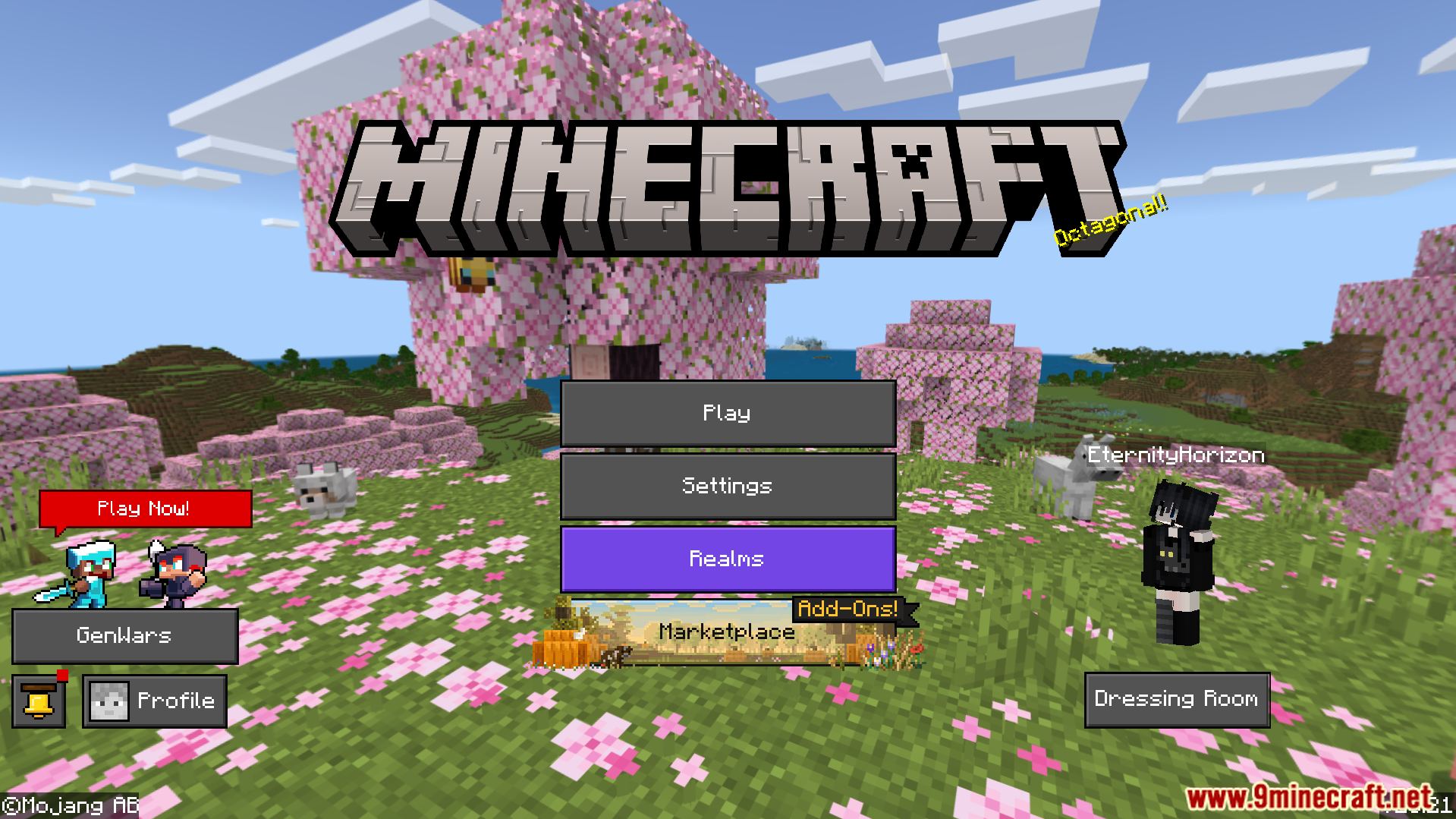
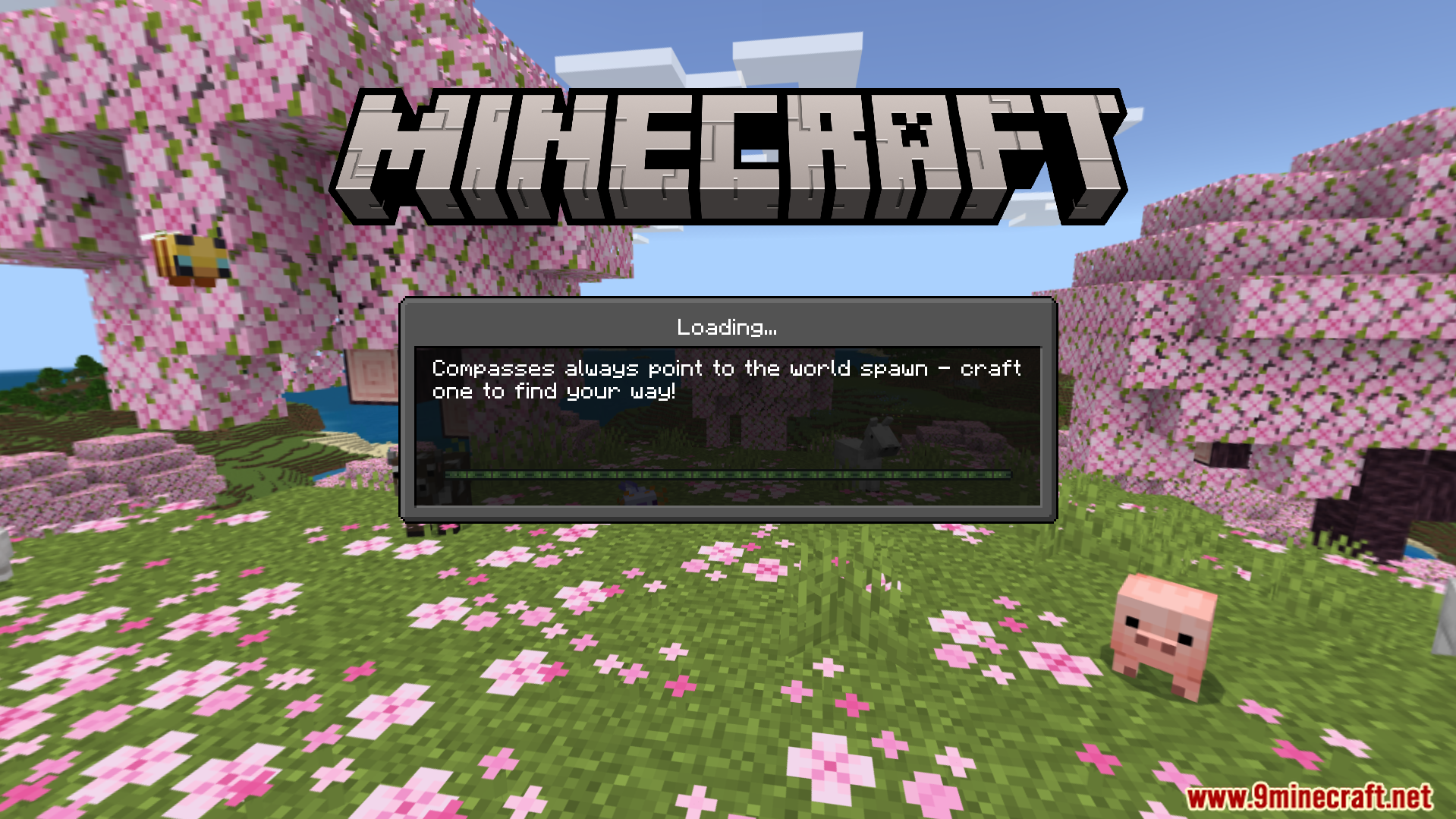
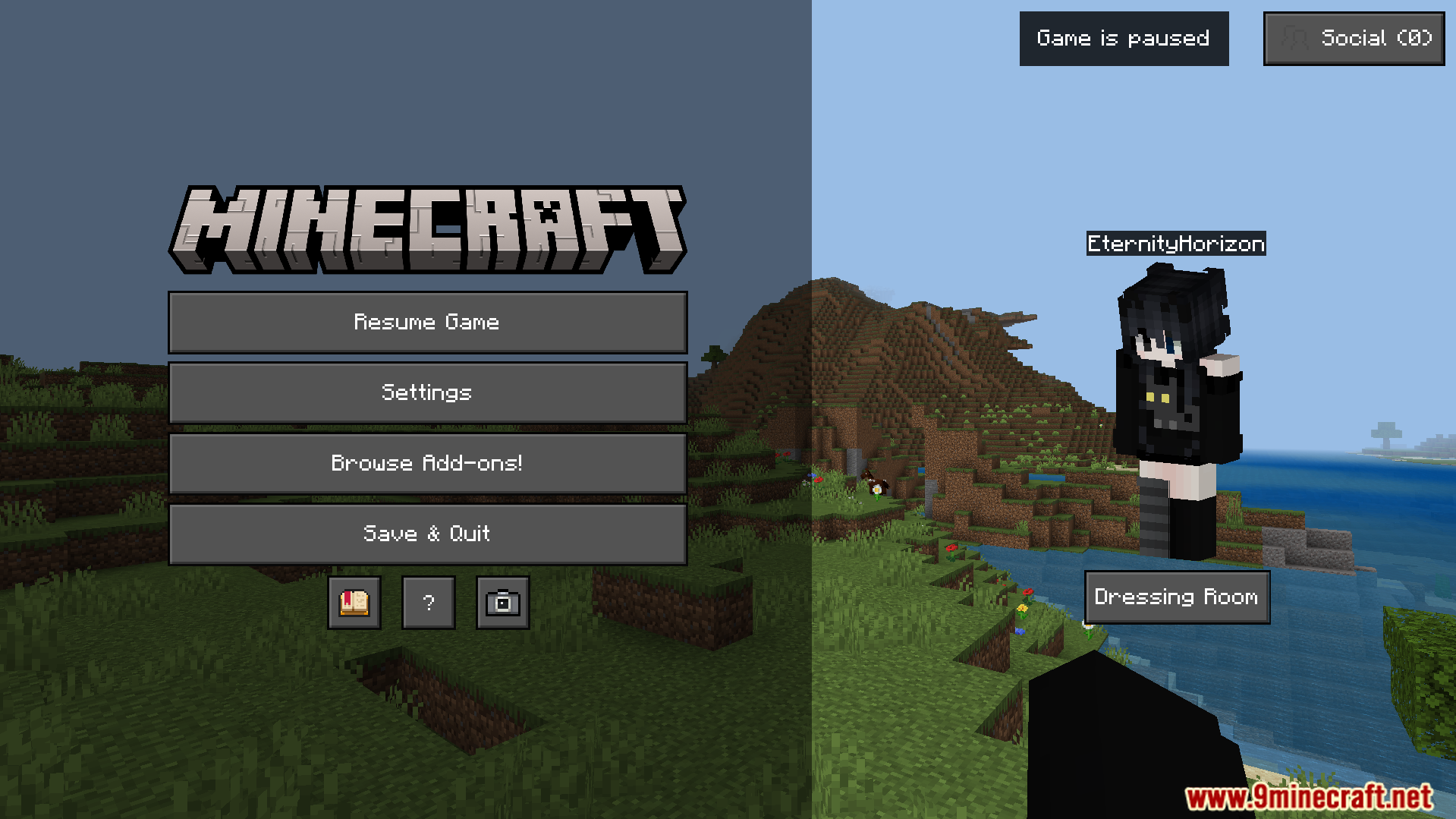
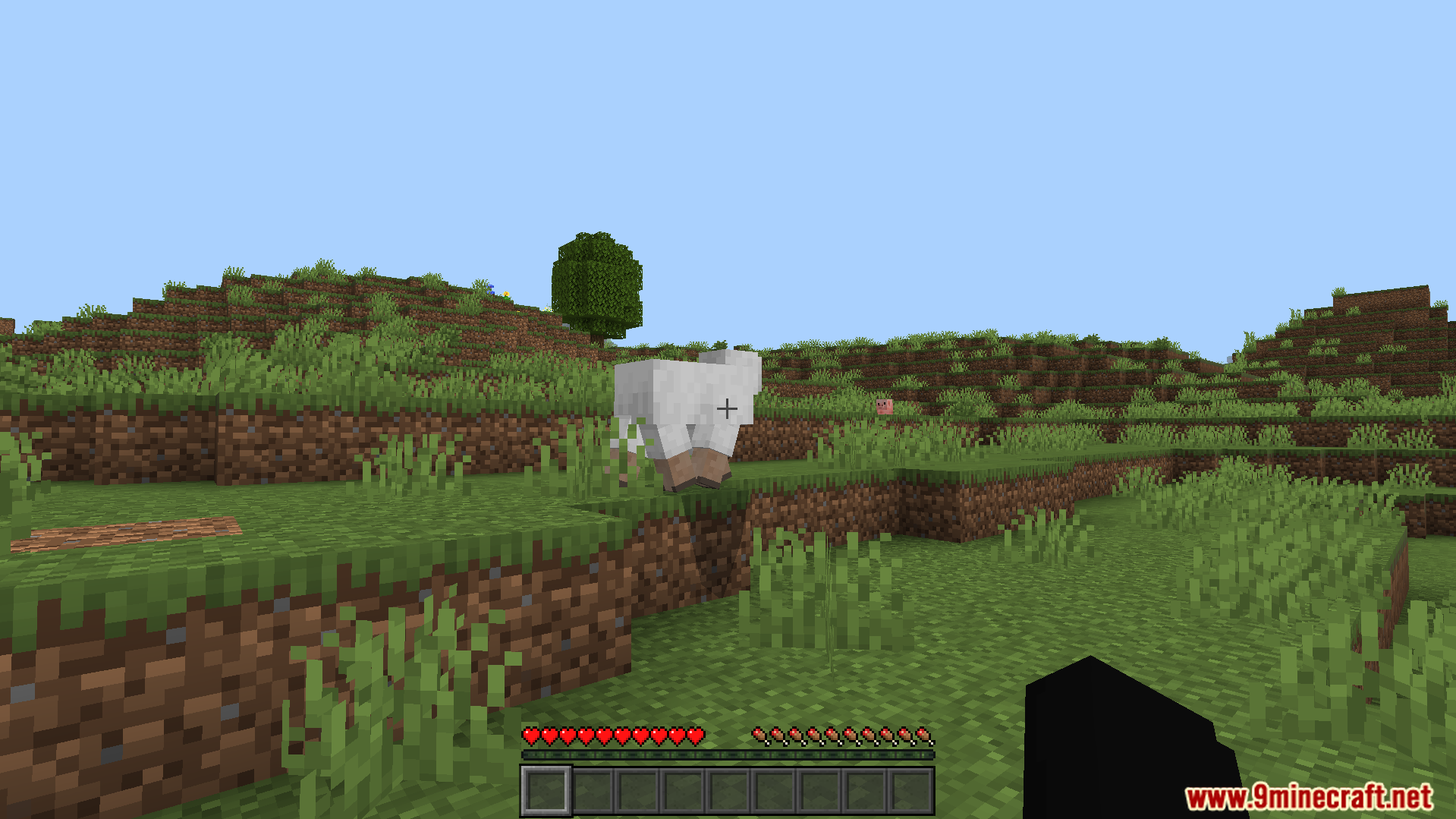
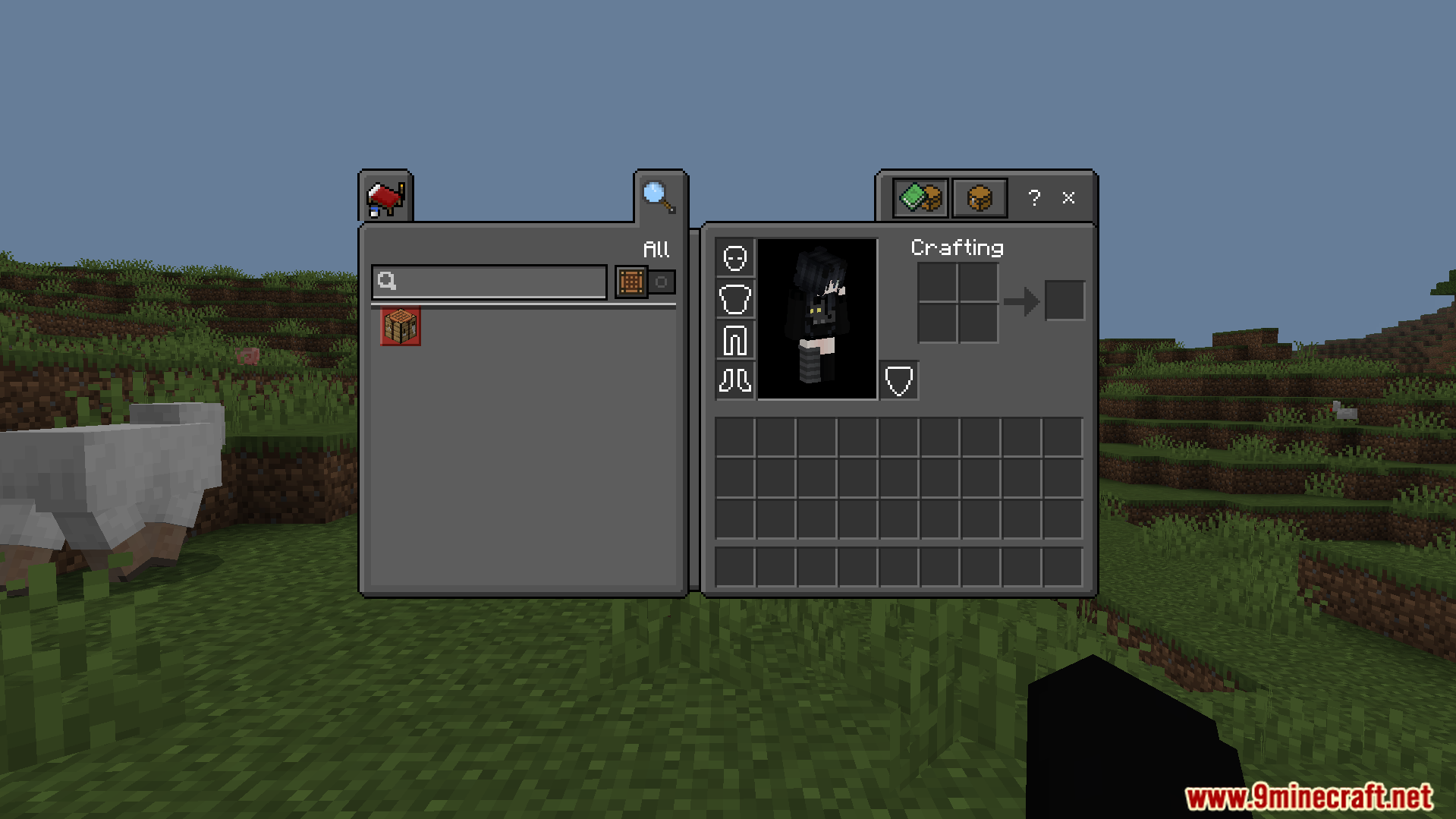
Dark Theme Texture Pack Easy on the eyes, sleek on the screen — a full dark mode makeover for your settings, inventory, and menu screens. Features: Dark mode styling across settings and inventory UIs Reduced eye strain during long late-night sessions Clean, modern interface design that stays readable Consistent dark styling across menus and screens Why You'll Love It: 1 No more blinding white menus at midnight 2 The sleek dark look feels premium and modern 3 Purely visual — zero effect on gameplay or performance How to Get Started: 1 Download the Dark Theme Texture Pack. 2 Install it in Minecraft PE. 3 Open your world and enjoy the new experience.
Read the full details and screenshots
Open this resource in CraftyBox