
CRAFTYBOX
Preparing your block world
正在准备你的方块世界
First visit setup
首次访问设置
CRAFTYBOX
Preparing your block world
正在准备你的方块世界
First visit setup
首次访问设置
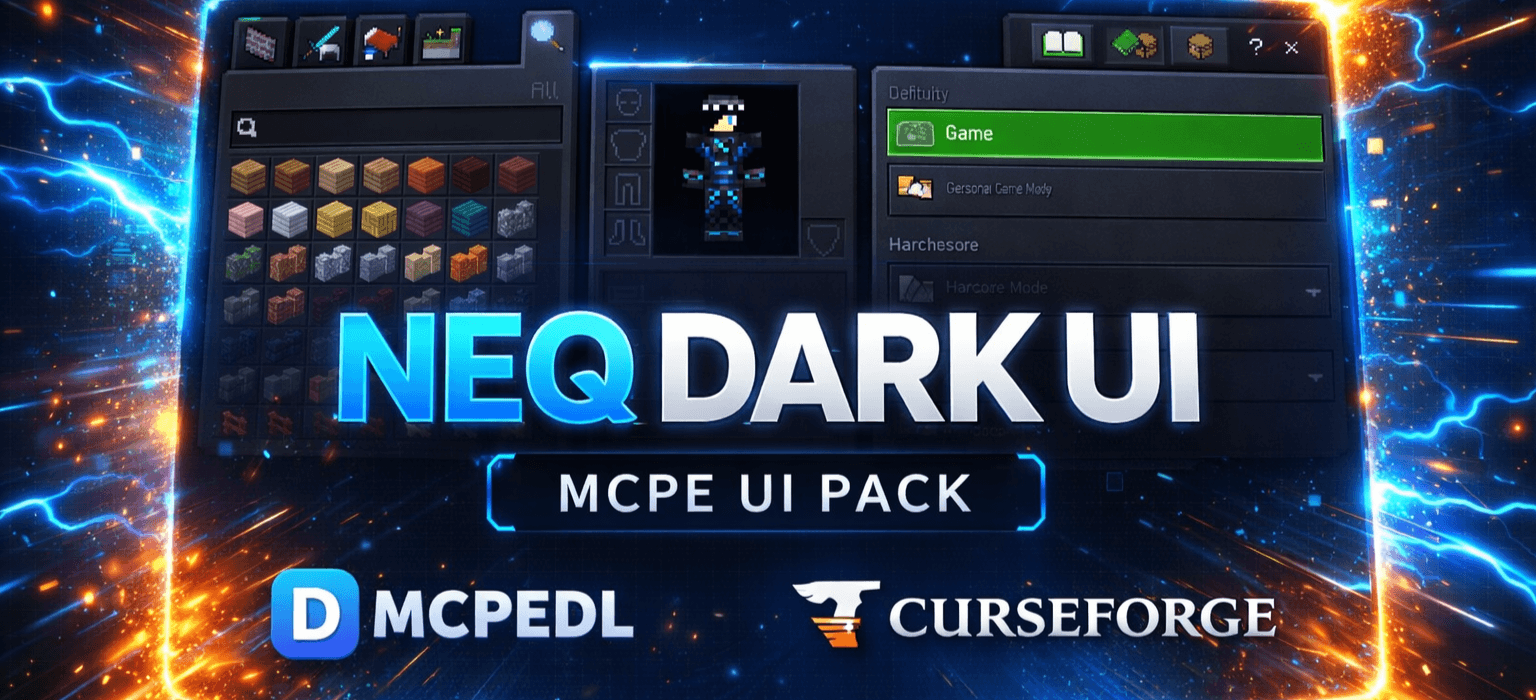
DARK UI Give your Minecraft Pocket Edition interface a sleek, modern, and eye-friendly dark mode makeover! Features: Complete dark theme replacing bright default UI panels Tech-inspired futuristic layout with glowing highlights Improved contrast for better visibility during night sessions Optimized lightweight textures with zero FPS drop Why You'll Love It: 1 Reduces eye strain during long gaming sessions in dark rooms. 2 Gives menus, inventories, and settings a premium aesthetic. 3 Fully compatible with multiplayer and creative modes. How to Get Started: 1 Download the DARK UI. 2 Install it in Minecraft PE. 3 Open your world and enjoy the new experie
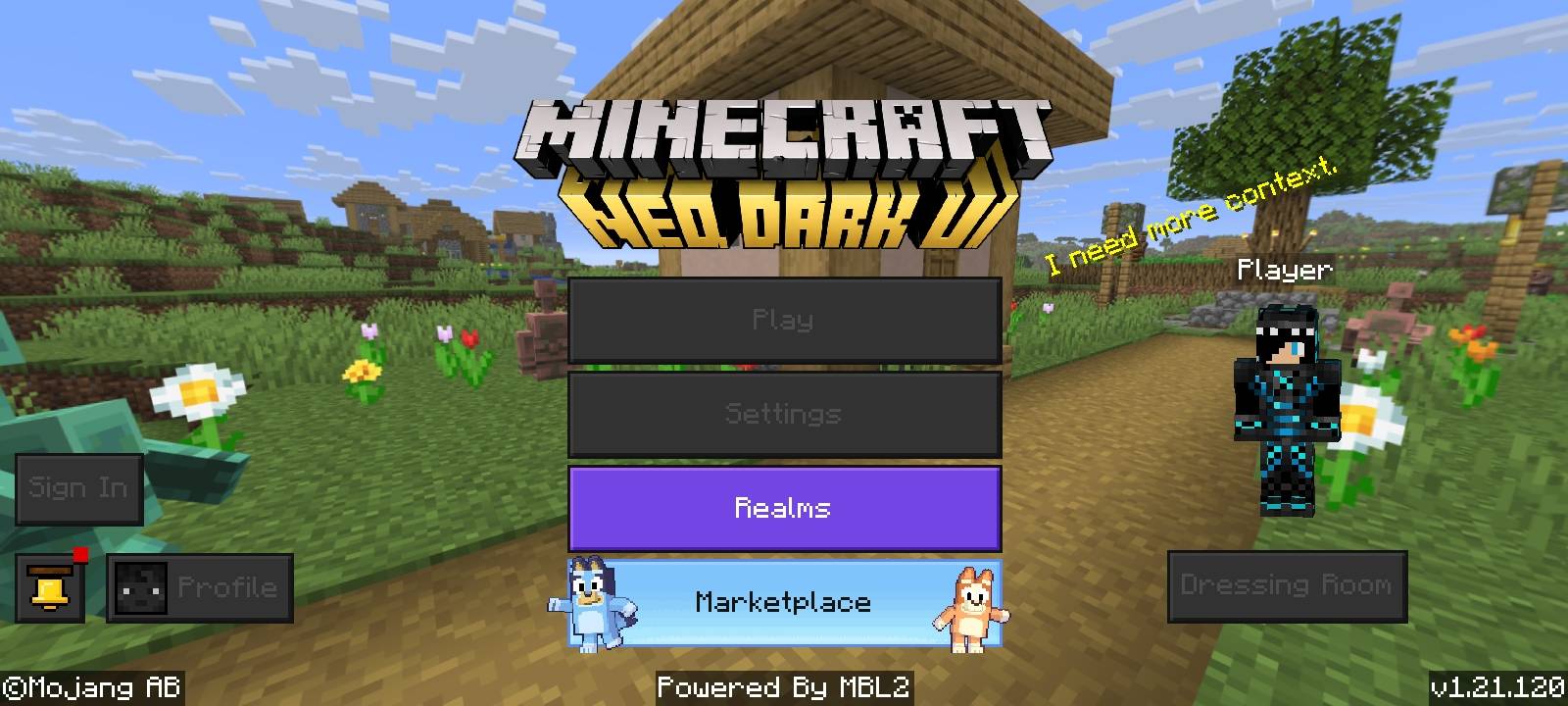
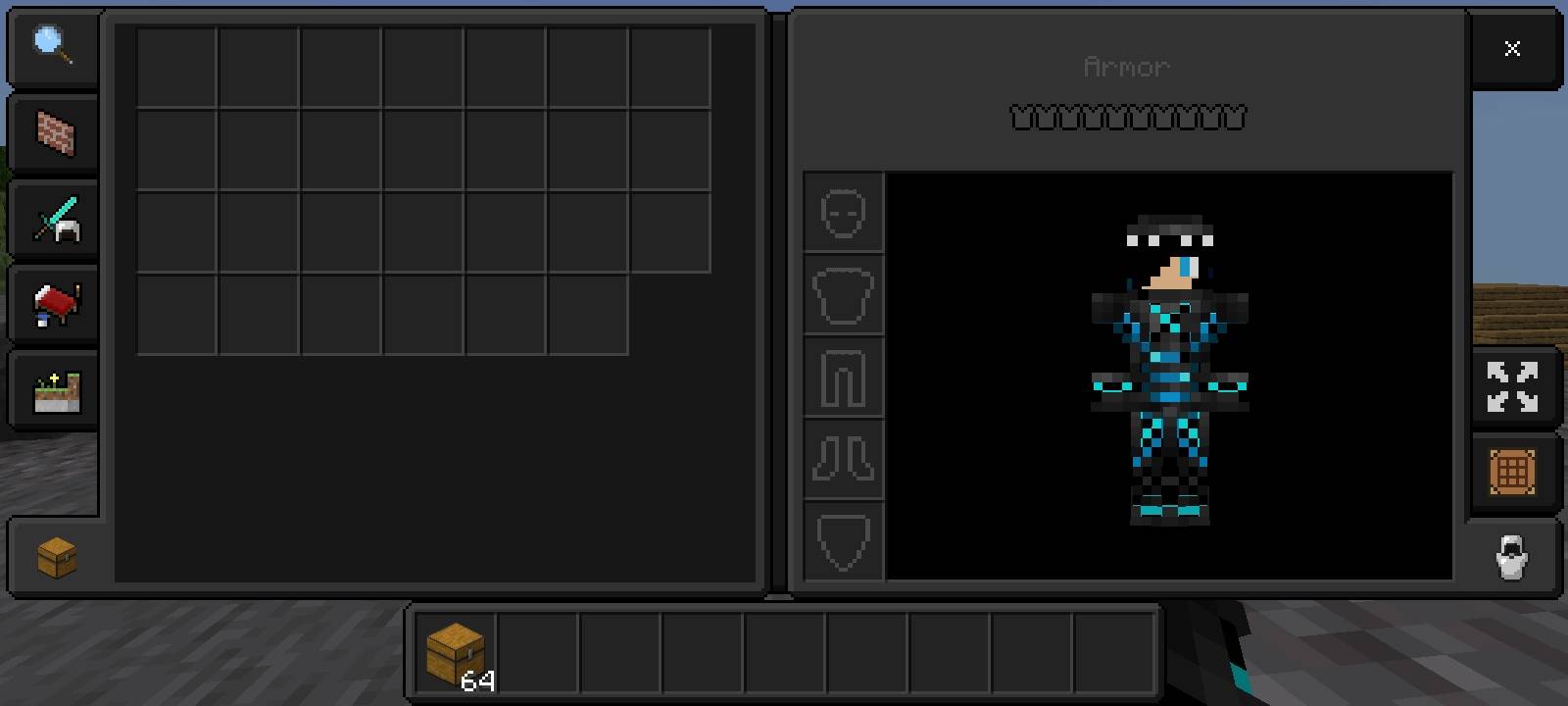
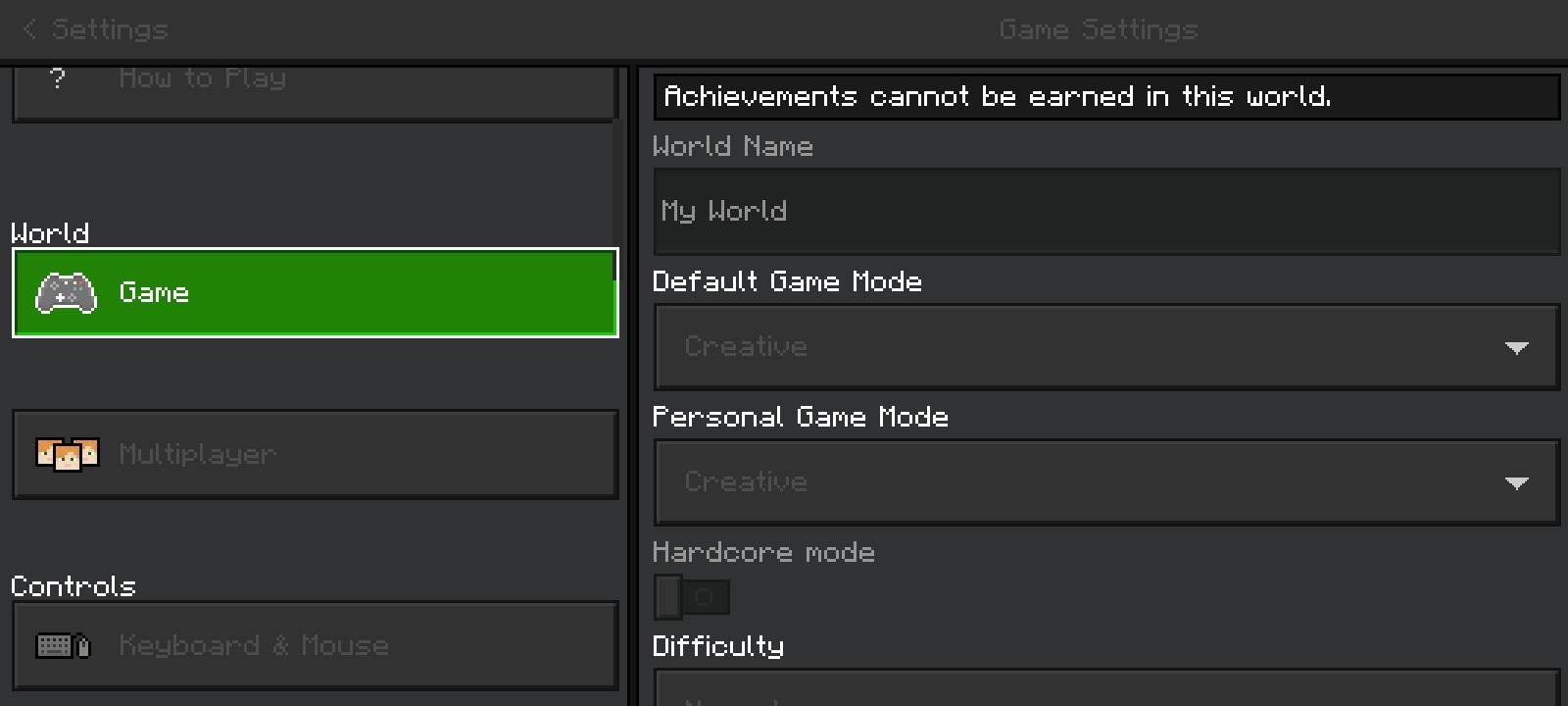
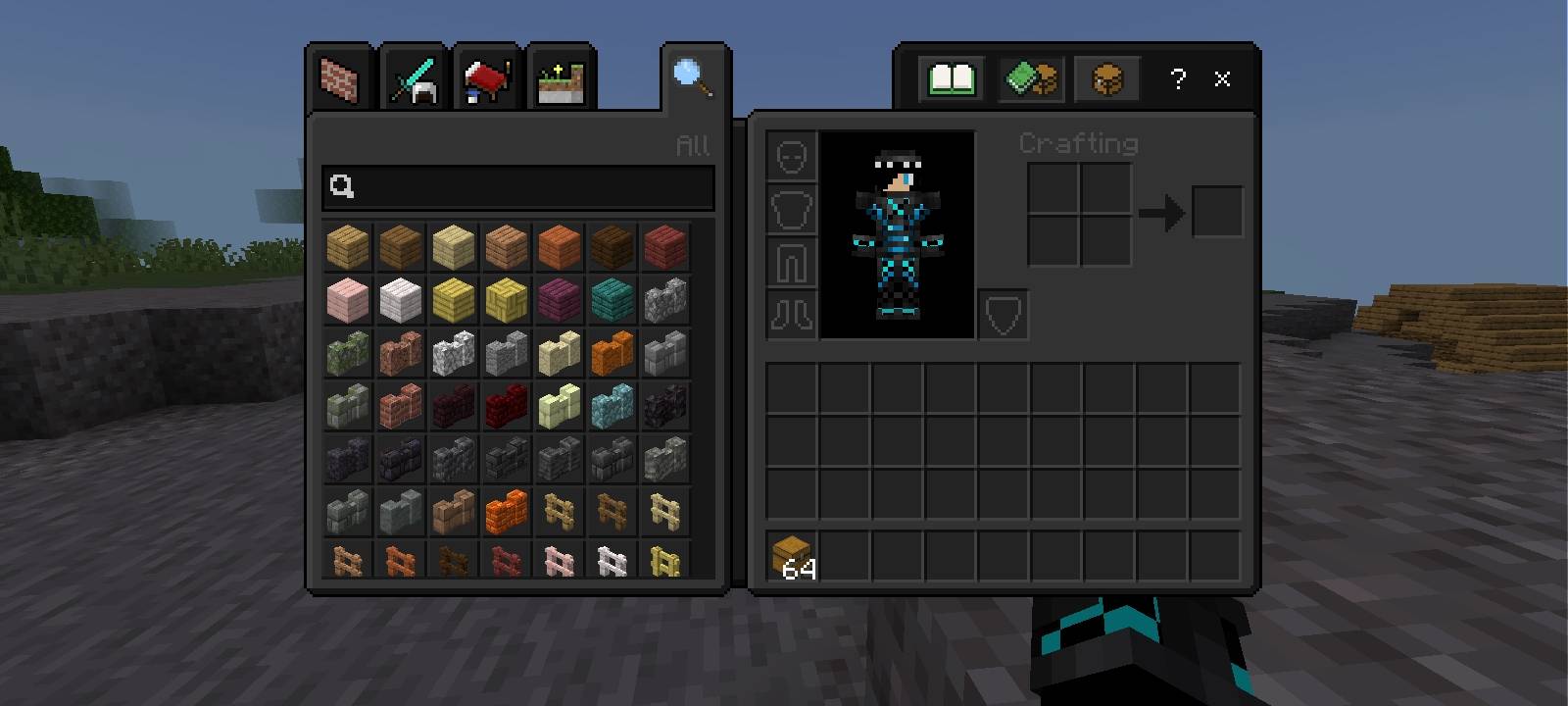
Read the full details and screenshots
Open this resource in CraftyBox