
CRAFTYBOX
Preparing your block world
正在准备你的方块世界
First visit setup
首次访问设置
CRAFTYBOX
Preparing your block world
正在准备你的方块世界
First visit setup
首次访问设置
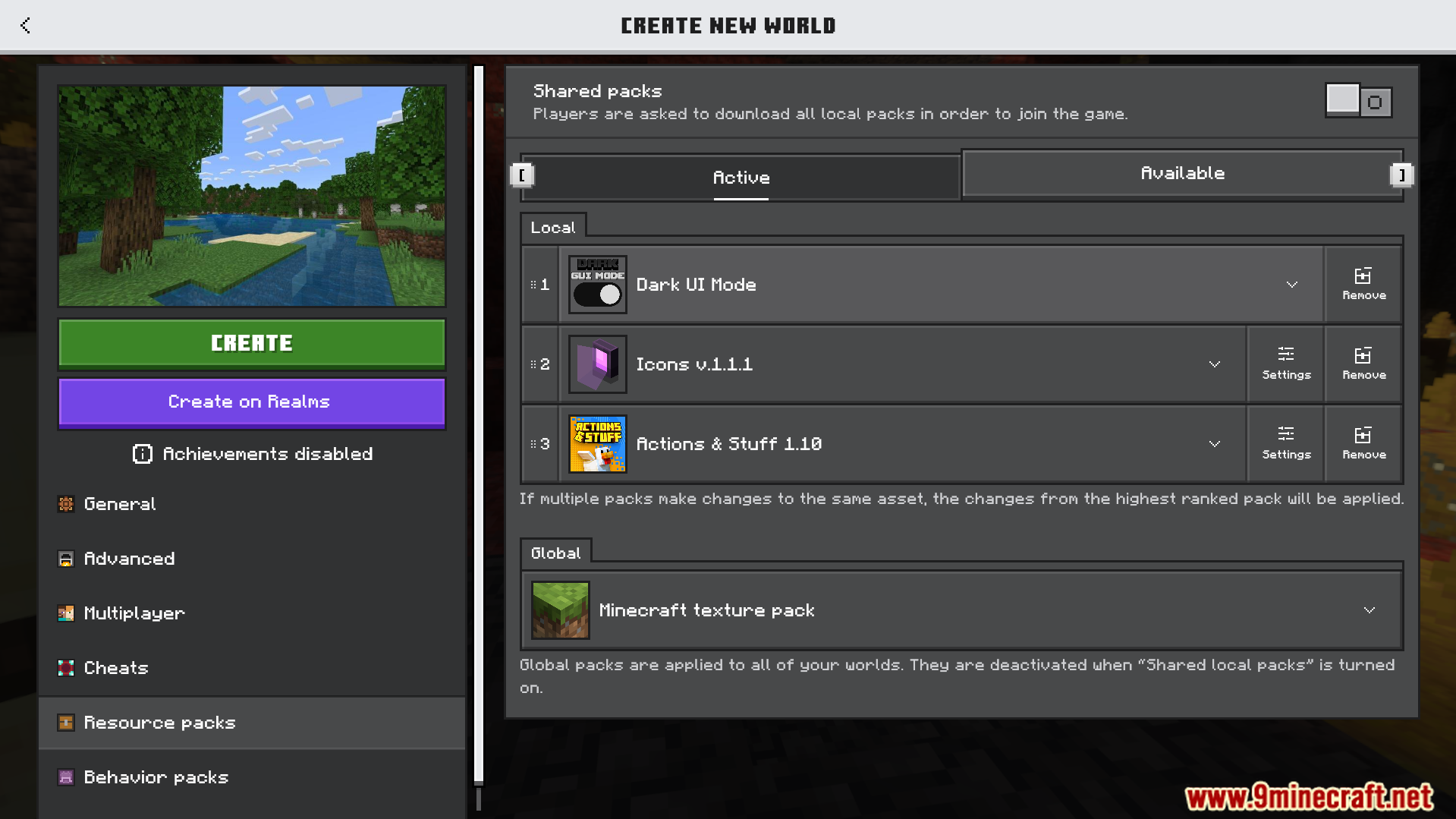
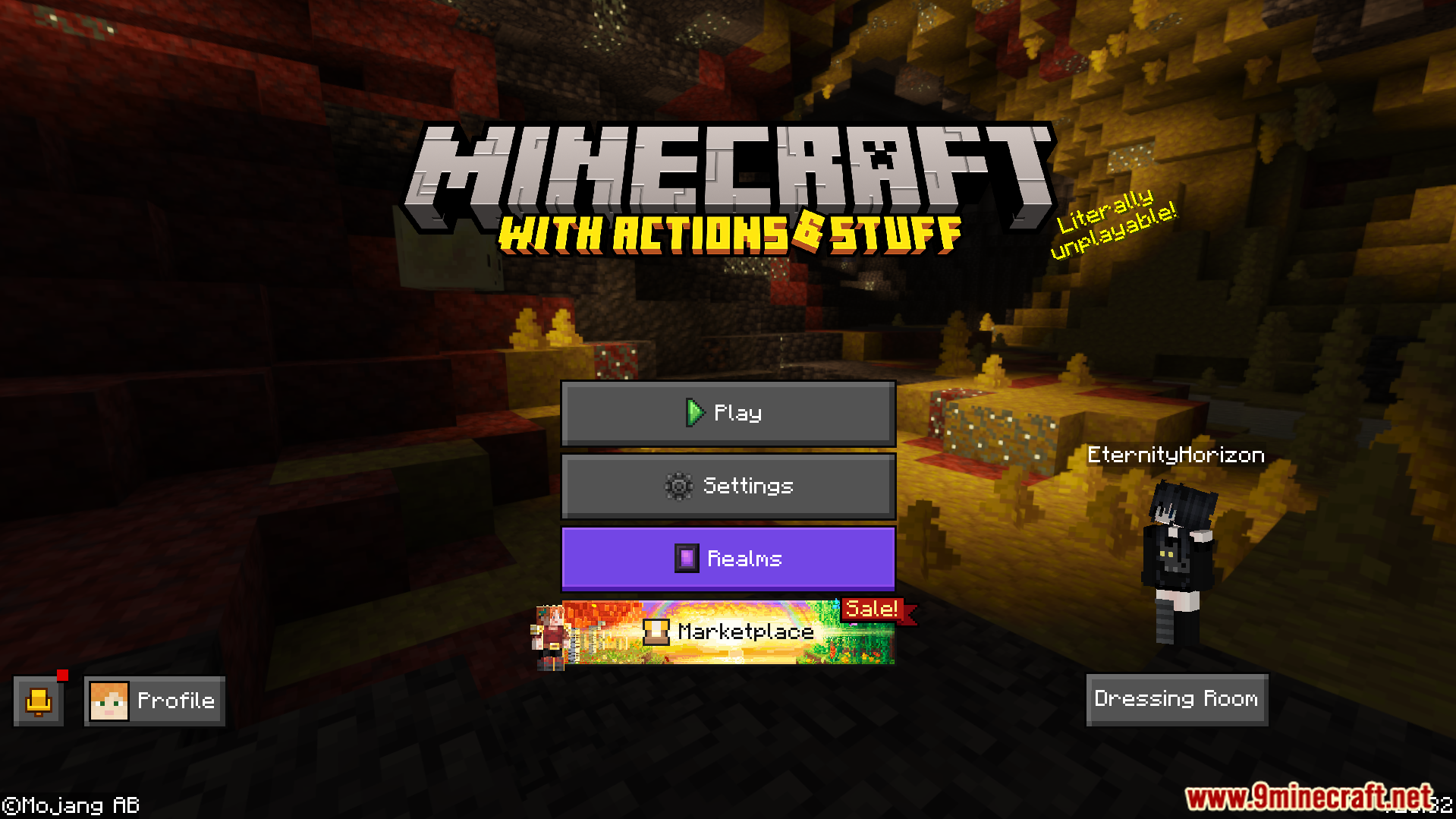
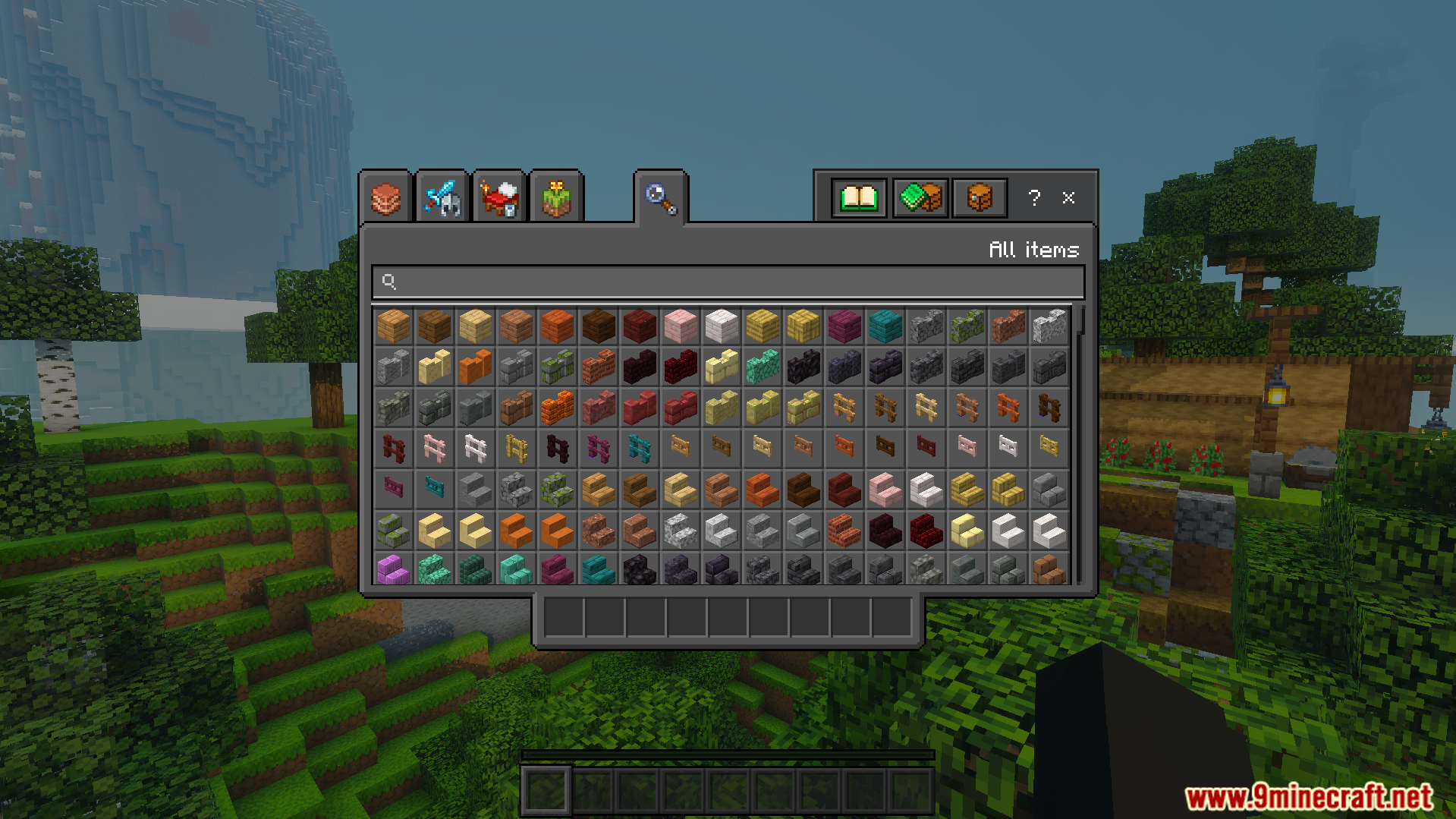
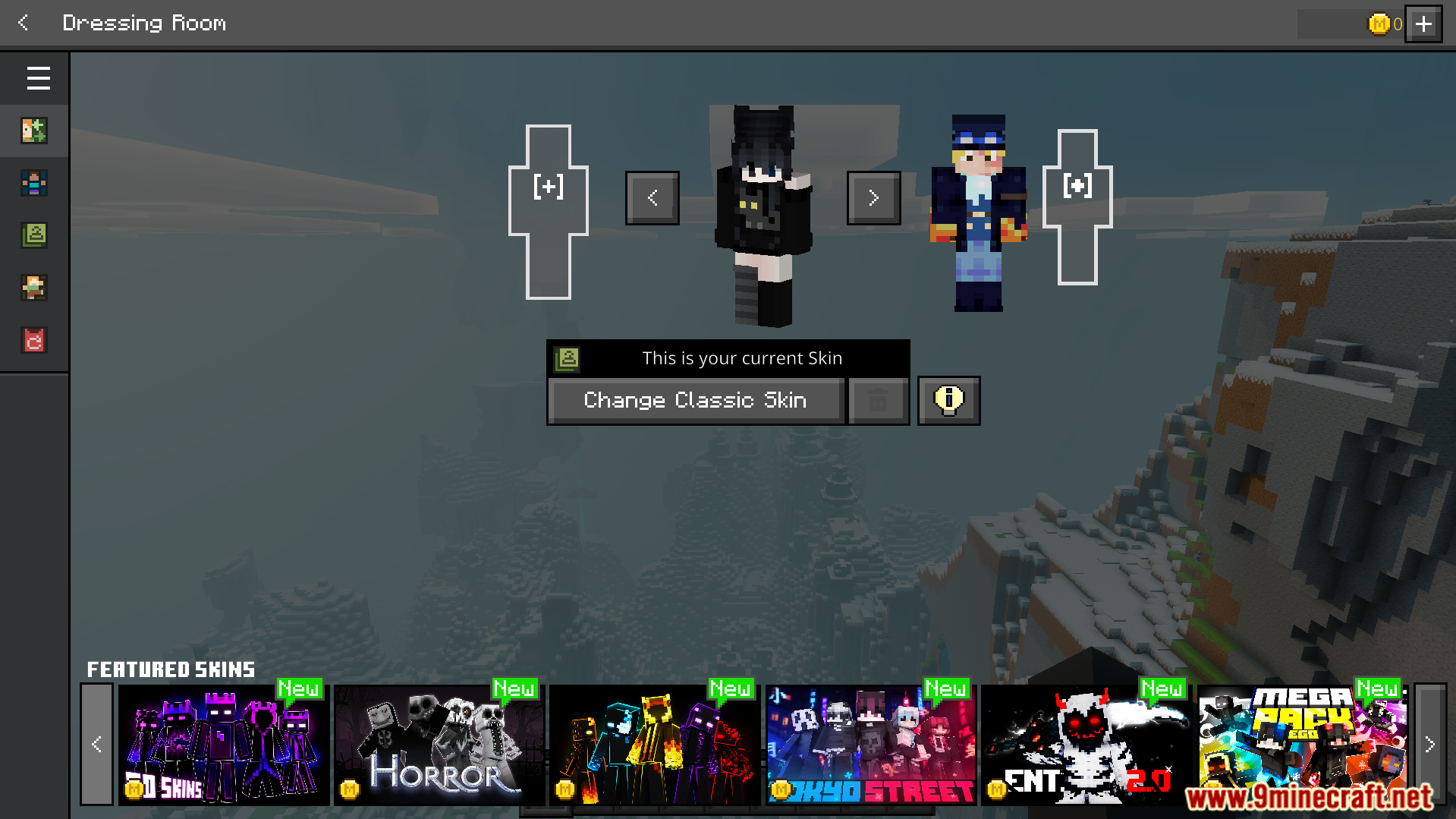
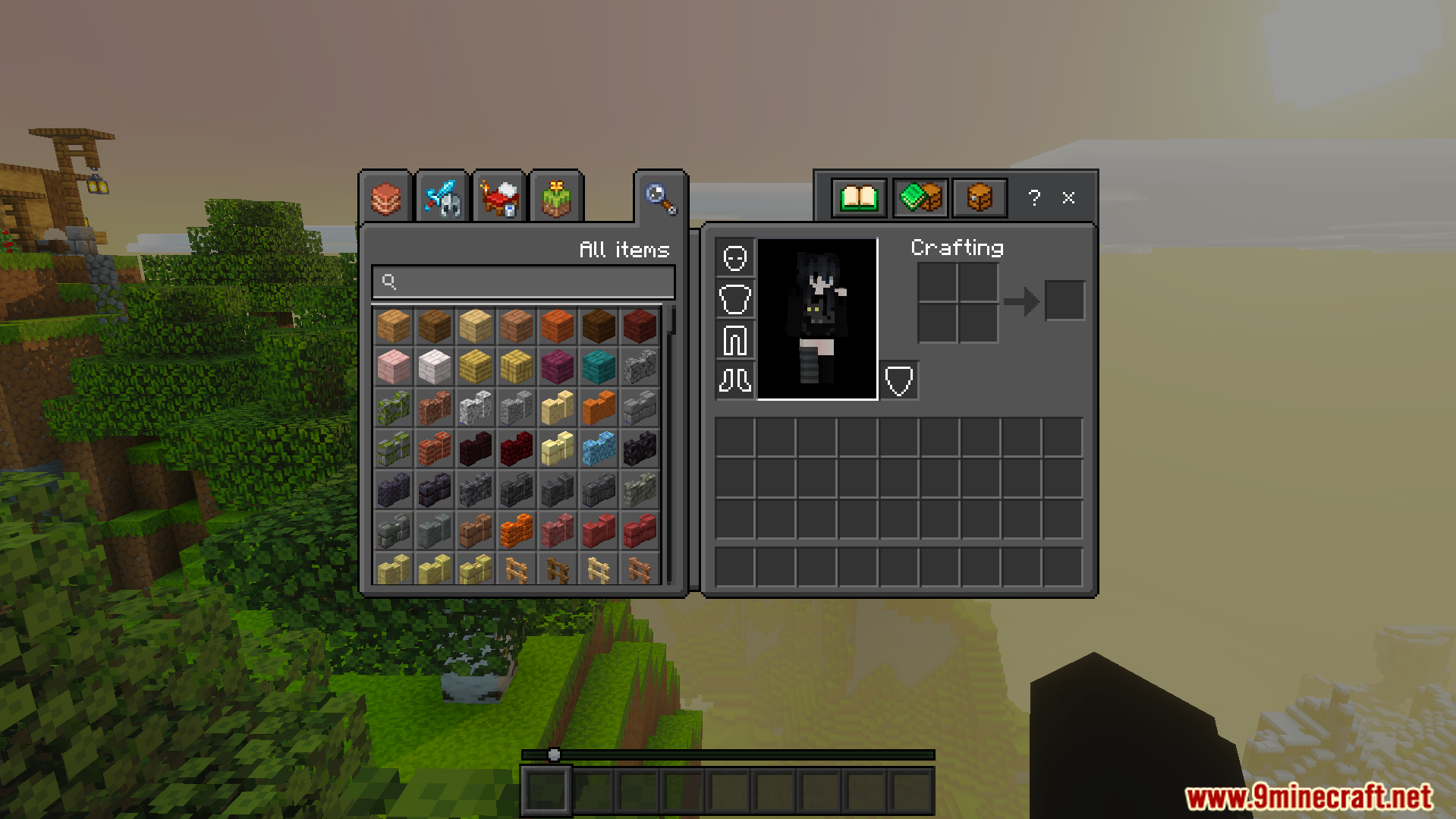
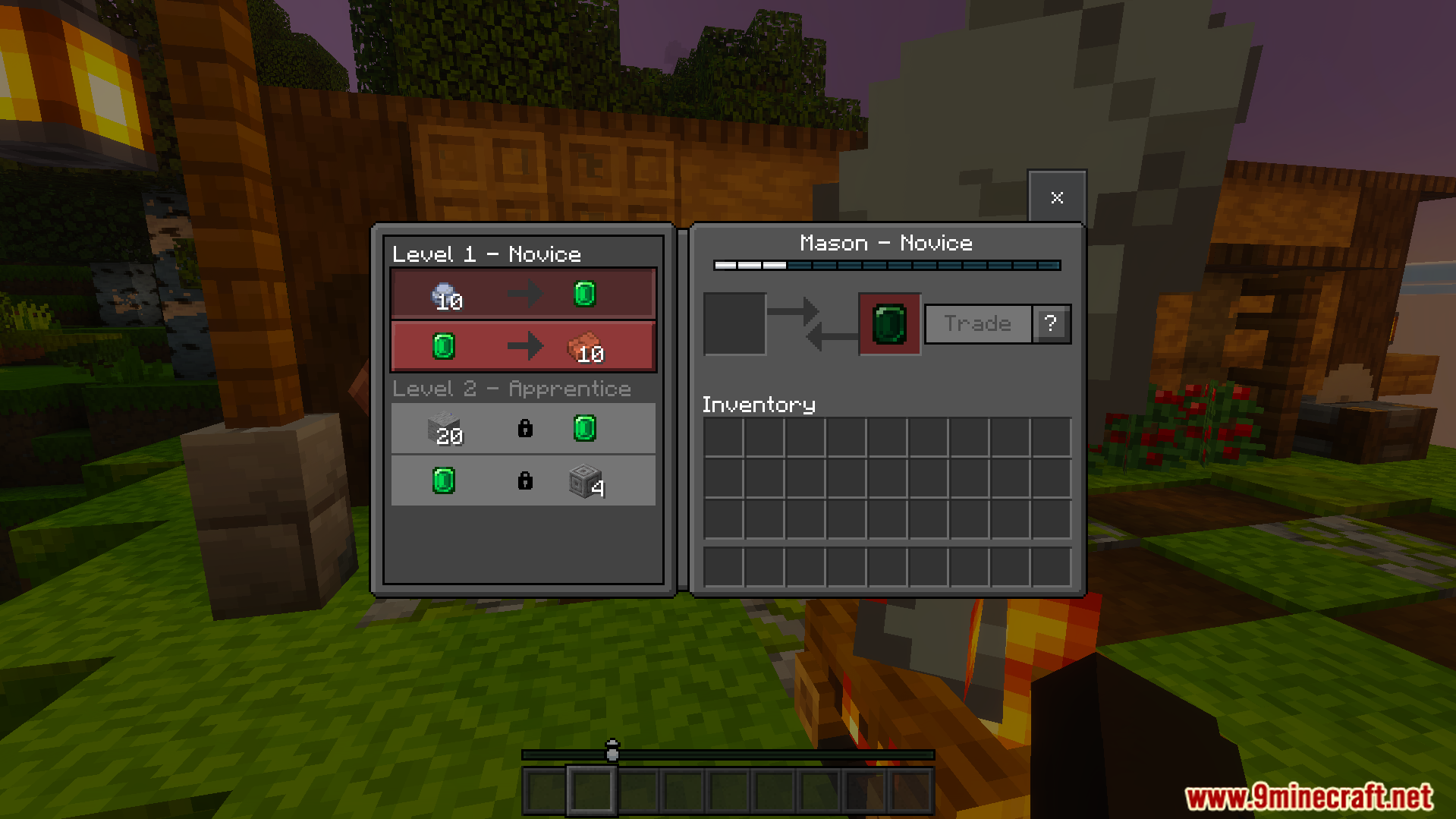
Dark UI Mode Texture Pack Give every game menu a sleek, eye-friendly dark theme that's easy on the eyes day or night. Features: Dark theme across all game menus Reduced eye strain in low light Clean, modern interface styling Consistent look throughout the UI Why You'll Love It: 1 Comfortable night-time play 2 Stylish, modern menus 3 Easy on the eyes How to Get Started: 1 Download the Dark UI Mode Texture Pack. 2 Install it in Minecraft PE. 3 Open your world and enjoy the new experience. Go dark and play in comfort!
Open this resource in CraftyBox