
CRAFTYBOX
Preparing your block world
正在准备你的方块世界
First visit setup
首次访问设置
CRAFTYBOX
Preparing your block world
正在准备你的方块世界
First visit setup
首次访问设置
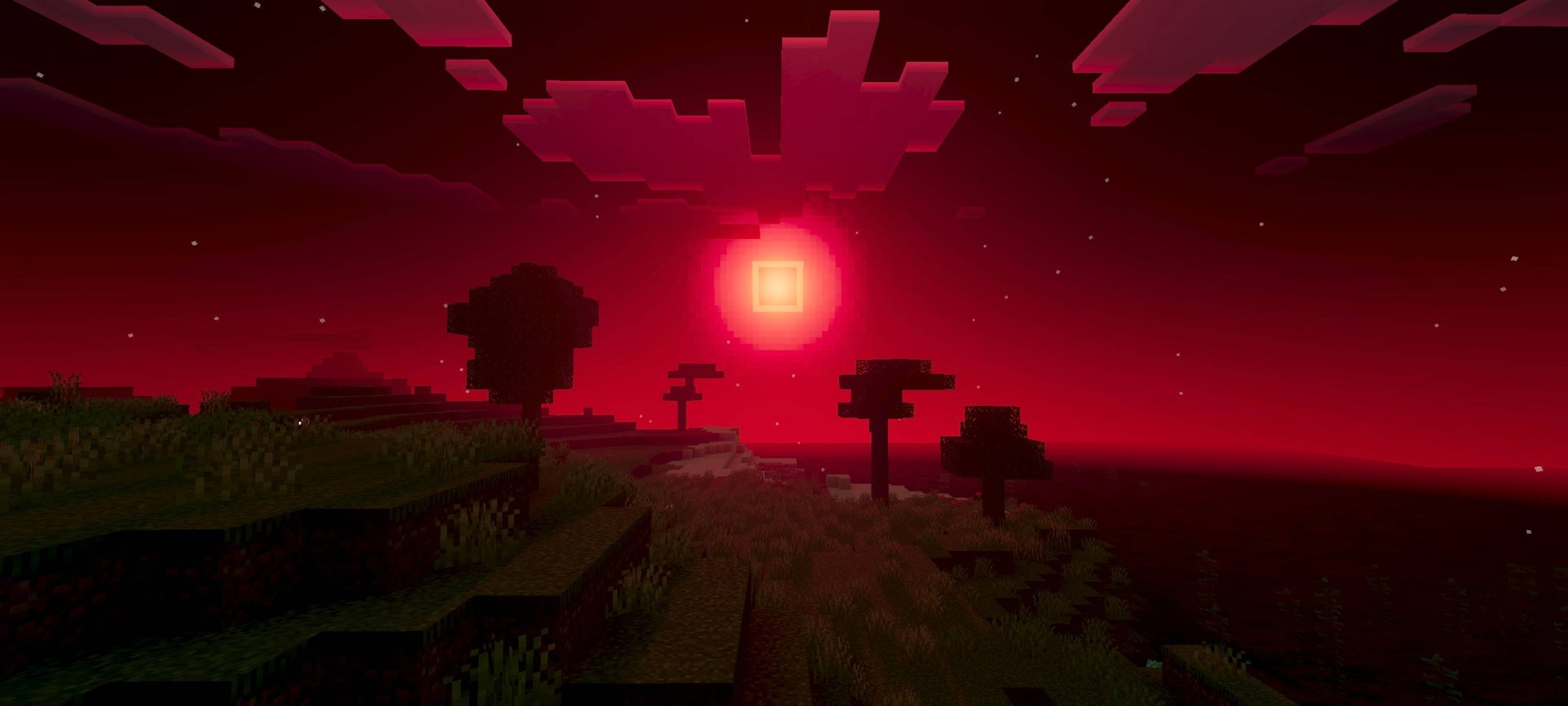
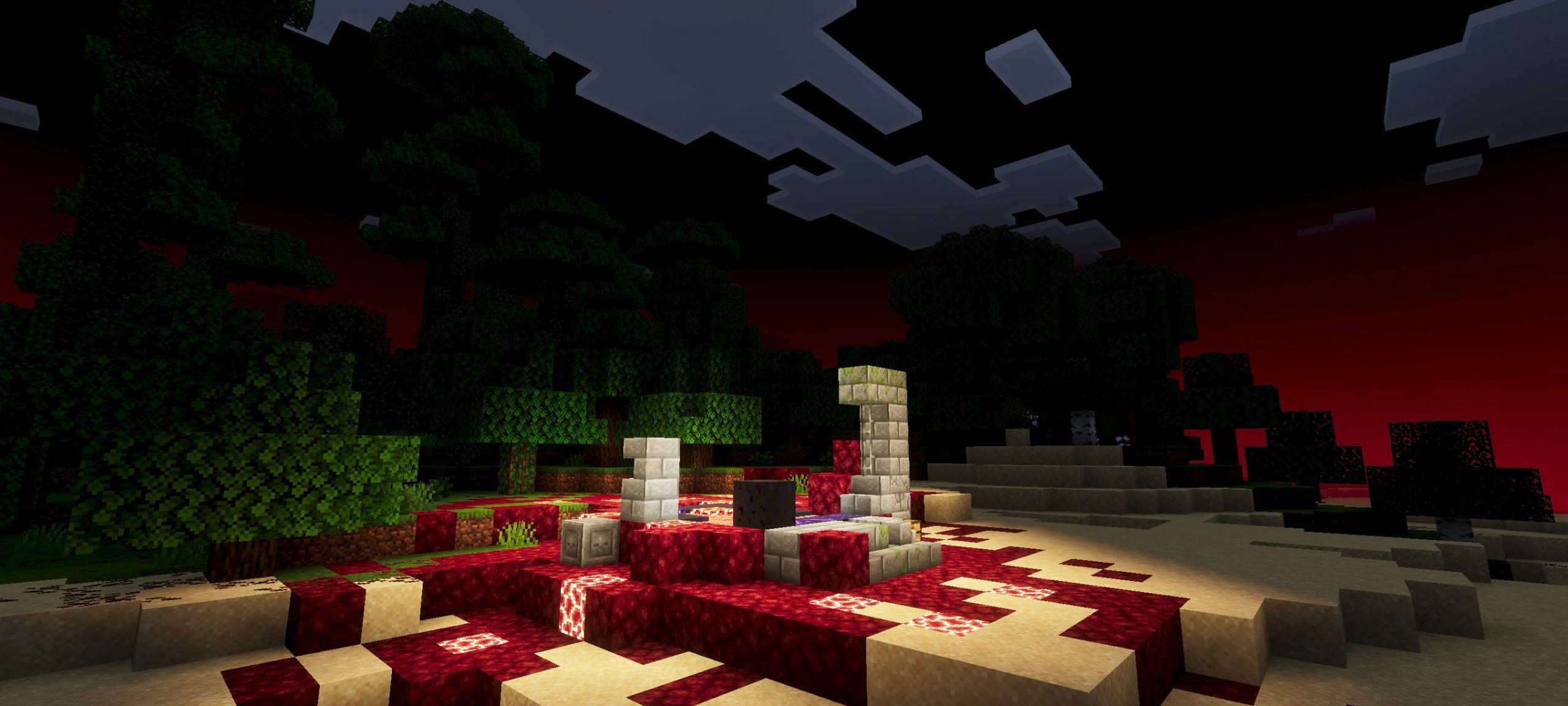
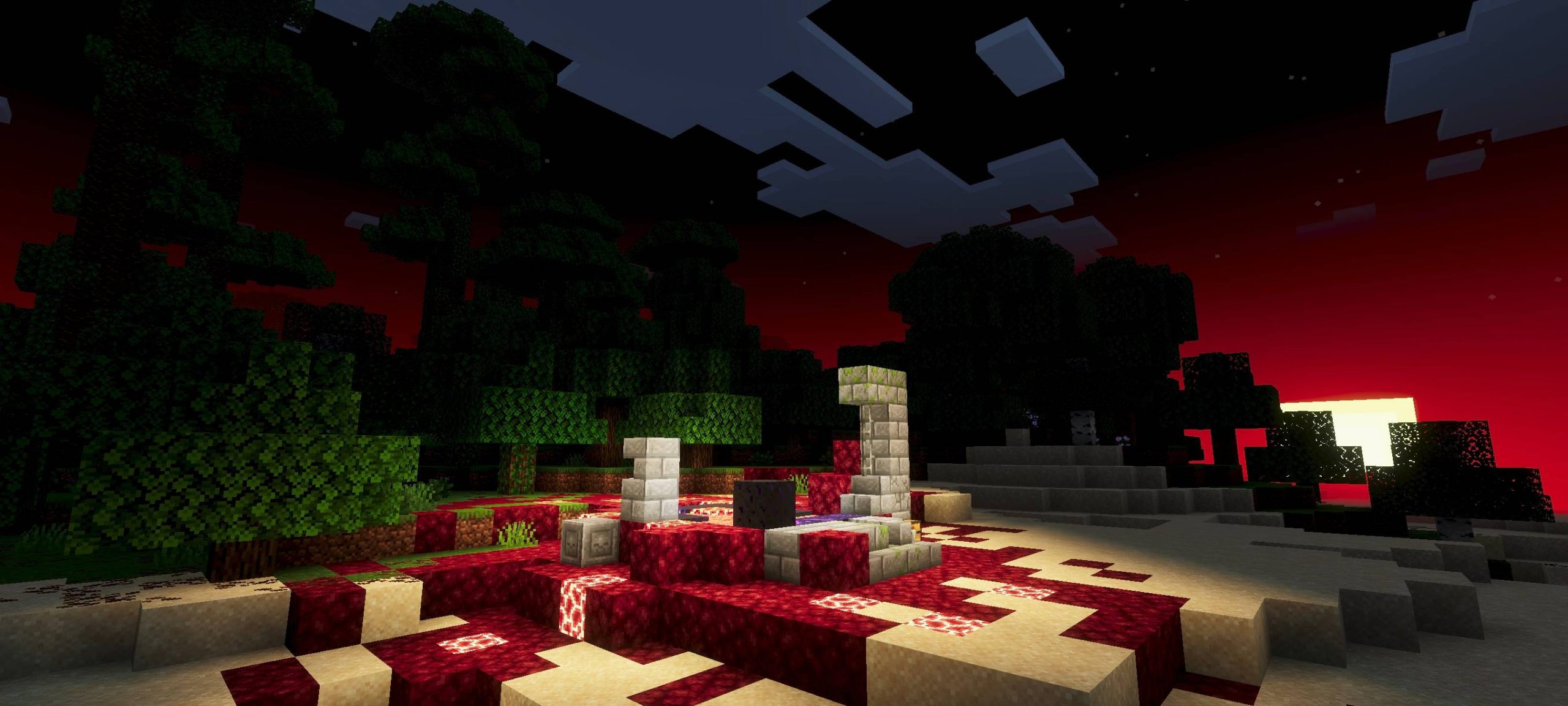
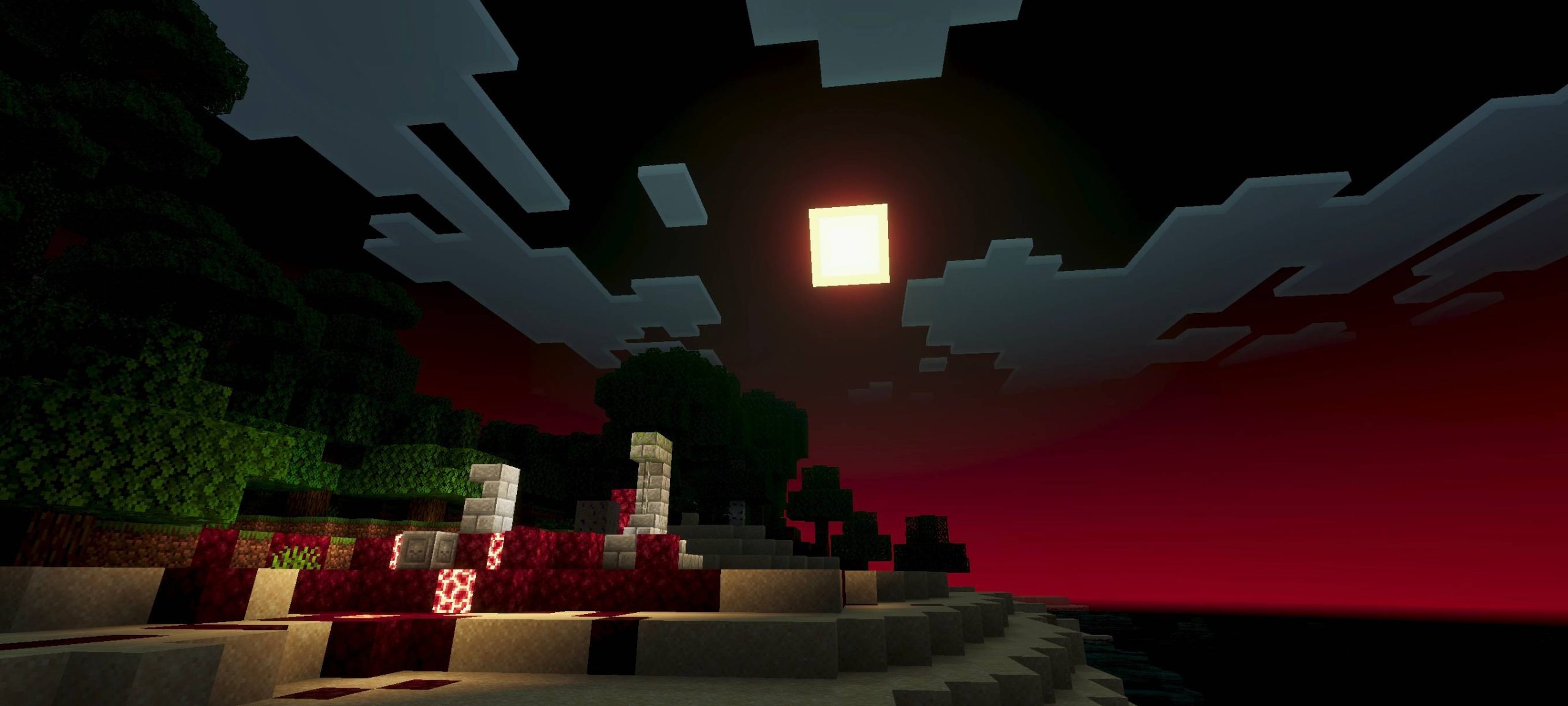
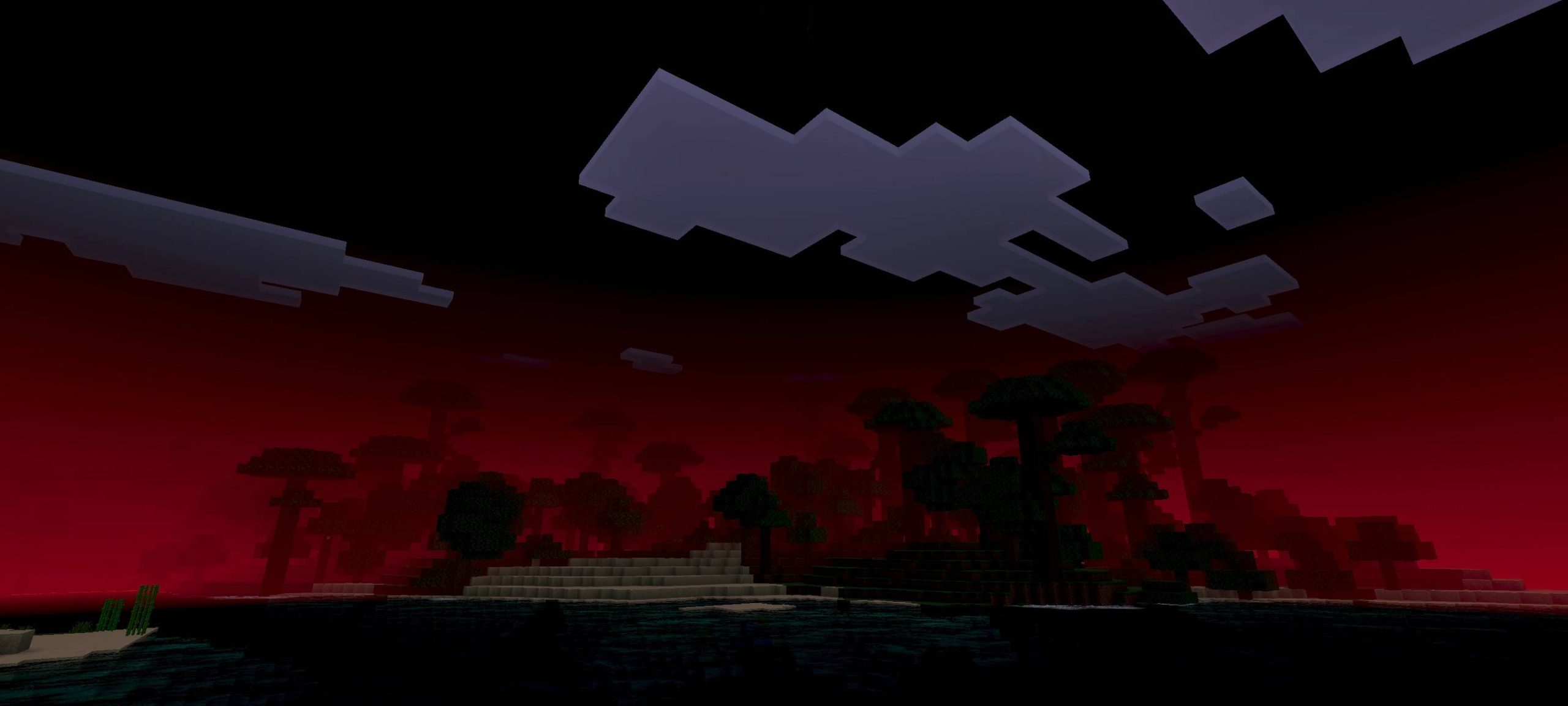
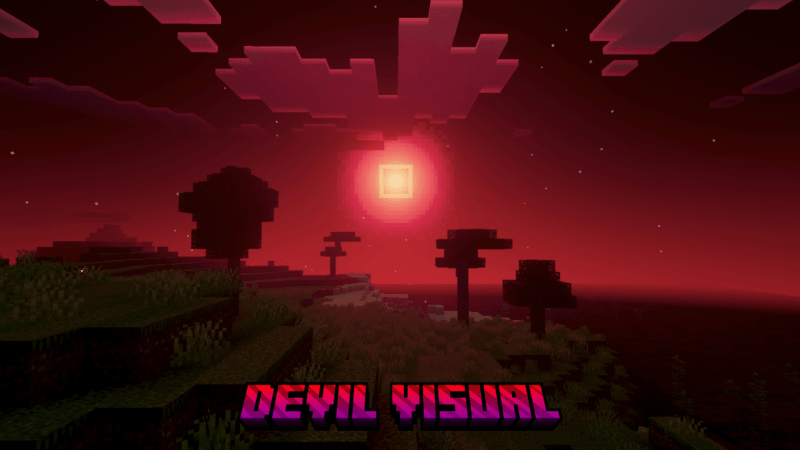
Devil Vision Shader See the world through devilish eyes — this MCPE/Bedrock 1.26+ shader casts your world in sinister reds and infernal atmosphere. Features: Menacing red-tinted color grading and skies Fiery lighting that makes lava and flames pop Ominous shadows and darker, moodier nights Distinct horror-adjacent style unlike any other pack Why You'll Love It: 1 Instant nether-on-the-overworld vibes 2 Killer pairing for horror maps and boss arenas 3 A bold aesthetic that makes screenshots unforgettable How to Get Started: 1 Download the Devil Vision Shader. 2 Install it in Minecraft PE. 3 Open your world and enjoy the new experience. Embrace the
Open this resource in CraftyBox