
CRAFTYBOX
Preparing your block world
正在准备你的方块世界
First visit setup
首次访问设置
CRAFTYBOX
Preparing your block world
正在准备你的方块世界
First visit setup
首次访问设置
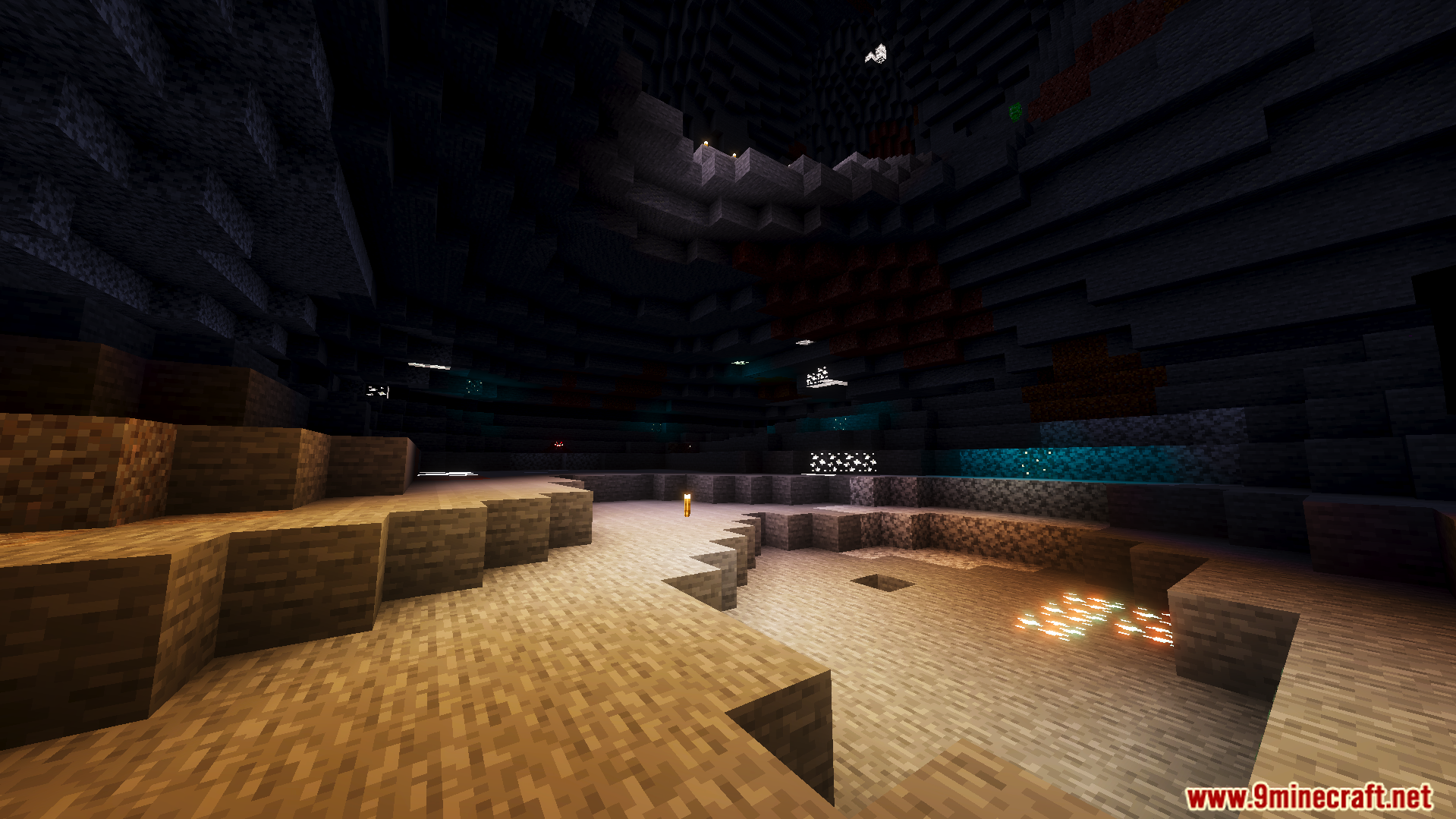
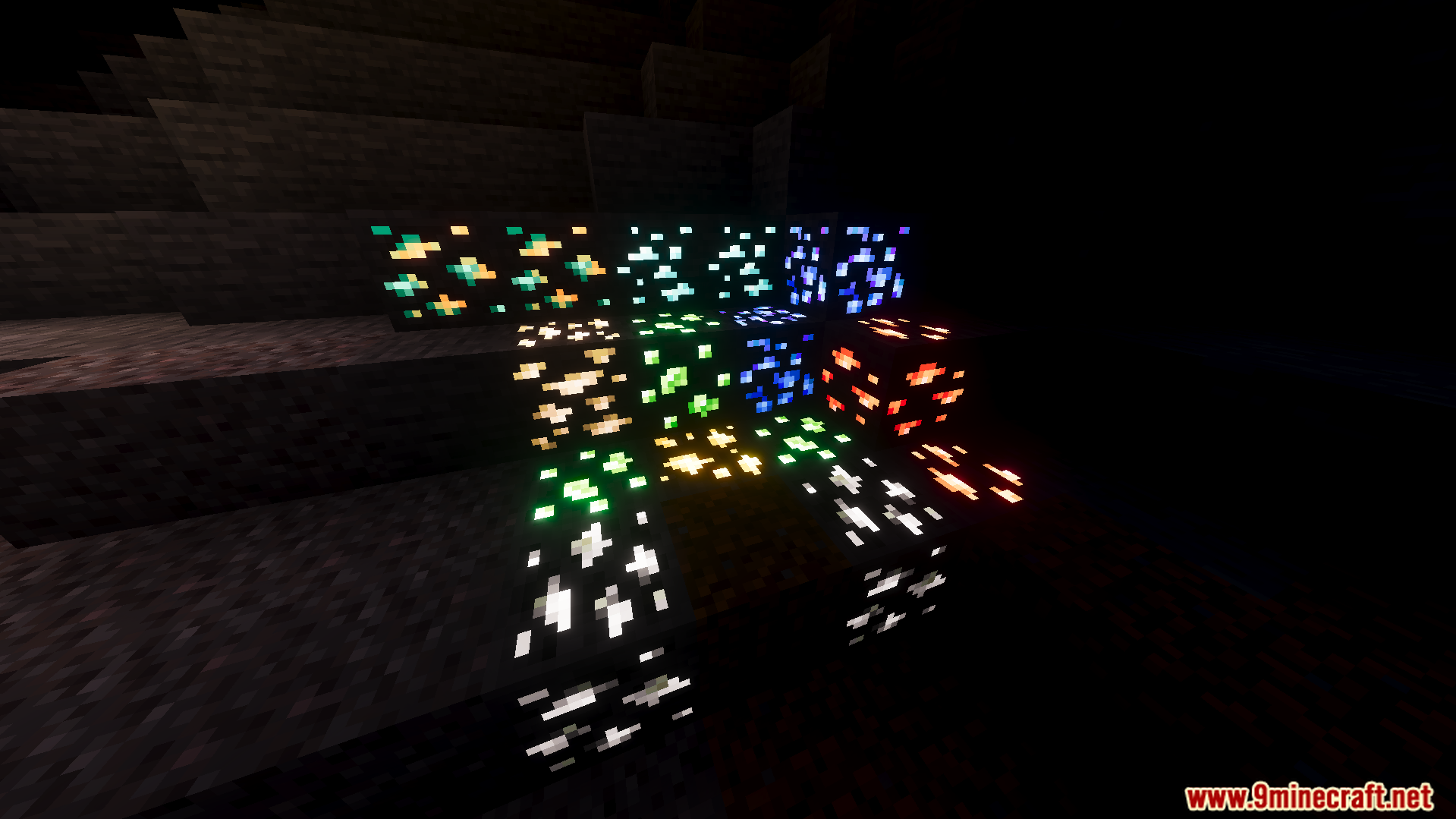
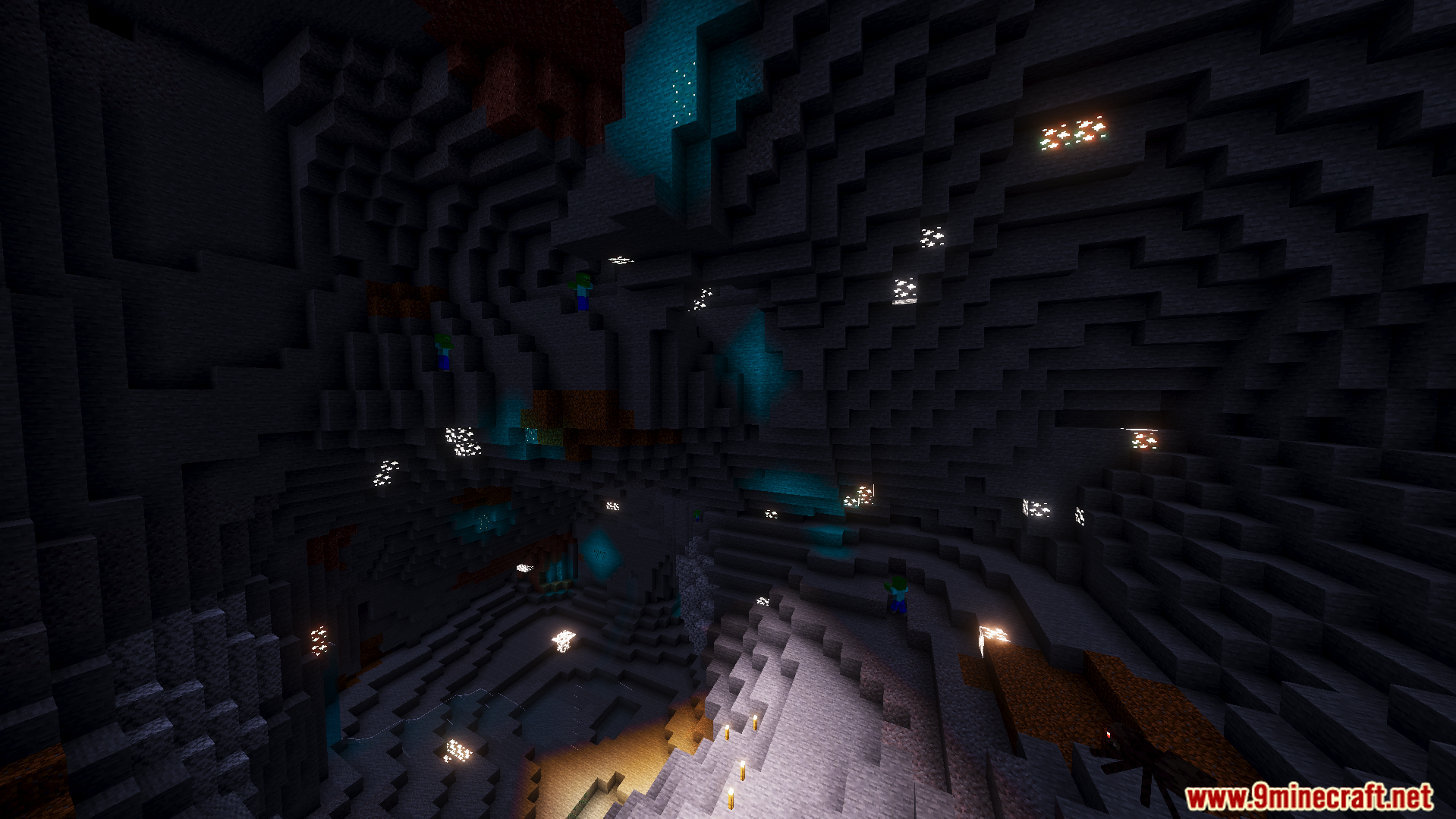
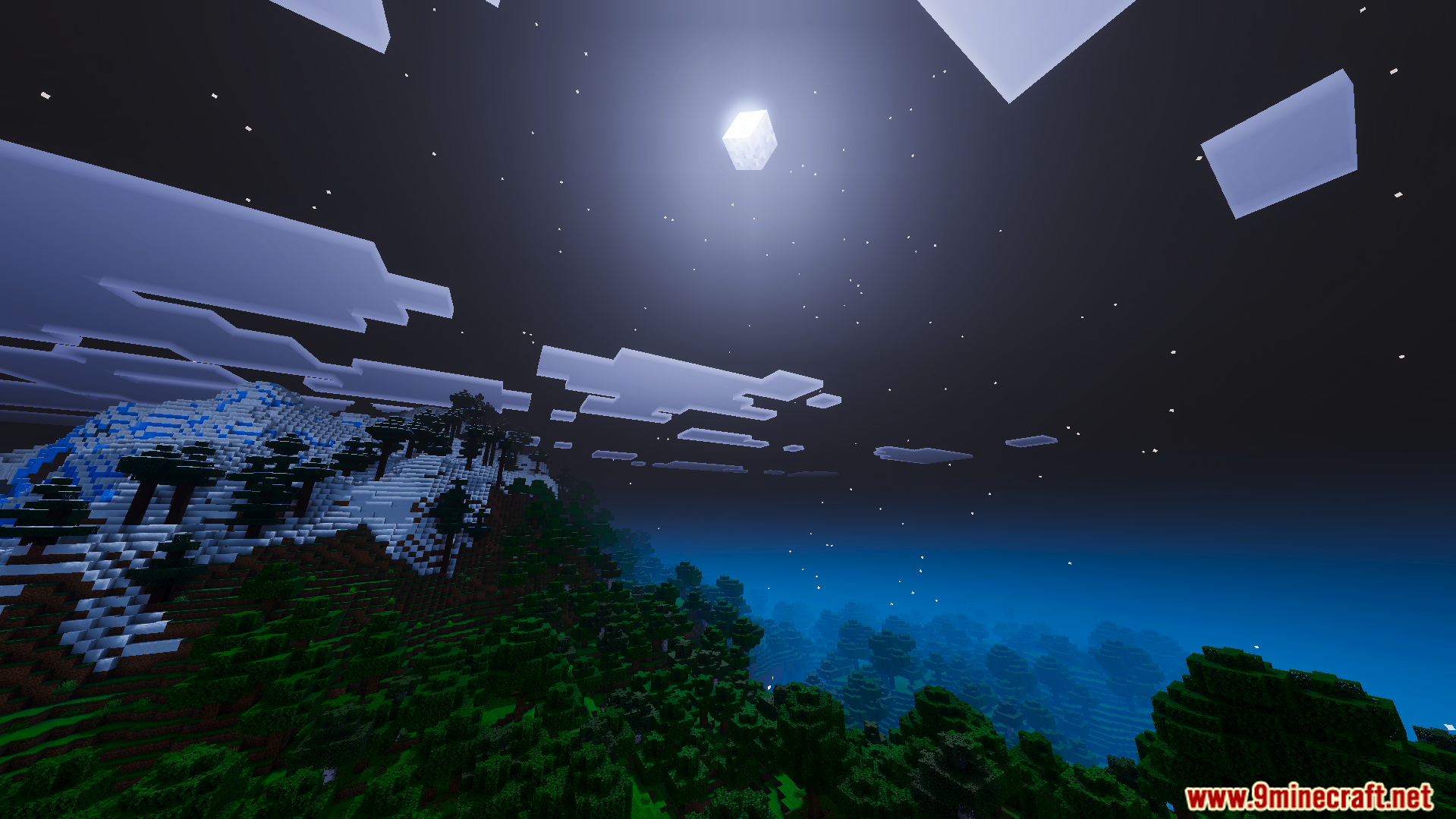
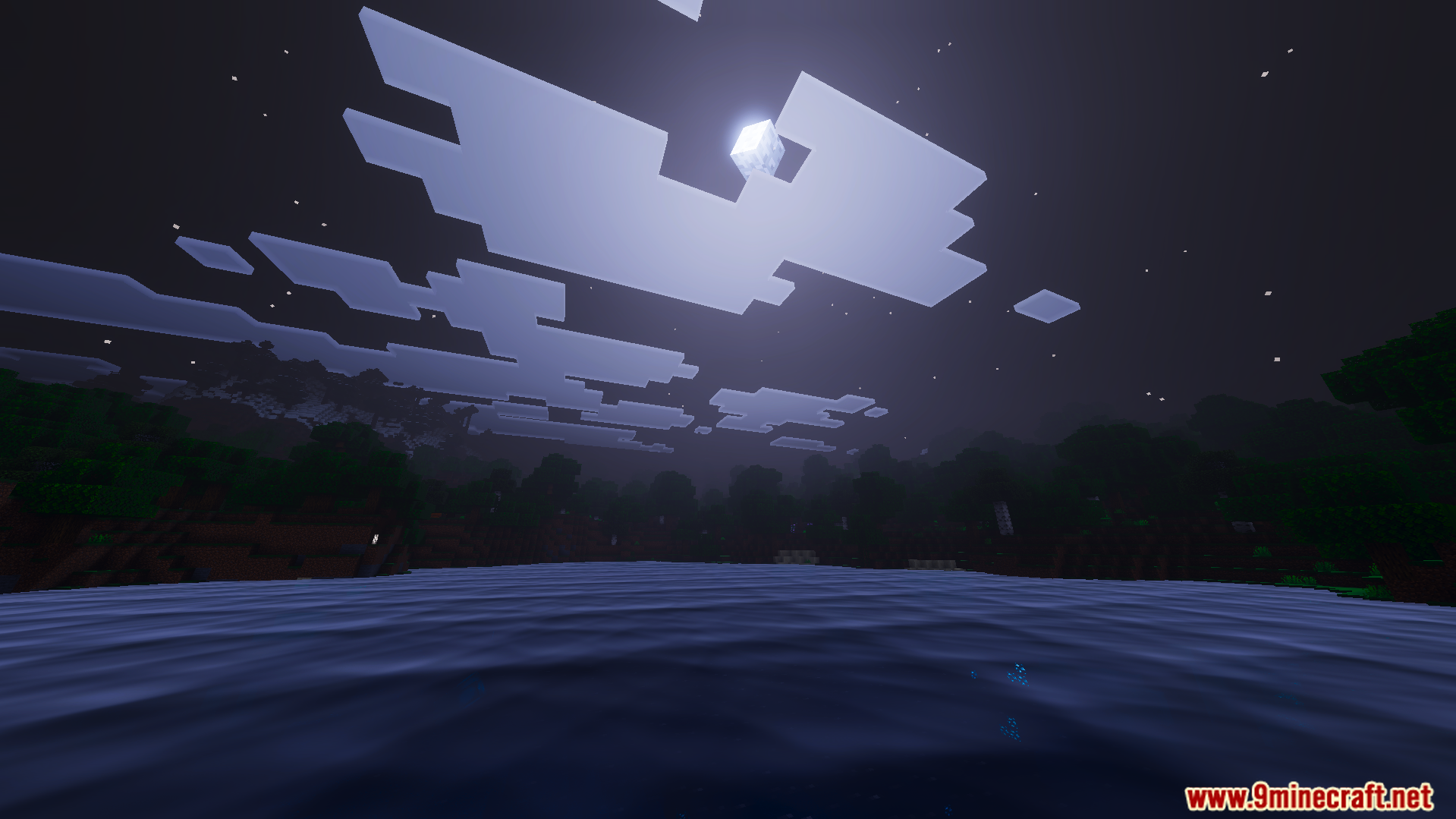
Ethereal Mystic Shader Ethereal Mystic Shader wraps MCPE/Bedrock 1.26+ in dreamy color grading and soft shadows, turning your world into a gentle, otherworldly fairytale. Features: Dreamlike color grading with a soft mystical haze Delicate soft shadows that melt into the scenery Enchanting dawn, dusk, and moonlight palettes Light rendering footprint for fluid gameplay Why You'll Love It: 1 Pure magic for fantasy builds and enchanted forests 2 Soft visuals that are easy on the eyes for hours 3 A signature dreamy style perfect for screenshots How to Get Started: 1 Download the Ethereal Mystic Shader. 2 Install it in Minecraft PE. 3 Open your world and
Read the full details and screenshots
Open this resource in CraftyBox