
CRAFTYBOX
Preparing your block world
正在准备你的方块世界
First visit setup
首次访问设置
CRAFTYBOX
Preparing your block world
正在准备你的方块世界
First visit setup
首次访问设置
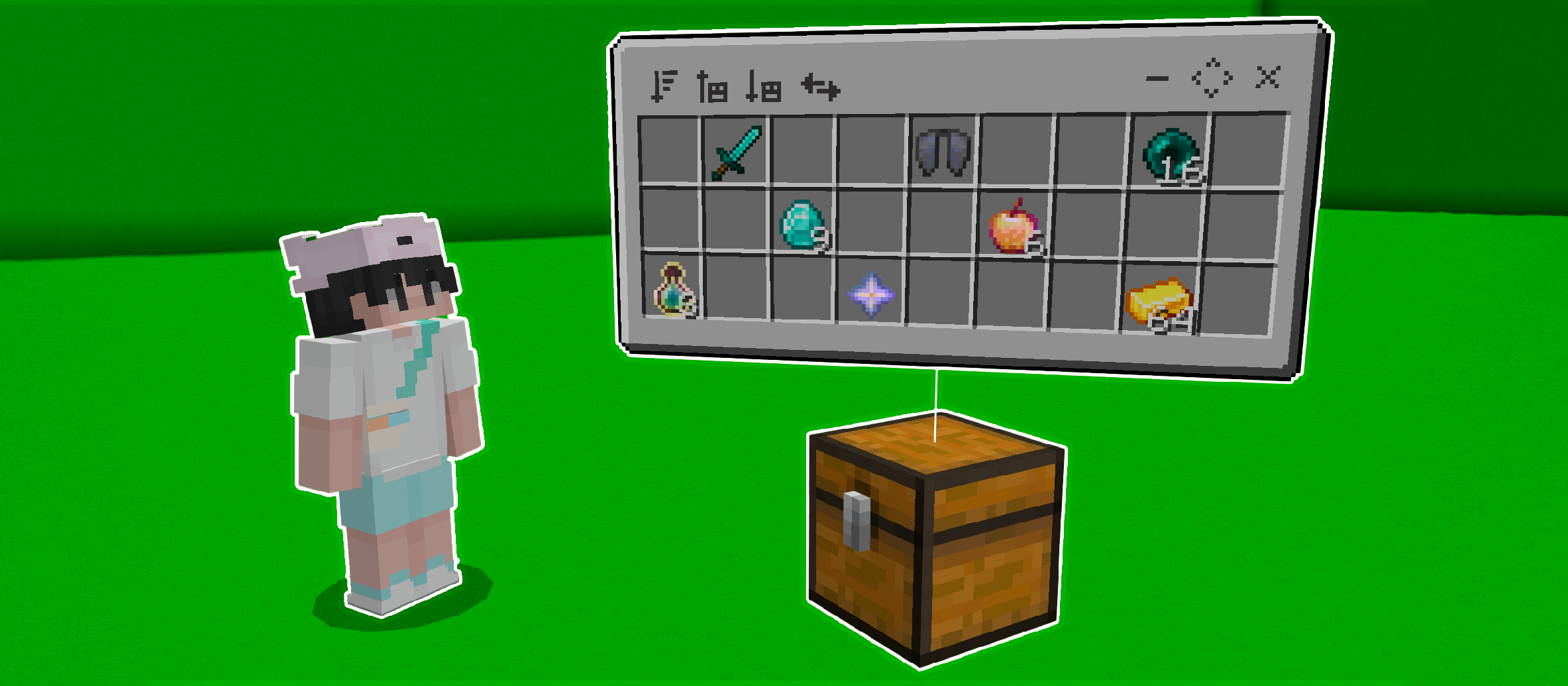
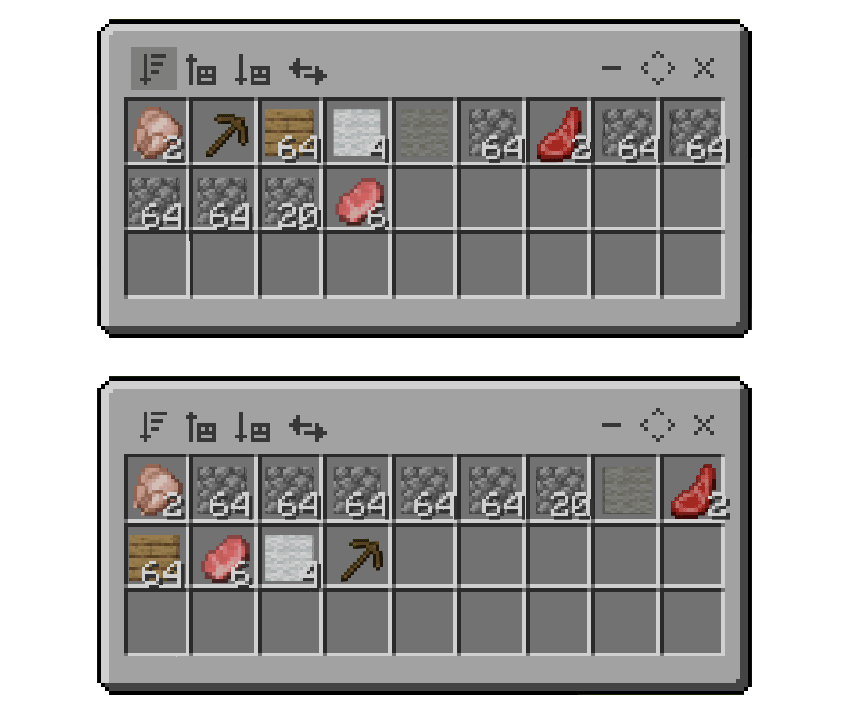
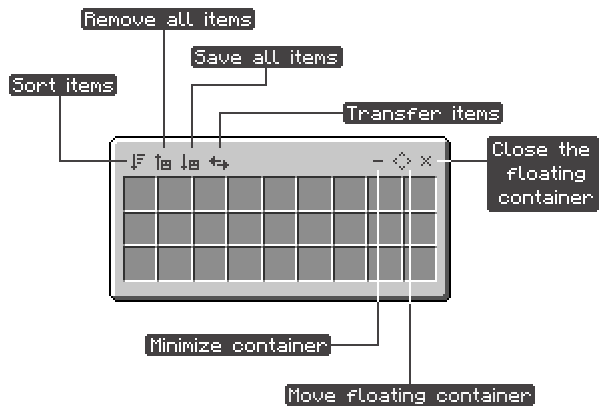
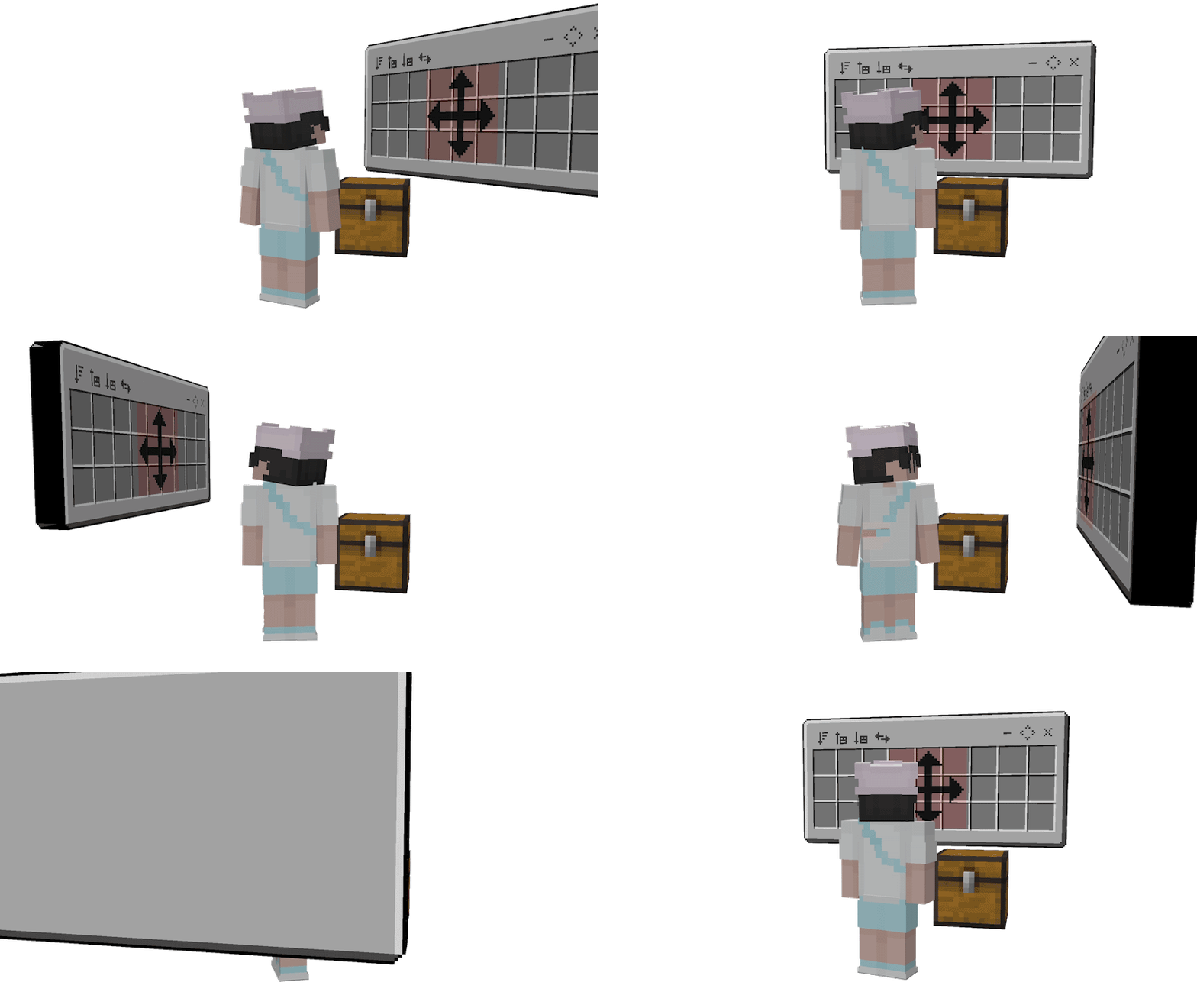
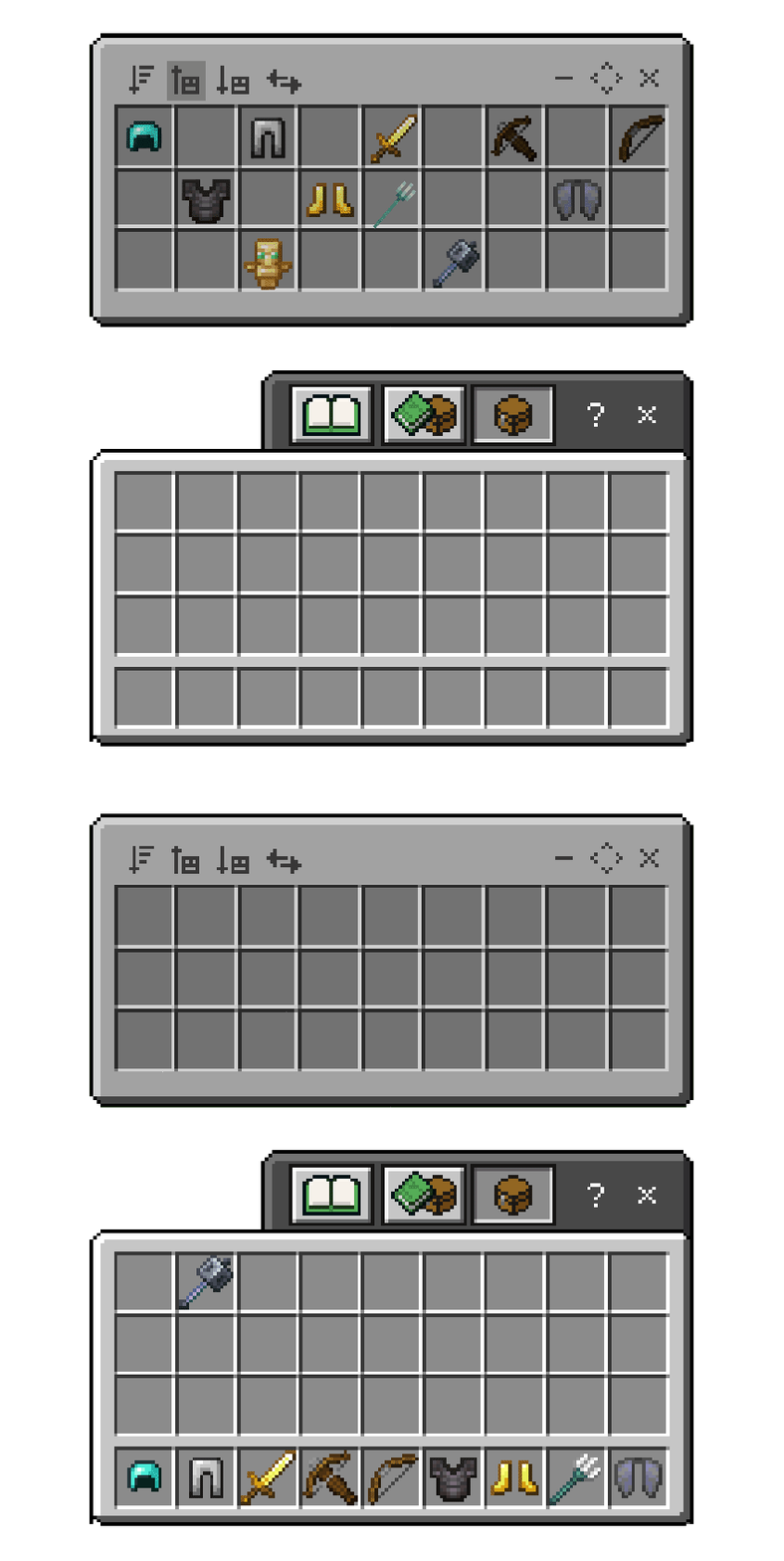
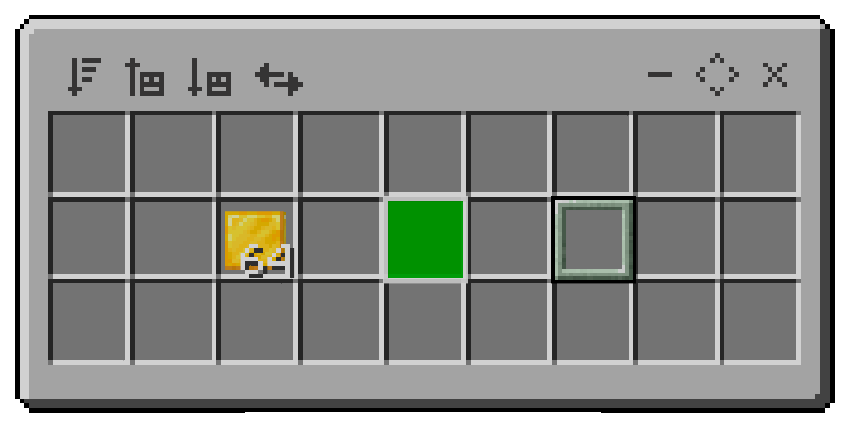
Floating Containers View and manage container inventories effortlessly with floating displays hovering over your chests and barrels. Features: Floating inventory display for chests, shulkers, and barrels Instant item sorting and alphabetical organization Smart item filtering for quick storing and withdrawing Minimize option to keep your base optimized and clean Why You'll Love It: 1 Manage your storage systems without opening every chest. 2 Quickly transfer and filter items between containers. 3 Keep your base organized and clutter-free. How to Get Started: 1 Download the Floating Containers. 2 Install it in Minecraft PE. <div></div>3 Open your world
Read the full details and screenshots
Open this resource in CraftyBox