
CRAFTYBOX
Preparing your block world
正在准备你的方块世界
First visit setup
首次访问设置
CRAFTYBOX
Preparing your block world
正在准备你的方块世界
First visit setup
首次访问设置
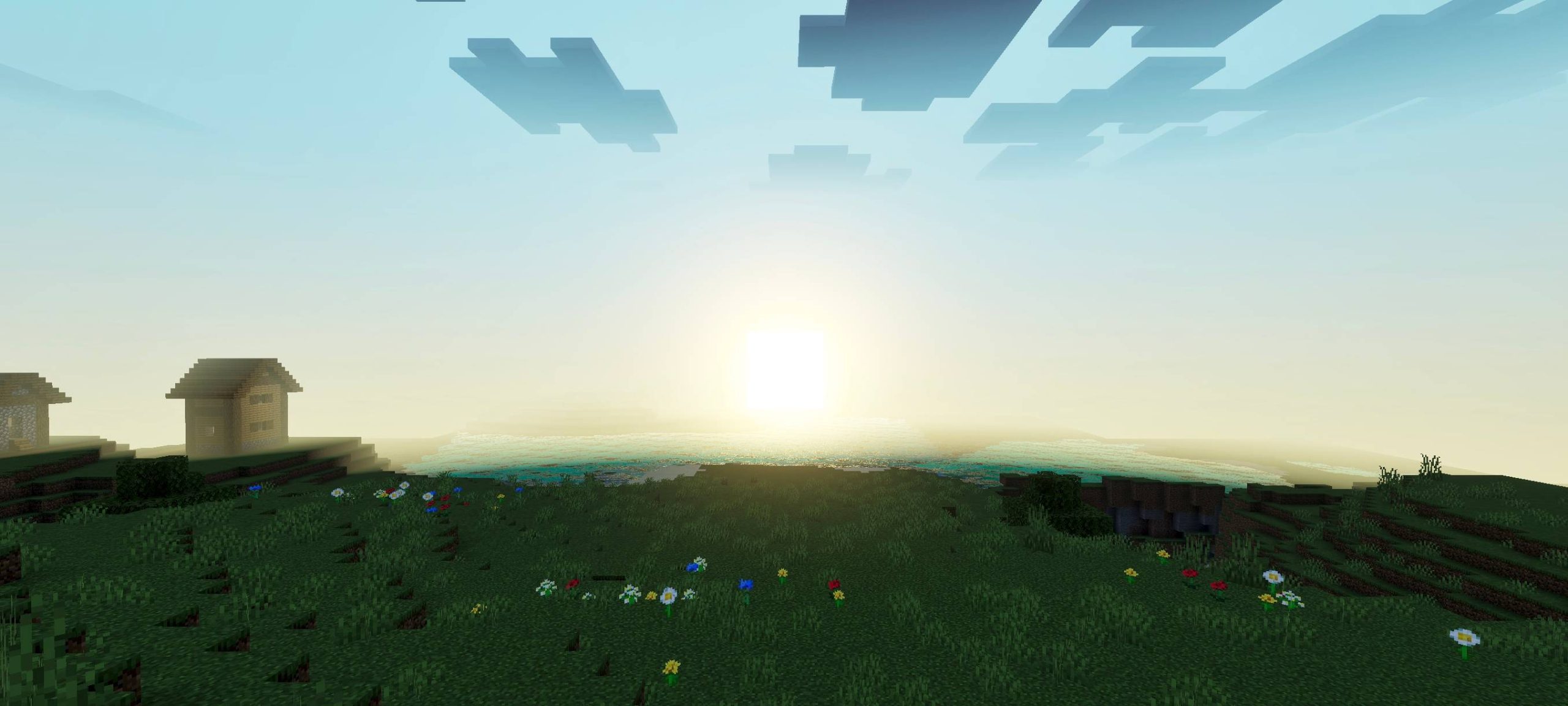
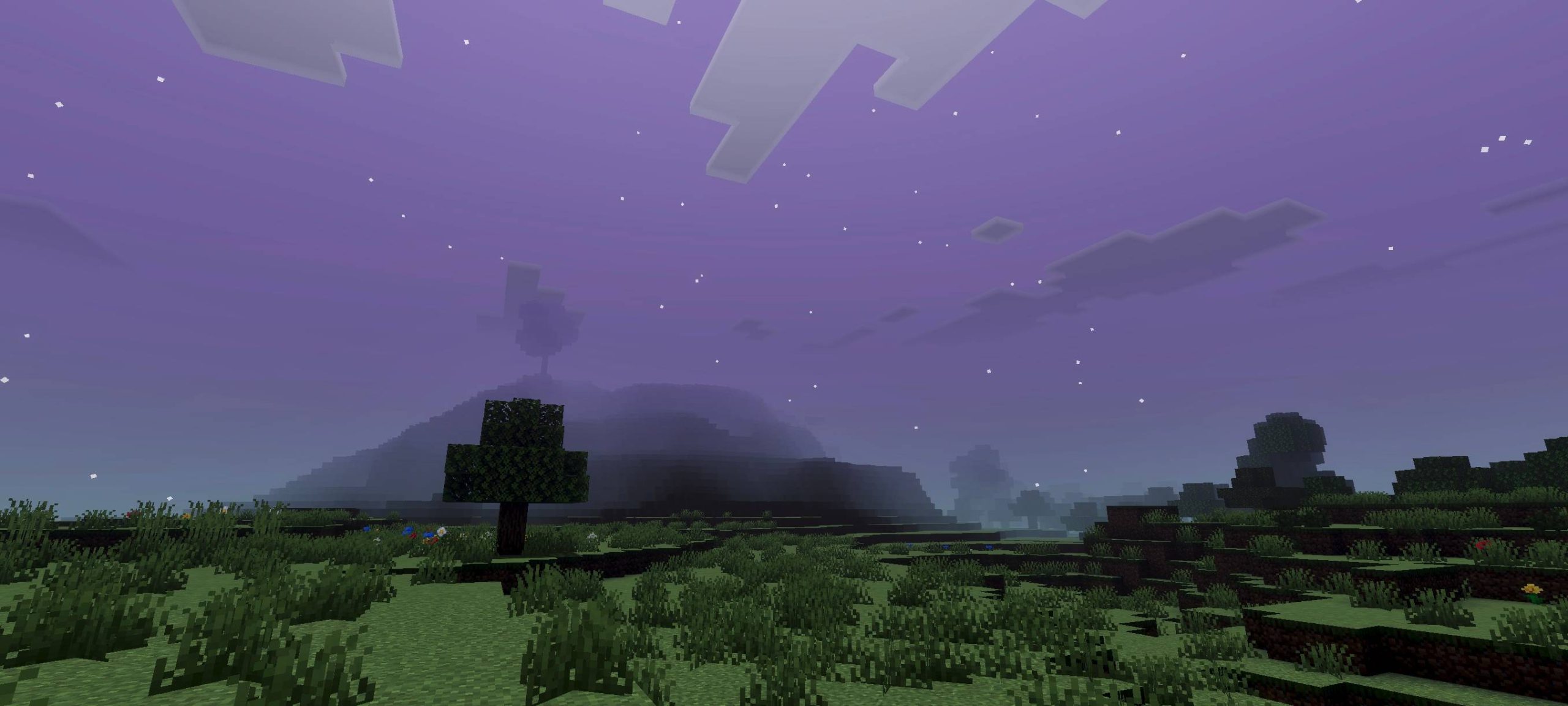
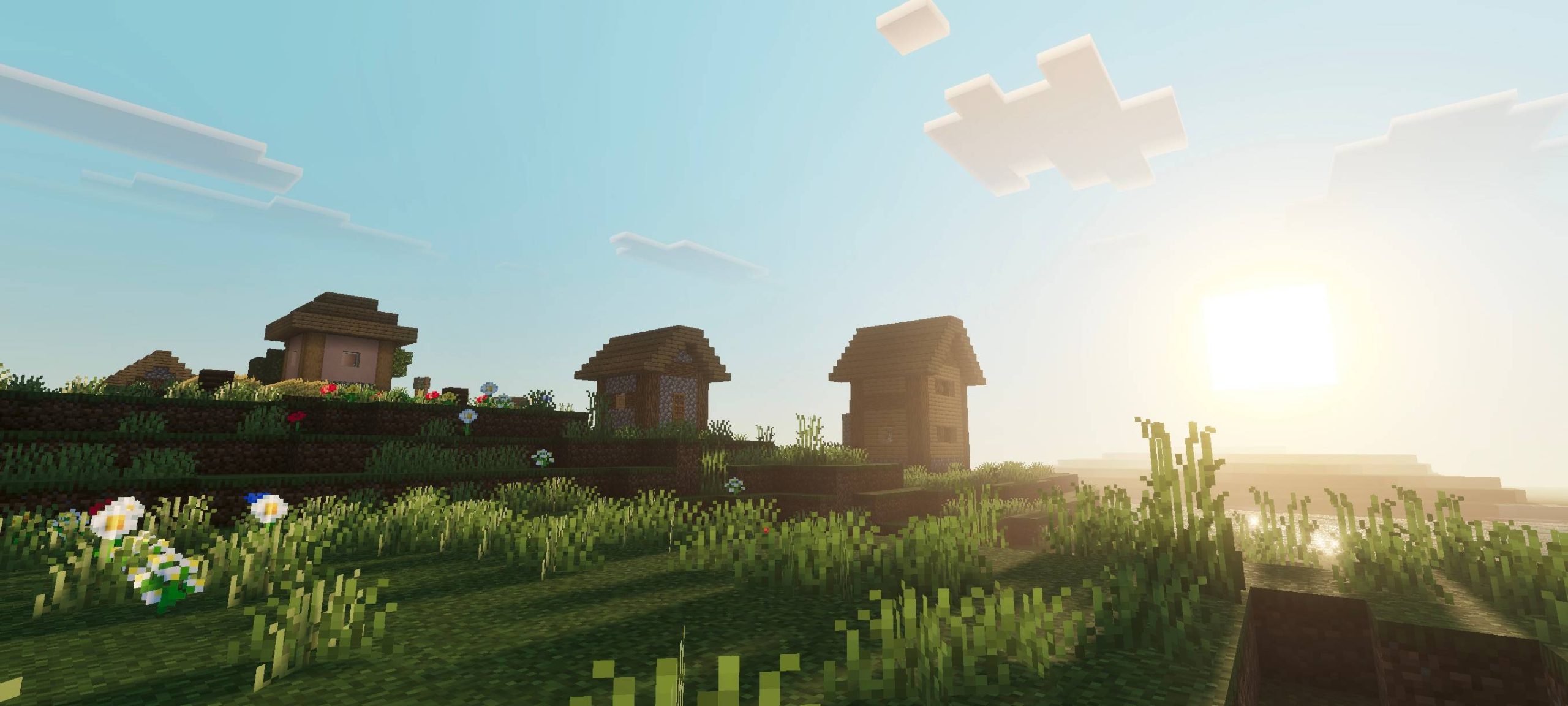
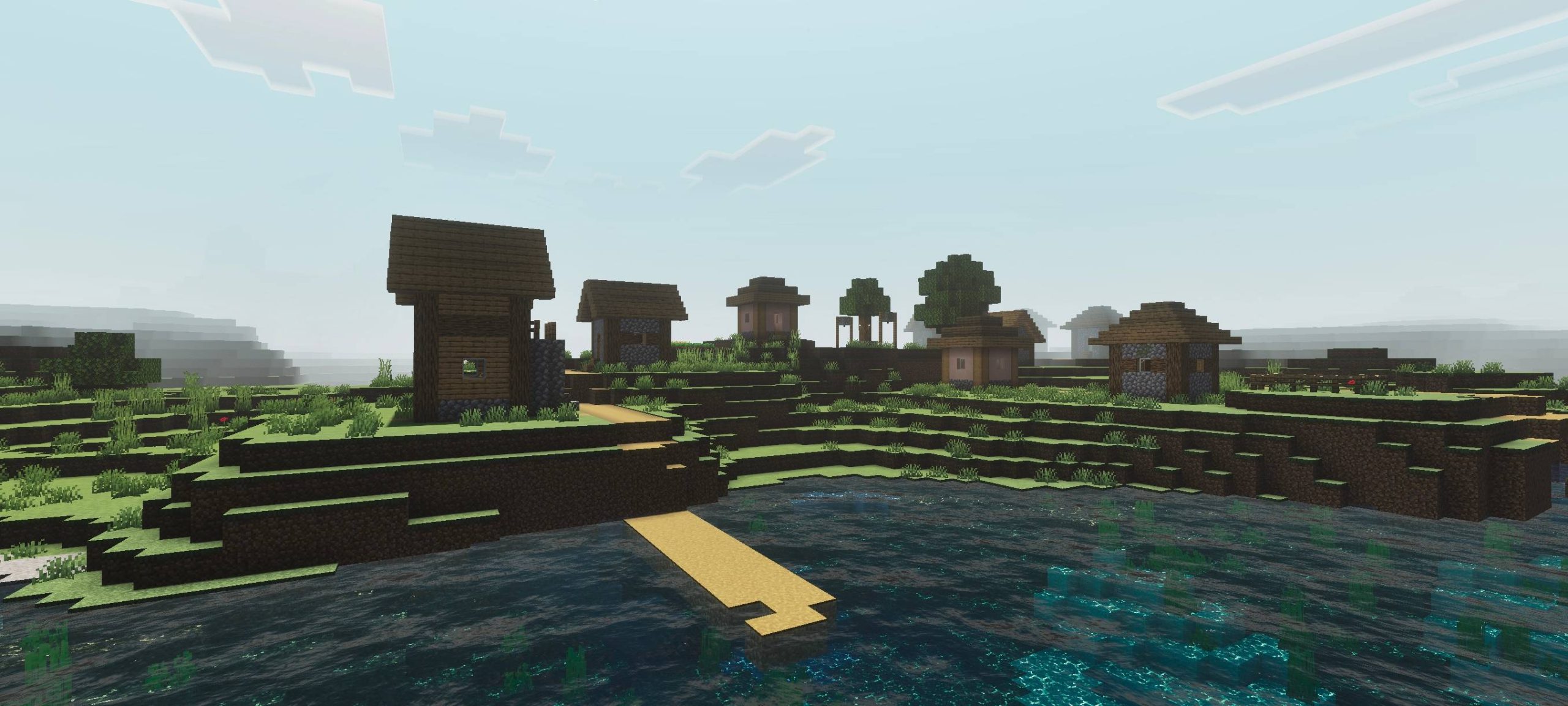
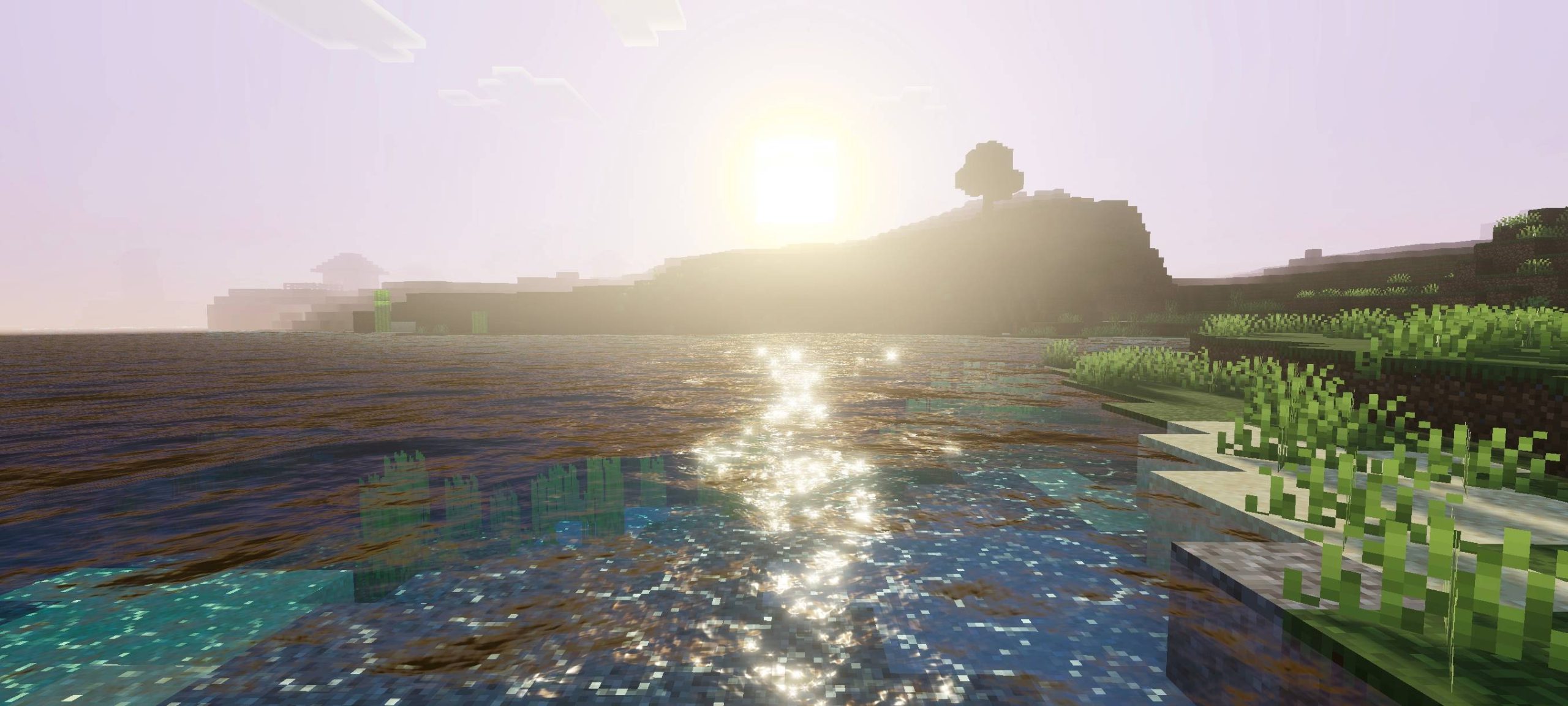
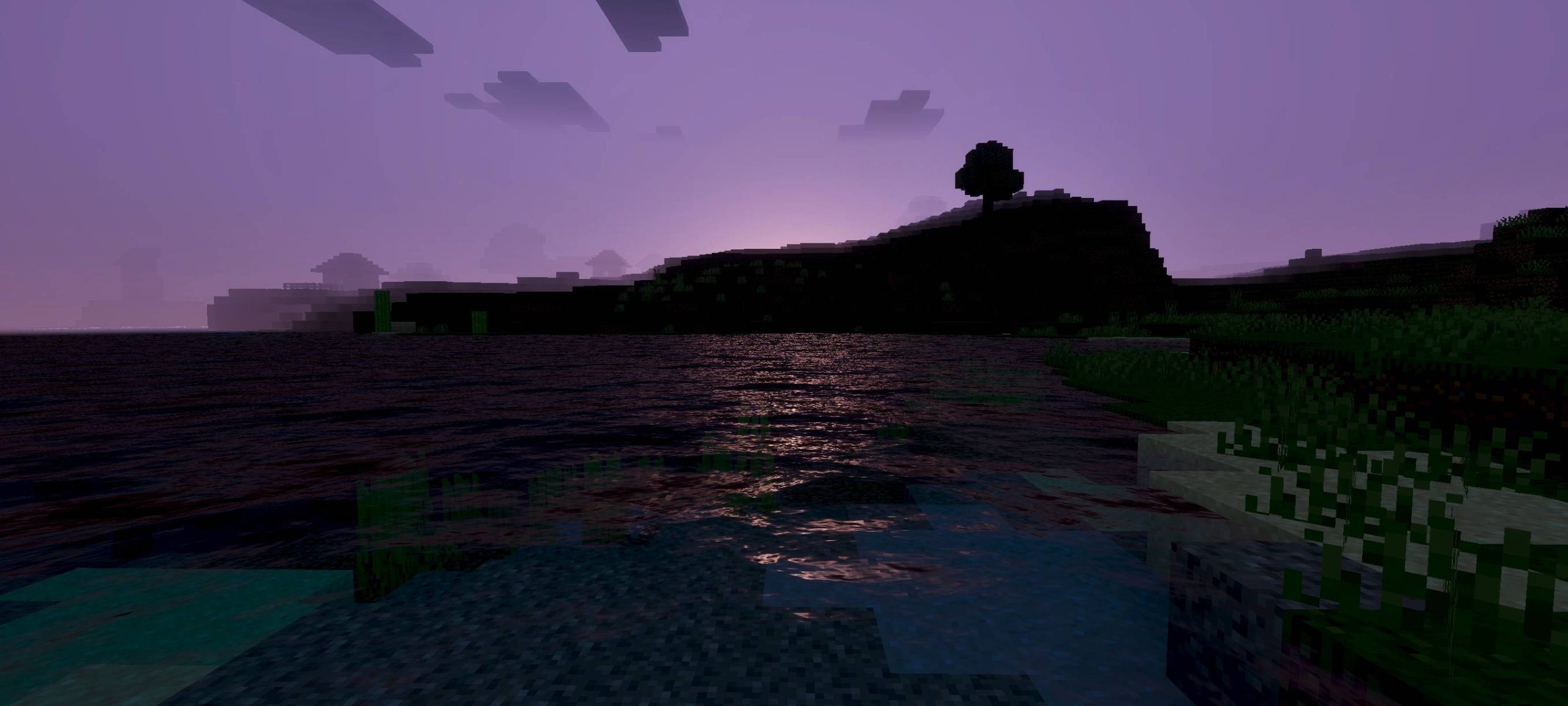
Frisk Visual Shade Shader Frisk Visual Shade gives Bedrock a fresh coat of style with smart shading that makes every block feel handcrafted. Features: Soft custom shading across terrain and builds Improved sky tones and gentle color grading Keeps the vanilla charm while adding polish Built for modern Minecraft PE versions Why You'll Love It: 1 A noticeable glow-up without heavy performance cost 2 Colors feel harmonious in every biome 3 Great everyday shader for survival and creative alike How to Get Started: 1 Download the Frisk Visual Shade Shader. 2 Install it in Minecraft PE. 3 Open your world and enjoy the new experience. Shade your world in
Open this resource in CraftyBox