
CRAFTYBOX
Preparing your block world
正在准备你的方块世界
First visit setup
首次访问设置
CRAFTYBOX
Preparing your block world
正在准备你的方块世界
First visit setup
首次访问设置
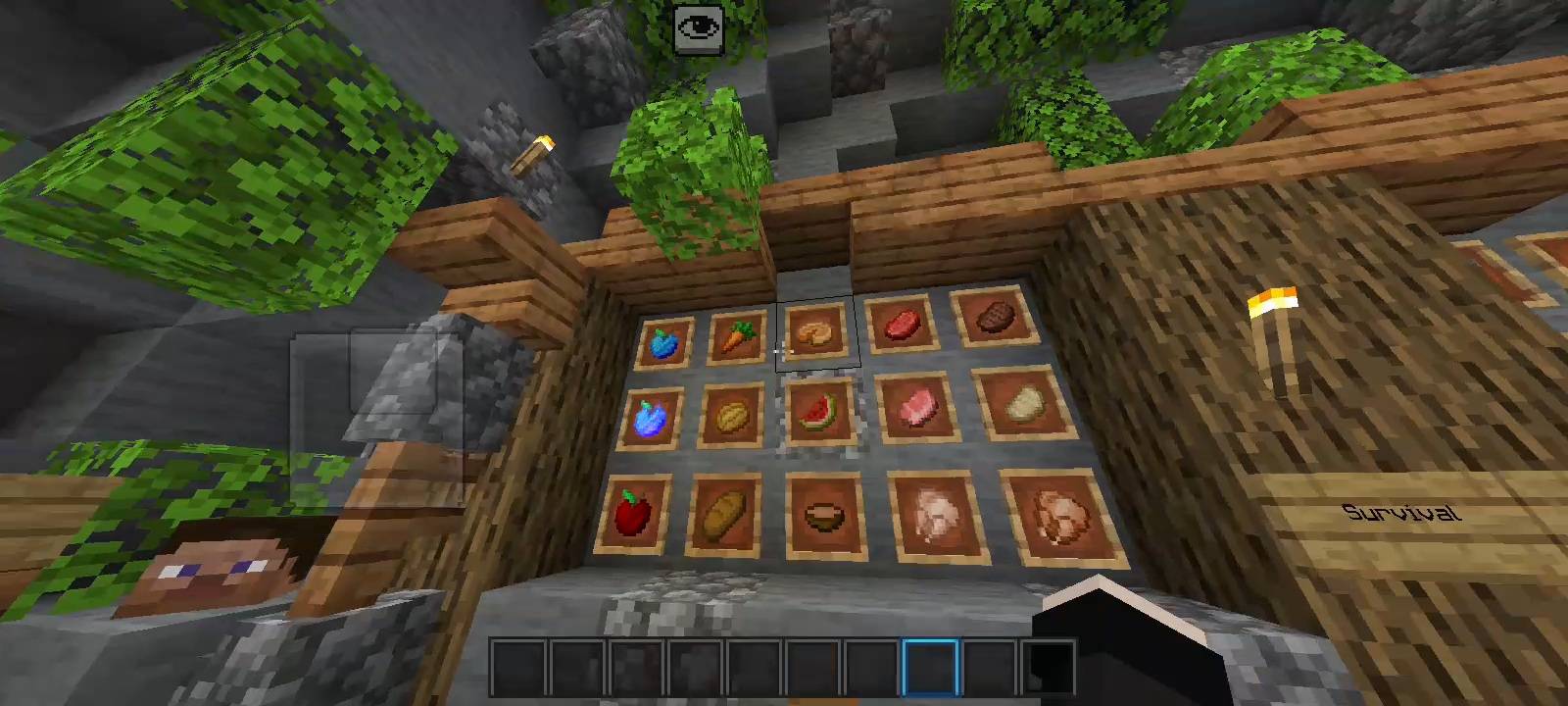
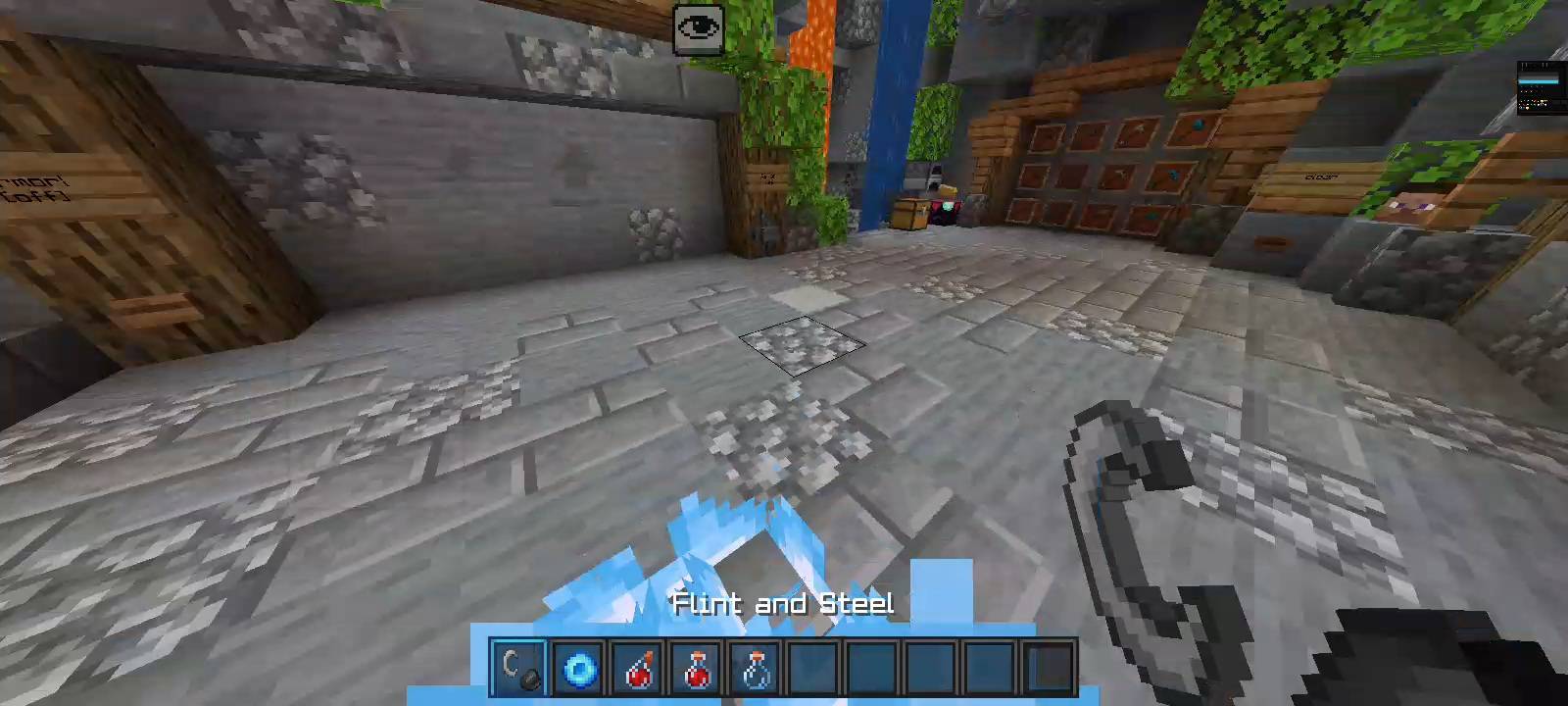
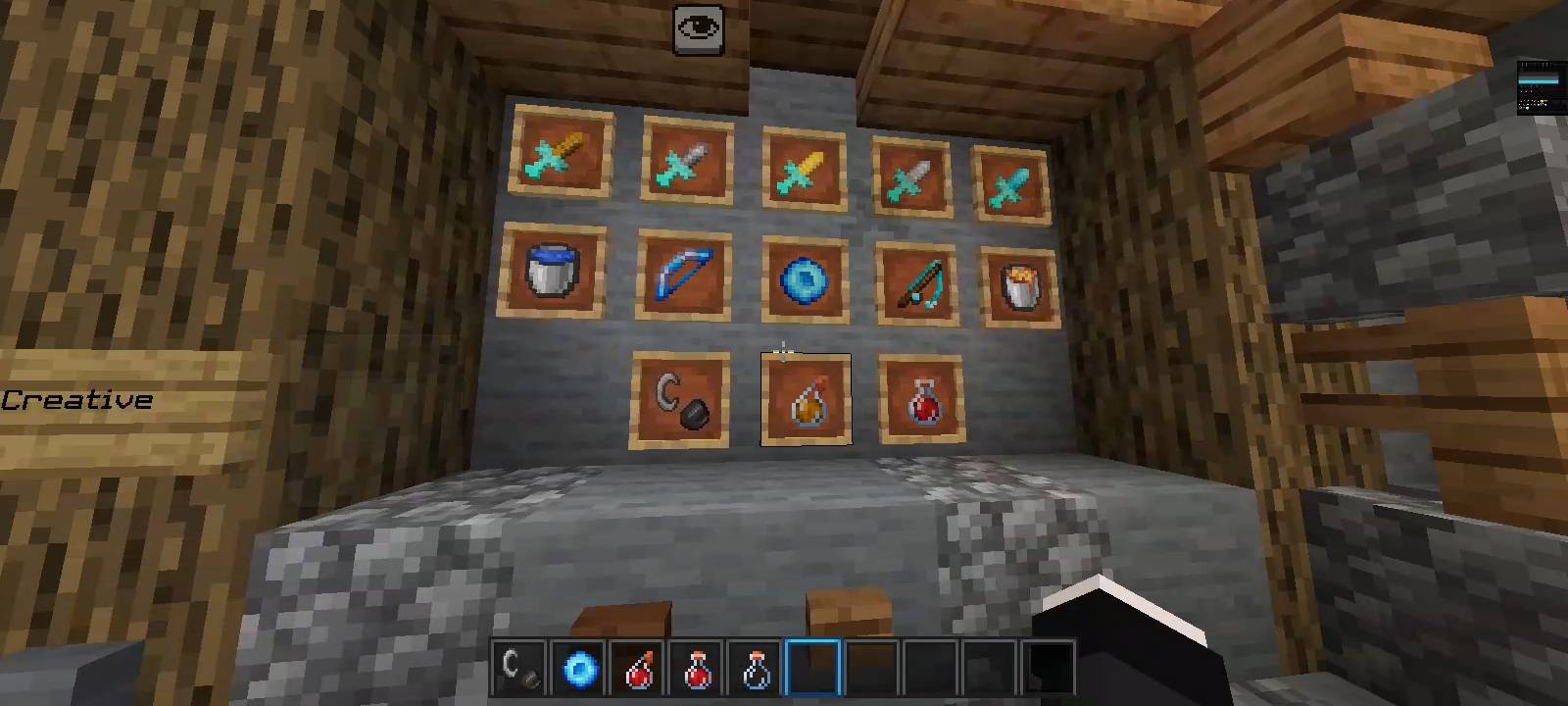
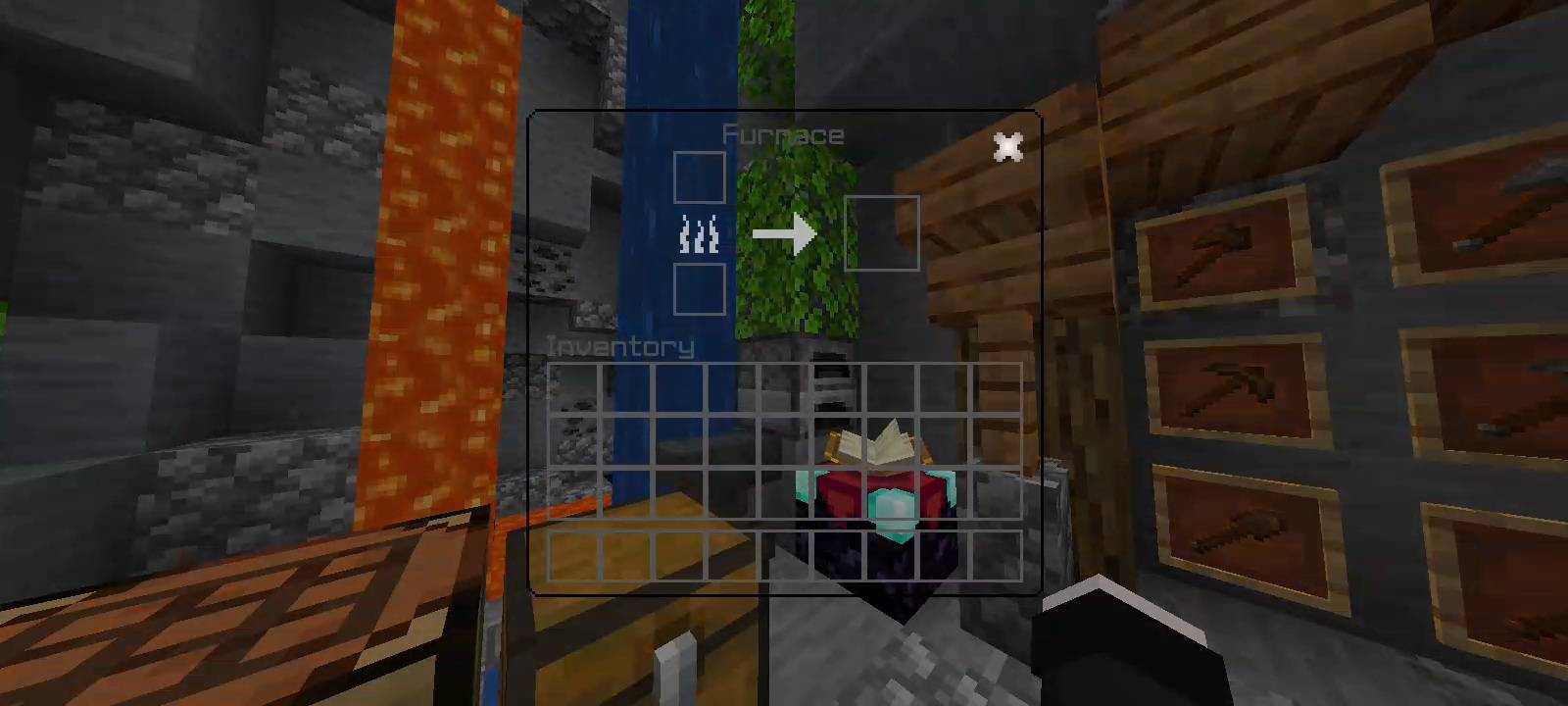
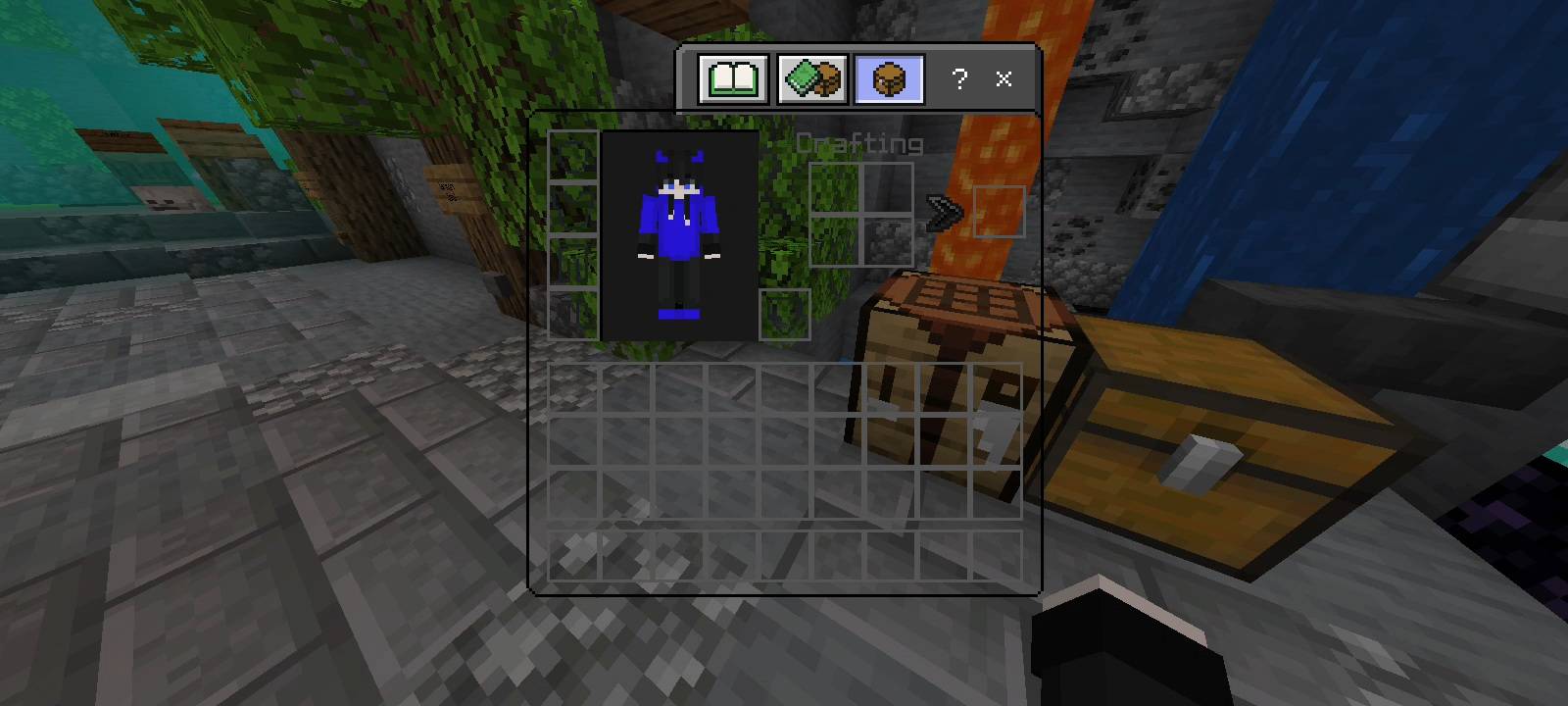
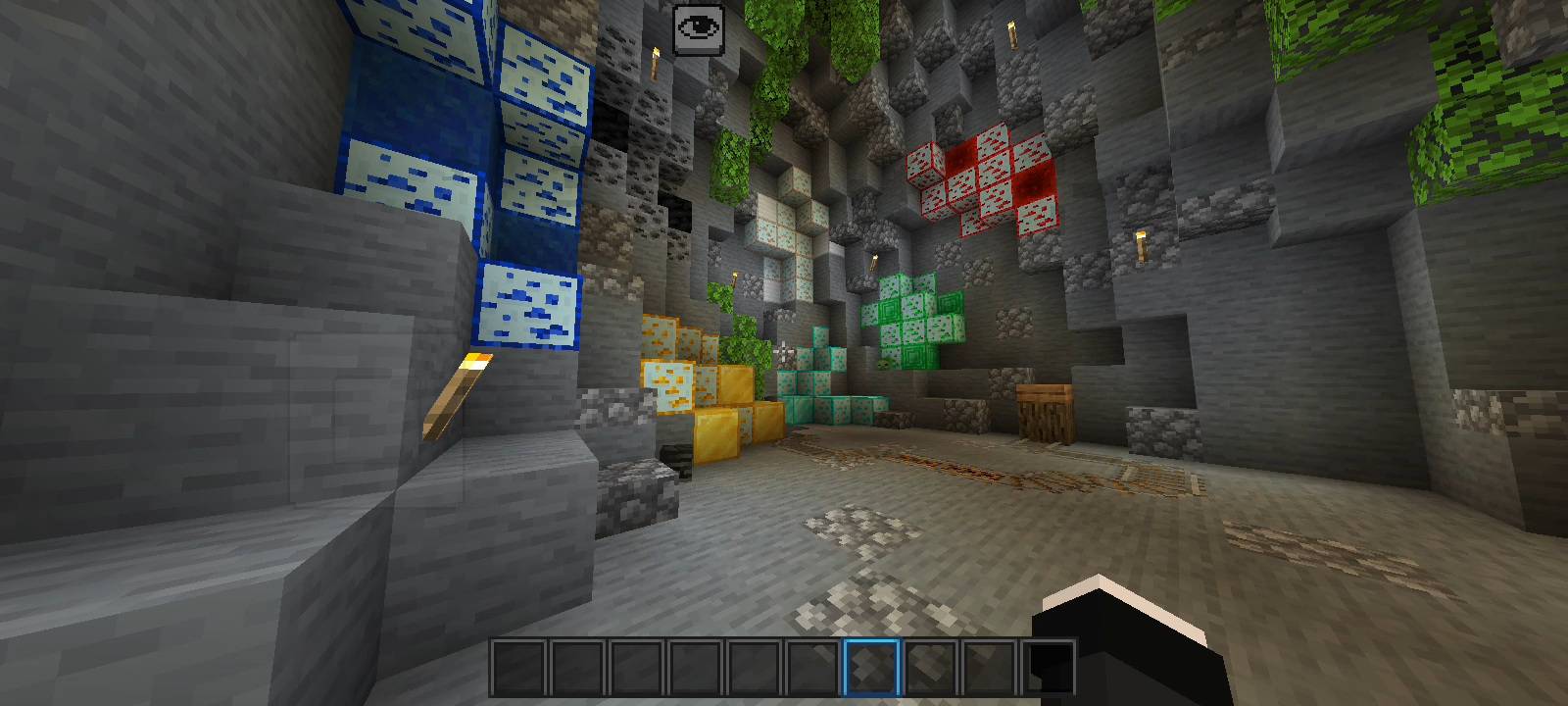
Frost Blue Texture Pack Give your Minecraft PE world an icy makeover! Frost Blue reskins your game with cool, frosty blue tones for a fresh winter vibe. Features: Crisp frost-blue color palette across blocks and UI Stylish icy theme that stands out from vanilla Smooth, clean textures easy on the eyes Lightweight pack that runs great on mobile Why You'll Love It: 1 A refreshing new look for worlds you've seen a thousand times 2 Ideal for winter builds, ice bases, and snowy adventures 3 Subtle enough for survival, stylish enough for PvP How to Get Started: 1 Download the Frost Blue Texture Pack. 2 Install it in Minecraft PE. 3 Open your world and enjoy
Open this resource in CraftyBox