
CRAFTYBOX
Preparing your block world
正在准备你的方块世界
First visit setup
首次访问设置
CRAFTYBOX
Preparing your block world
正在准备你的方块世界
First visit setup
首次访问设置
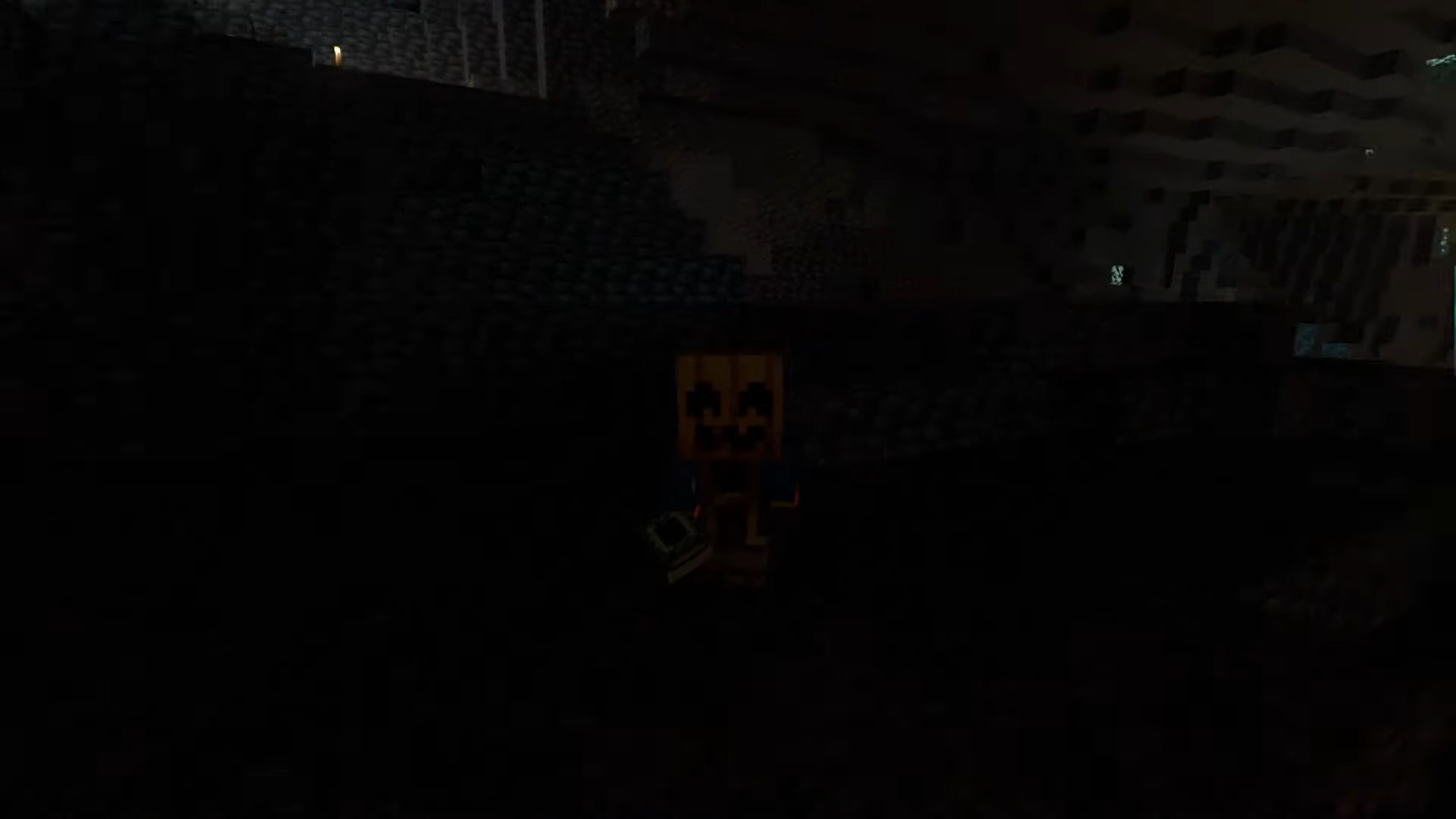
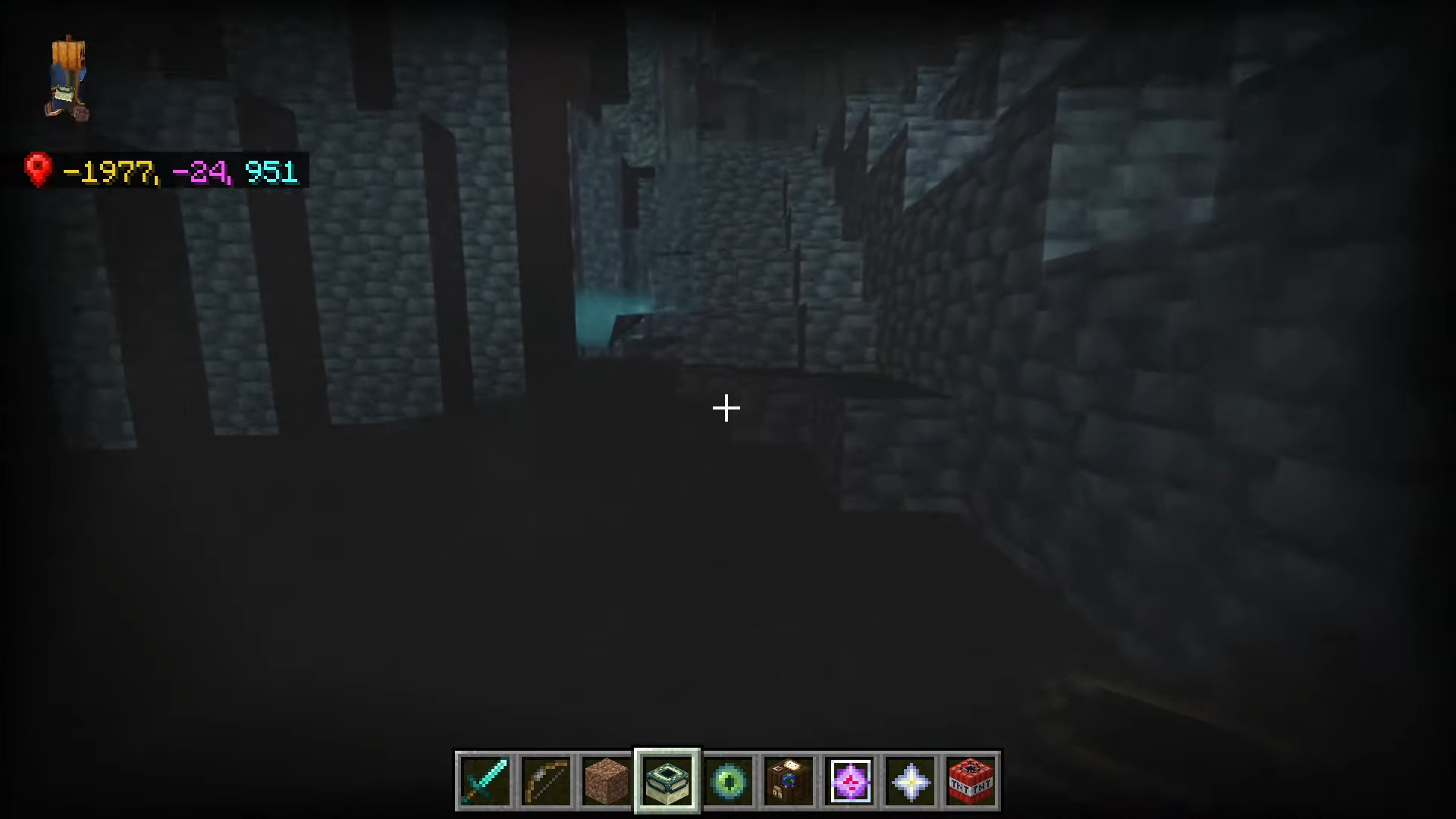
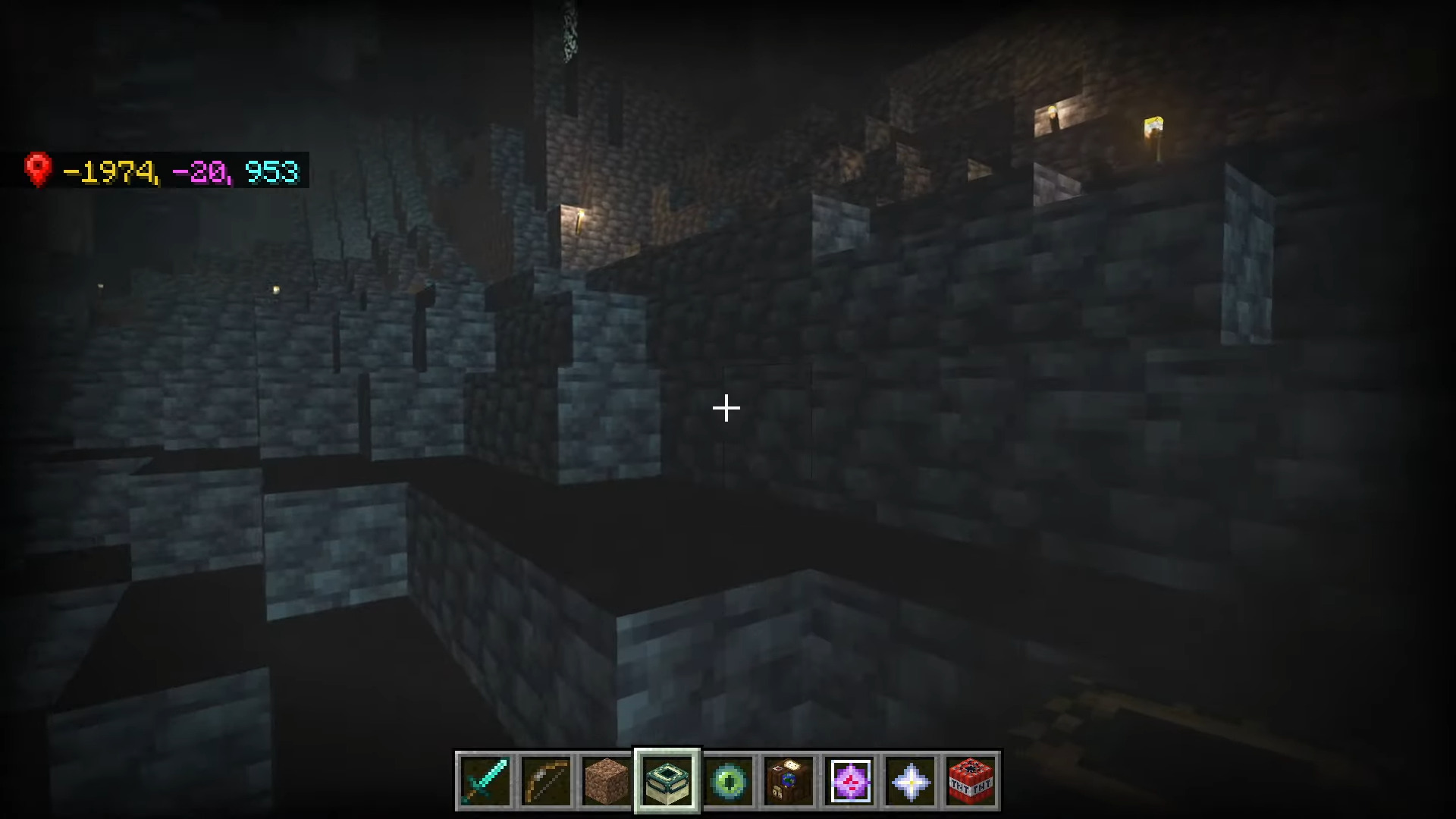
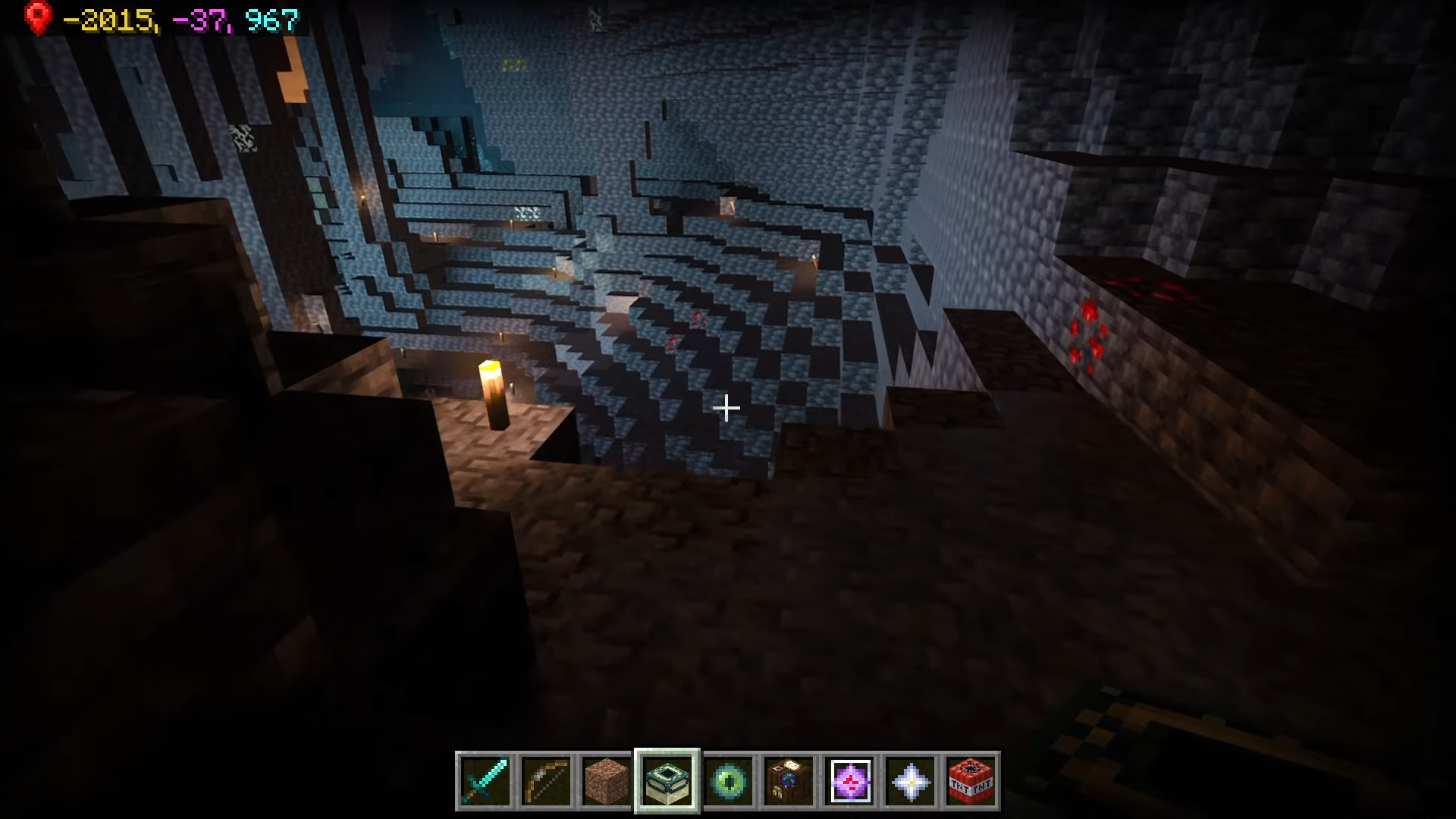
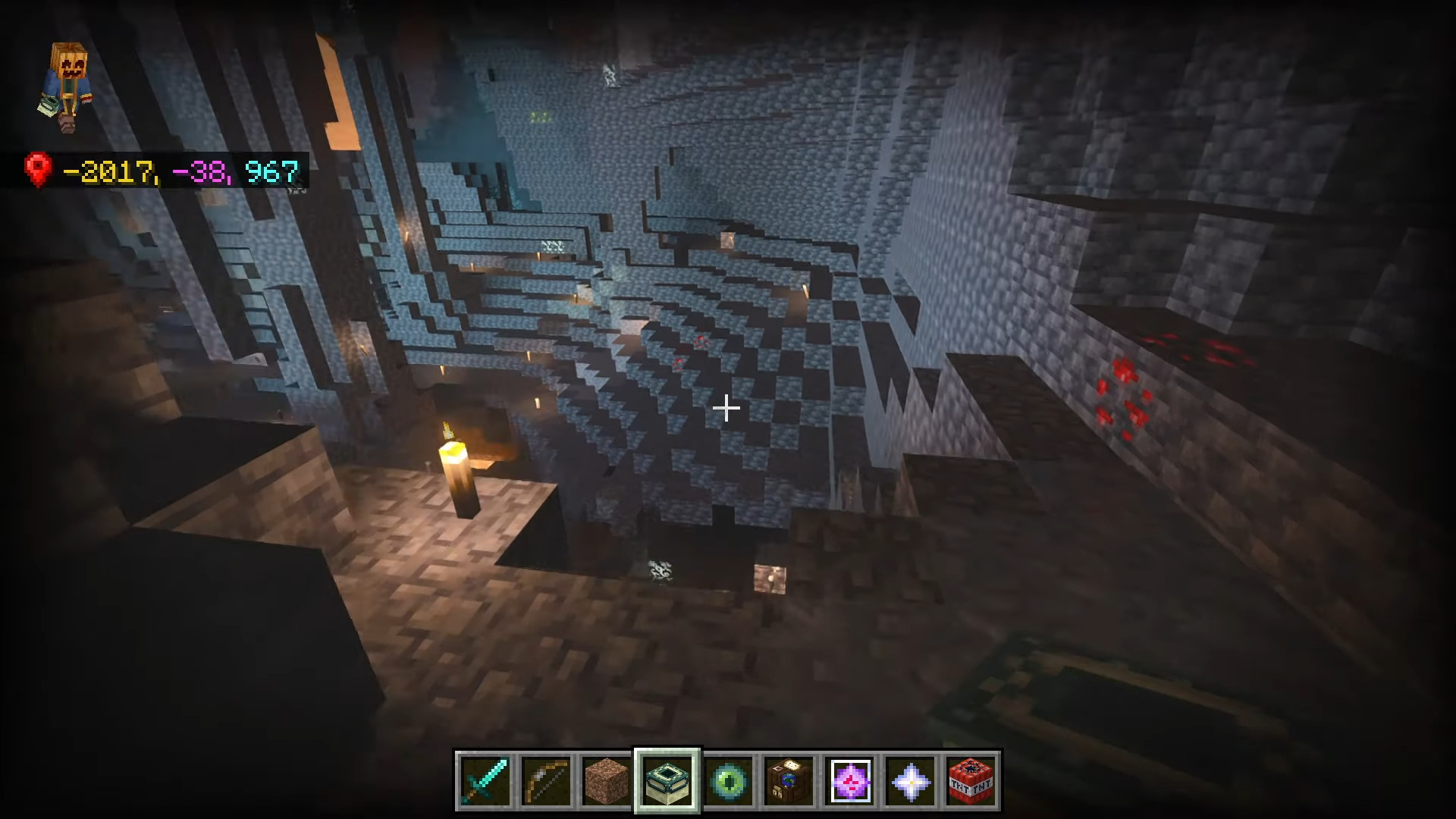
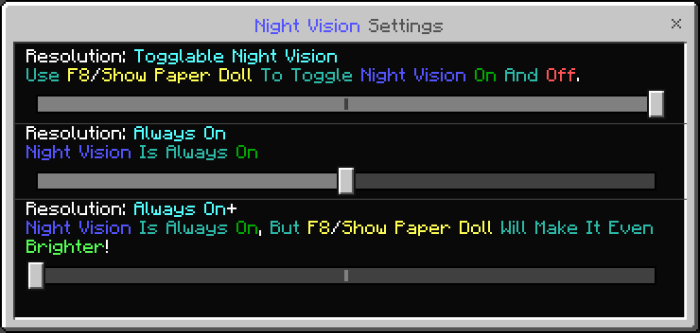
Full Bright Texture Pack Banish the darkness forever — see every cave, tunnel, and night landscape in full daylight clarity without a single torch! Features: Maximum brightness everywhere, even at bedrock level Spot ores and dangers instantly while mining Night exploration without night vision potions Zero performance cost on MCPE/Bedrock Why You'll Love It: 1 Never waste torches or potions on visibility again 2 Mining trips become faster and far safer 3 Works with virtually any other texture pack How to Get Started: 1 Download the Full Bright Texture Pack. 2 Install it in Minecraft PE. 3 Open your world and enjoy the new experience. Light up your
Read the full details and screenshots
Open this resource in CraftyBox