
CRAFTYBOX
Preparing your block world
正在准备你的方块世界
First visit setup
首次访问设置
CRAFTYBOX
Preparing your block world
正在准备你的方块世界
First visit setup
首次访问设置
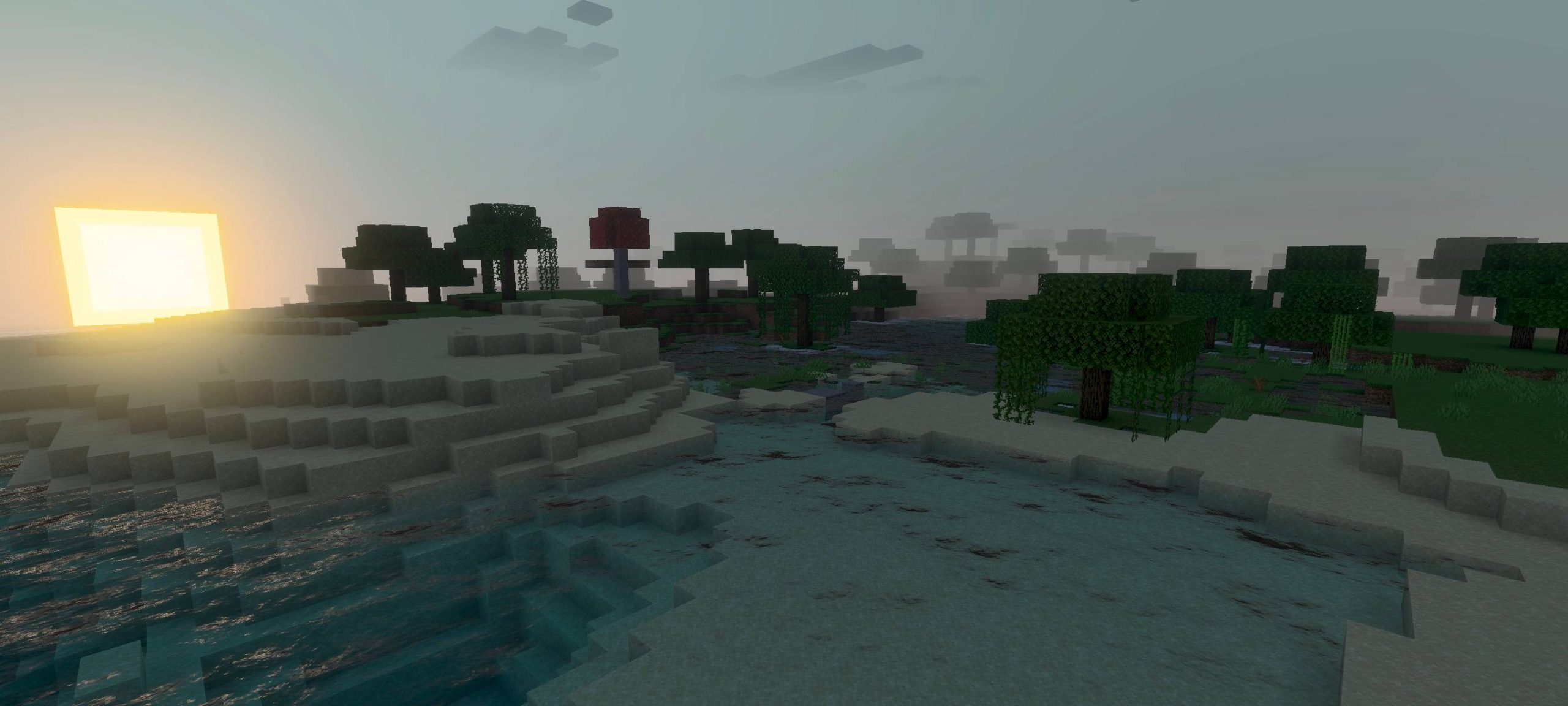
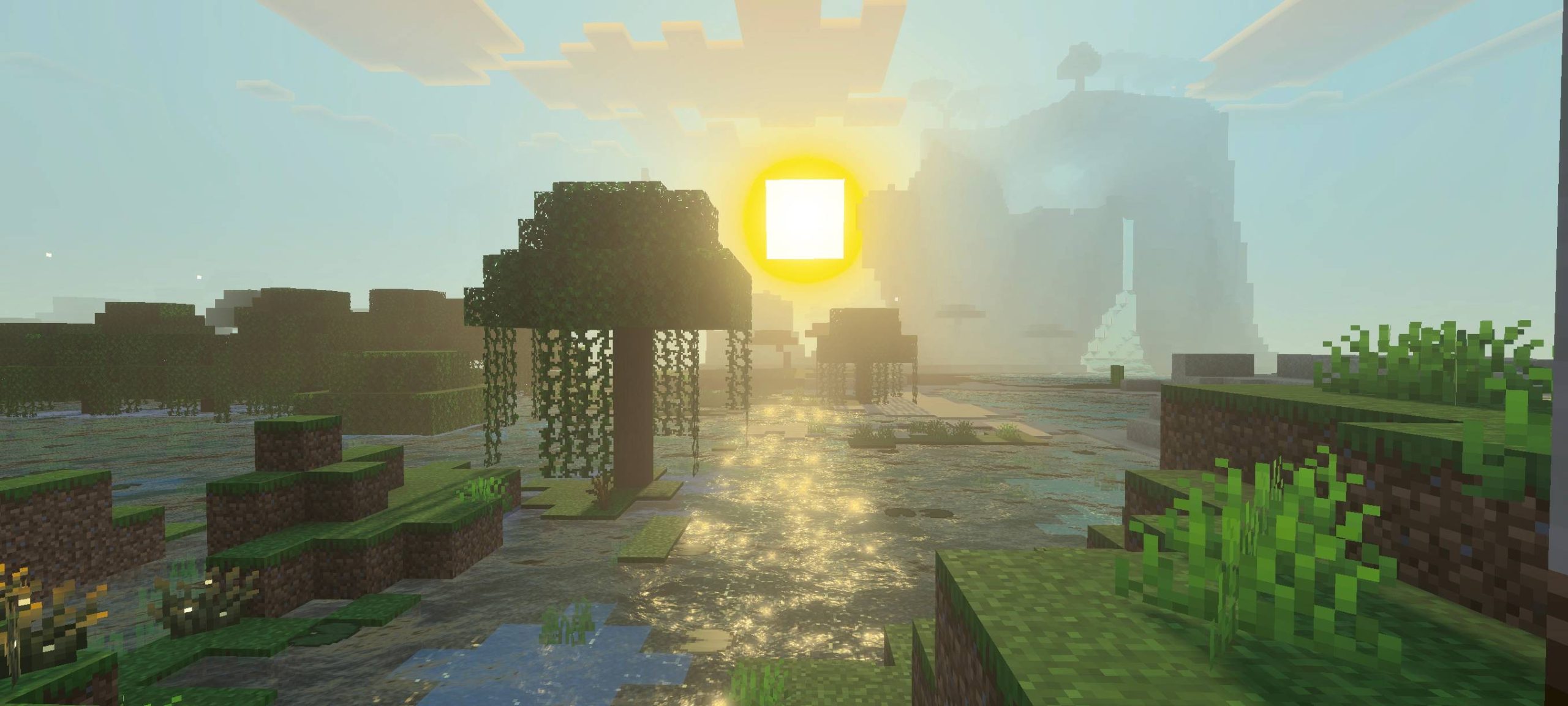
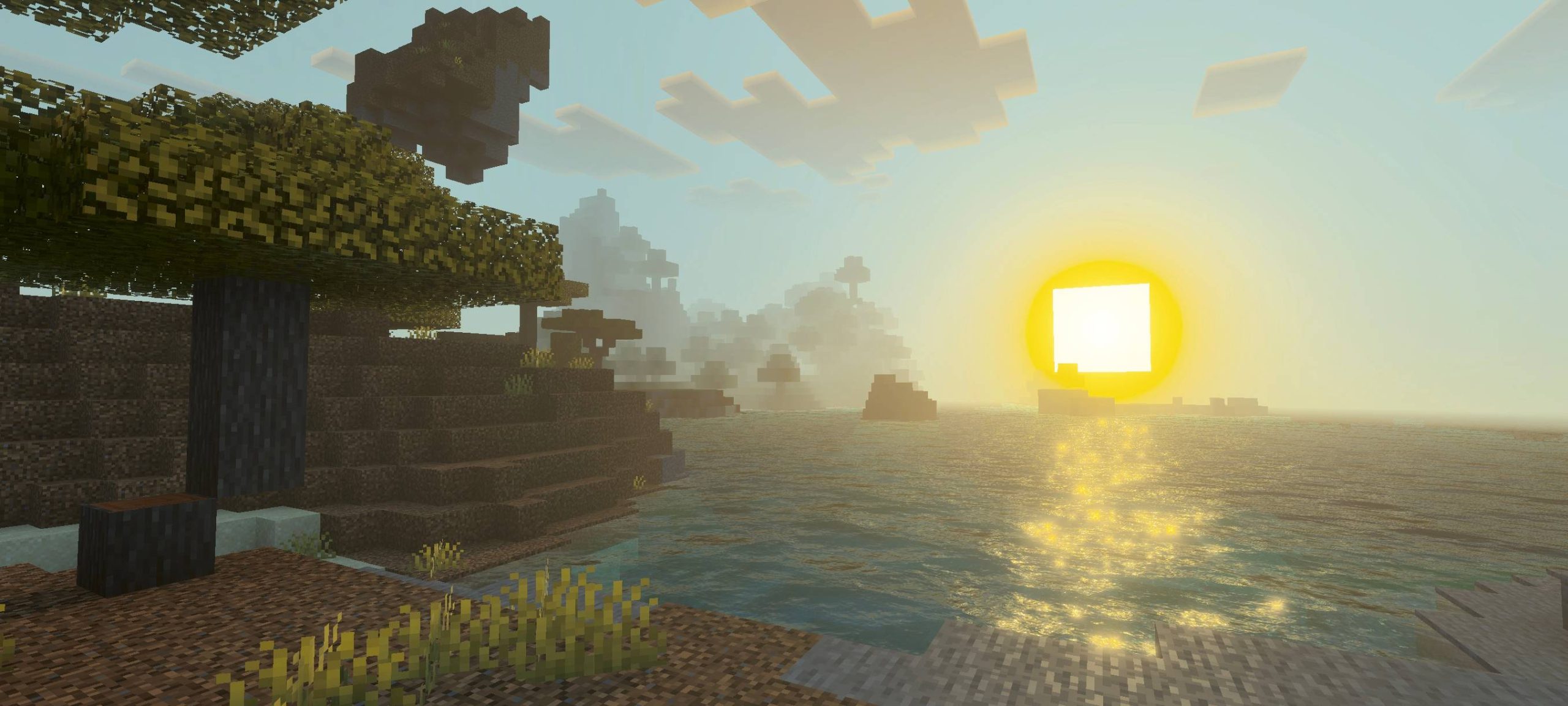
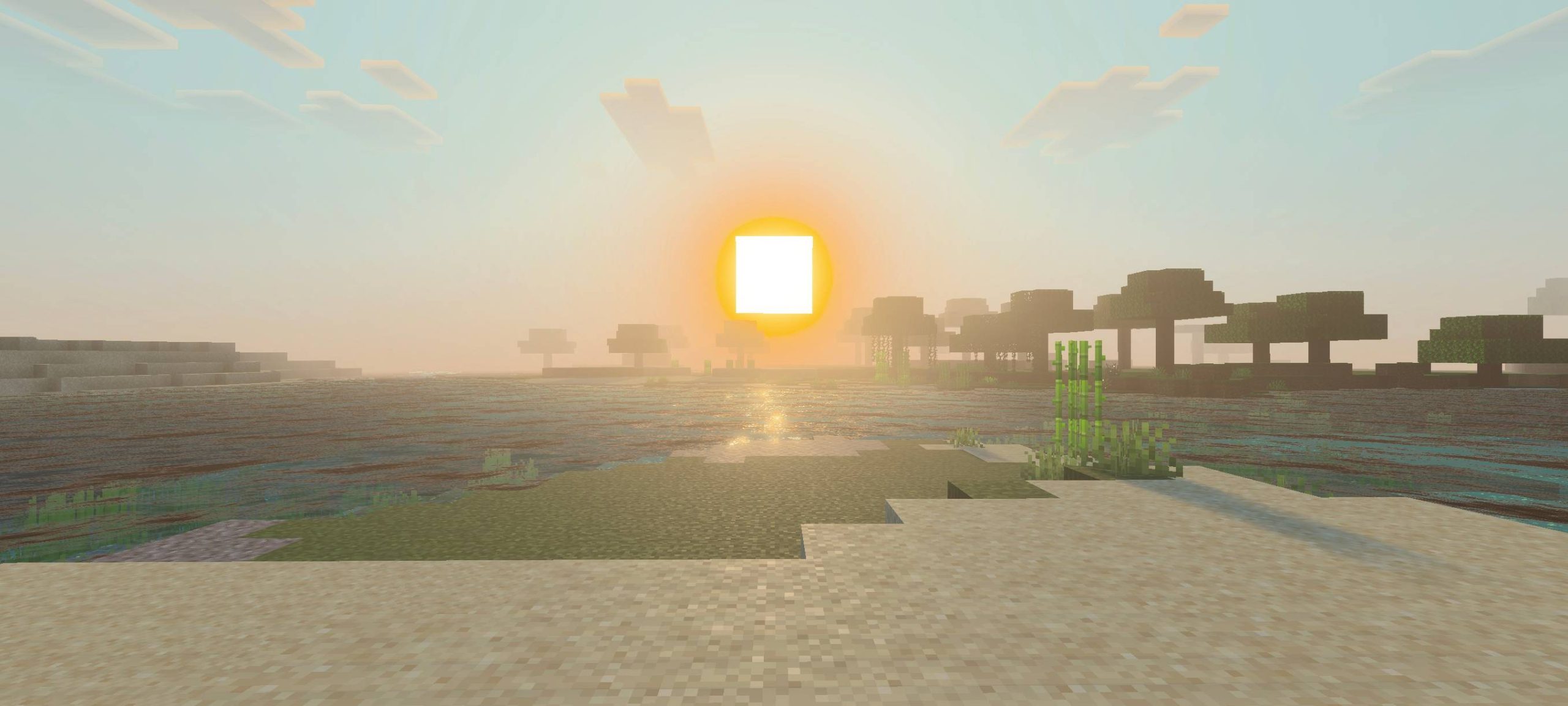
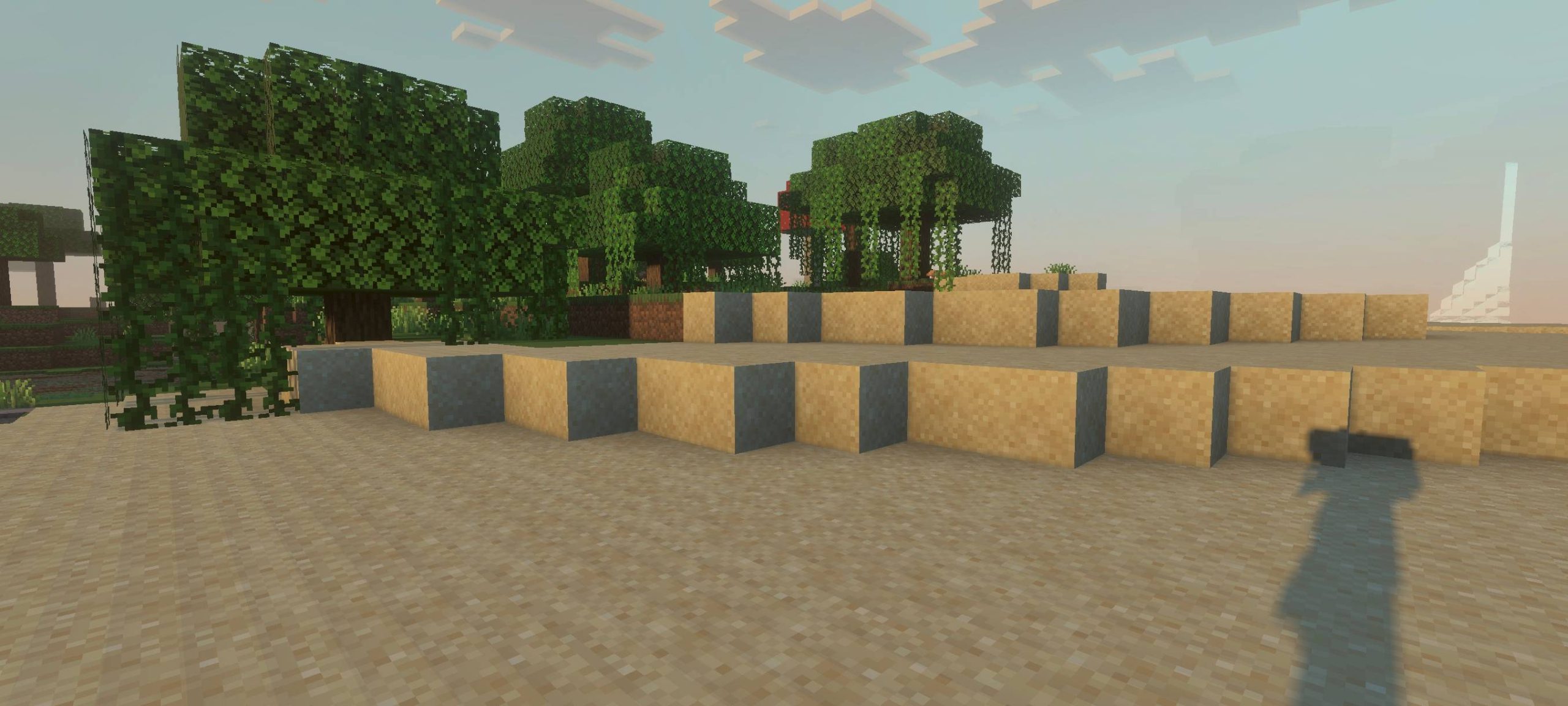
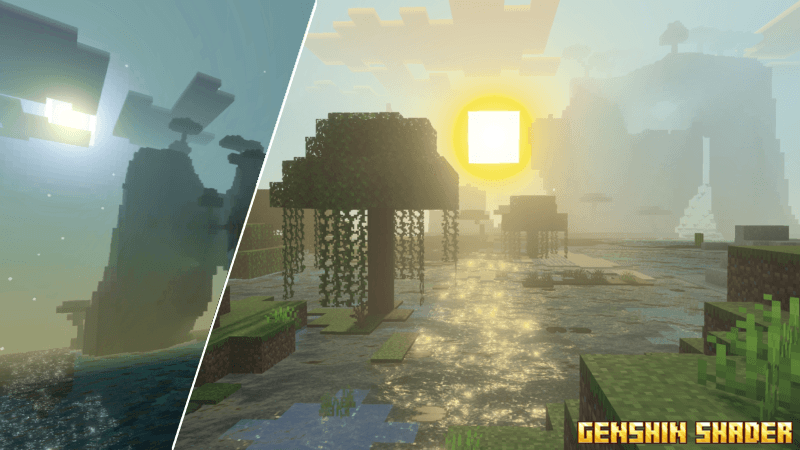
Genshin Shader Bring the anime-fantasy glow of Teyvat to Bedrock — Genshin Shader gives MCPE 1.26+ a colorful, cel-shaded, adventure-game atmosphere. Features: Anime-inspired color grading straight out of an RPG Soft cel-shaded lighting with dreamy bloom Vibrant landscapes with fantasy flair Stylized skies that shift beautifully through the day Why You'll Love It: 1 Your world looks like an open-world anime adventure 2 Perfect match for anime builds and RPG maps 3 Unique style you won't get from realistic shaders How to Get Started: 1 Download the Genshin Shader. 2 Install it in Minecraft PE. 3 Open your world and enjoy the new experience. Adventu
Open this resource in CraftyBox