
CRAFTYBOX
Preparing your block world
正在准备你的方块世界
First visit setup
首次访问设置
CRAFTYBOX
Preparing your block world
正在准备你的方块世界
First visit setup
首次访问设置
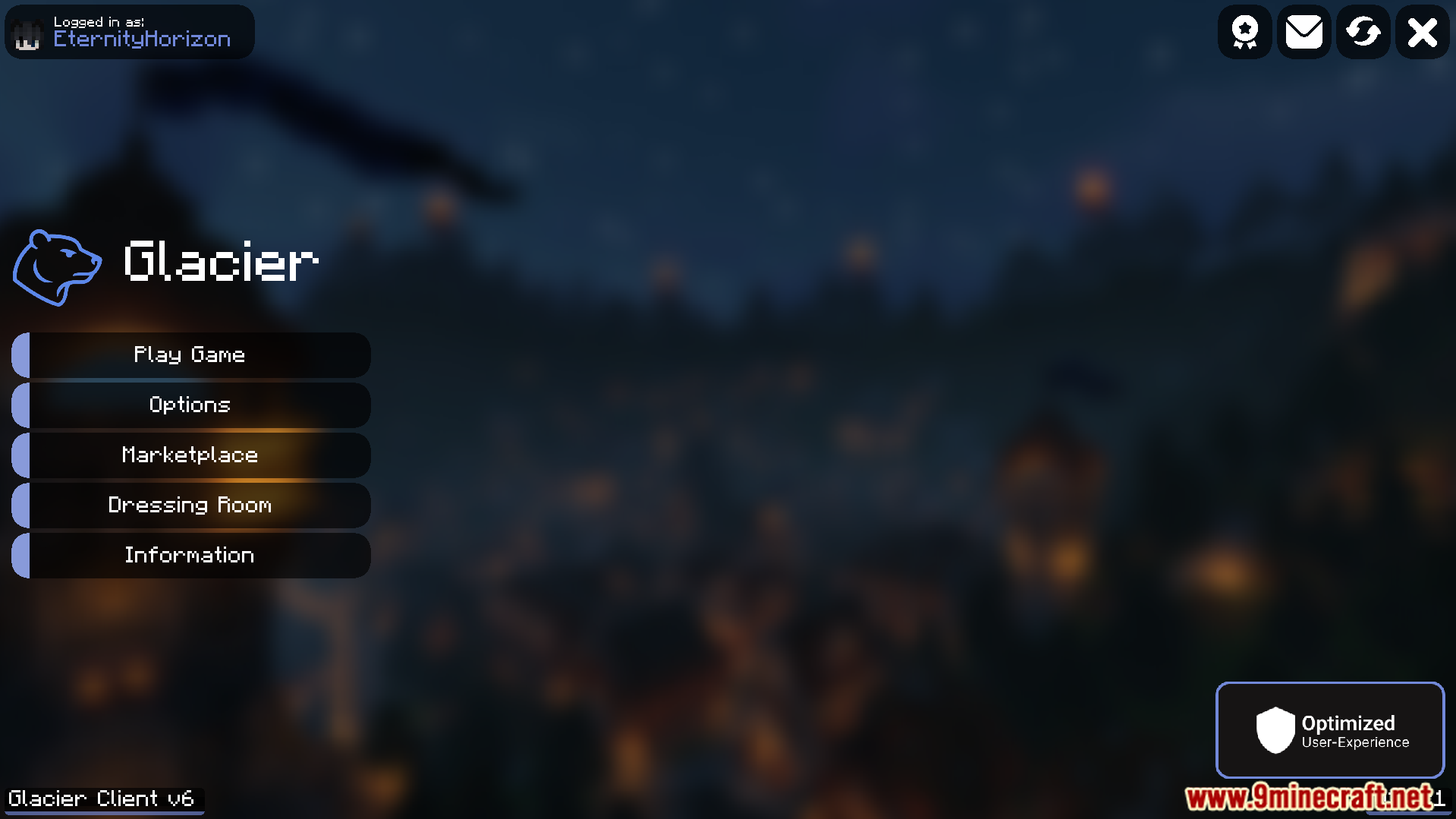
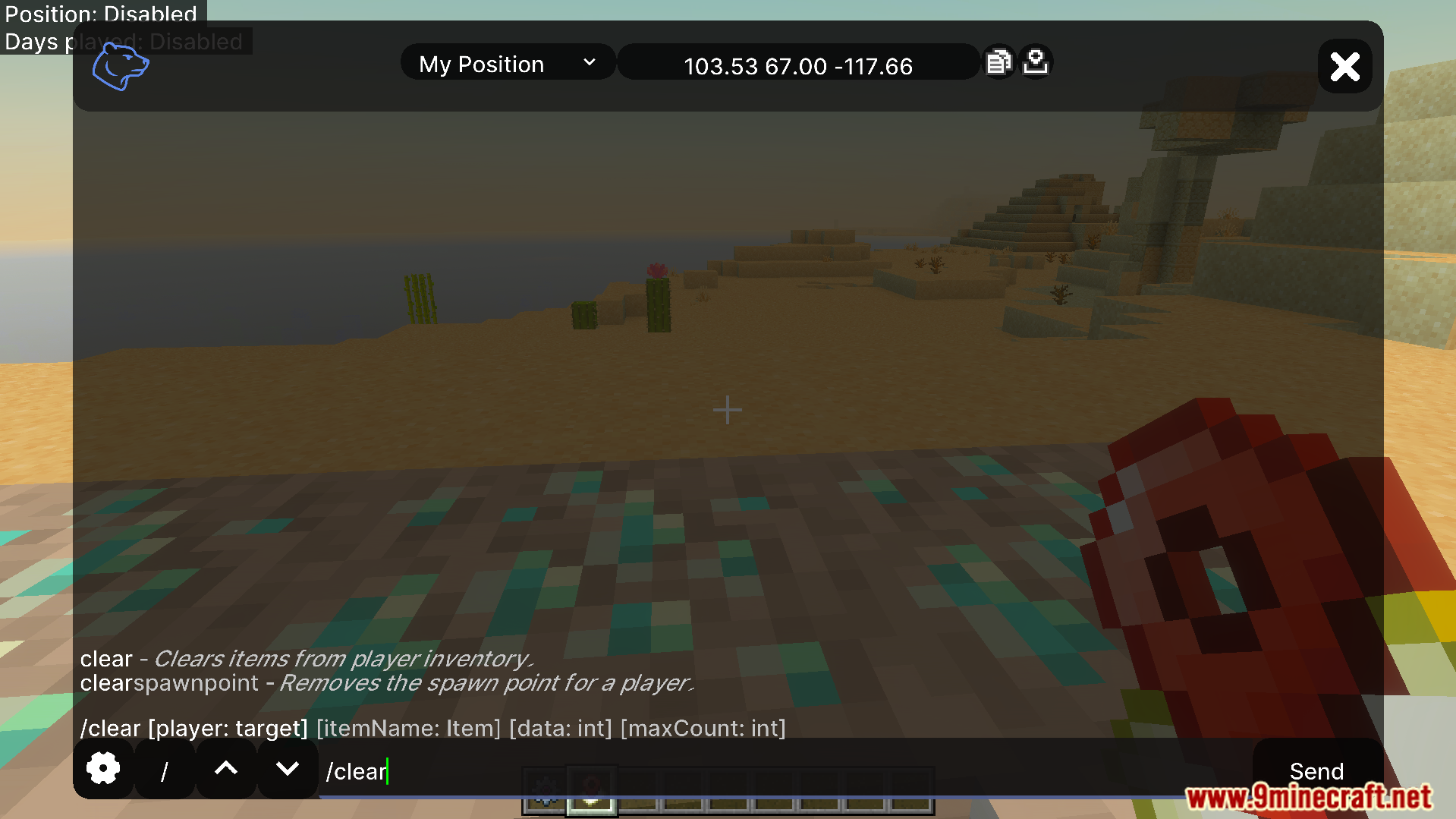
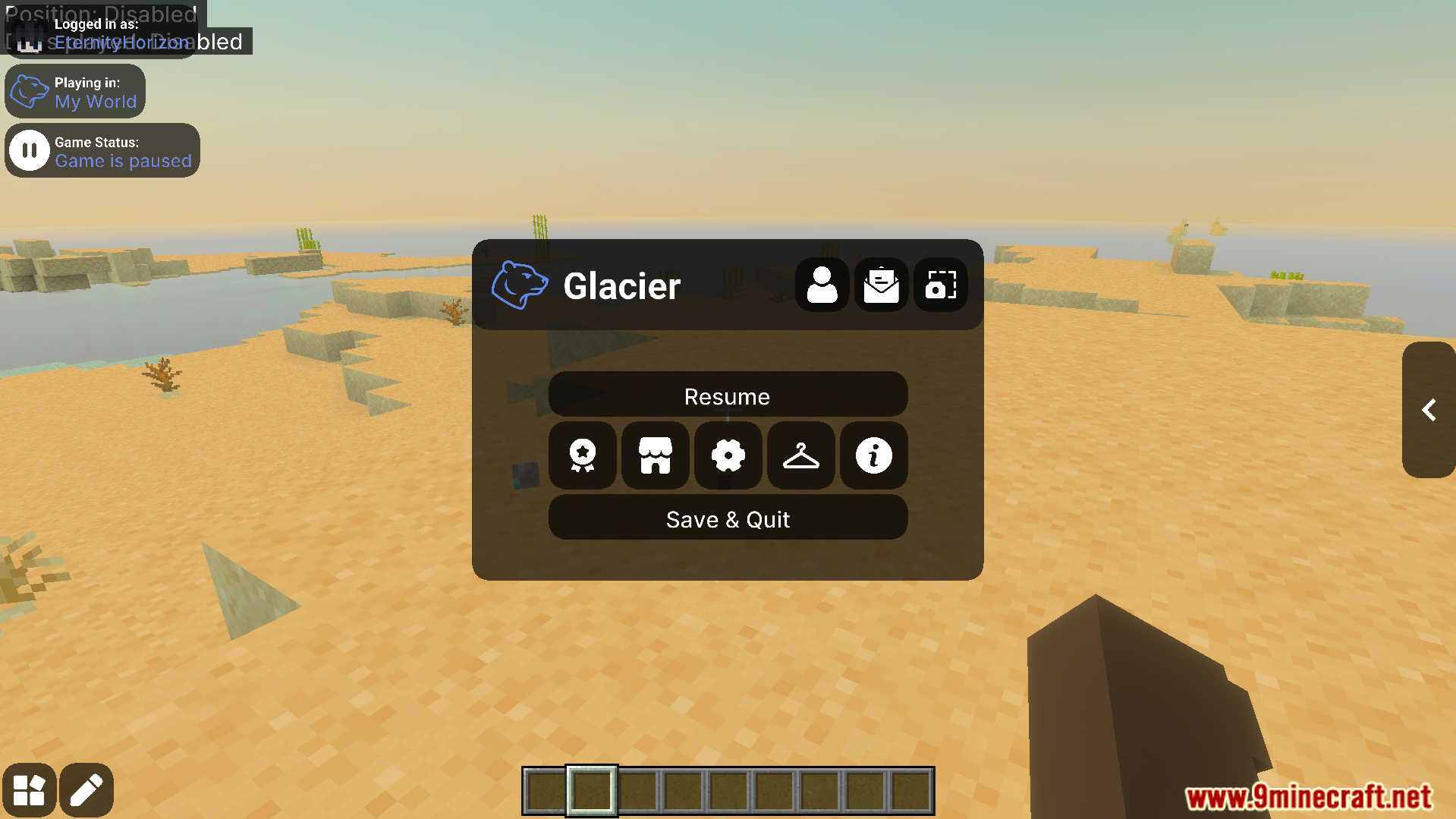
Glacier Client V6 Texture Pack Boost your frame rates and personalize your menus with a performance-focused client texture pack. Features: Optimizations to raise frame rates Customizable in-game menus Smoother performance on Bedrock devices Clean, personalized interface Why You'll Love It: 1 Play more smoothly on any device 2 Tailor menus to your taste 3 Great for competitive, high-FPS play How to Get Started: 1 Download the Glacier Client V6 Texture Pack. 2 Install it in Minecraft PE. 3 Open your world and enjoy the new experience. Run cooler and faster with Glacier Client!
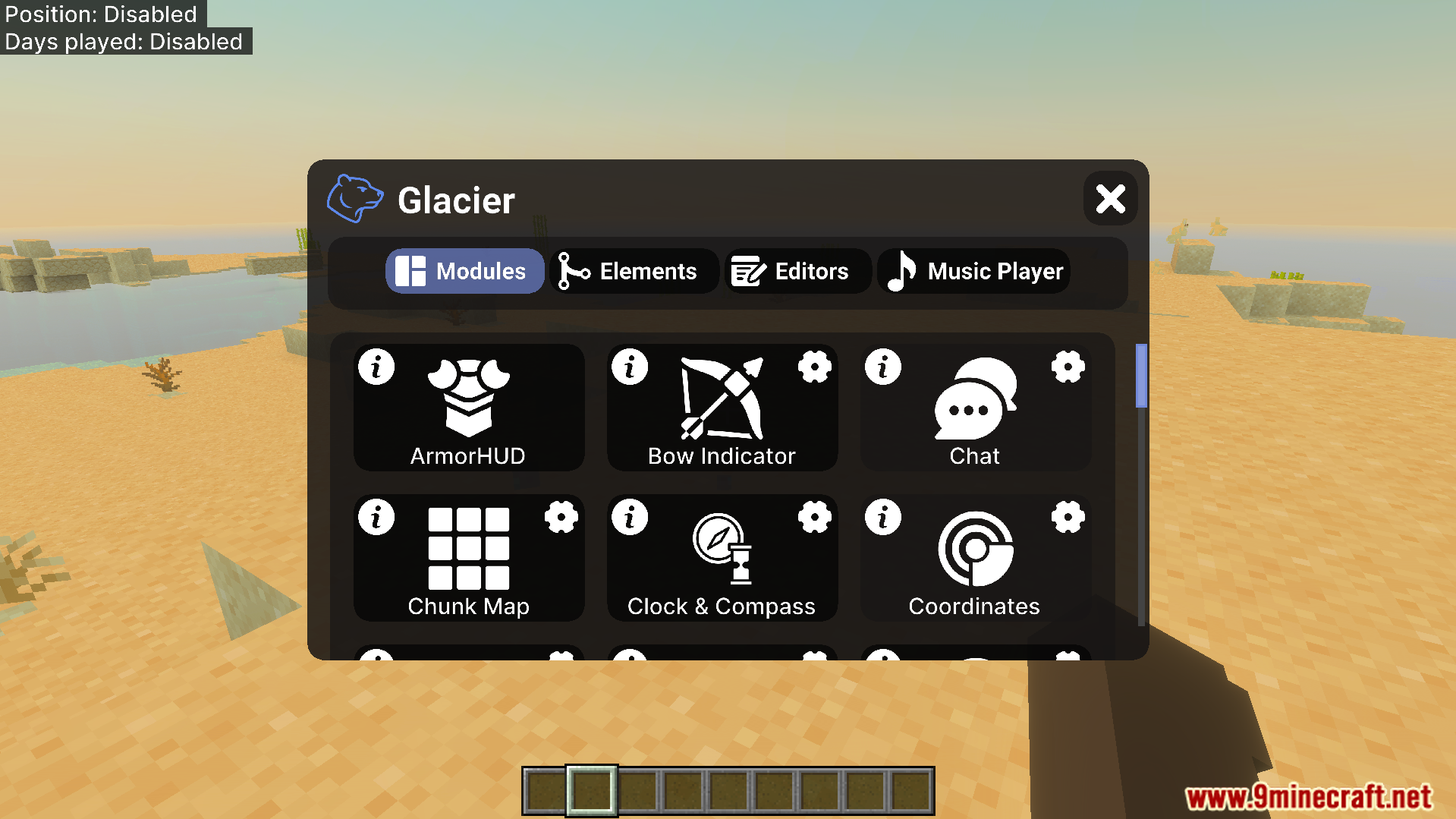
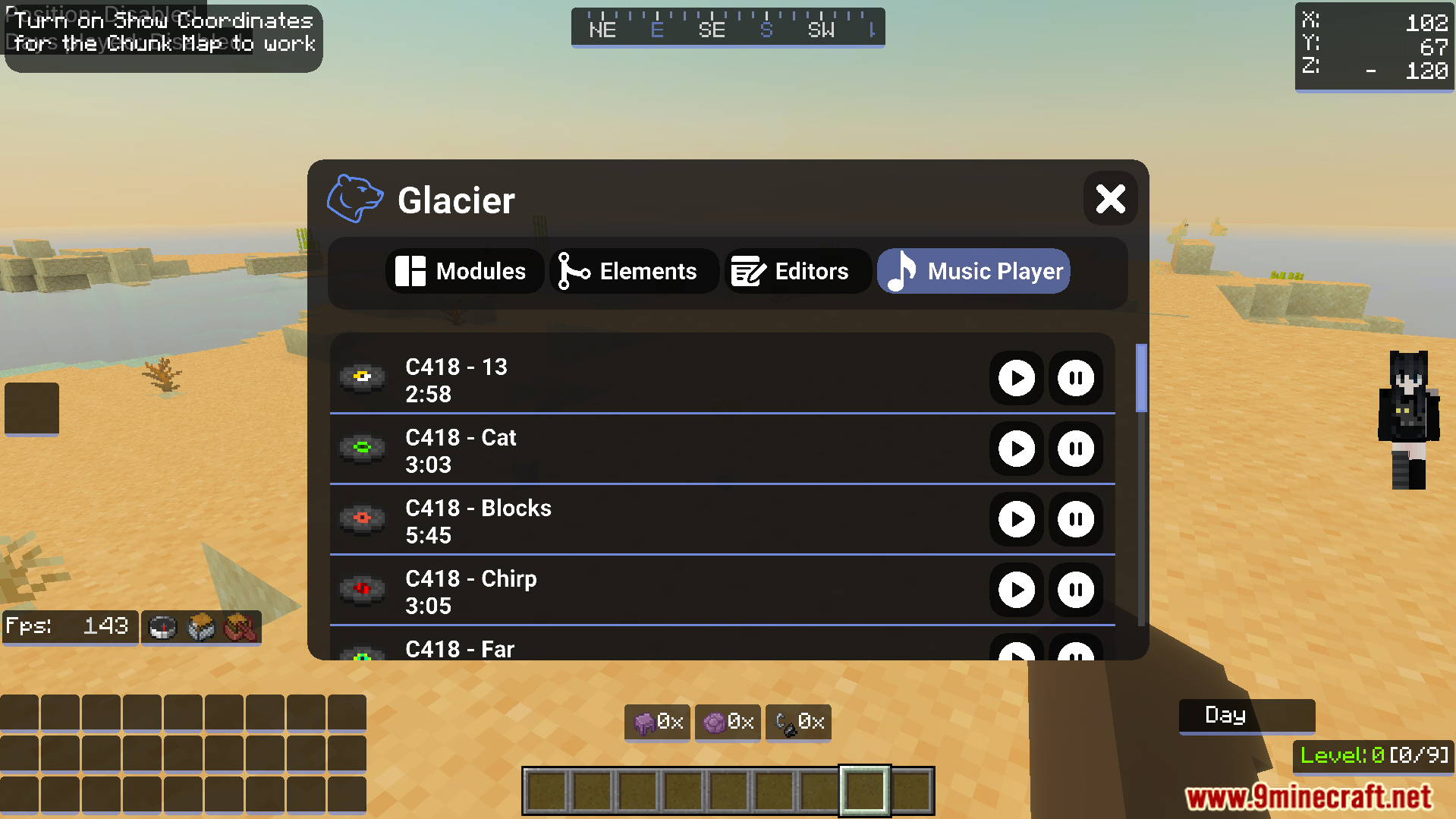
Read the full details and screenshots
Open this resource in CraftyBox