
CRAFTYBOX
Preparing your block world
正在准备你的方块世界
First visit setup
首次访问设置
CRAFTYBOX
Preparing your block world
正在准备你的方块世界
First visit setup
首次访问设置
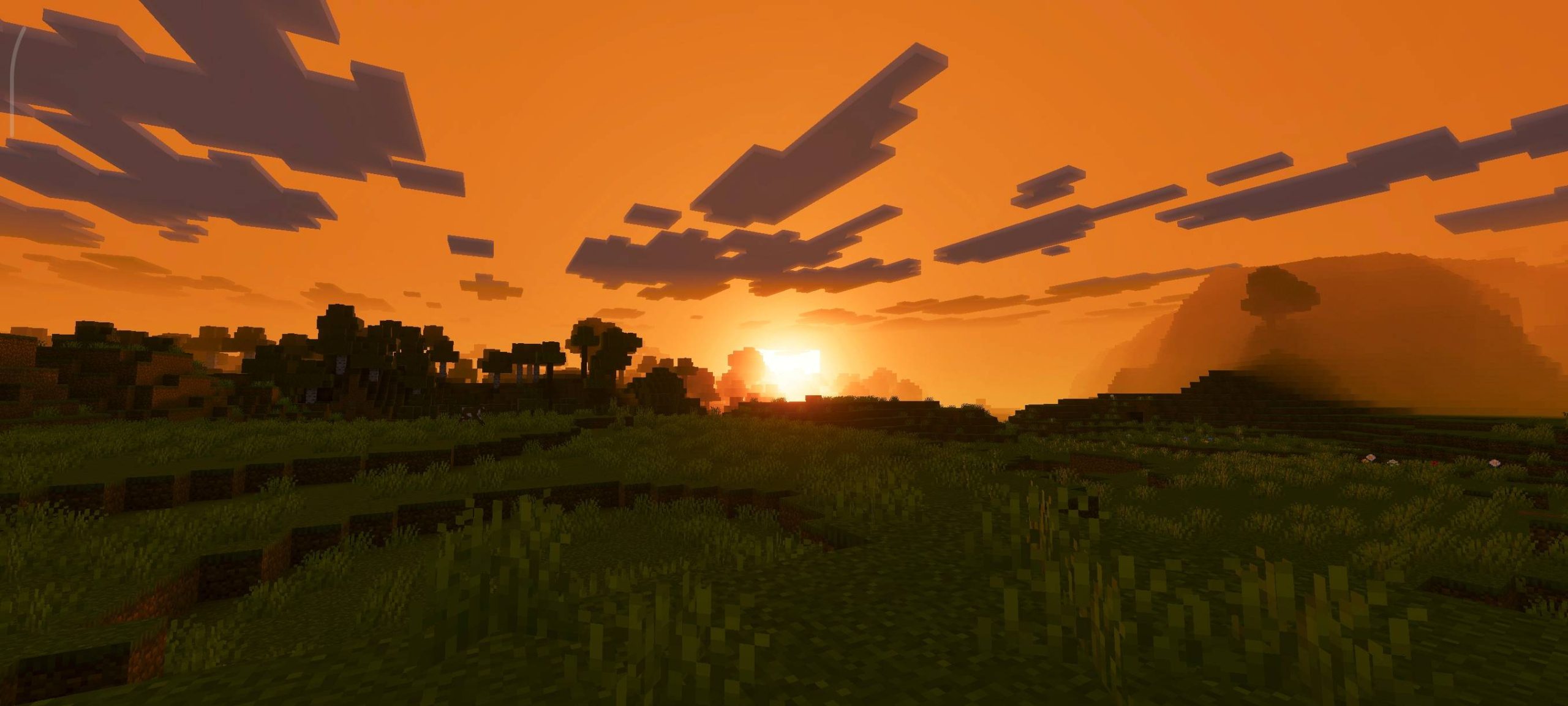
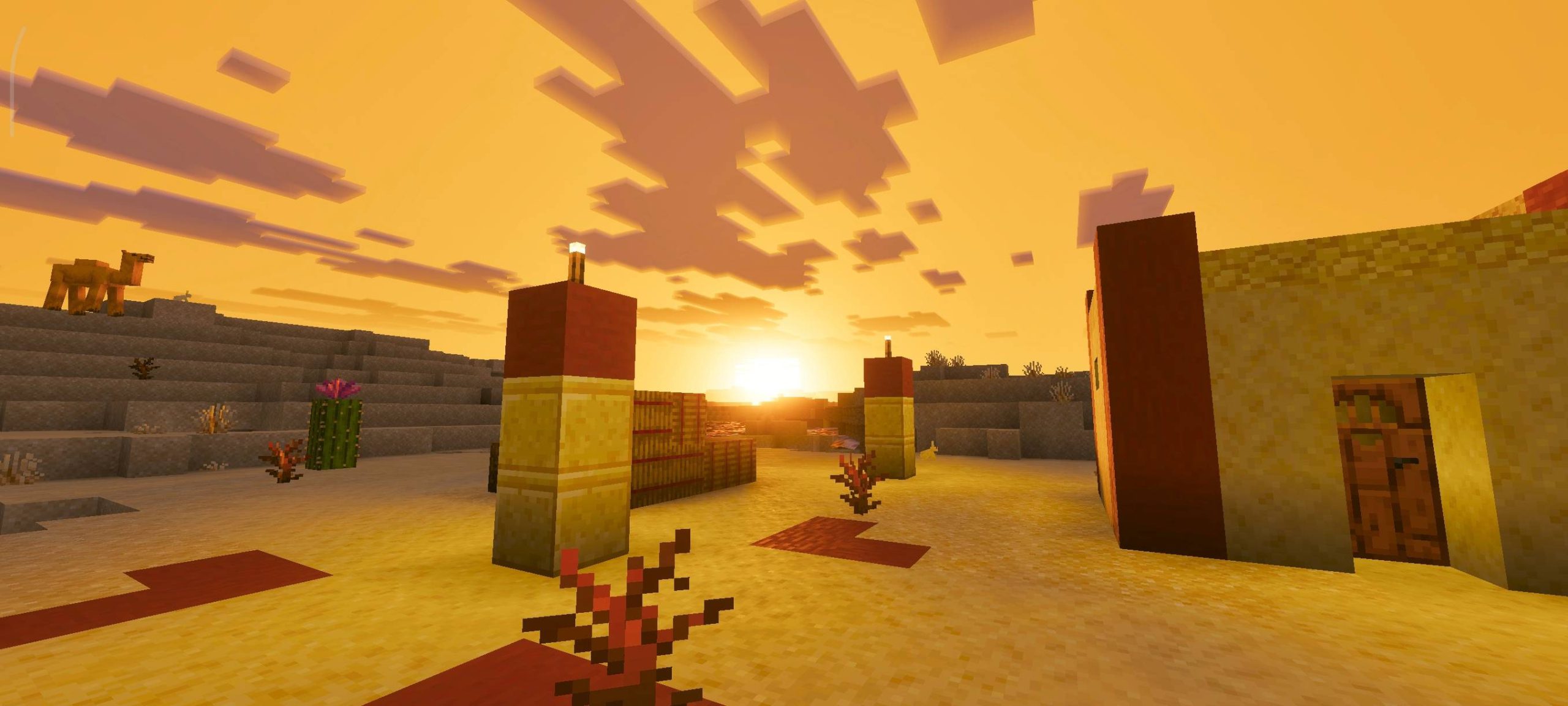
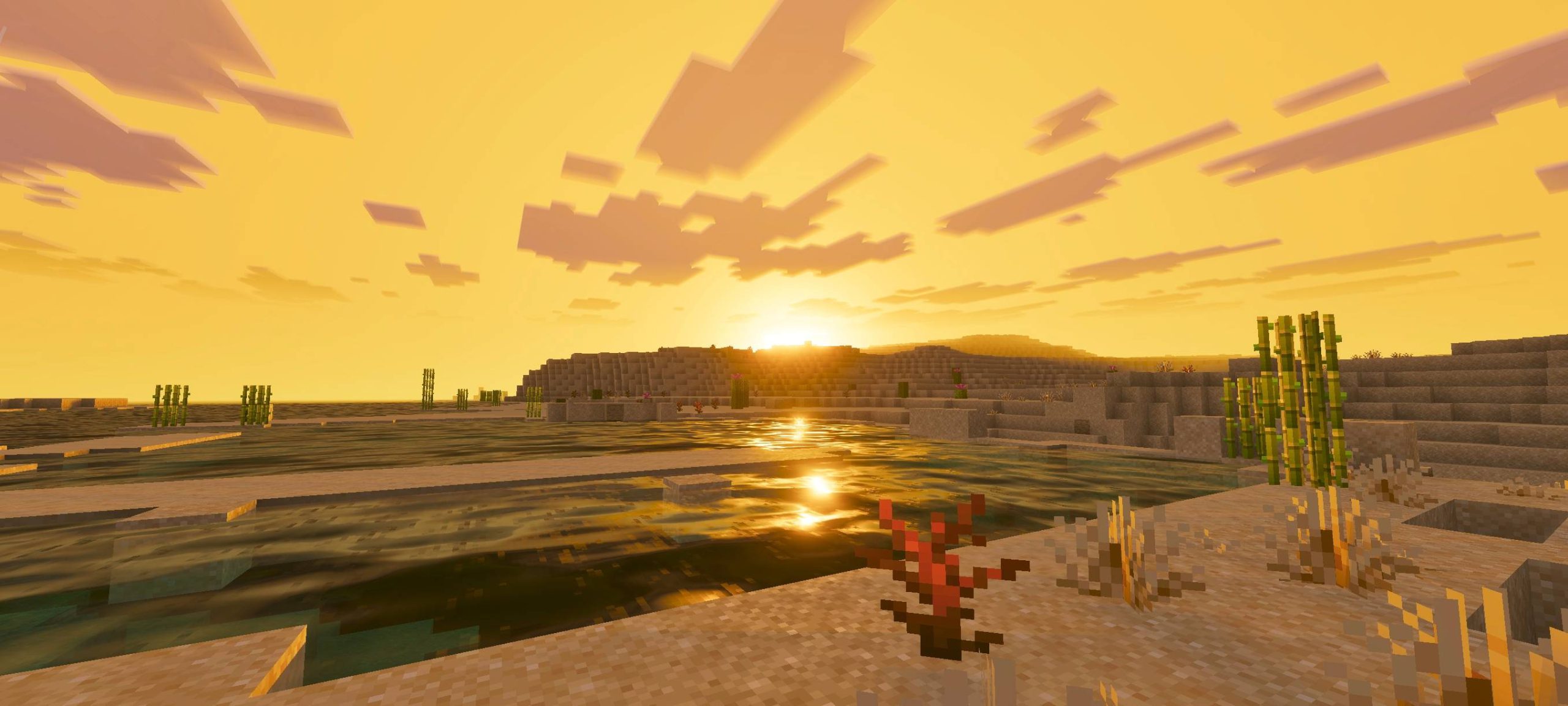
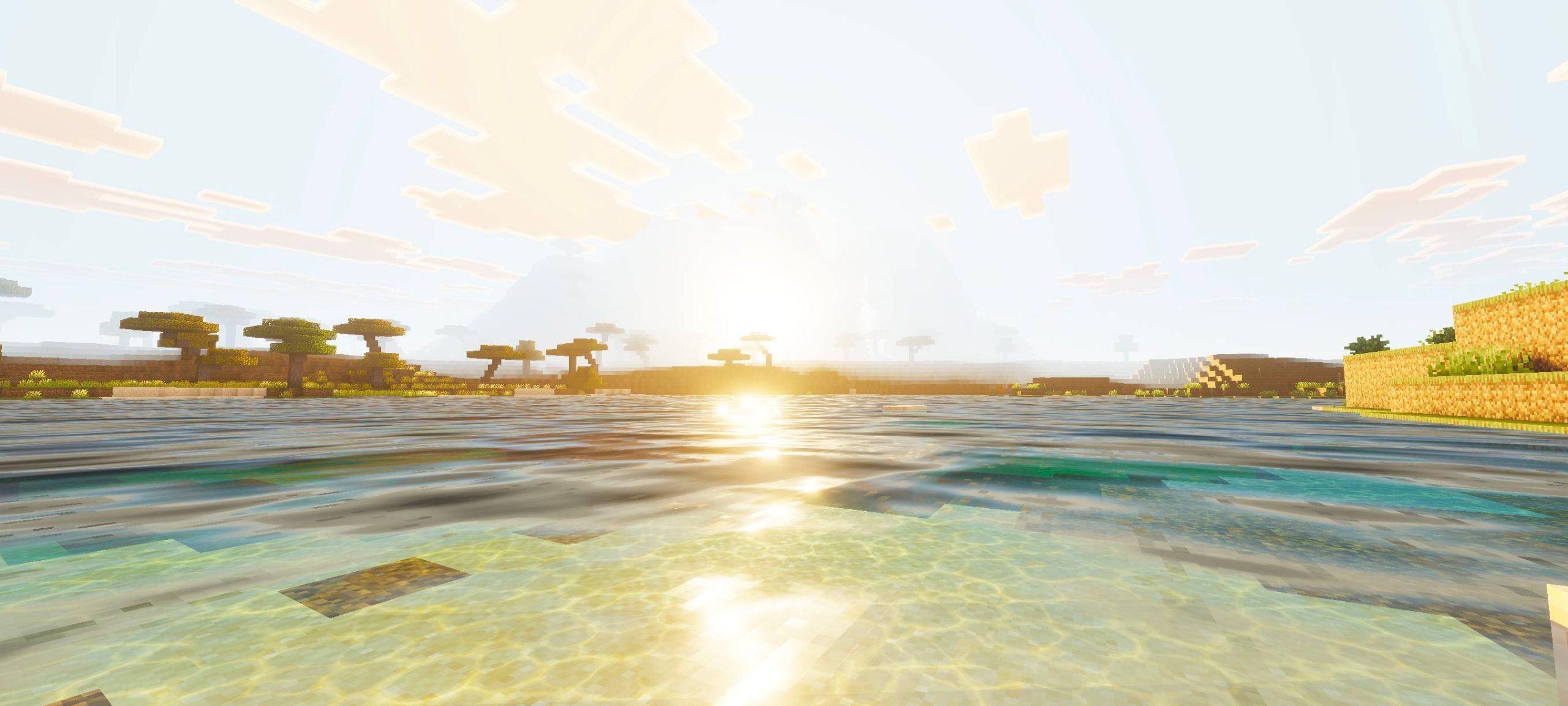
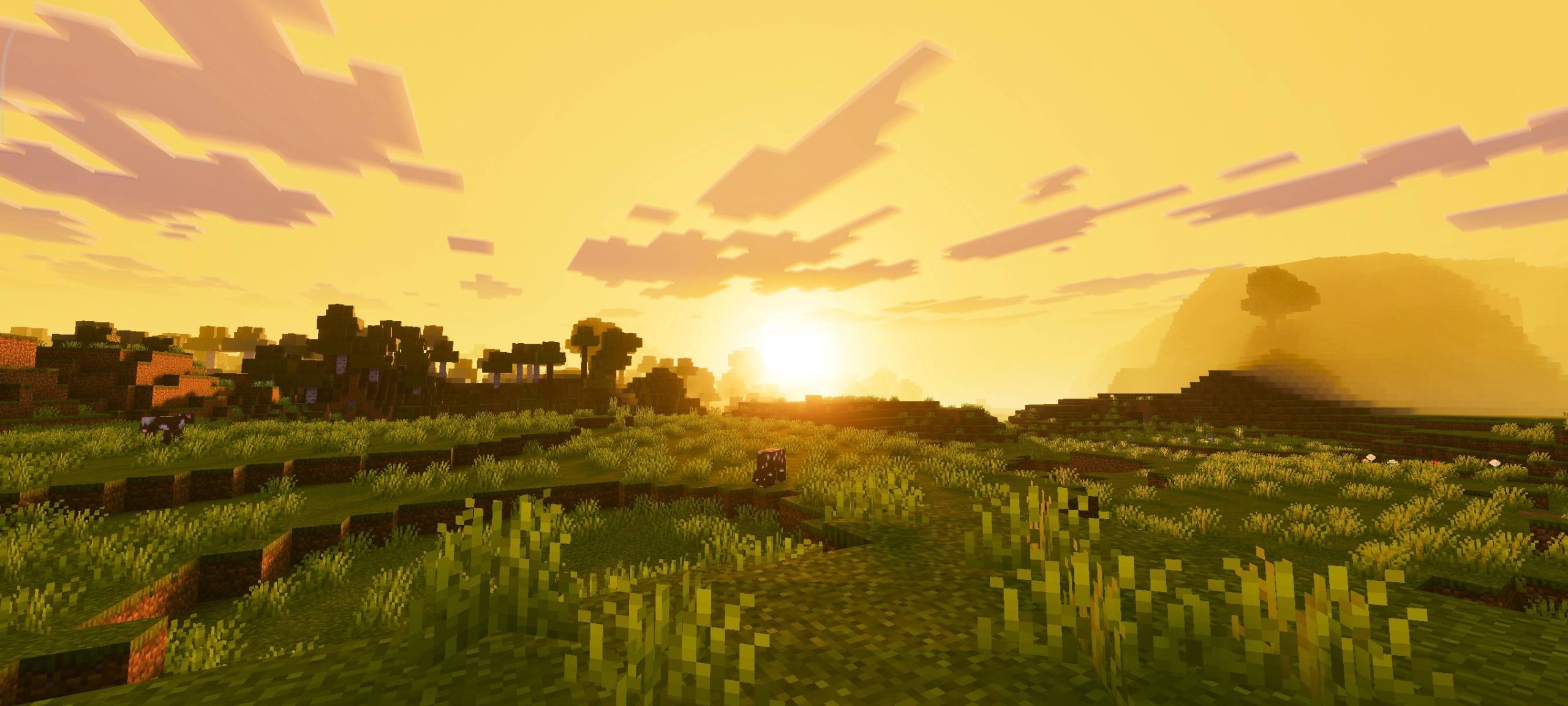
Golden Visuals Shader Wrap your world in golden-hour magic with a shader that turns every moment into a warm, glowing masterpiece. Features: Soft golden lighting that flatters every build Dreamy sunsets and amber-tinted mornings Gentle shadows that add depth without hiding detail Smooth performance on modern Bedrock versions Why You'll Love It: 1 Everything looks like it was filmed at golden hour 2 Cozy, warm vibes perfect for survival worlds 3 A subtle upgrade that never feels overdone How to Get Started: 1 Download the Golden Visuals Shader. 2 Install it in Minecraft PE. 3 Open your world and enjoy the new experience. Chase the golden hour, all
Open this resource in CraftyBox