
CRAFTYBOX
Preparing your block world
正在准备你的方块世界
First visit setup
首次访问设置
CRAFTYBOX
Preparing your block world
正在准备你的方块世界
First visit setup
首次访问设置
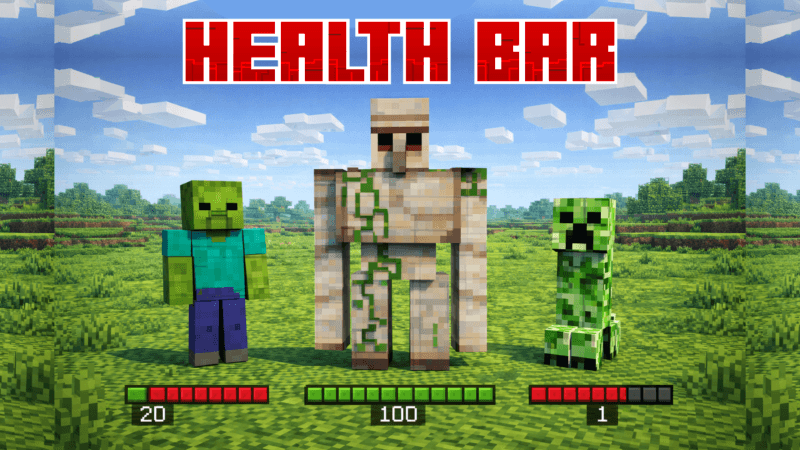
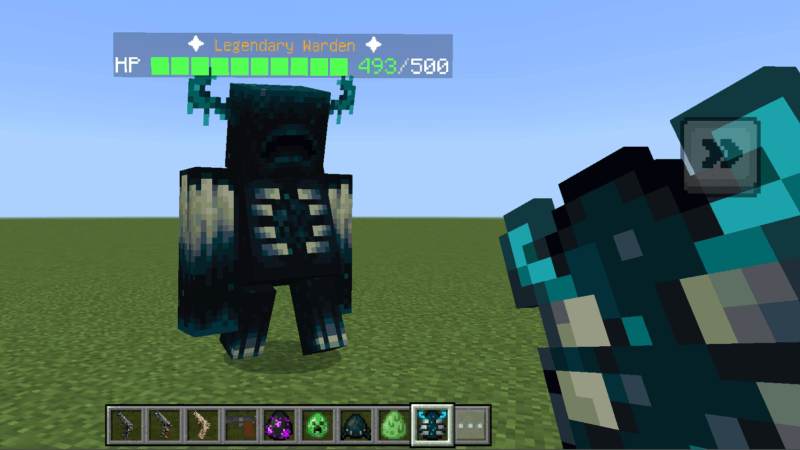
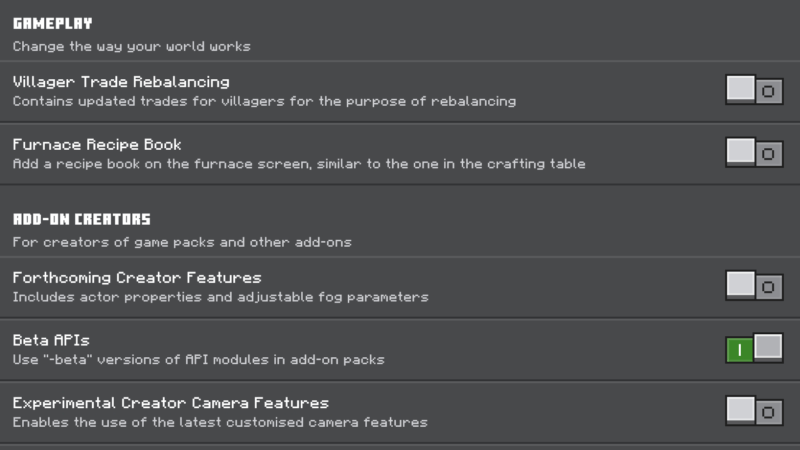
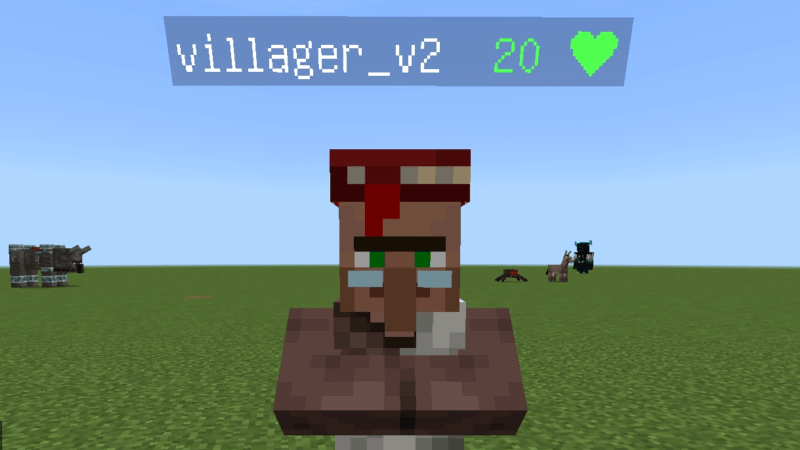
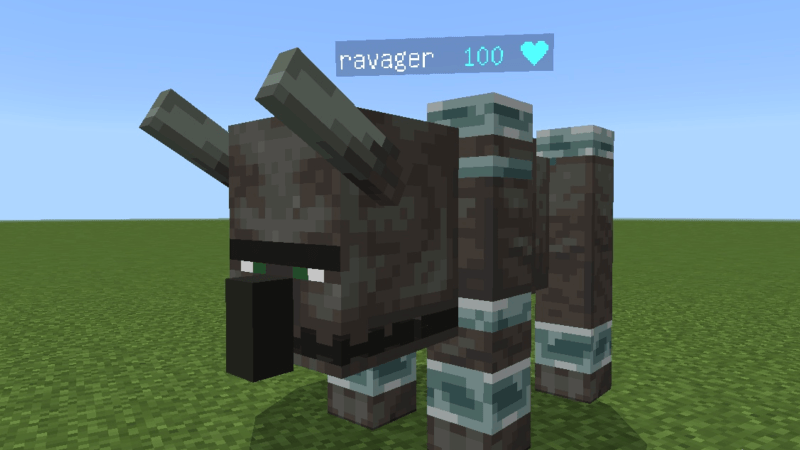
Health Bar (bs) Keep track of enemy health visually without messy numbers using an intuitive color-coded status bar. Features: Green indicator for enemies above 80 percent health Yellow indicator for targets around half health Orange warning status for quarter health remaining Red critical marker for mobs on the verge of defeat Why You'll Love It: 1 Clean and immersive visual health indicators. 2 Helps you strategize your fights instantly. 3 Lightweight design without player.json conflicts. How to Get Started: 1 Download the Health Bar (bs). 2 Install it in Minecraft PE. 3 Open your world and enjoy the new experience. Know your enemy's strength at
Open this resource in CraftyBox