
CRAFTYBOX
Preparing your block world
正在准备你的方块世界
First visit setup
首次访问设置
CRAFTYBOX
Preparing your block world
正在准备你的方块世界
First visit setup
首次访问设置
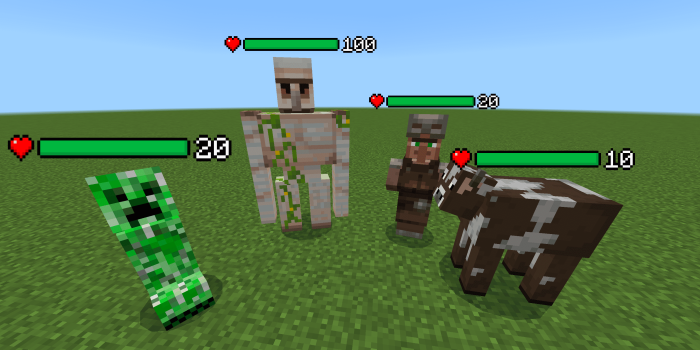
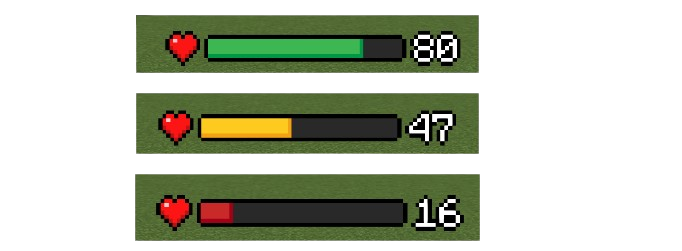
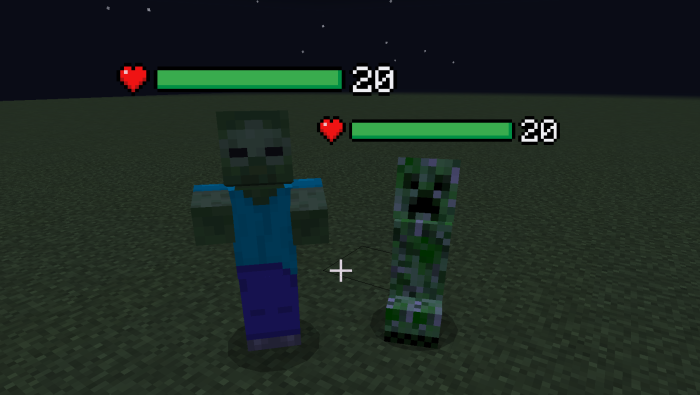
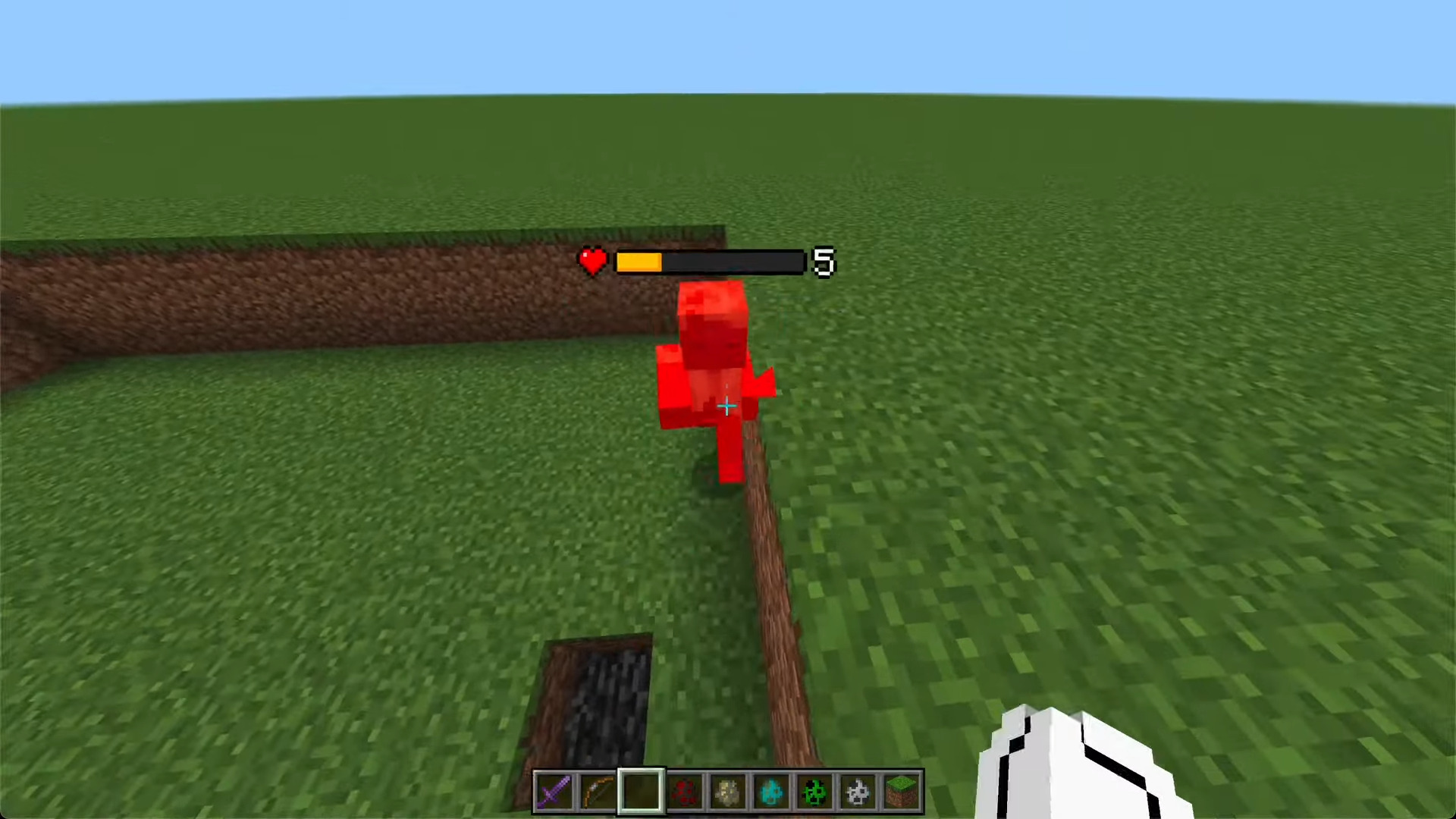
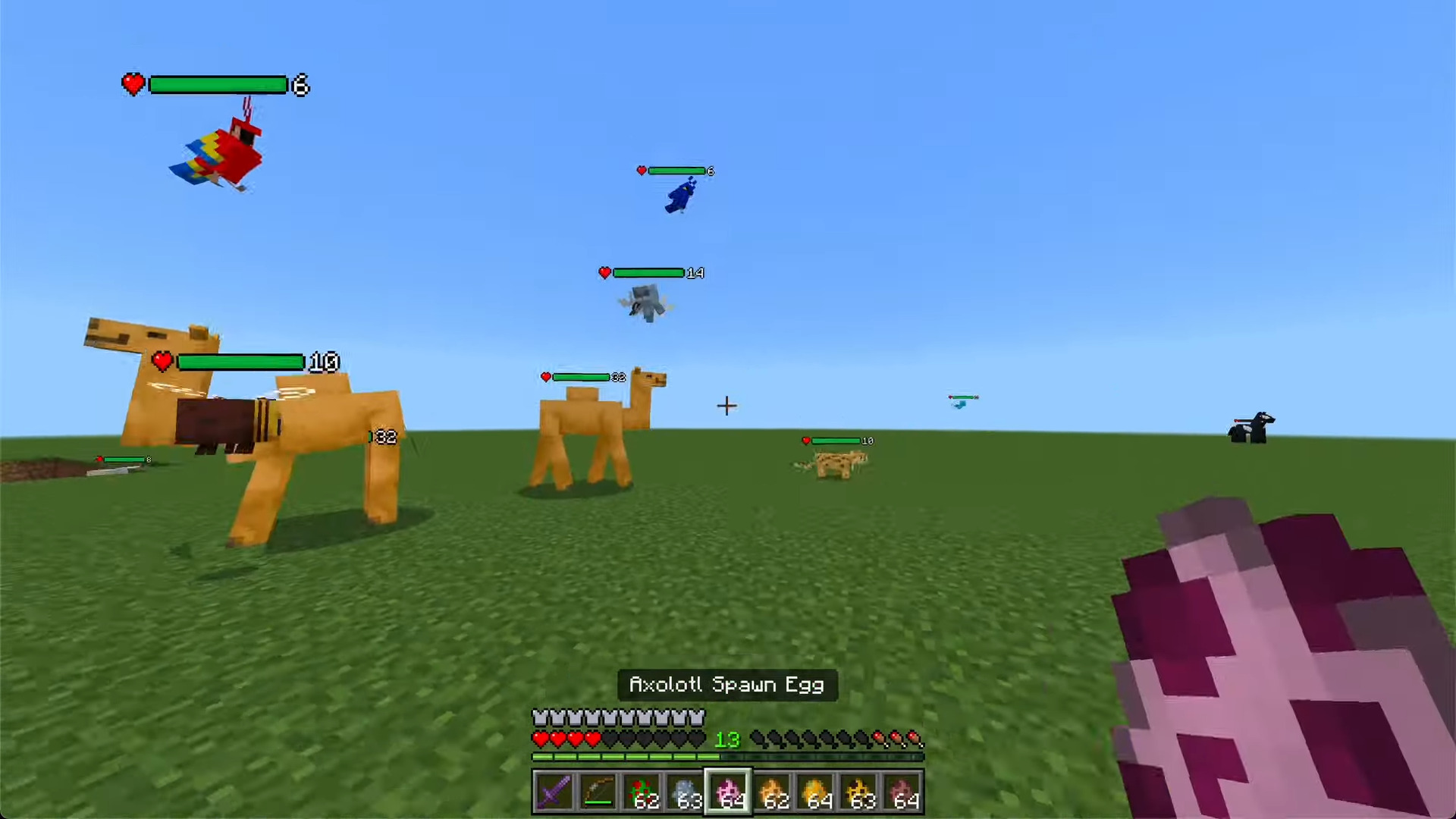
Health Bar Texture Pack Know exactly how tough every enemy is — the Health Bar pack displays live HP bars above mobs and players. Features: Clear floating health bars over mobs in real time Instantly see damage dealt with every hit Clean design that never clutters your screen Works in survival, PvP and boss fights alike Why You'll Love It: 1 Smarter combat decisions with visible enemy HP 2 Know when to push the attack or retreat 3 An RPG-style touch that feels right at home How to Get Started: 1 Download the Health Bar Texture Pack. 2 Install it in Minecraft PE. 3 Open your world and enjoy the new experience. Fight smart — watch those health bars d
Open this resource in CraftyBox