
CRAFTYBOX
Preparing your block world
正在准备你的方块世界
First visit setup
首次访问设置
CRAFTYBOX
Preparing your block world
正在准备你的方块世界
First visit setup
首次访问设置
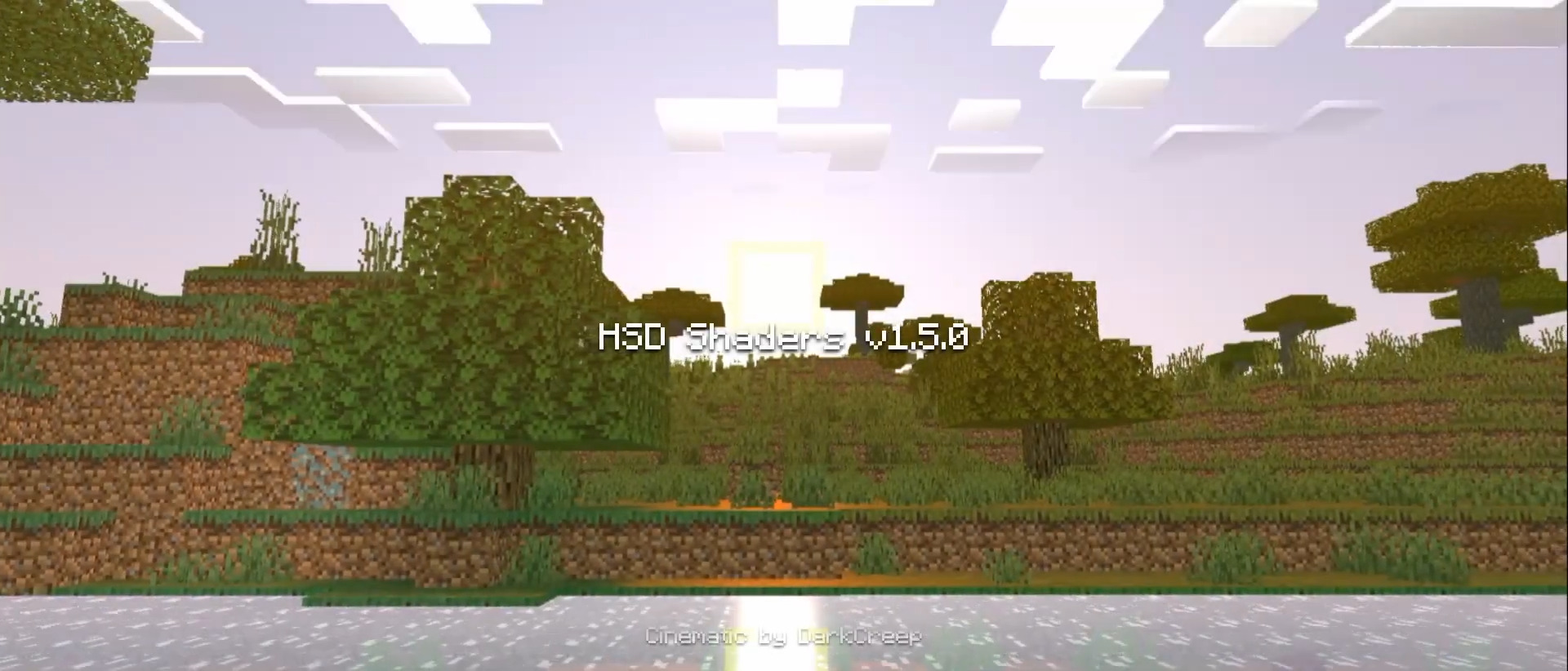
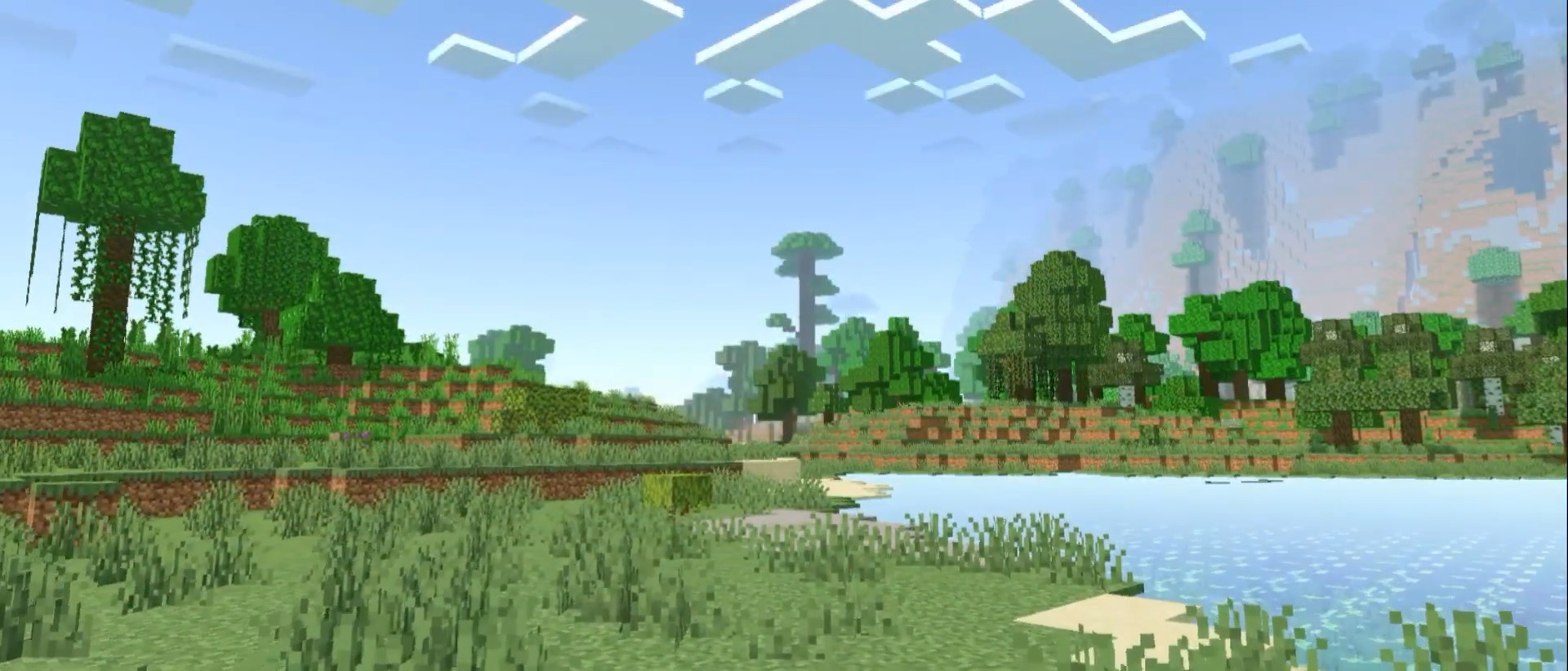
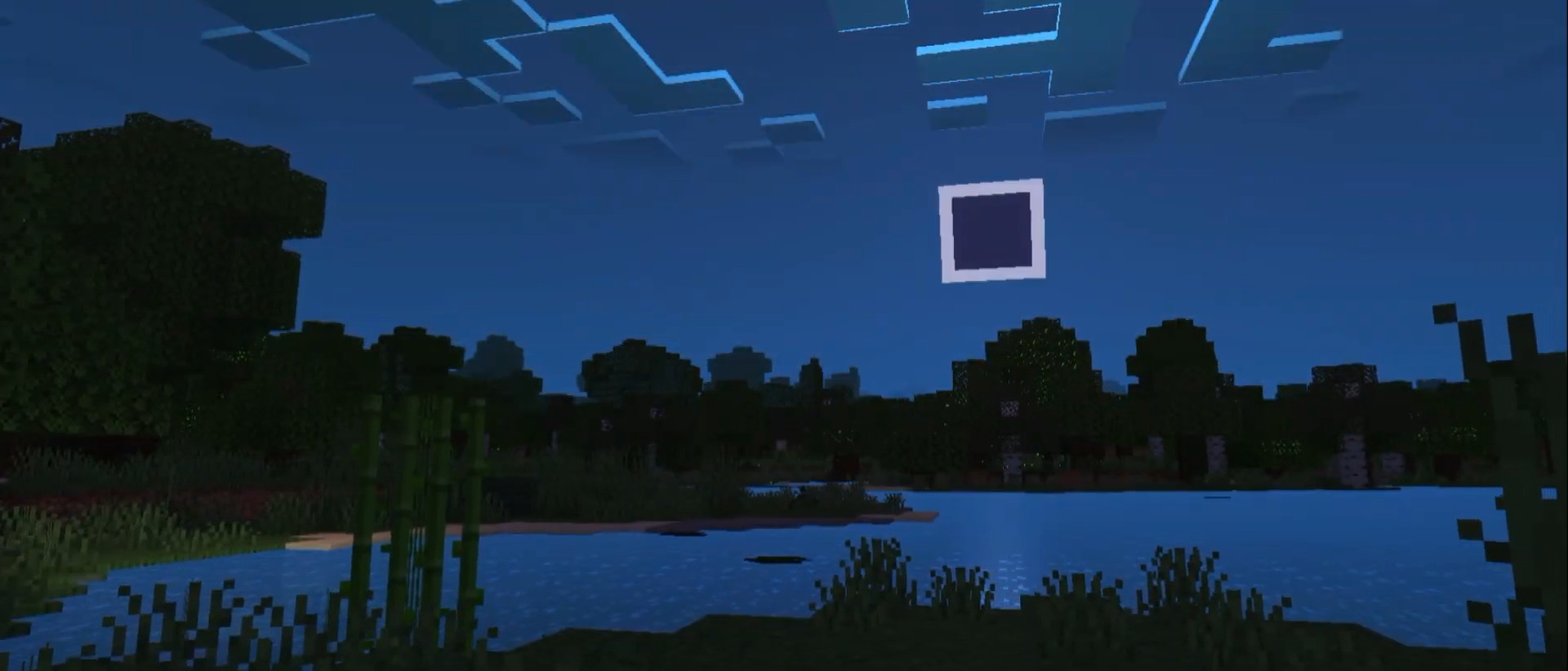
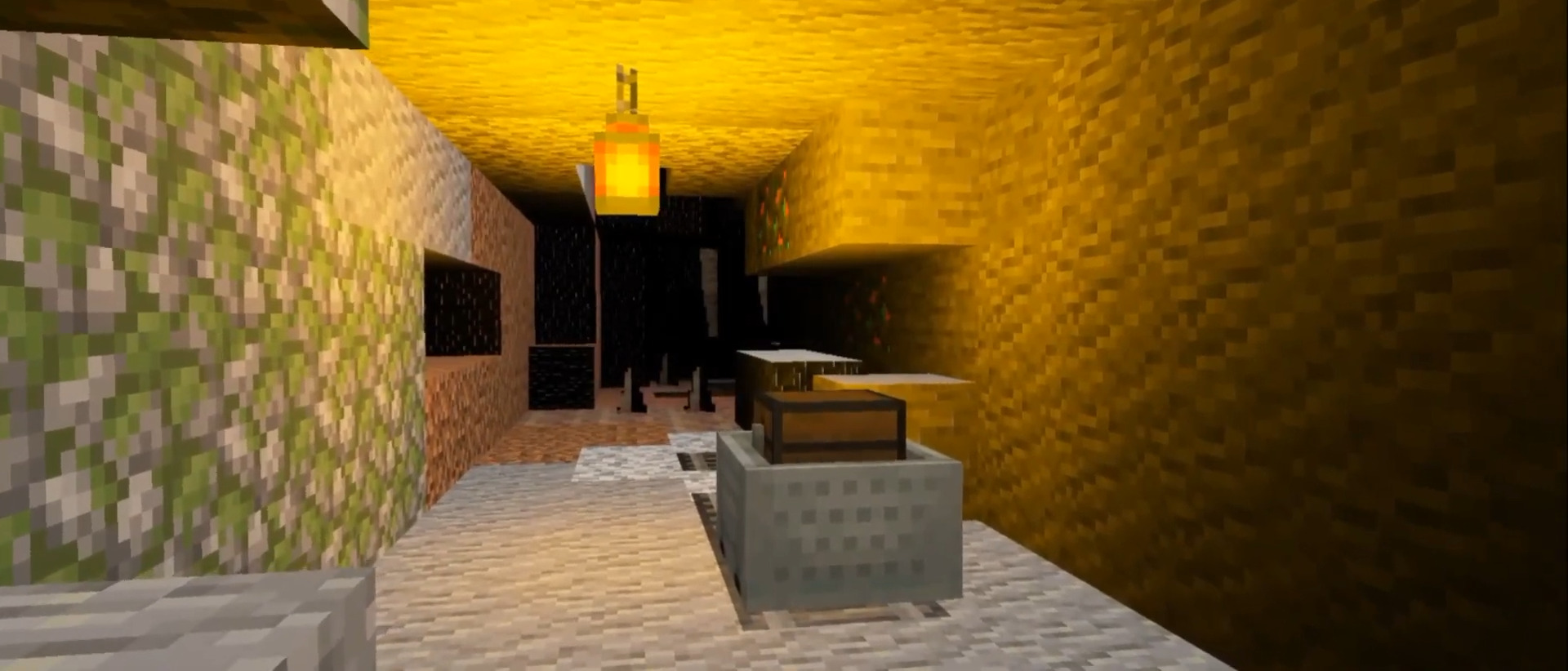
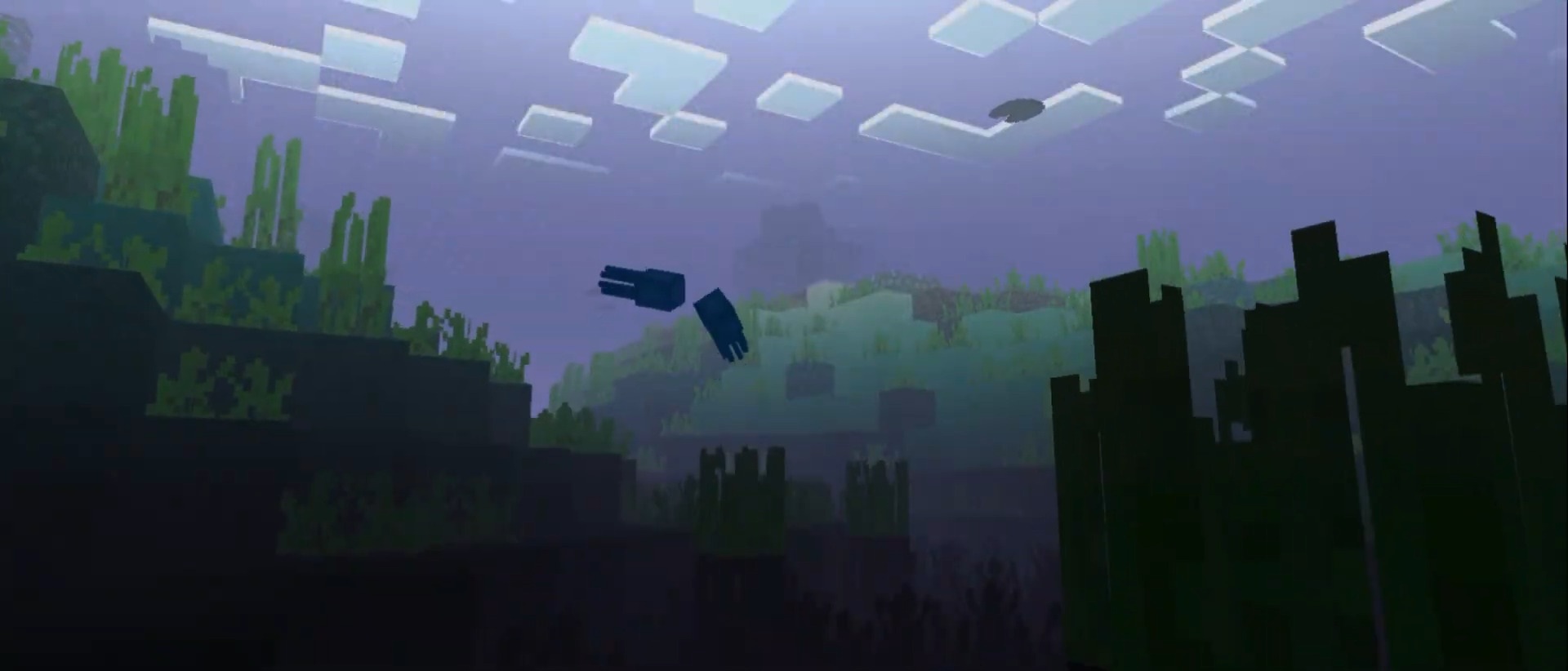
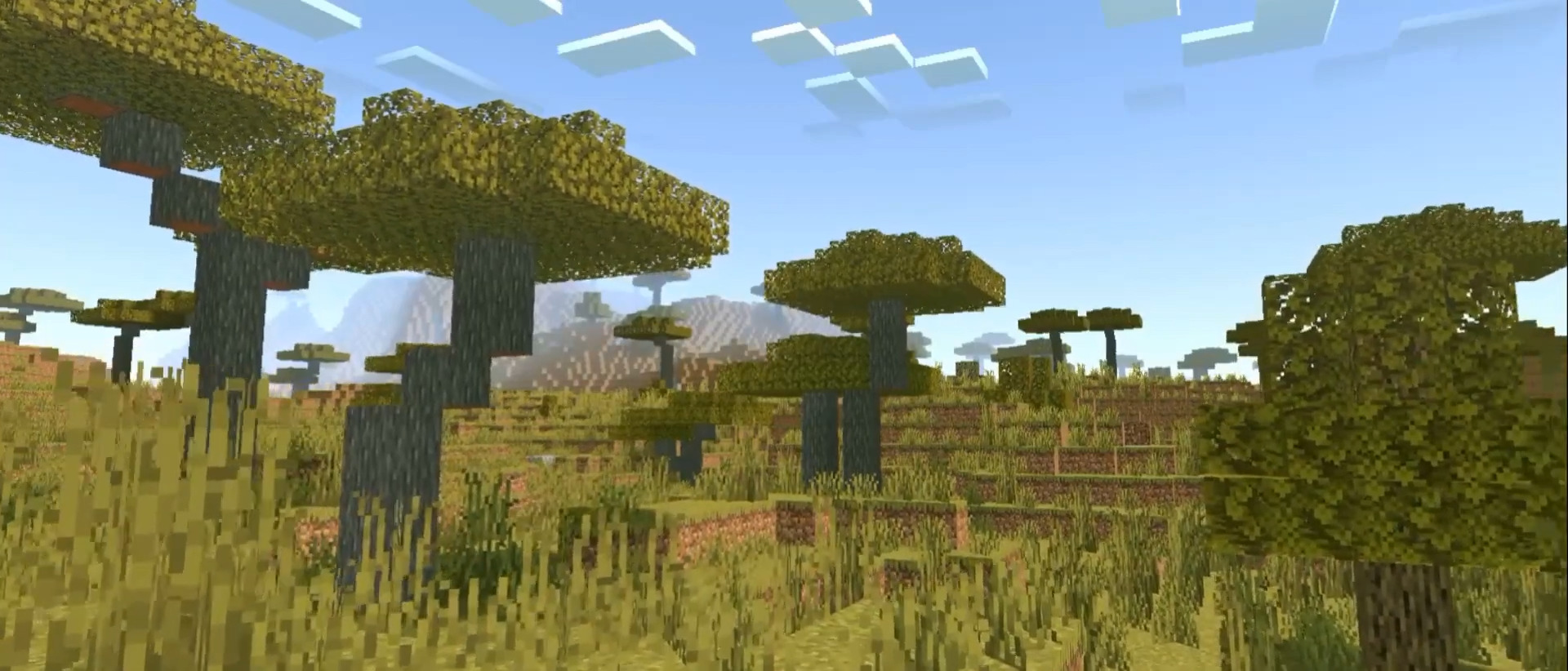
HSD Shader Bring RTX-style ray-traced beauty to MCPE/Bedrock with the stunning HSD Shader! Features: RTX-like lighting and realistic reflections Gorgeous skies, sunsets, and light rays Lifelike water with shimmering surfaces Enhanced shadows that give depth to every scene Why You'll Love It: 1 Ray-traced looks without needing an RTX card 2 Every screenshot turns into a wallpaper 3 Transforms familiar worlds into cinematic scenery How to Get Started: 1 Download the HSD Shader. 2 Install it in Minecraft PE. 3 Open your world and enjoy the new experience. Let there be (ray-traced) light!
Open this resource in CraftyBox