
CRAFTYBOX
Preparing your block world
正在准备你的方块世界
First visit setup
首次访问设置
CRAFTYBOX
Preparing your block world
正在准备你的方块世界
First visit setup
首次访问设置
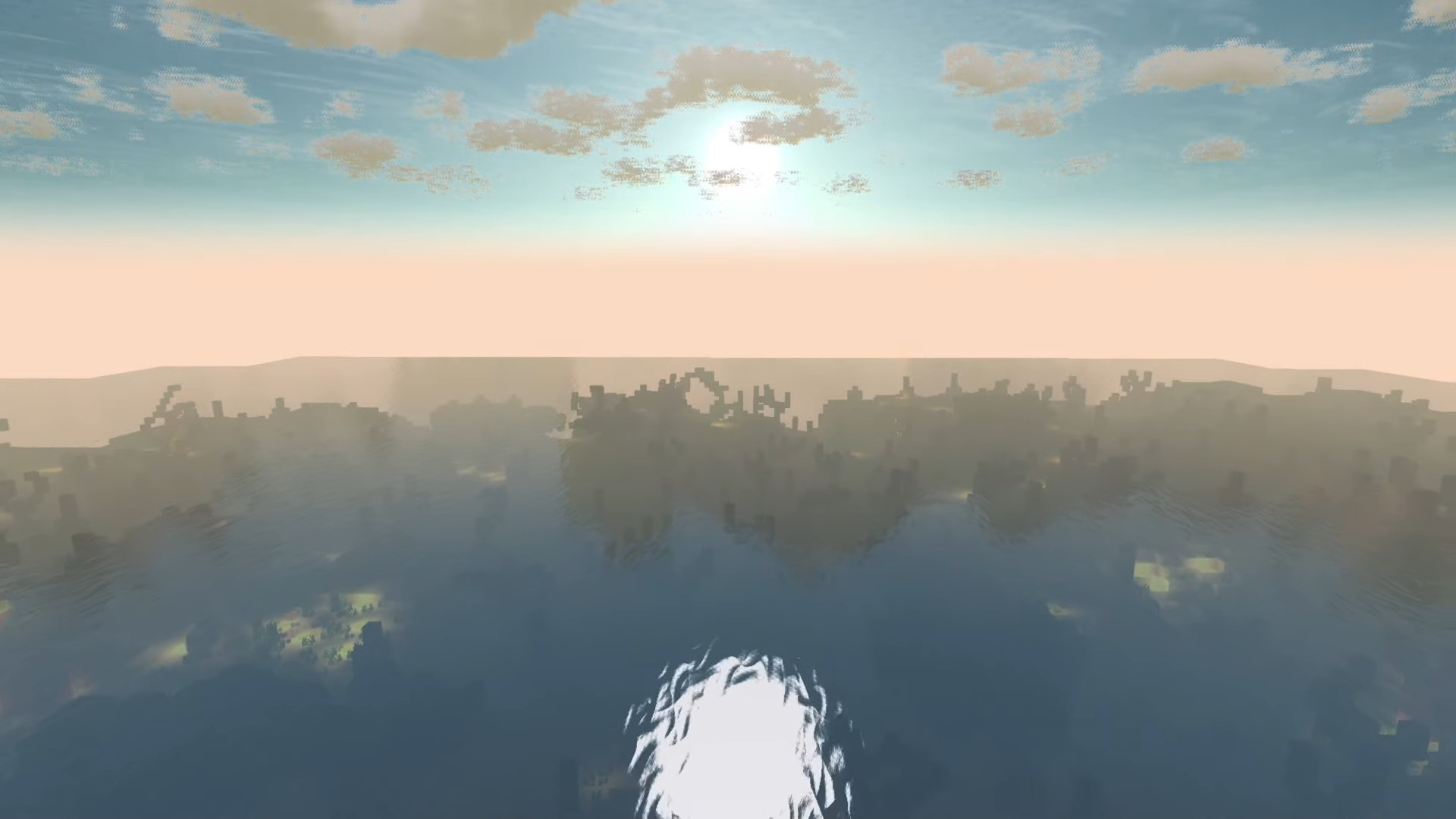
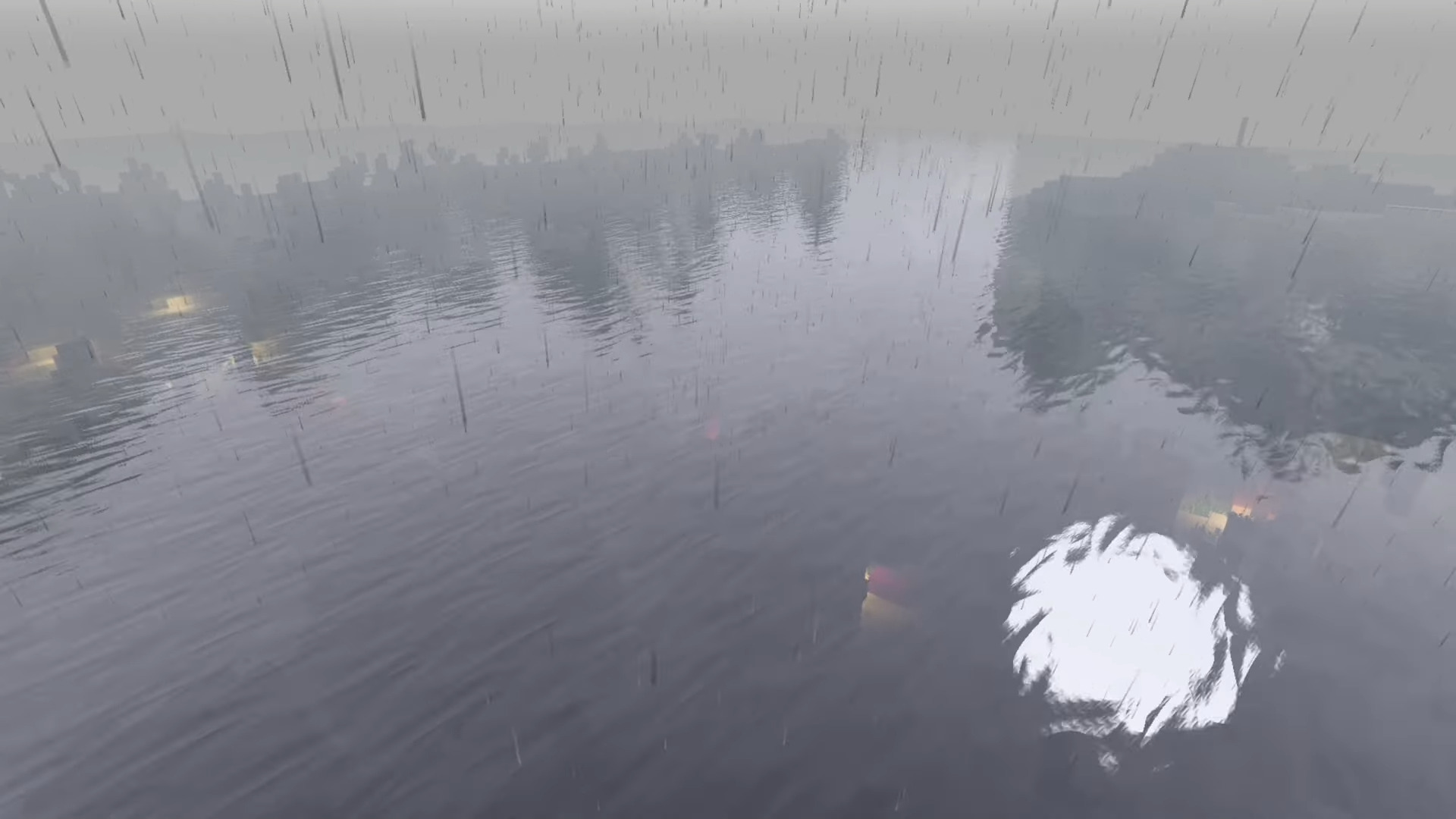
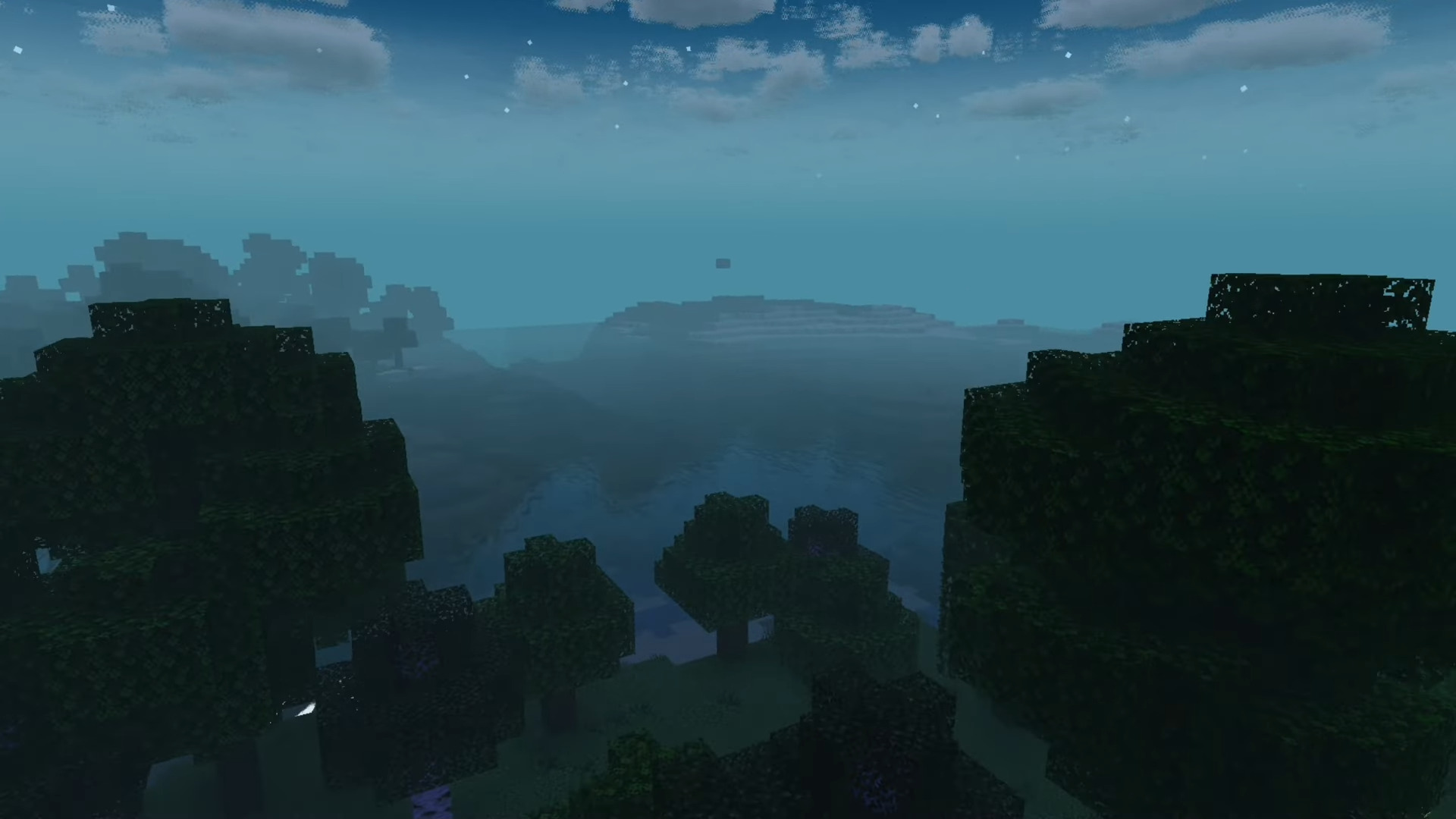
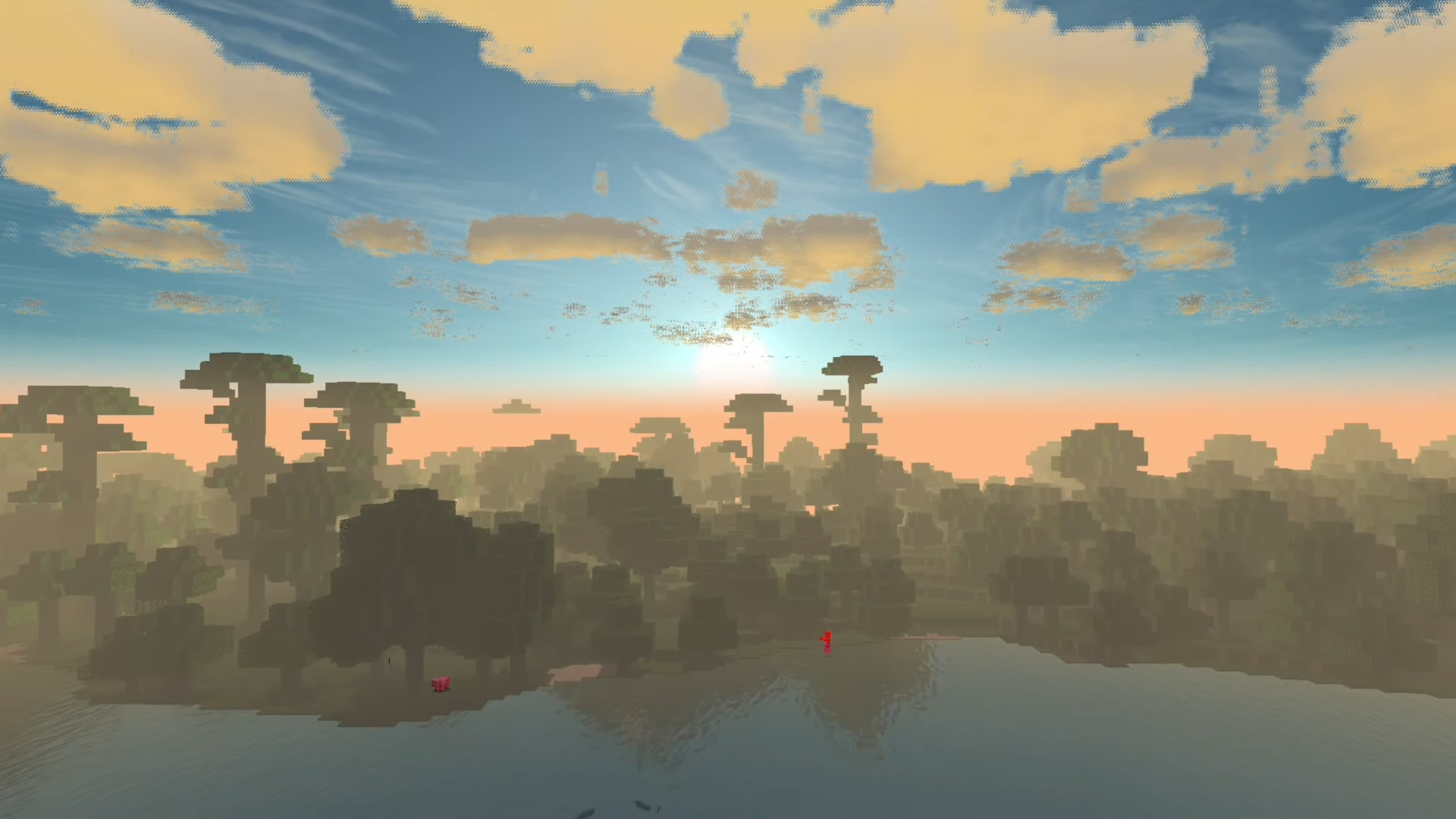
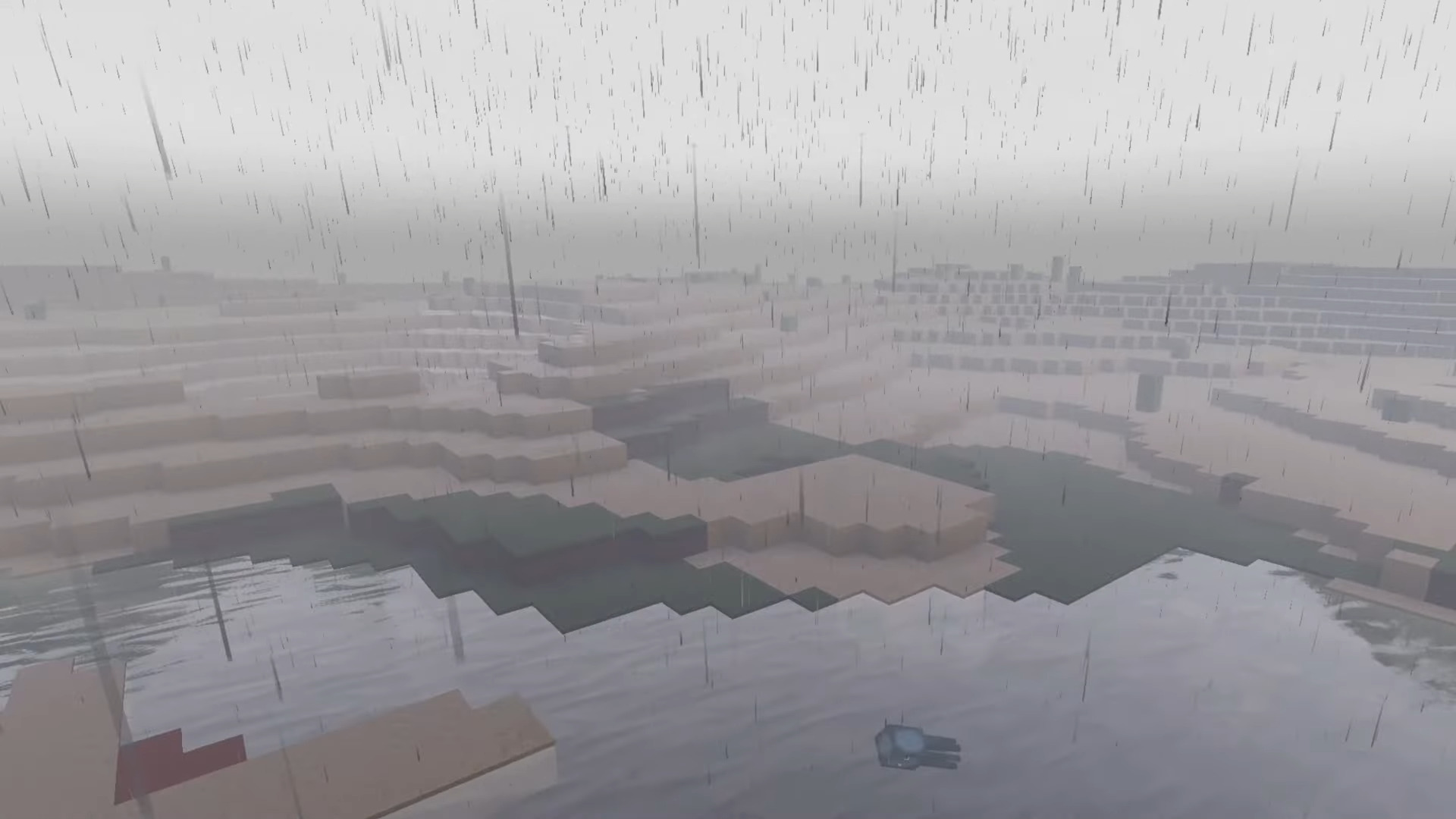
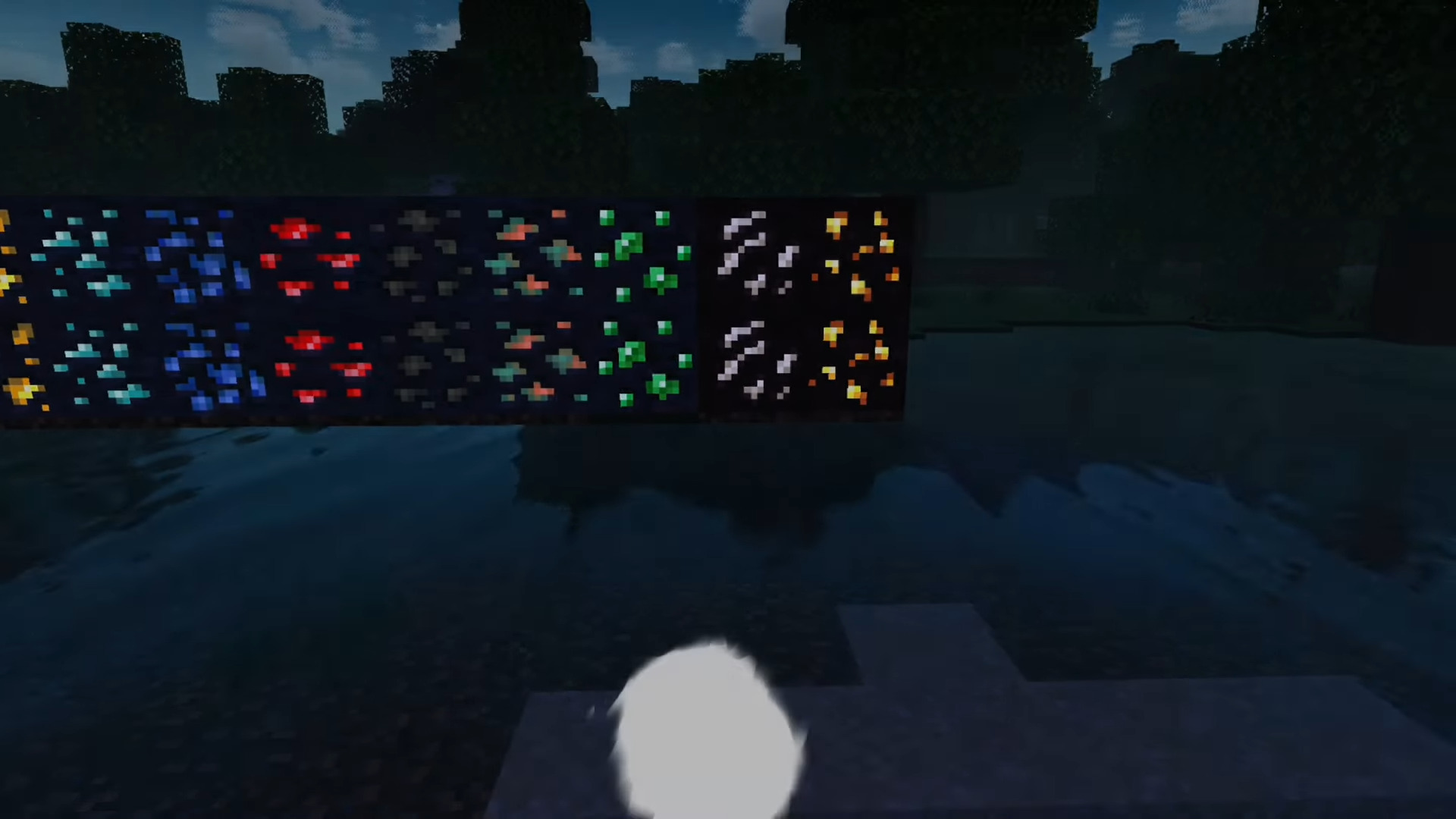
Hyze Shader One shader, every platform — Hyze delivers a stylish visual overhaul for Minecraft 1.21.20+ on Android, iOS, and Windows alike. Features: Refined lighting, skies, and color balance Verified support for Android, iOS, and Windows Attractive water with soft, moving reflections Consistent performance across all three platforms Why You'll Love It: 1 Same great look whether you play on phone or PC 2 Cross-platform friends can match visuals easily 3 Painless install with instant results How to Get Started: 1 Download the Hyze Shader. 2 Install it in Minecraft PE. 3 Open your world and enjoy the new experience. Any device, any platform — Hyze h
Read the full details and screenshots
Open this resource in CraftyBox