
CRAFTYBOX
Preparing your block world
正在准备你的方块世界
First visit setup
首次访问设置
CRAFTYBOX
Preparing your block world
正在准备你的方块世界
First visit setup
首次访问设置
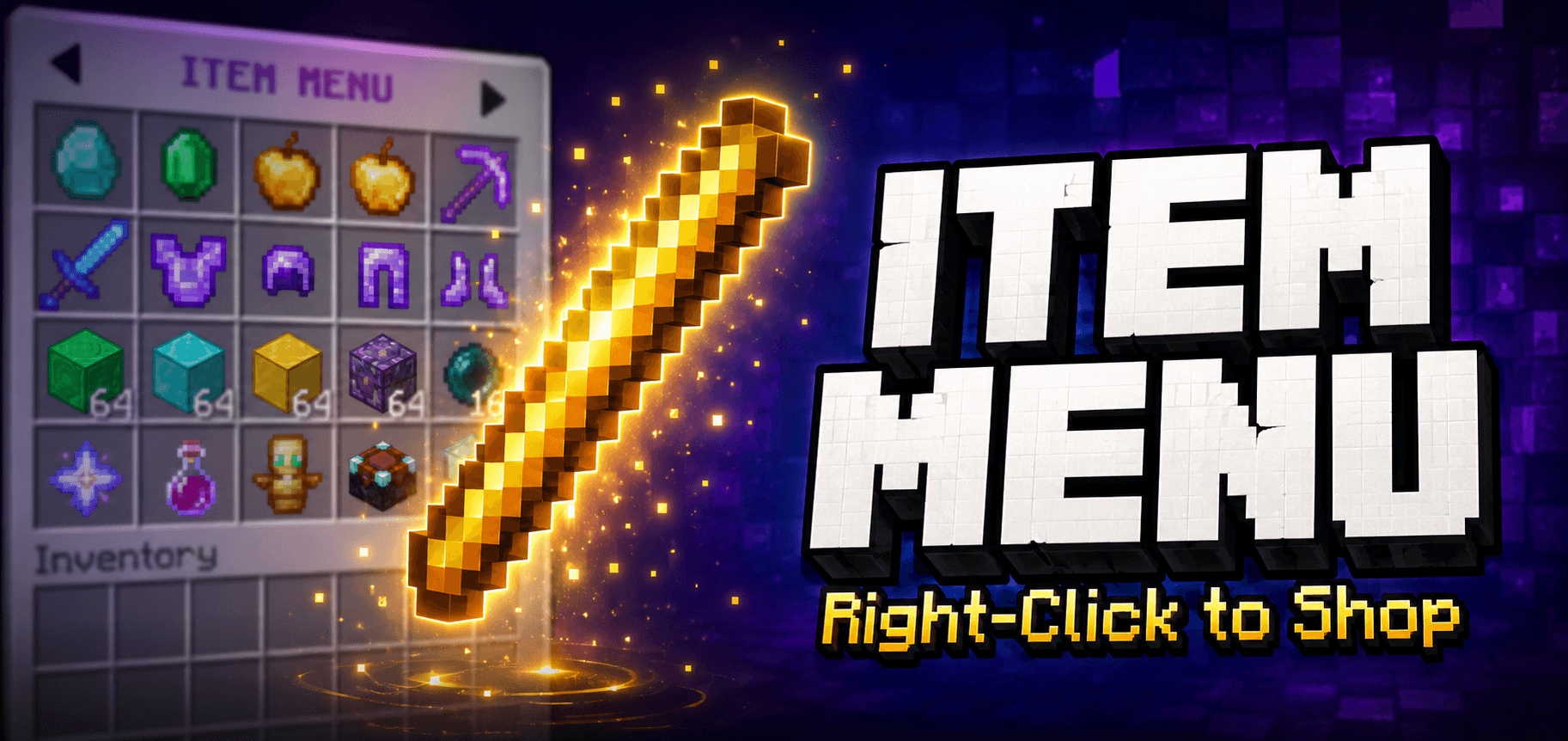
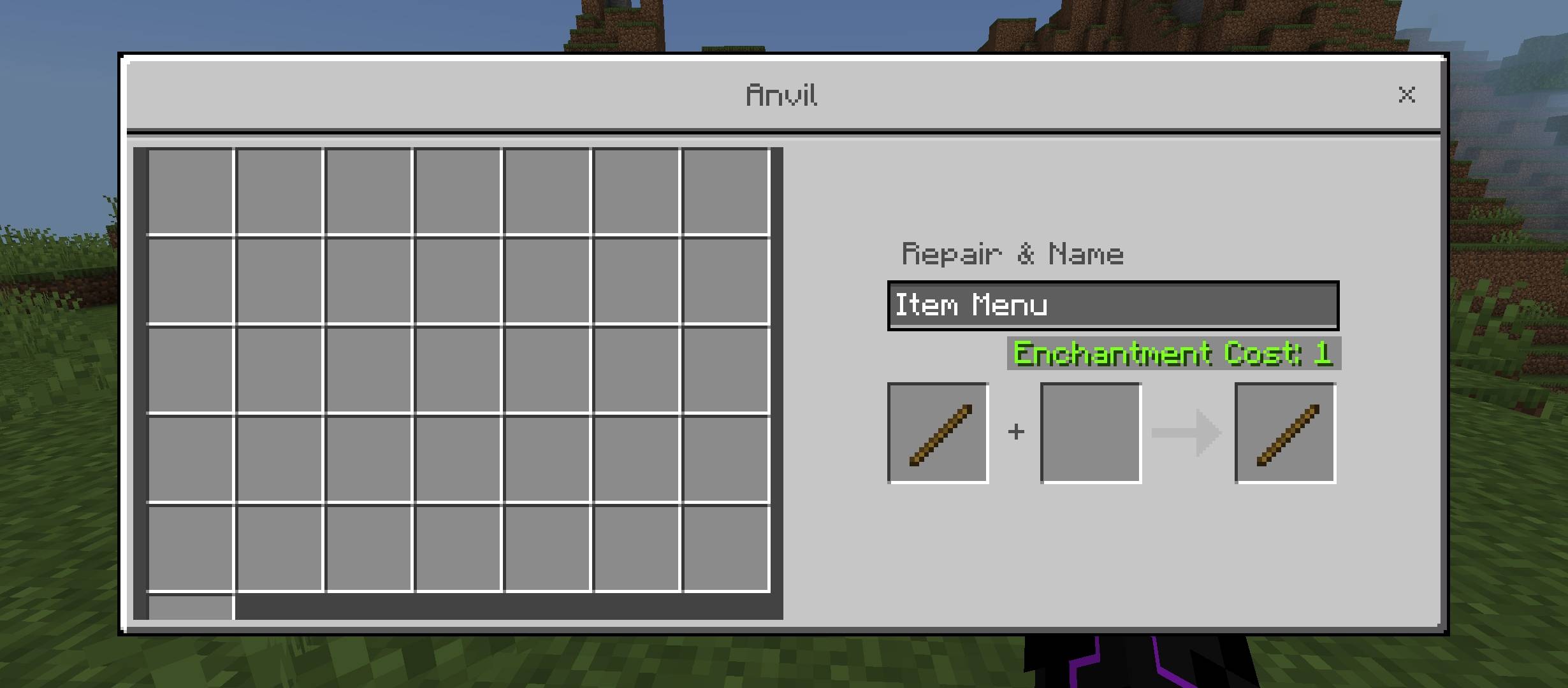
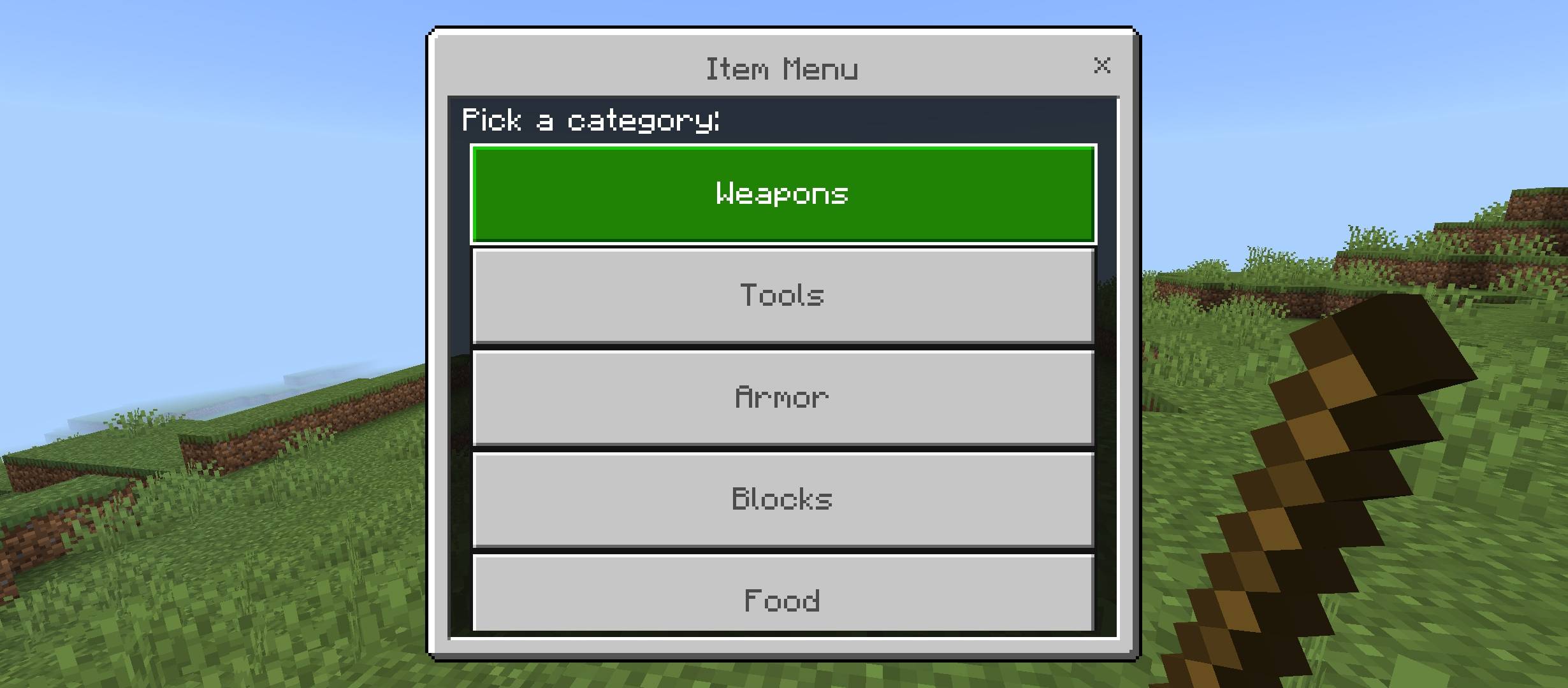
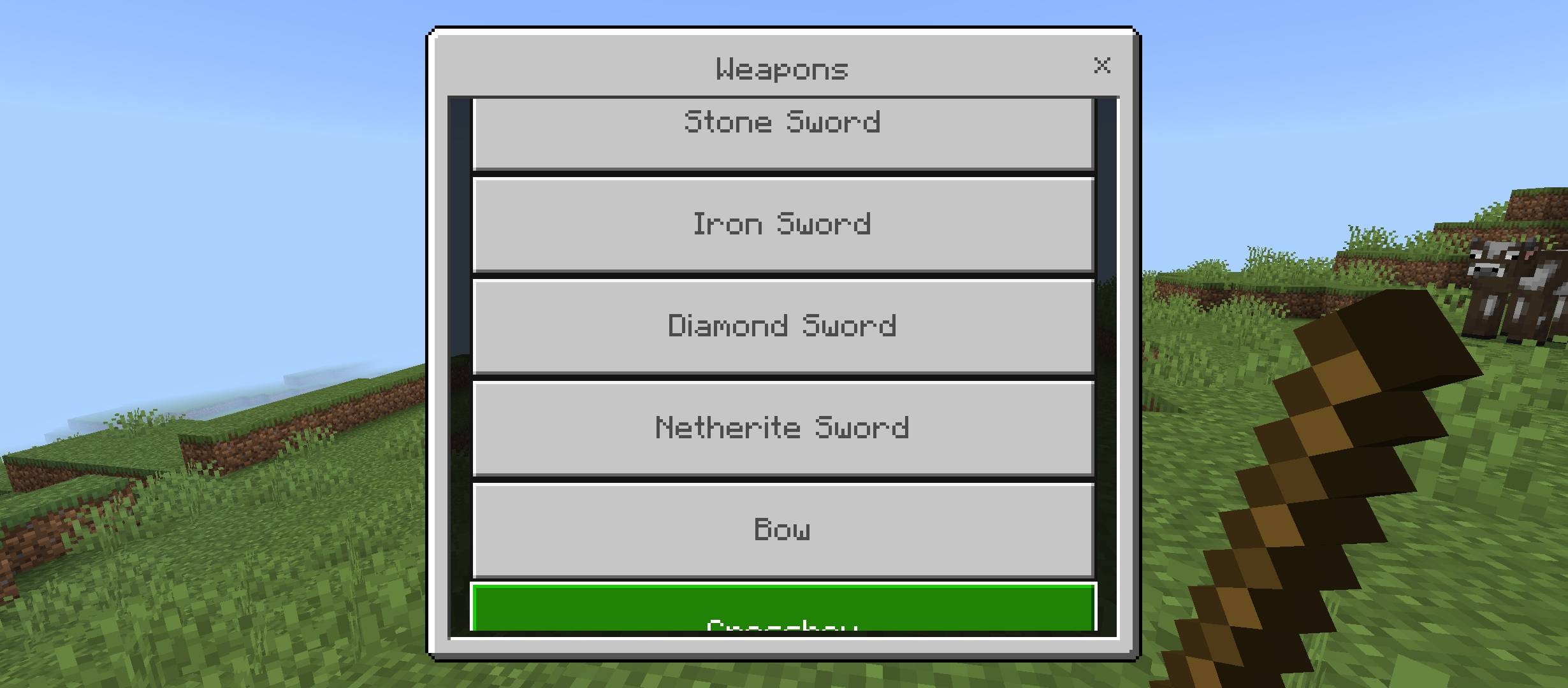
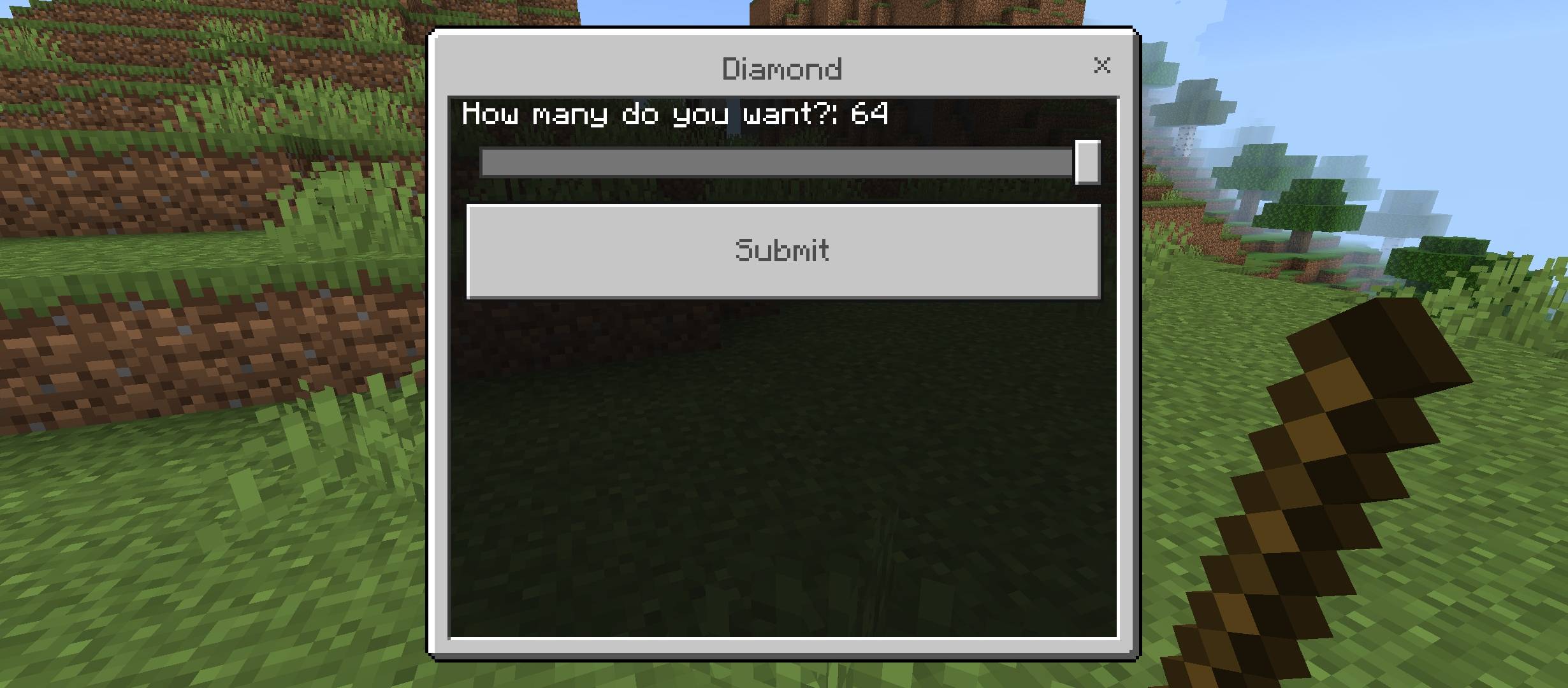
Item Menu Turn a plain stick into a complete item catalog menu to spawn any survival resource without turning on cheats. Features: Categorized menu covering weapons, tools, armor, and blocks Custom quantity slider for precise item amounts Smart stacking for non-stackable equipment Pure vanilla compatibility with zero resource pack required Why You'll Love It: 1 Access any survival item without breaking achievements. 2 Find what you need quickly through organized categories. 3 Lightweight design that installs in seconds. How to Get Started: 1 Download the Item Menu. 2 Install it in Minecraft PE. 3 Open your world and enjoy the new experience. Master
Read the full details and screenshots
Open this resource in CraftyBox