
CRAFTYBOX
Preparing your block world
正在准备你的方块世界
First visit setup
首次访问设置
CRAFTYBOX
Preparing your block world
正在准备你的方块世界
First visit setup
首次访问设置
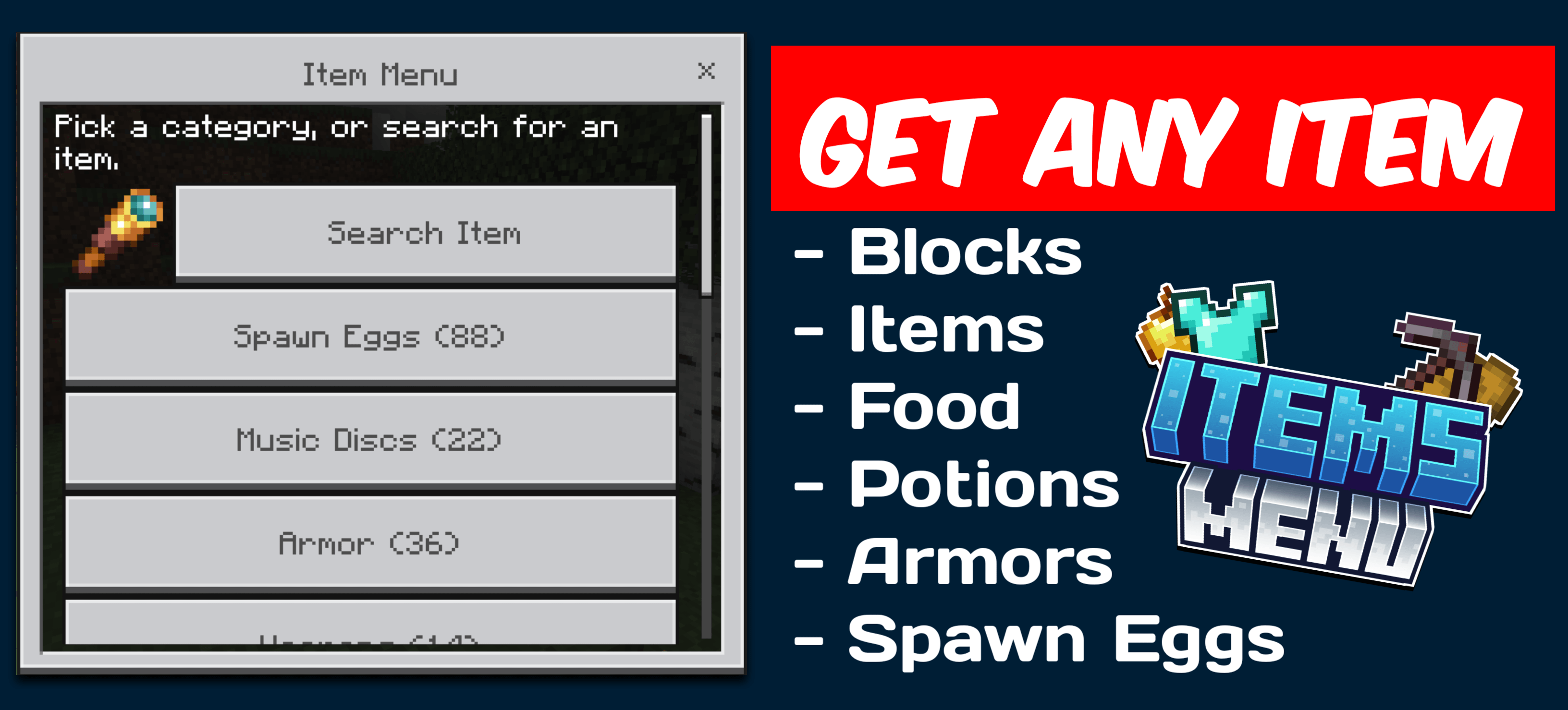
Items Menu Access over 700 game items across 15 organized categories using a clean, achievement-friendly menu interface. Features: Every block, tool, weapon, and spawn egg from the latest version Custom amount input for flexible stack sizing Accurate custom icons for easy recognition Direct chat command invocation with zero cheats needed Why You'll Love It: 1 Browse hundreds of items without entering creative mode. 2 Keep achievements active while managing your inventory. 3 Find items instantly through clearly structured categories. How to Get Started: 1 Download the Items Menu. 2 Install it in Minecraft PE. 3 Open your world and enjoy the new experie
Open this resource in CraftyBox