
CRAFTYBOX
Preparing your block world
正在准备你的方块世界
First visit setup
首次访问设置
CRAFTYBOX
Preparing your block world
正在准备你的方块世界
First visit setup
首次访问设置

Java Zoom Easily zoom in on distant objects in Minecraft just by crouching, with zero complicated setups required. Features: Simple zoom activated by sneaking Smooth camera transition effects Achievement-friendly mechanics No extra keys or items needed Why You'll Love It: 1 Spot distant structures and mobs effortlessly. 2 Keep your achievements fully enabled. 3 Enjoy a lightweight and clutter-free experience. How to Get Started: 1 Download the Java Zoom. 2 Install it in Minecraft PE. 3 Open your world and enjoy the new experience. Take a closer look at your world!
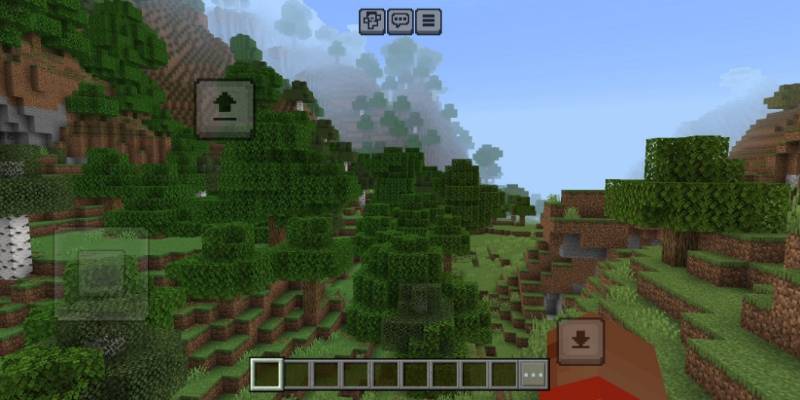

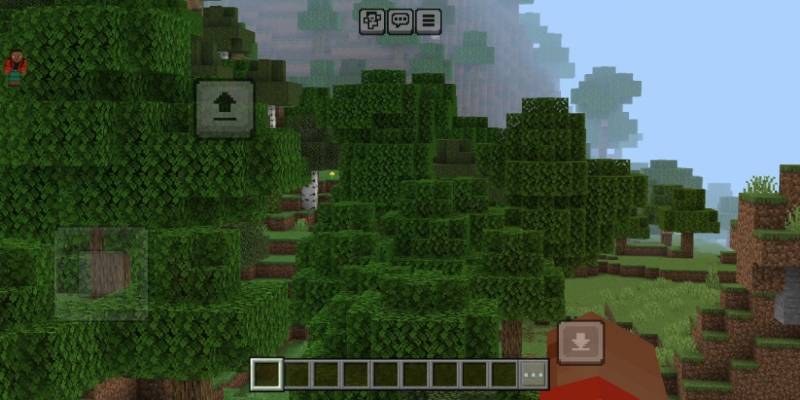


Read the full details and screenshots
Open this resource in CraftyBox