
CRAFTYBOX
Preparing your block world
正在准备你的方块世界
First visit setup
首次访问设置
CRAFTYBOX
Preparing your block world
正在准备你的方块世界
First visit setup
首次访问设置
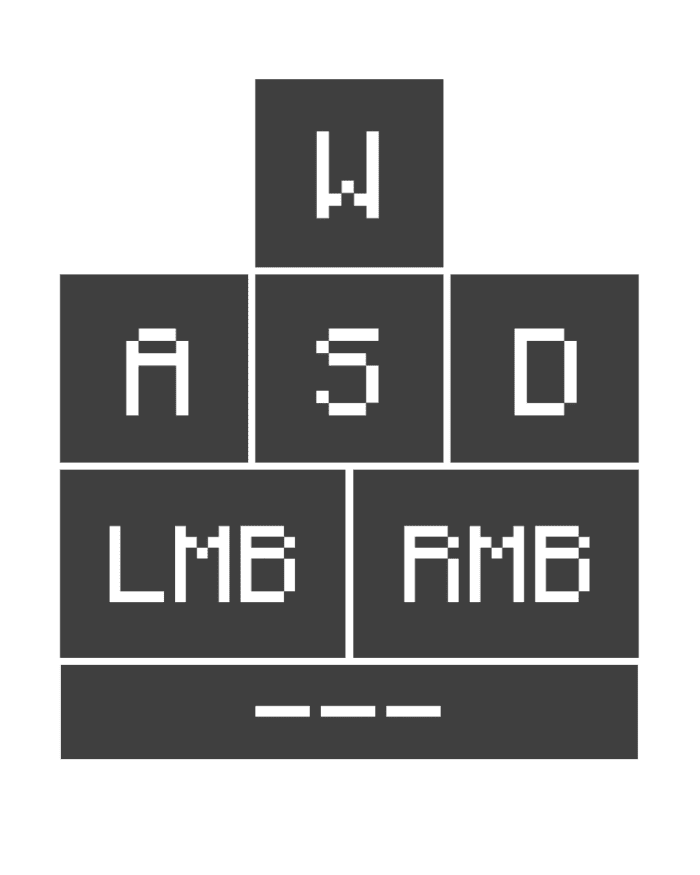
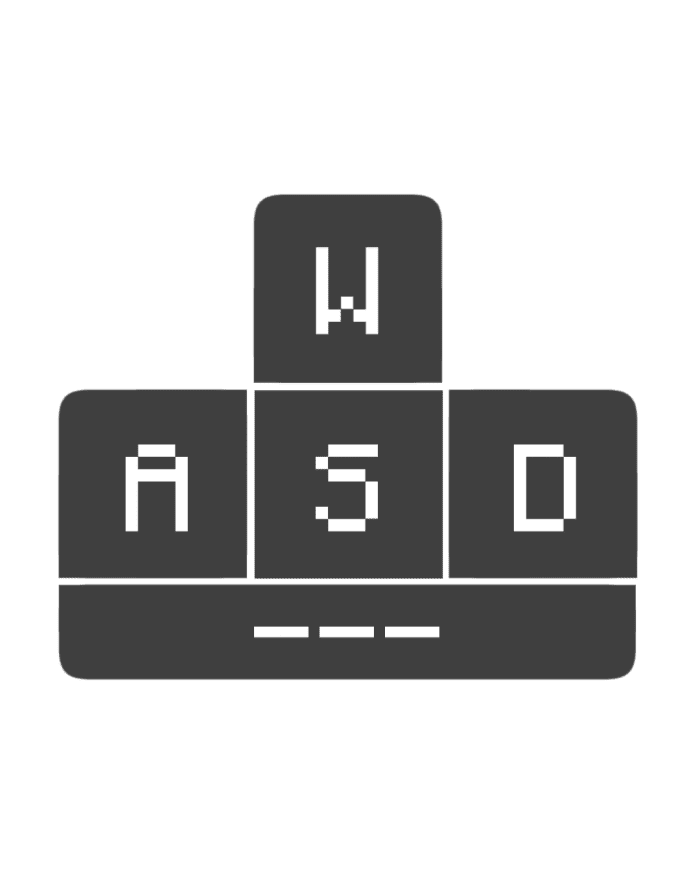
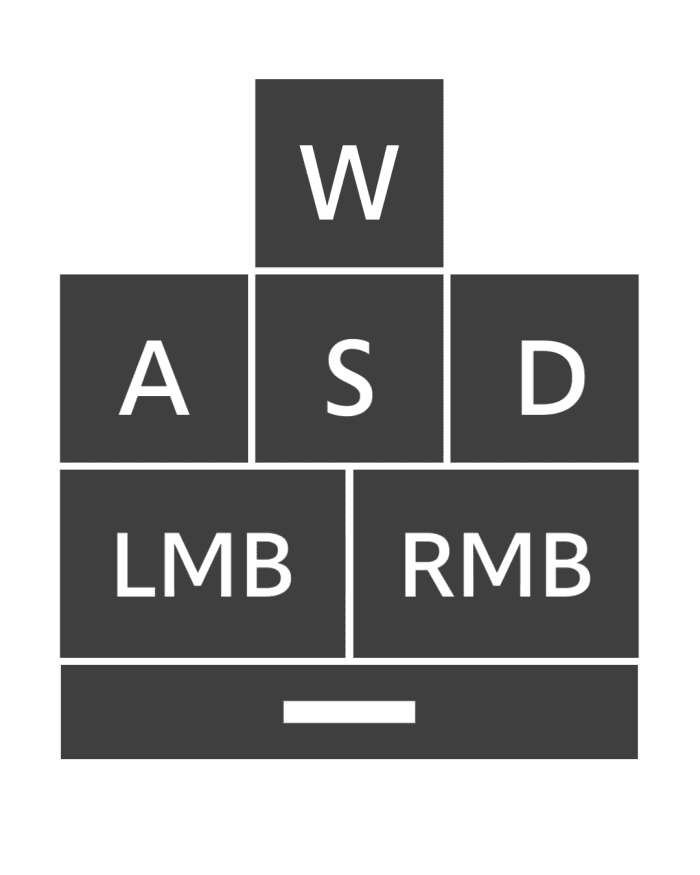
Keystrokes Resource Pack Show off your clicks like the pros with on-screen keystrokes in Feather, Salwyrr and Lunar client styles — right on Bedrock. Features: Live WASD, mouse and spacebar display on your screen Multiple style presets inspired by famous PvP clients Clean, minimal overlay that never blocks your view Perfect companion for recording montages and streams Why You'll Love It: 1 Viewers can follow your exact movement and clicks 2 Helps you analyze and improve your own PvP technique 3 That premium PC-client look, free on Minecraft PE How to Get Started: 1 Download the Keystrokes Resource Pack. 2 Install it in Minecraft PE. 3 Open your world
Read the full details and screenshots
Open this resource in CraftyBox