
CRAFTYBOX
Preparing your block world
正在准备你的方块世界
First visit setup
首次访问设置
CRAFTYBOX
Preparing your block world
正在准备你的方块世界
First visit setup
首次访问设置
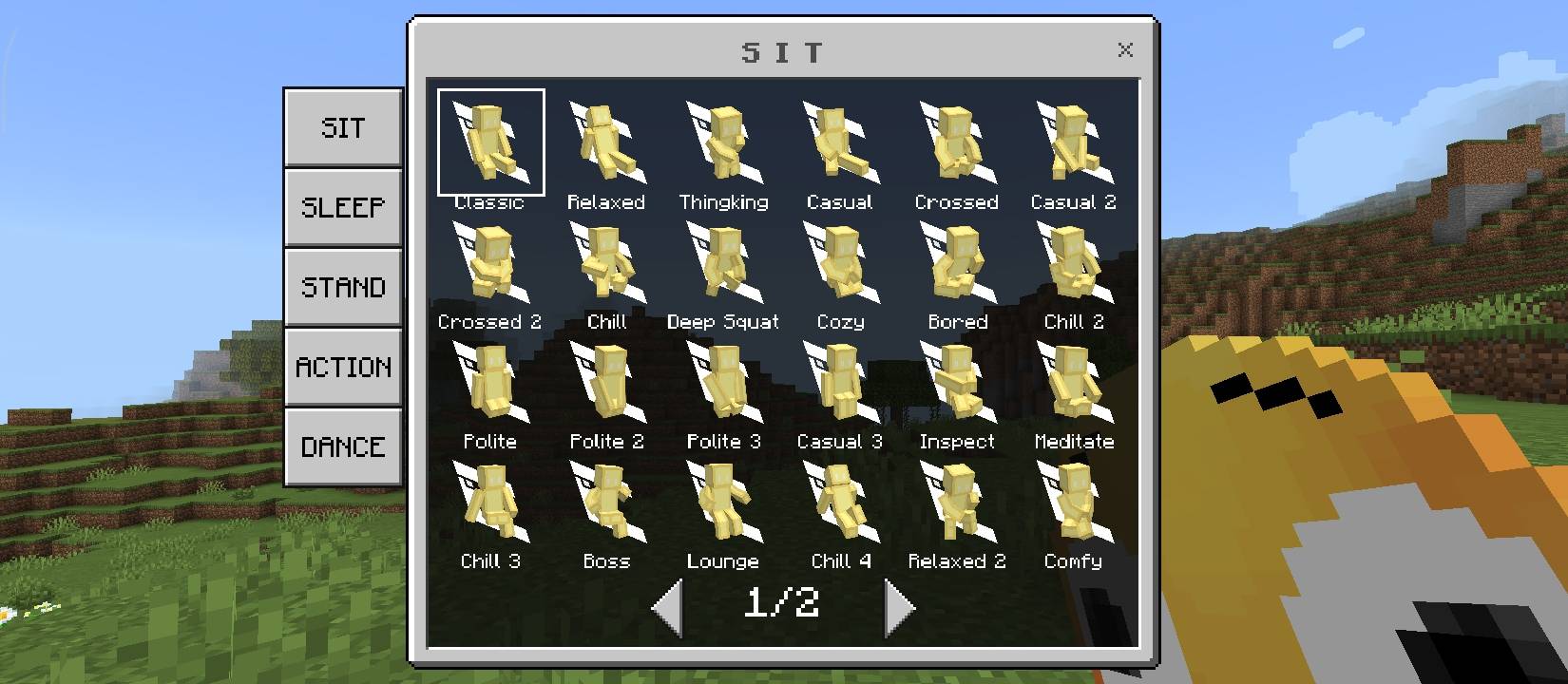
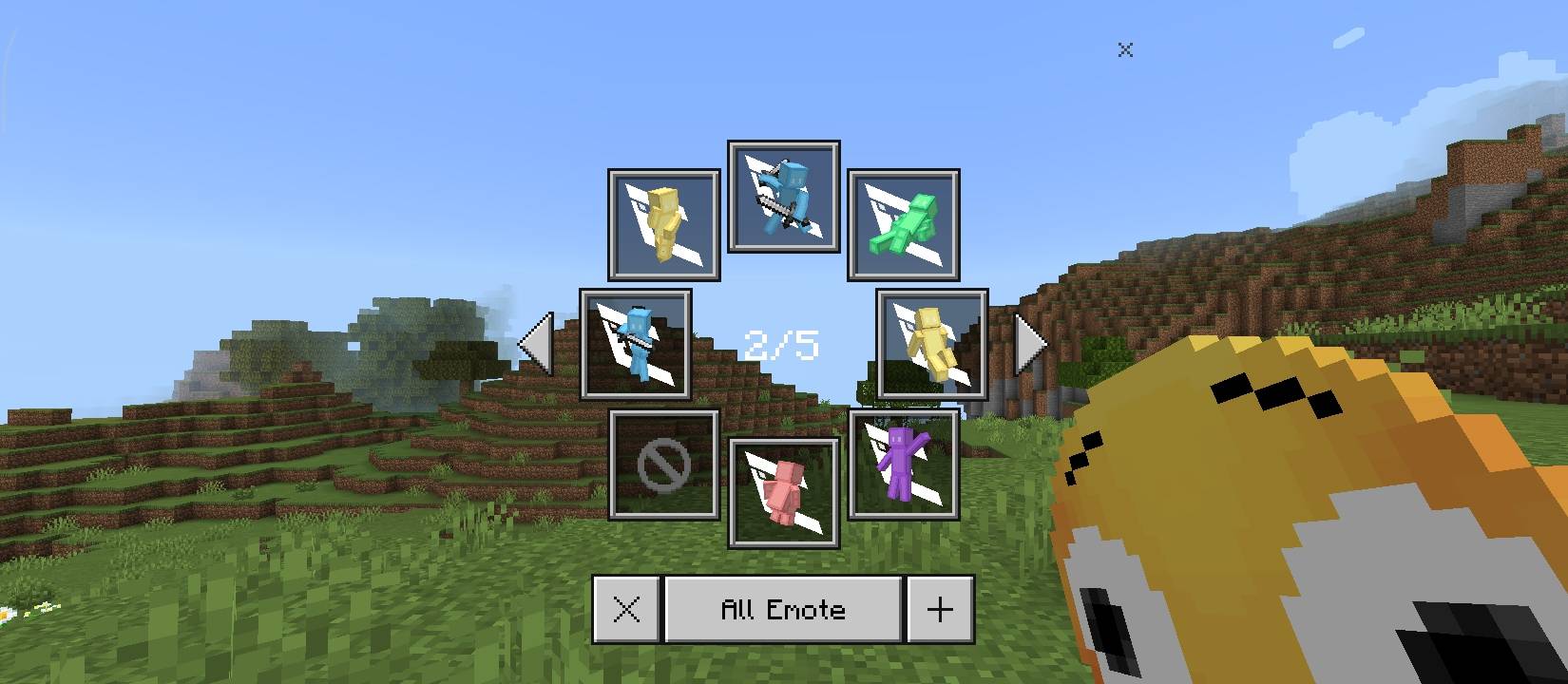
LEmote Access and perform over 100 custom emotes using an intuitive in-game menu system. Features: Clean and responsive in-game emote menu Category-based emote browsing and slots Favorite and saved slot management Optional compatibility with LModel animations Why You'll Love It: 1 Express yourself easily during multiplayer sessions. 2 Manage your favorite custom animations quickly. 3 Enjoy smooth expression with modular add-ons. How to Get Started: 1 Download the LEmote. 2 Install it in Minecraft PE. 3 Open your world and enjoy the new experience. Express your style with custom animations!
Open this resource in CraftyBox