
CRAFTYBOX
Preparing your block world
正在准备你的方块世界
First visit setup
首次访问设置
CRAFTYBOX
Preparing your block world
正在准备你的方块世界
First visit setup
首次访问设置
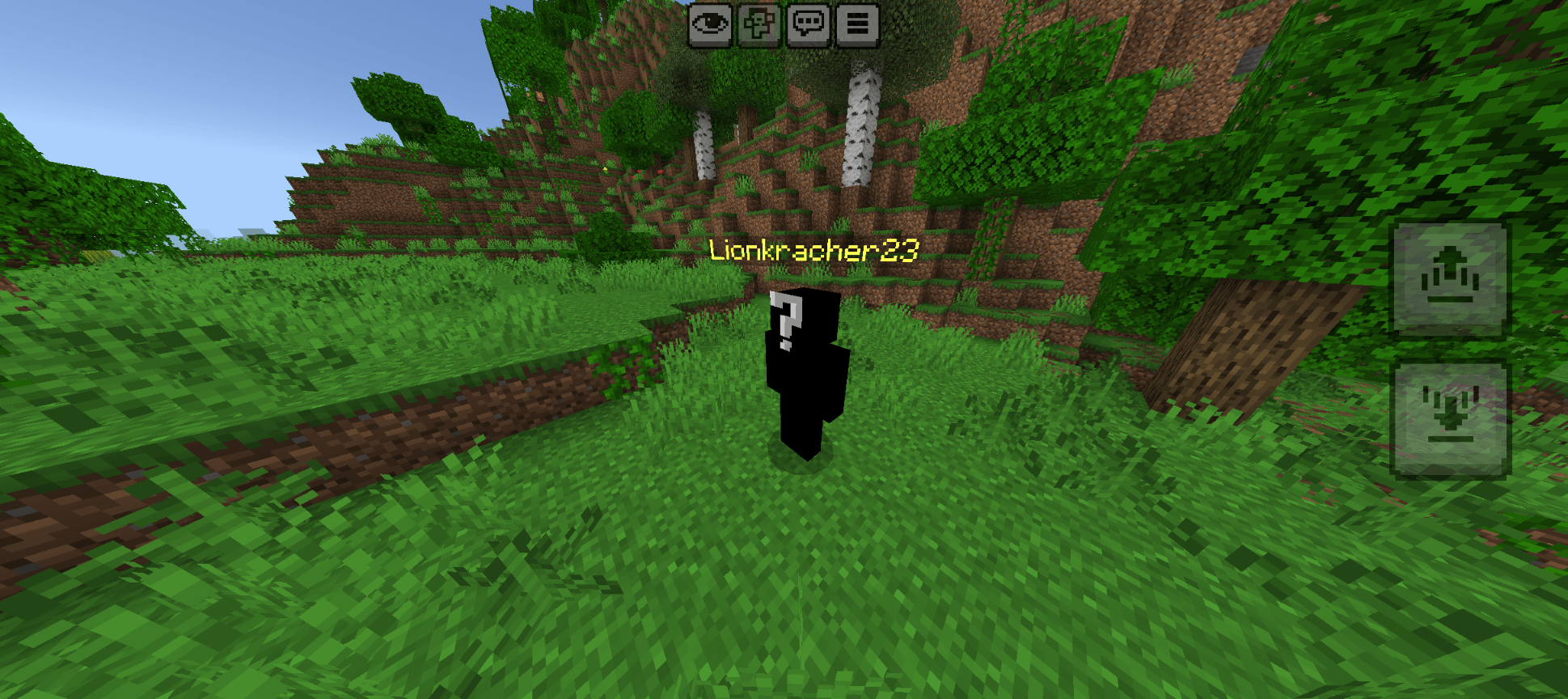
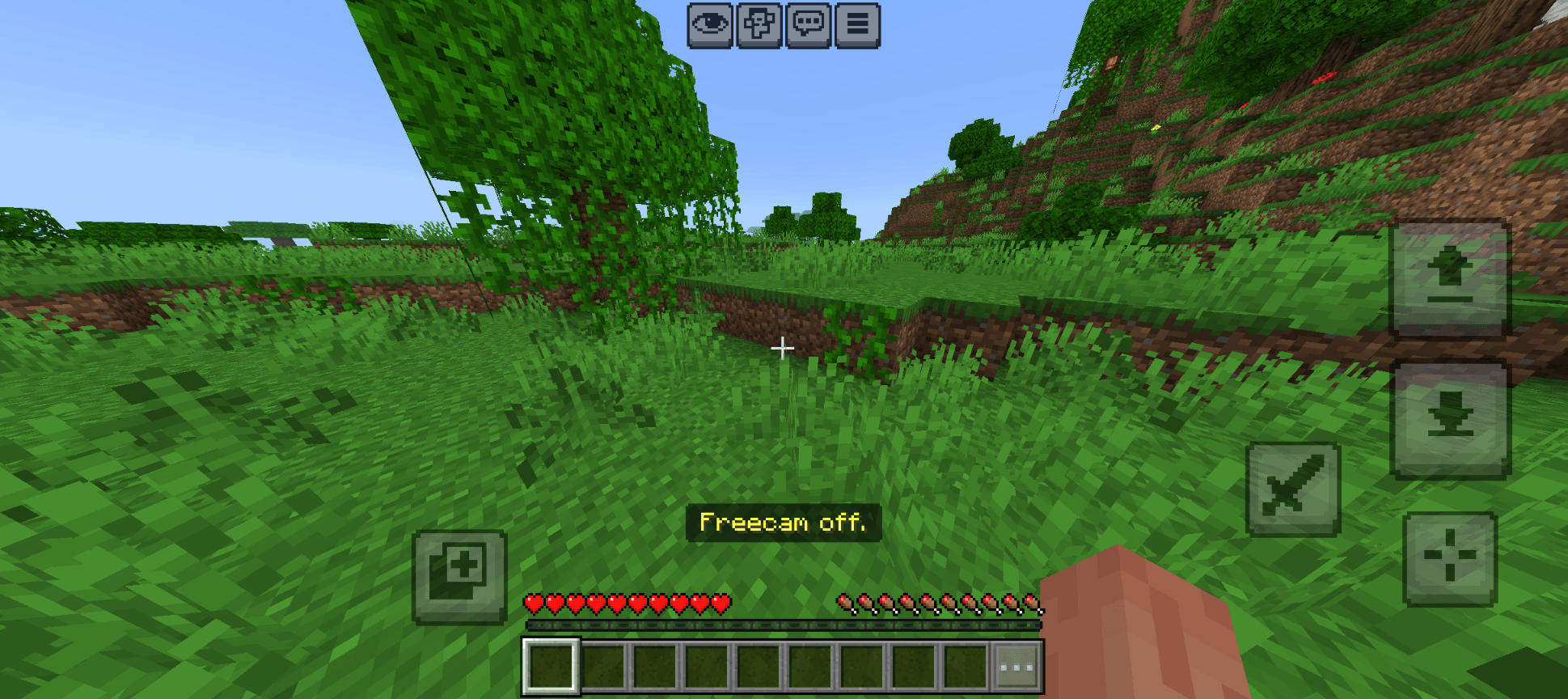
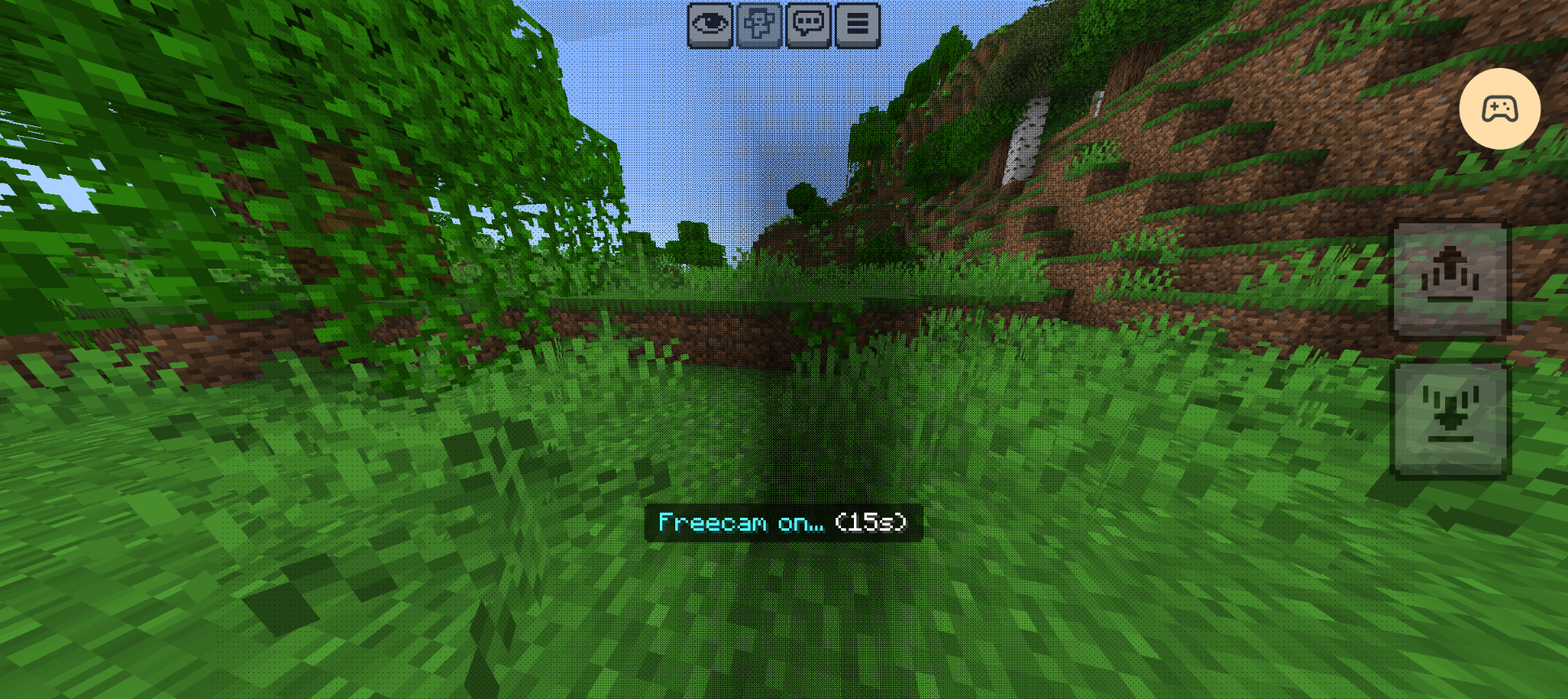
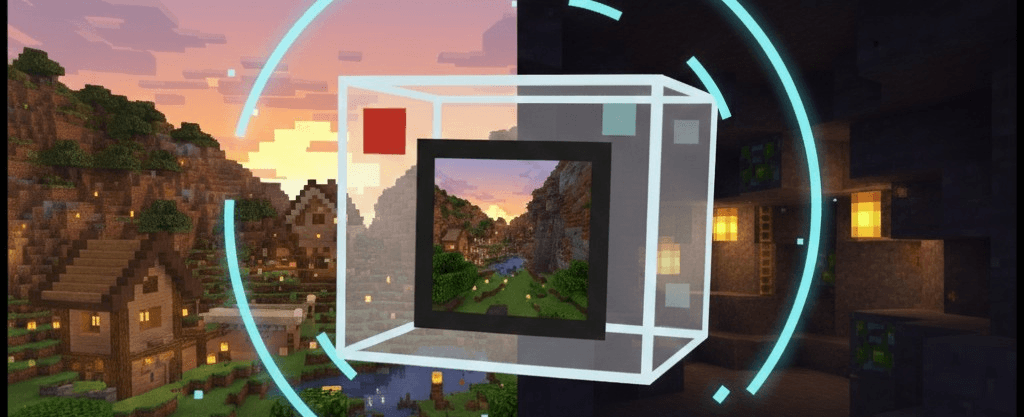
Lionkracher's Freecam Explore your world from unique camera angles instantly by activating a temporary freecam mode with simple player movements! Features: Quick activation by sneaking three consecutive times Spawns an interactive player dummy while freecam is active Fifteen-second timed free roaming perspective Essential utility for builders and content creators Why You'll Love It: 1 Inspect your builds from afar without switching to spectator mode. 2 Easily activate the camera using simple in-game movement controls. 3 Leave behind a realistic dummy while scouting ahead. How to Get Started: 1 Download the Lionkracher's Freecam. 2 Install it in Minecraf
Read the full details and screenshots
Open this resource in CraftyBox