
CRAFTYBOX
Preparing your block world
正在准备你的方块世界
First visit setup
首次访问设置
CRAFTYBOX
Preparing your block world
正在准备你的方块世界
First visit setup
首次访问设置
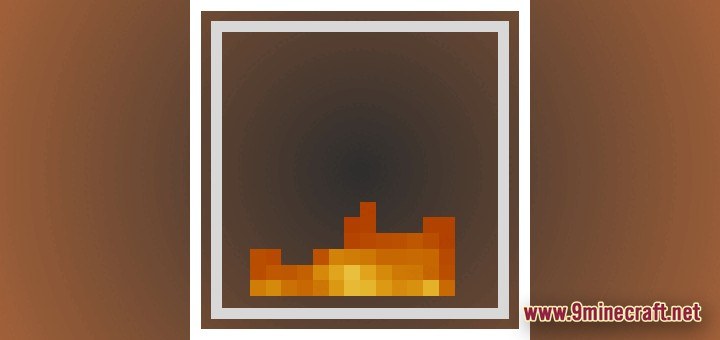
Low Fire Texture Pack Stop fire from blocking your view in fights with adjustable fire height sliders. Features: Adjustable fire height sliders Lower the on-screen flame overlay Clear vision during combat Great for competitive PvP Why You'll Love It: 1 See your opponents while burning 2 Fully customizable fire height 3 A must-have PvP advantage How to Get Started: 1 Download the Low Fire Texture Pack. 2 Install it in Minecraft PE. 3 Open your world and enjoy the new experience. Keep your eyes on the fight, not the flames!
Open this resource in CraftyBox