
CRAFTYBOX
Preparing your block world
正在准备你的方块世界
First visit setup
首次访问设置
CRAFTYBOX
Preparing your block world
正在准备你的方块世界
First visit setup
首次访问设置
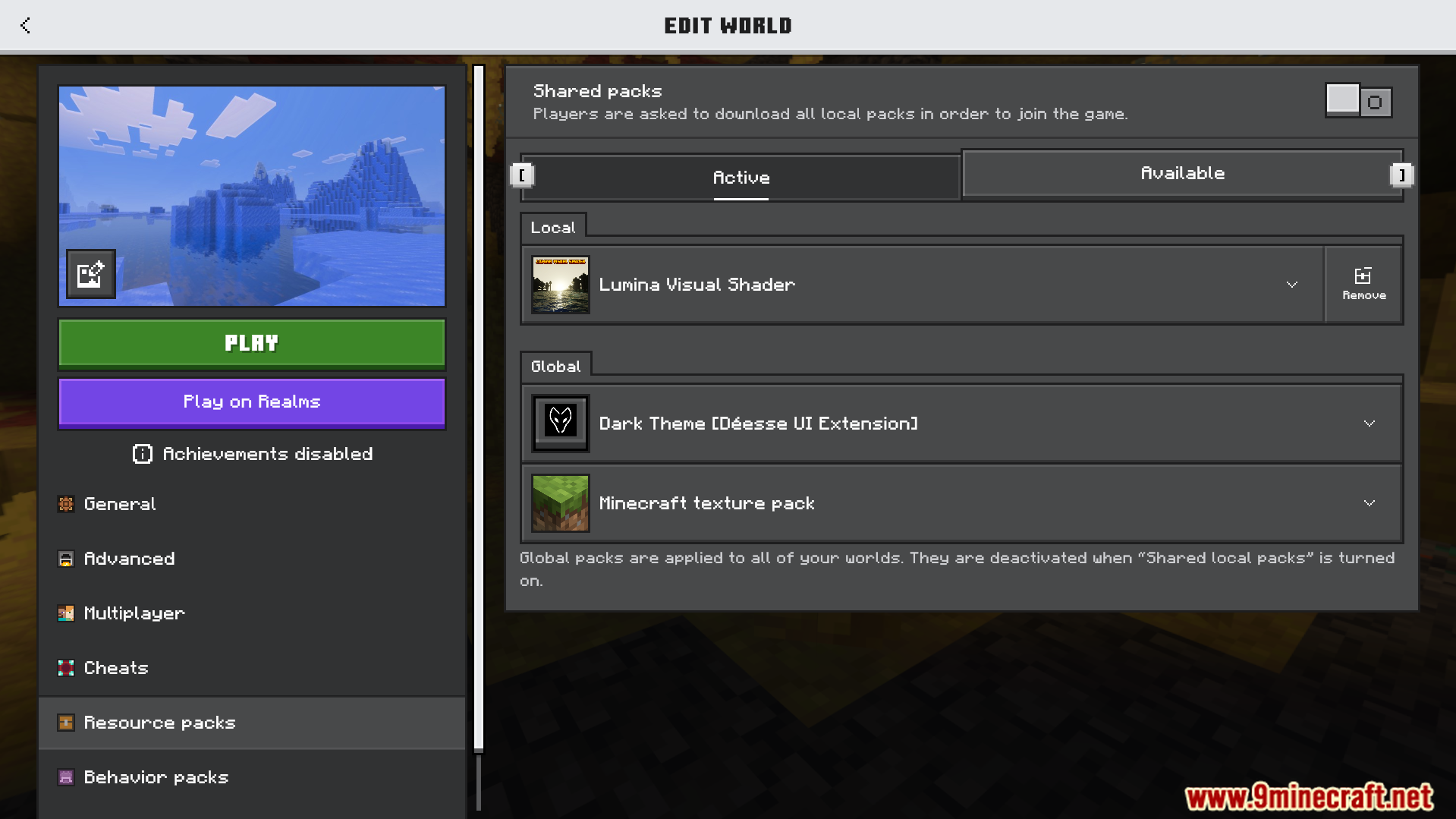
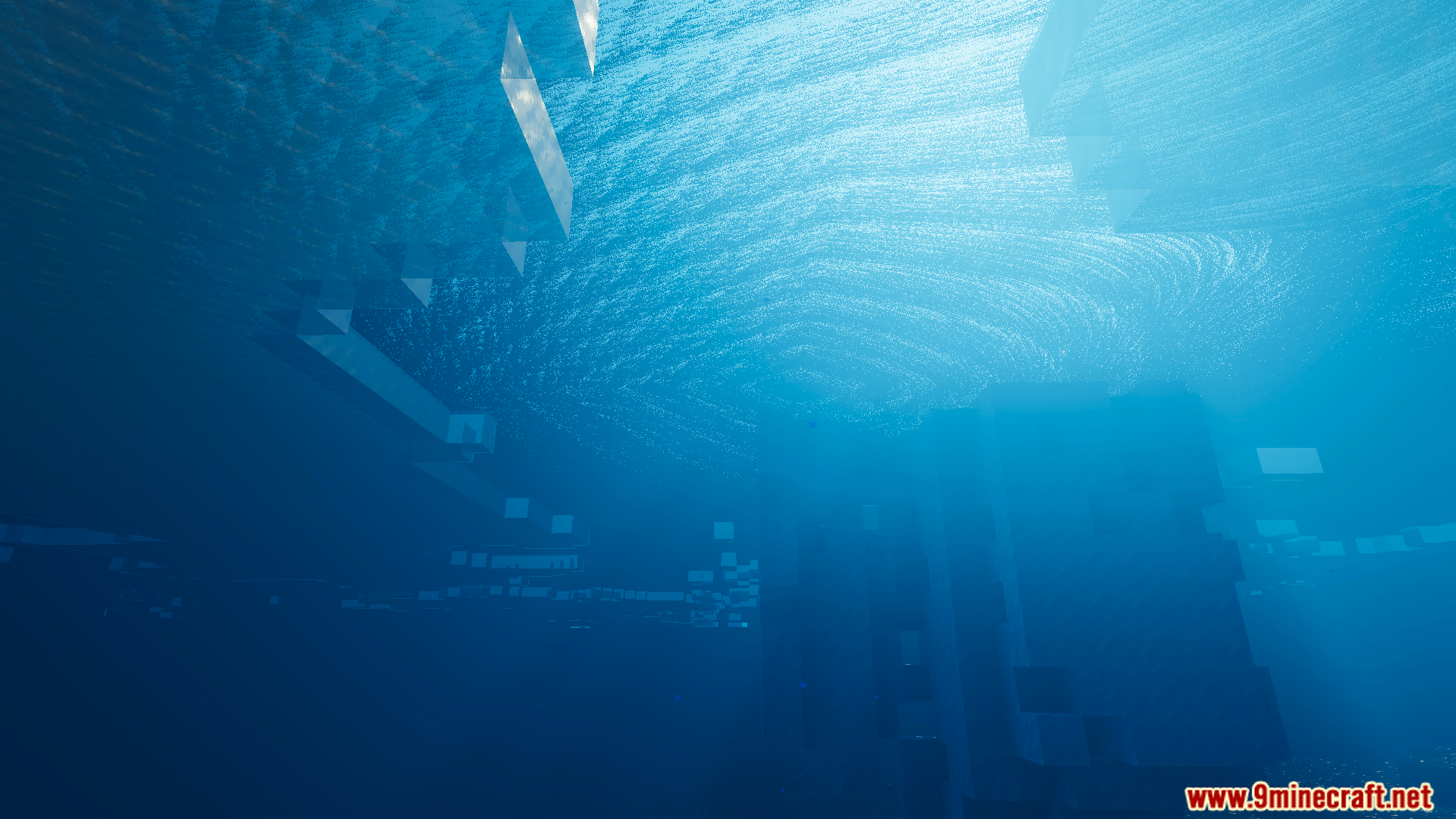
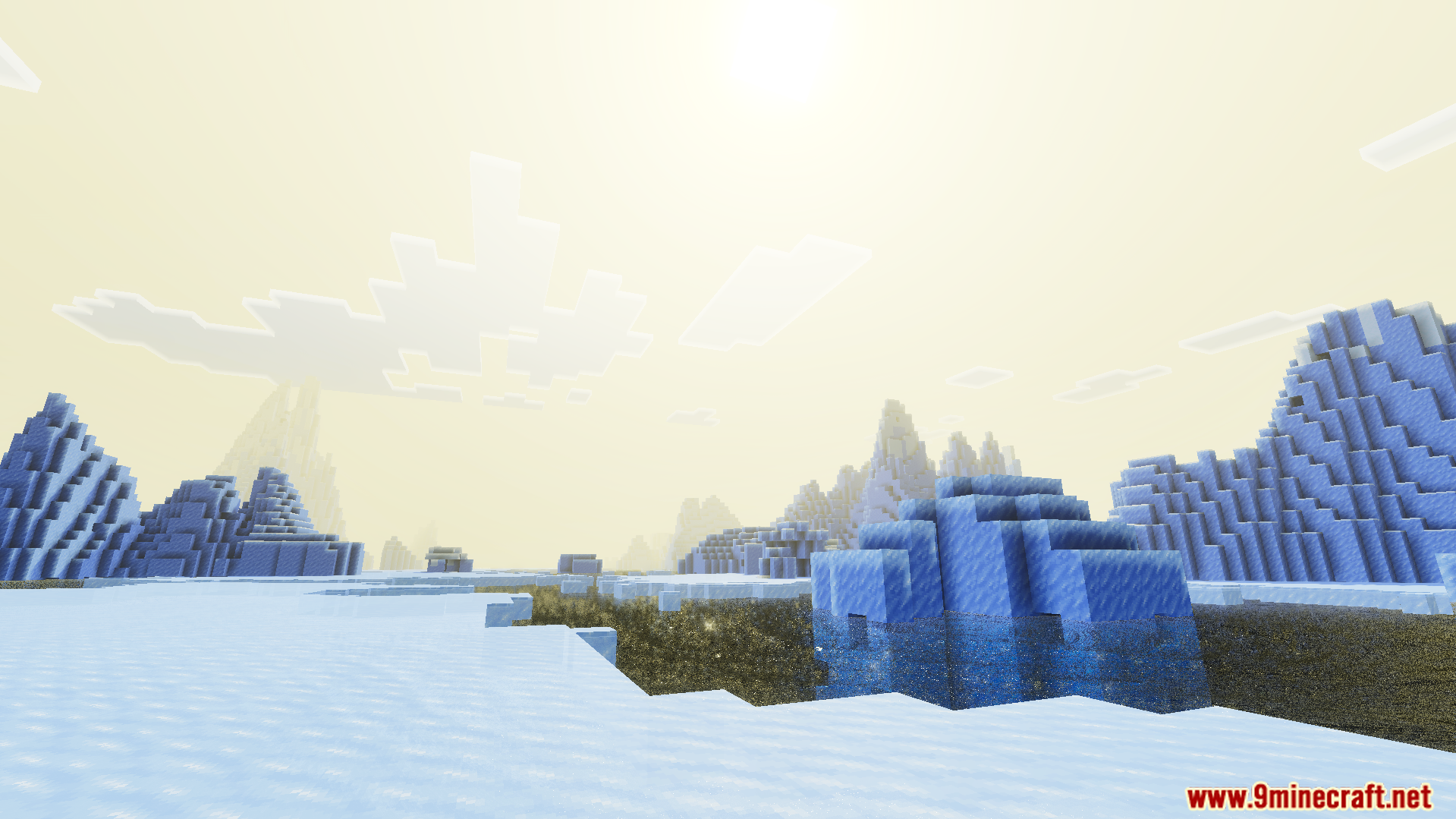
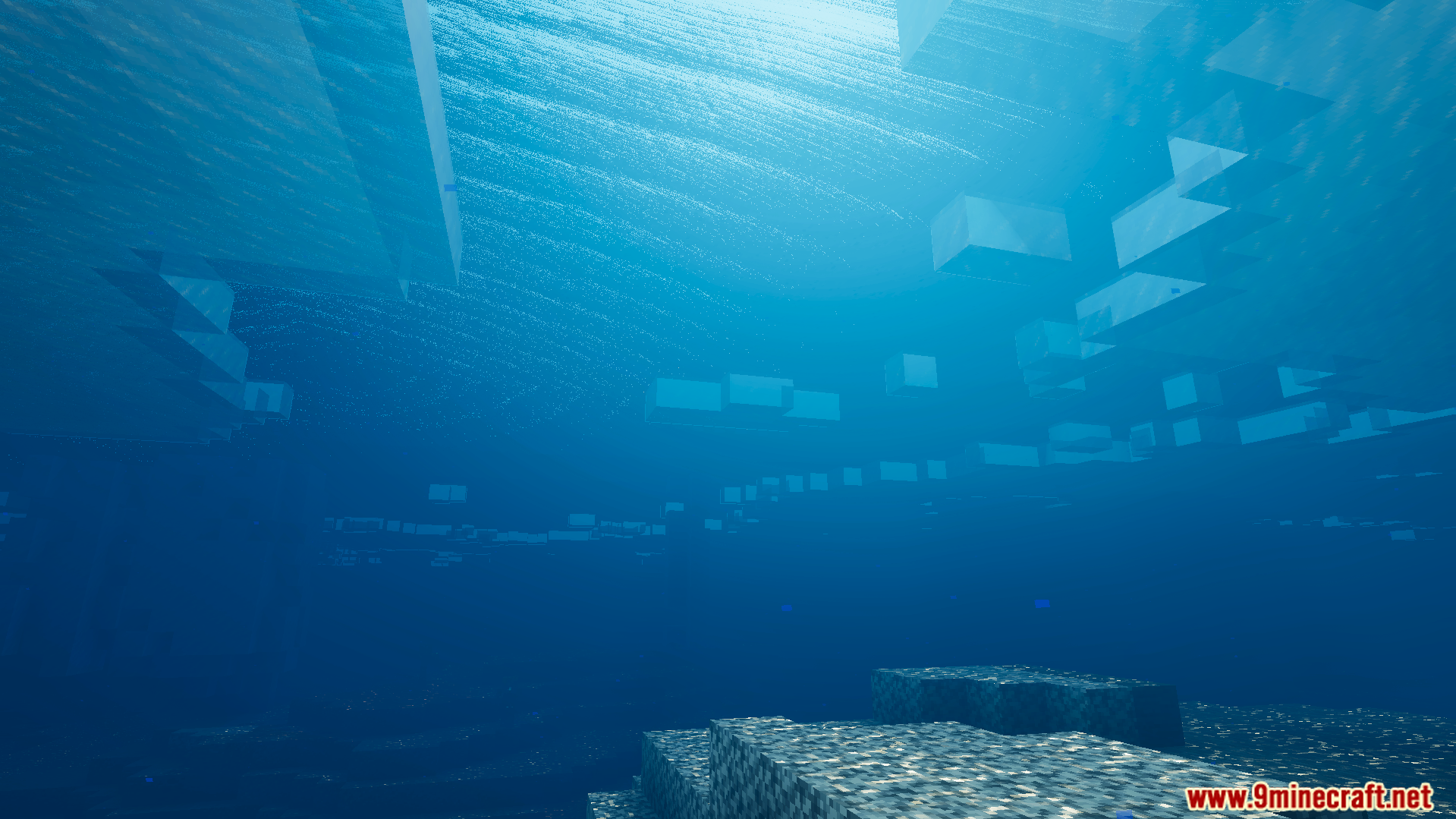
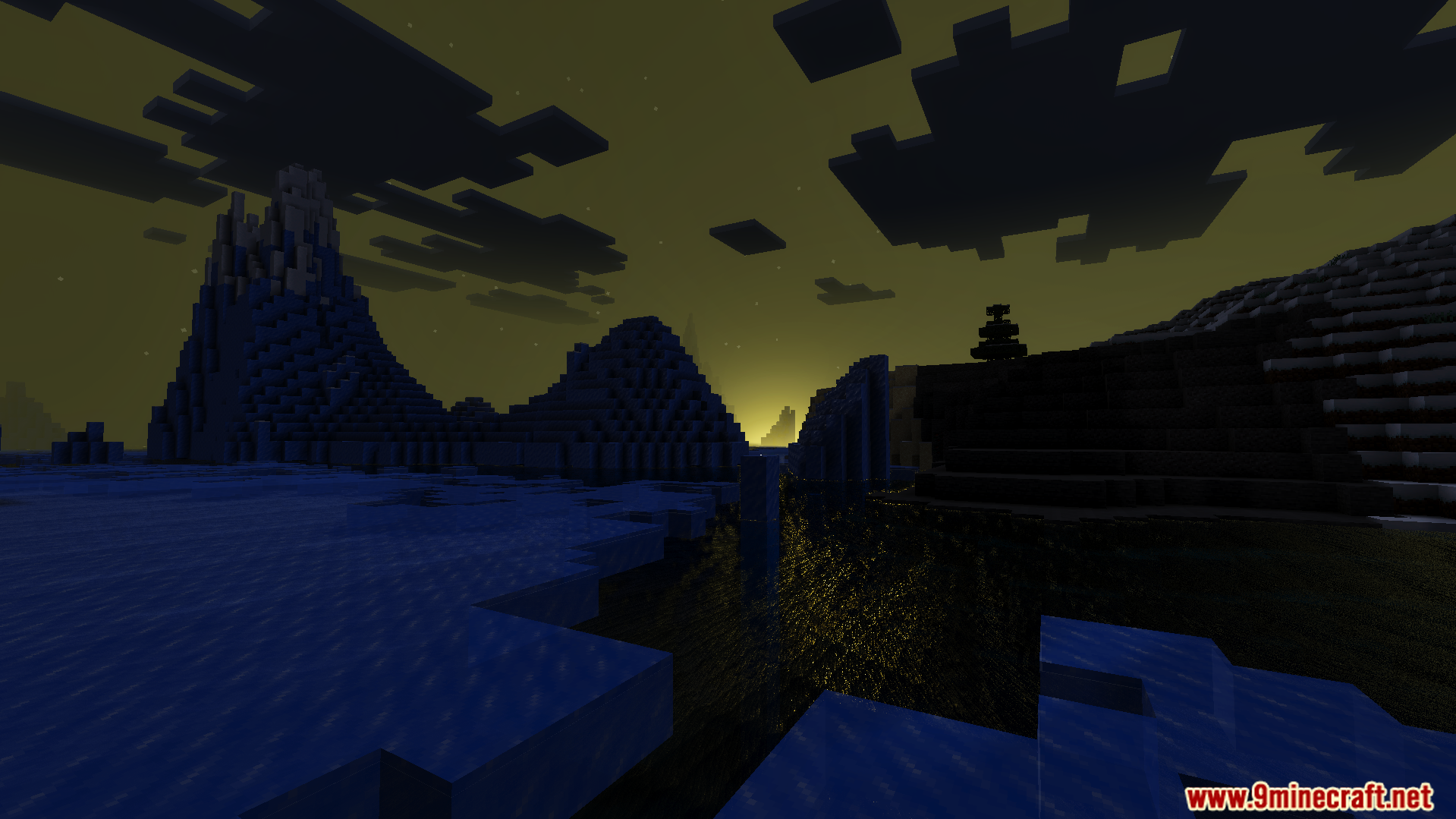
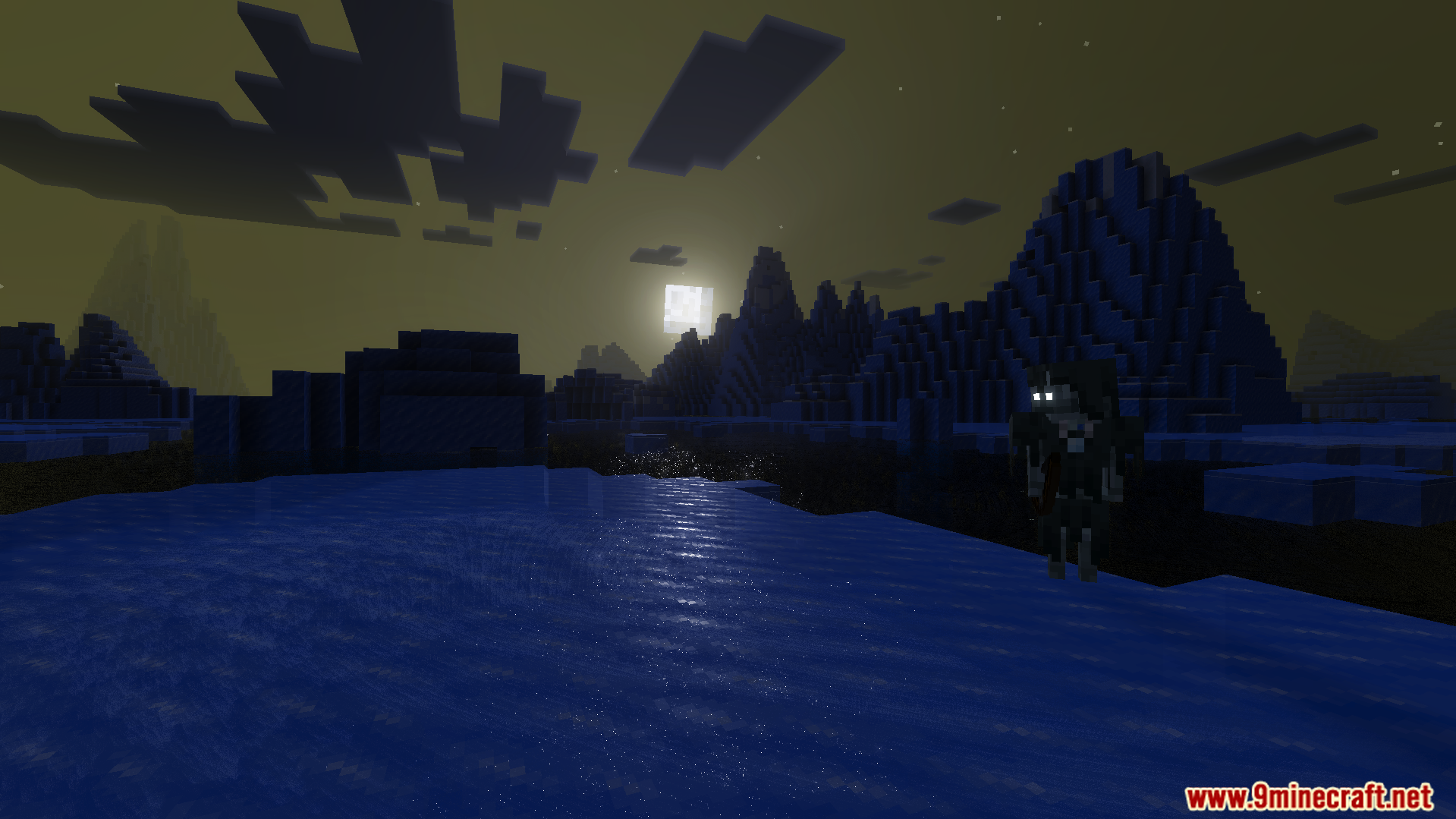
Lumina Visual Shader Clear blue water and realistic block lighting headline this crisp shader for Minecraft 1.26+ — clarity above, brilliance below. Features: Strikingly clear blue water you can see straight through Realistic block lighting with natural falloff Bright, clean skies and balanced daylight Smooth performance on typical Bedrock devices Why You'll Love It: 1 Ocean bases and lakes finally look pristine 2 Torch-lit builds gain genuine depth and warmth 3 Sharp visuals that stay faithful to Minecraft's style How to Get Started: 1 Download the Lumina Visual Shader. 2 Install it in Minecraft PE. 3 Open your world and enjoy the new experience.
Read the full details and screenshots
Open this resource in CraftyBox