
CRAFTYBOX
Preparing your block world
正在准备你的方块世界
First visit setup
首次访问设置
CRAFTYBOX
Preparing your block world
正在准备你的方块世界
First visit setup
首次访问设置
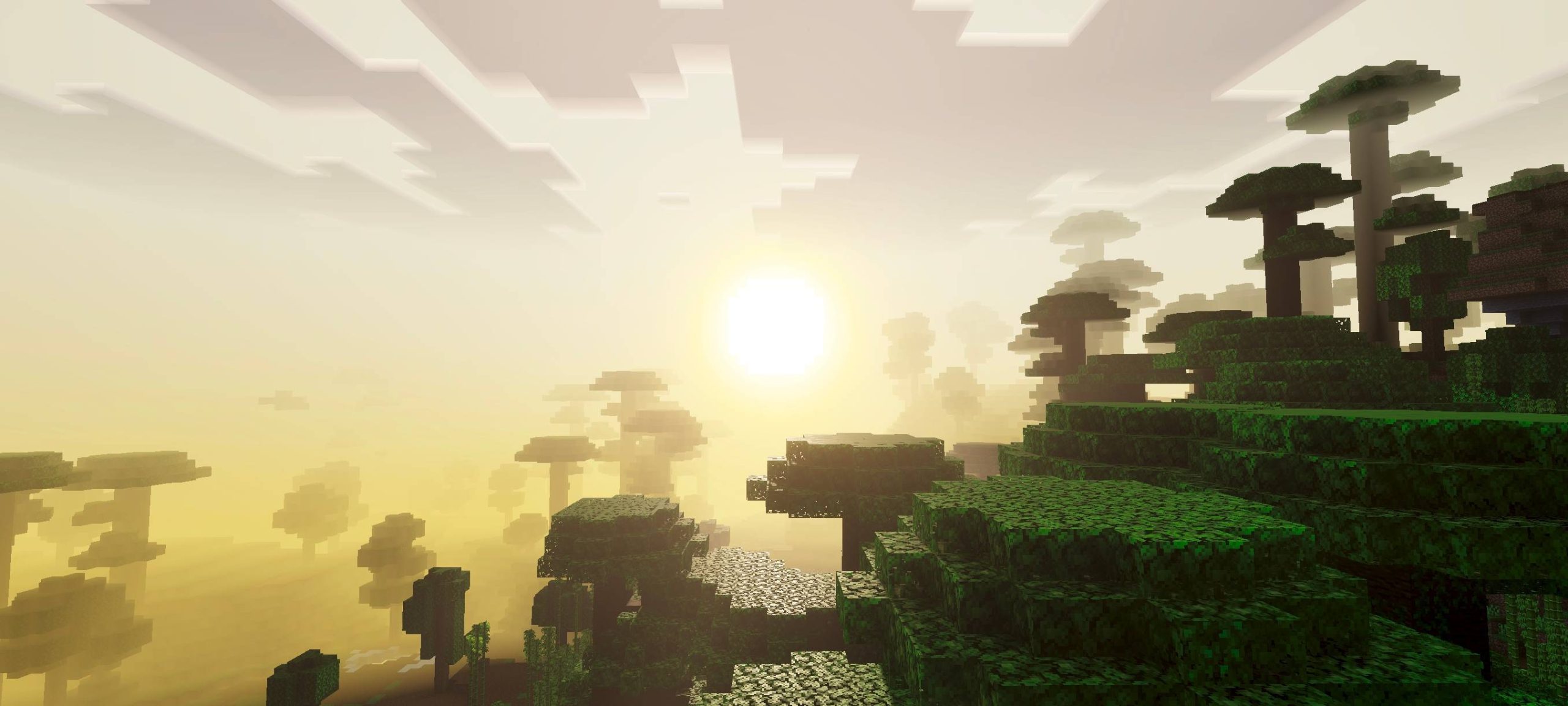
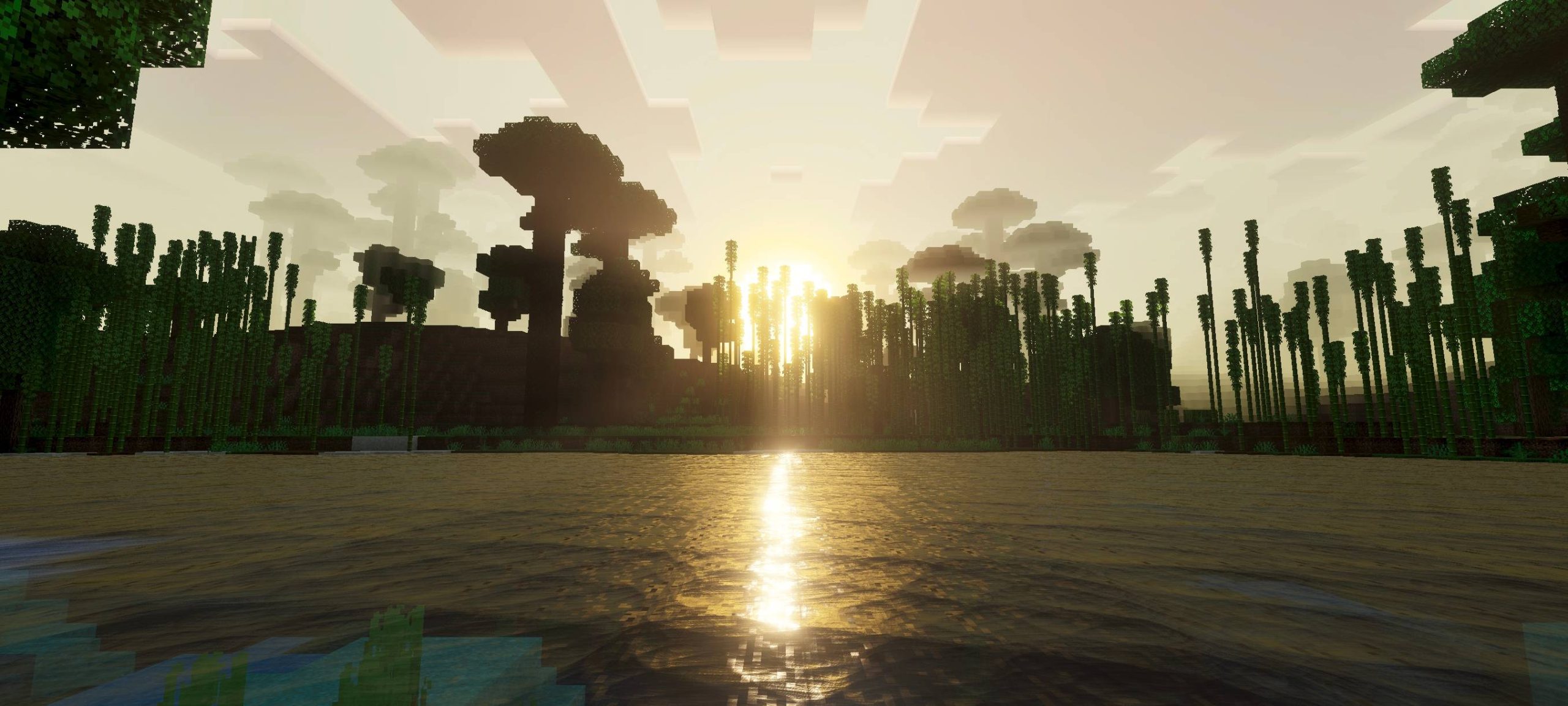
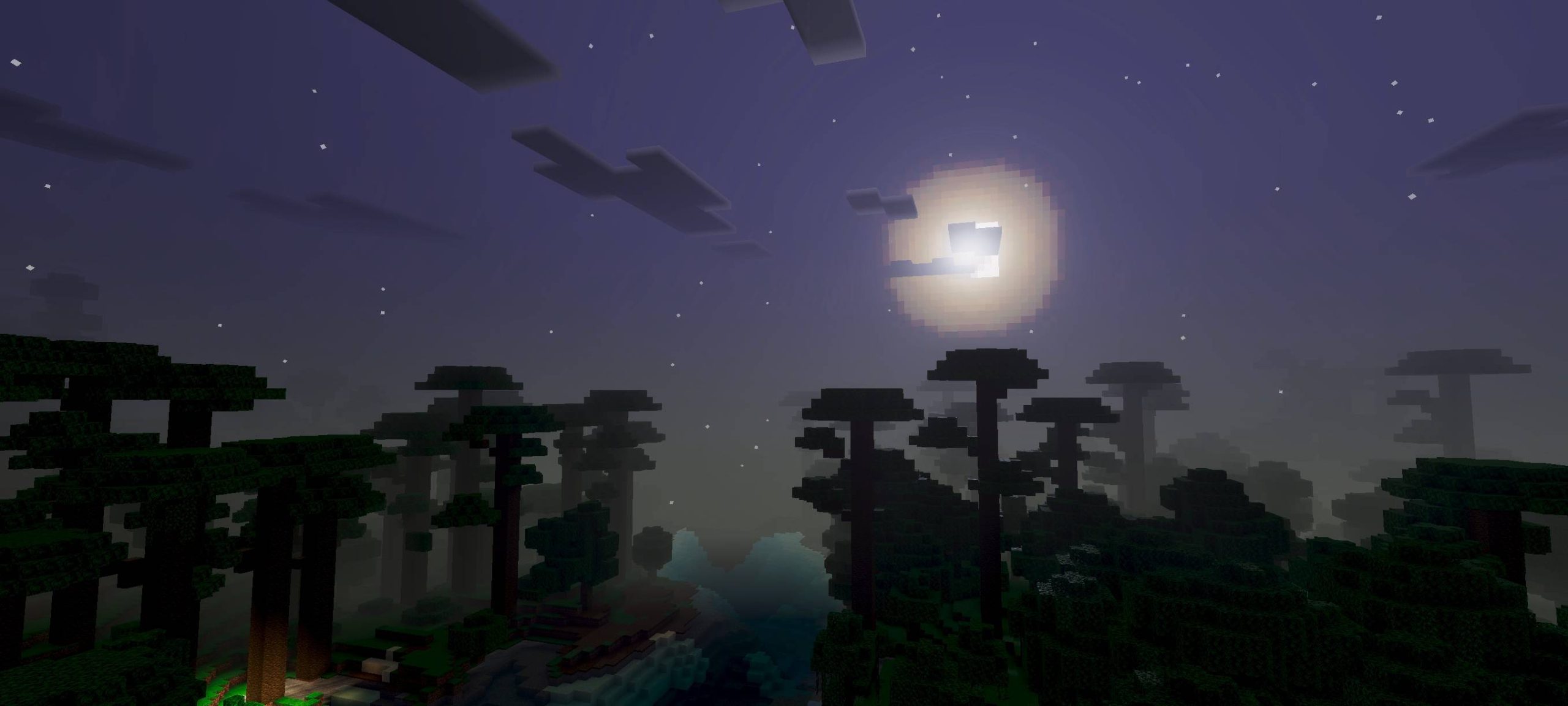
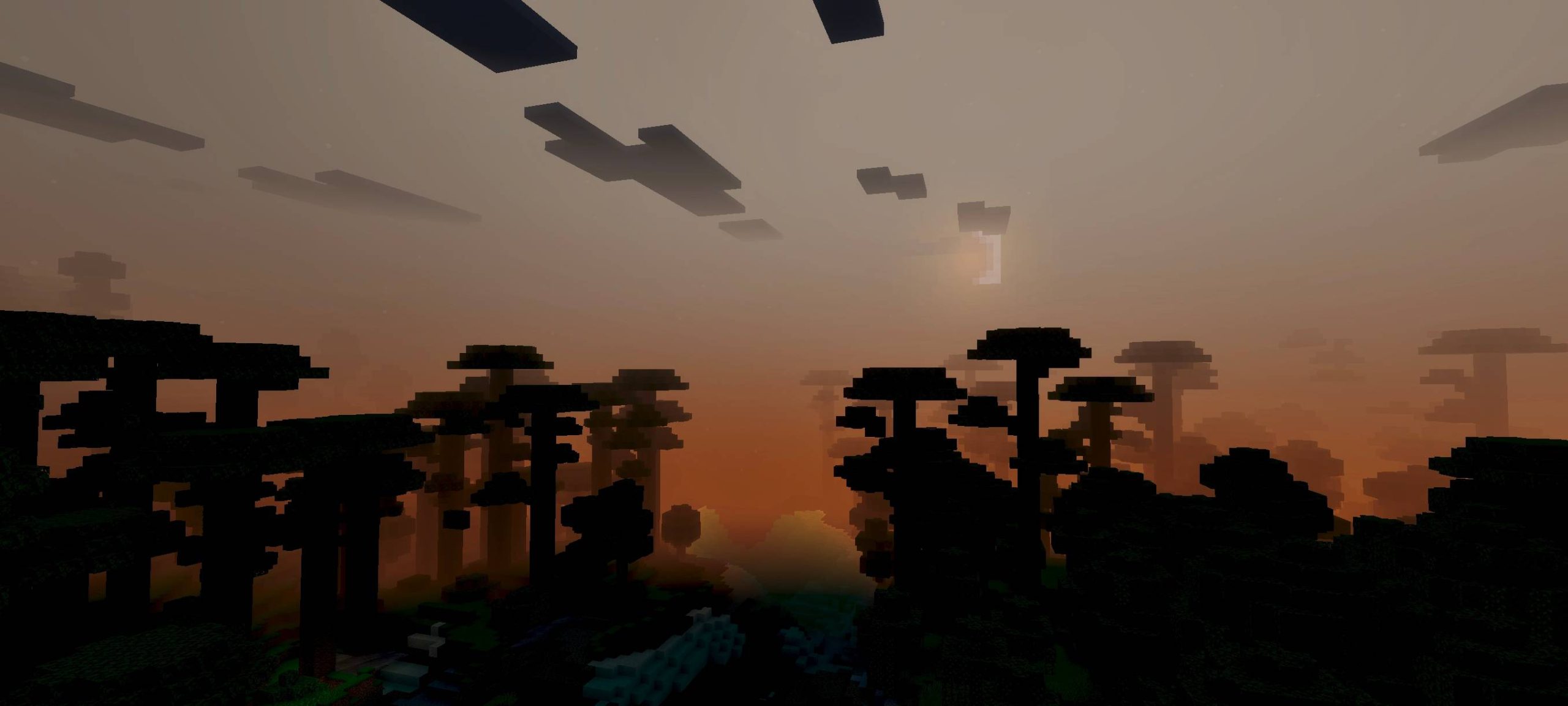
Lunar Shader Turn your nights into glowing moonlit adventures with Lunar Shader for MCPE/Bedrock 1.26+. Features: Bright, atmospheric moonlight that lights up dark worlds Softer nighttime shadows and gentle ambient glow Improved star and sky rendering after dusk Balanced daytime lighting for MCPE/Bedrock 1.26+ Why You'll Love It: 1 Night exploration finally looks stunning 2 Beautiful moon-lit builds and screenshots 3 Lightweight enough for everyday play How to Get Started: 1 Download the Lunar Shader. 2 Install it in Minecraft PE. 3 Open your world and enjoy the new experience. Let the moon guide your midnight adventures.
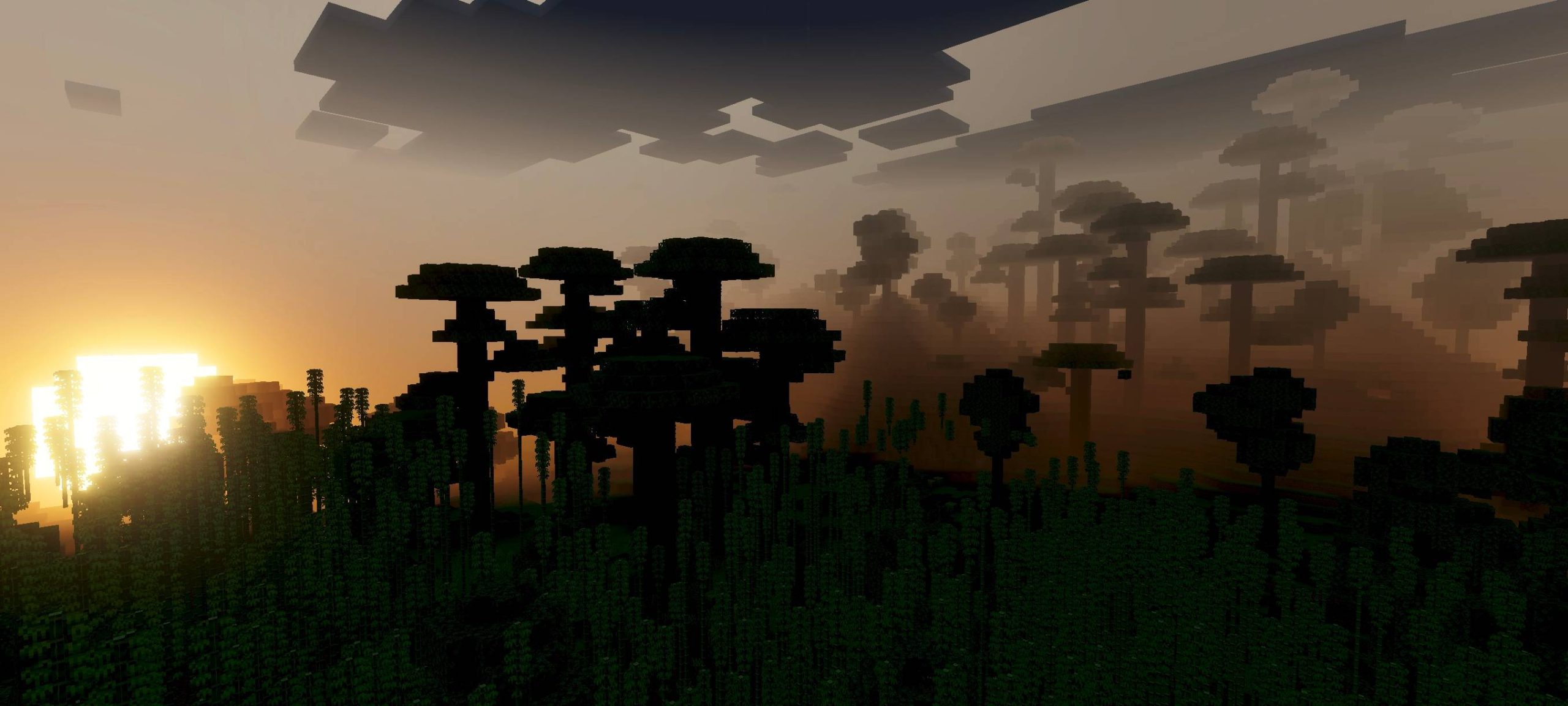
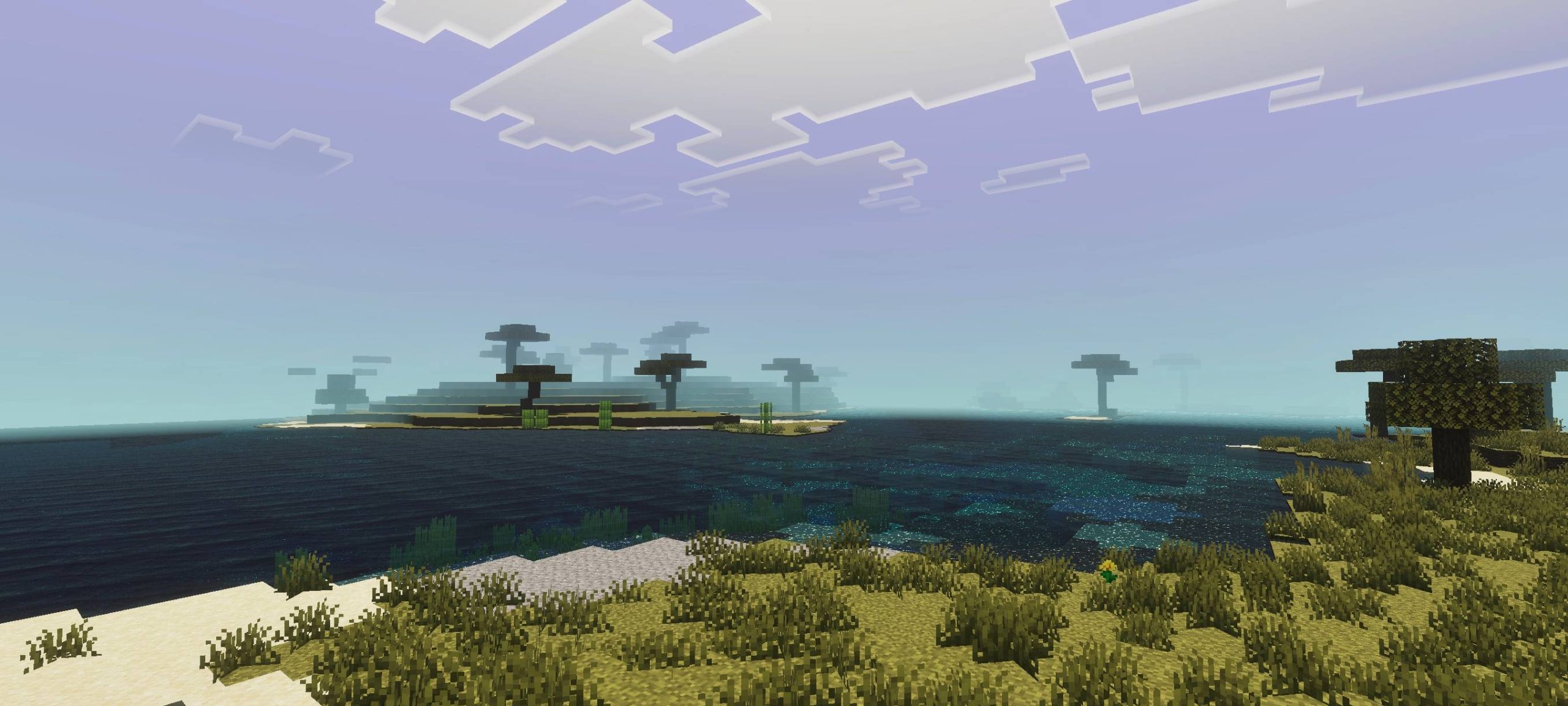
Read the full details and screenshots
Open this resource in CraftyBox