
CRAFTYBOX
Preparing your block world
正在准备你的方块世界
First visit setup
首次访问设置
CRAFTYBOX
Preparing your block world
正在准备你的方块世界
First visit setup
首次访问设置
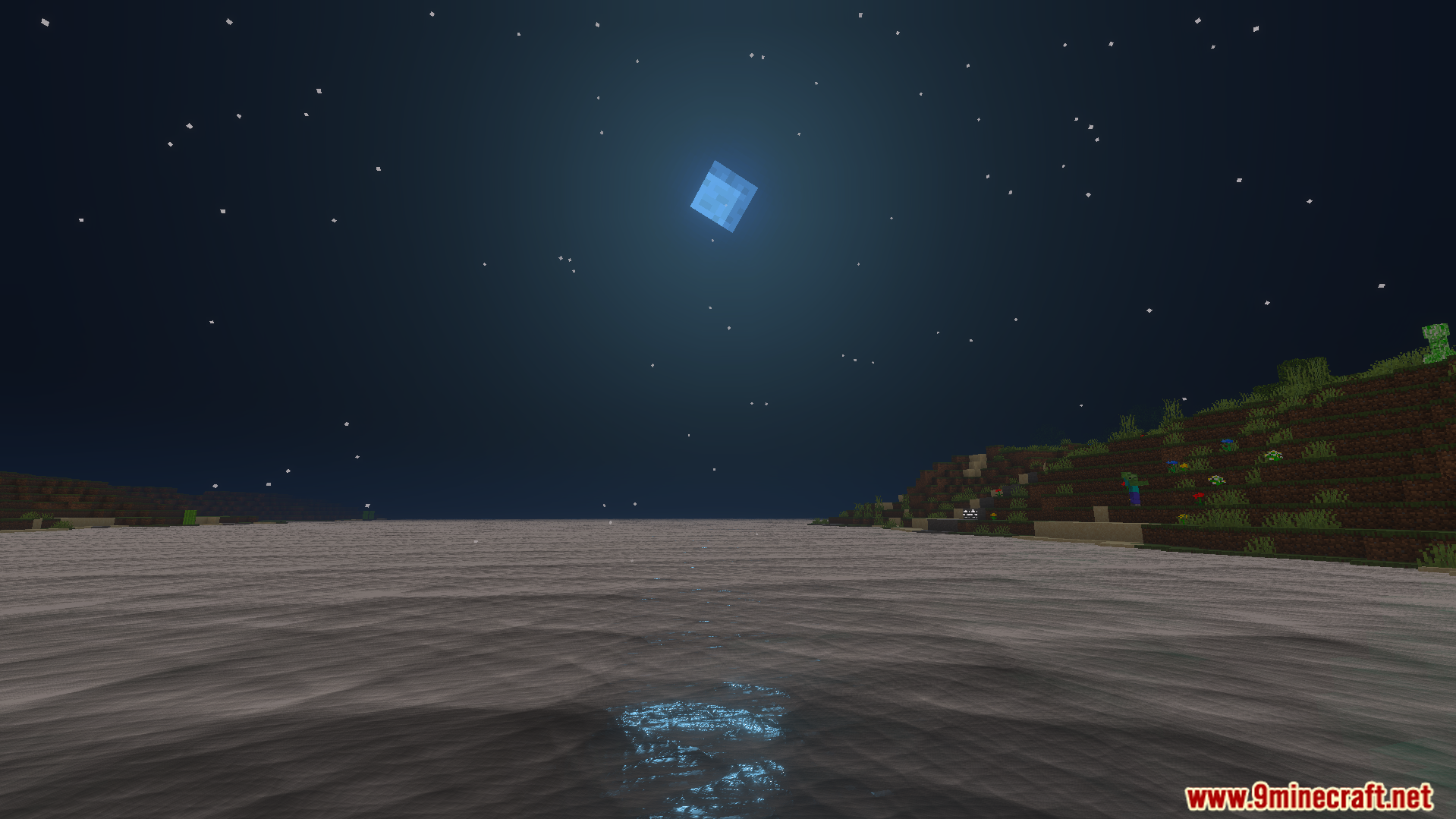
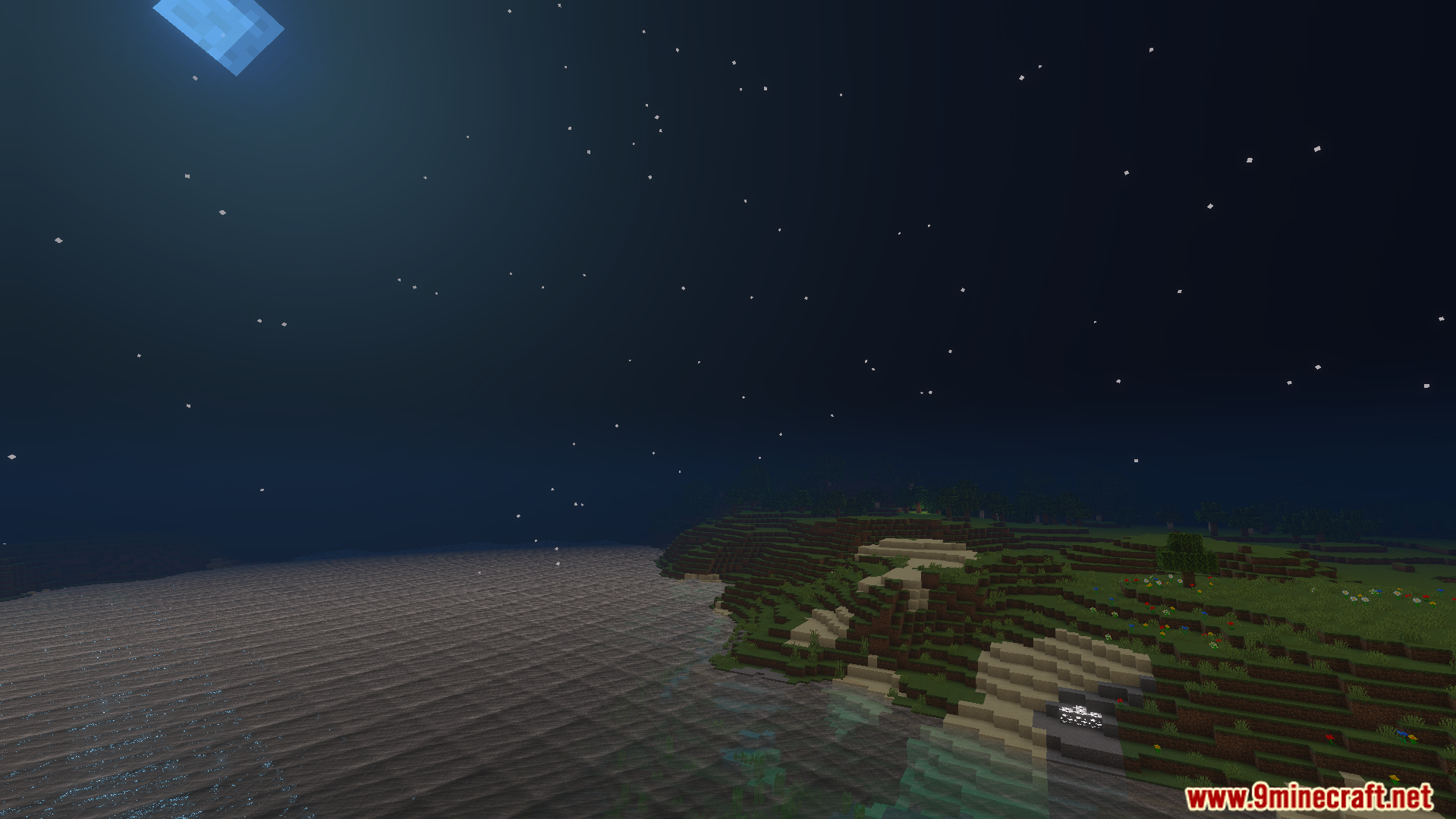
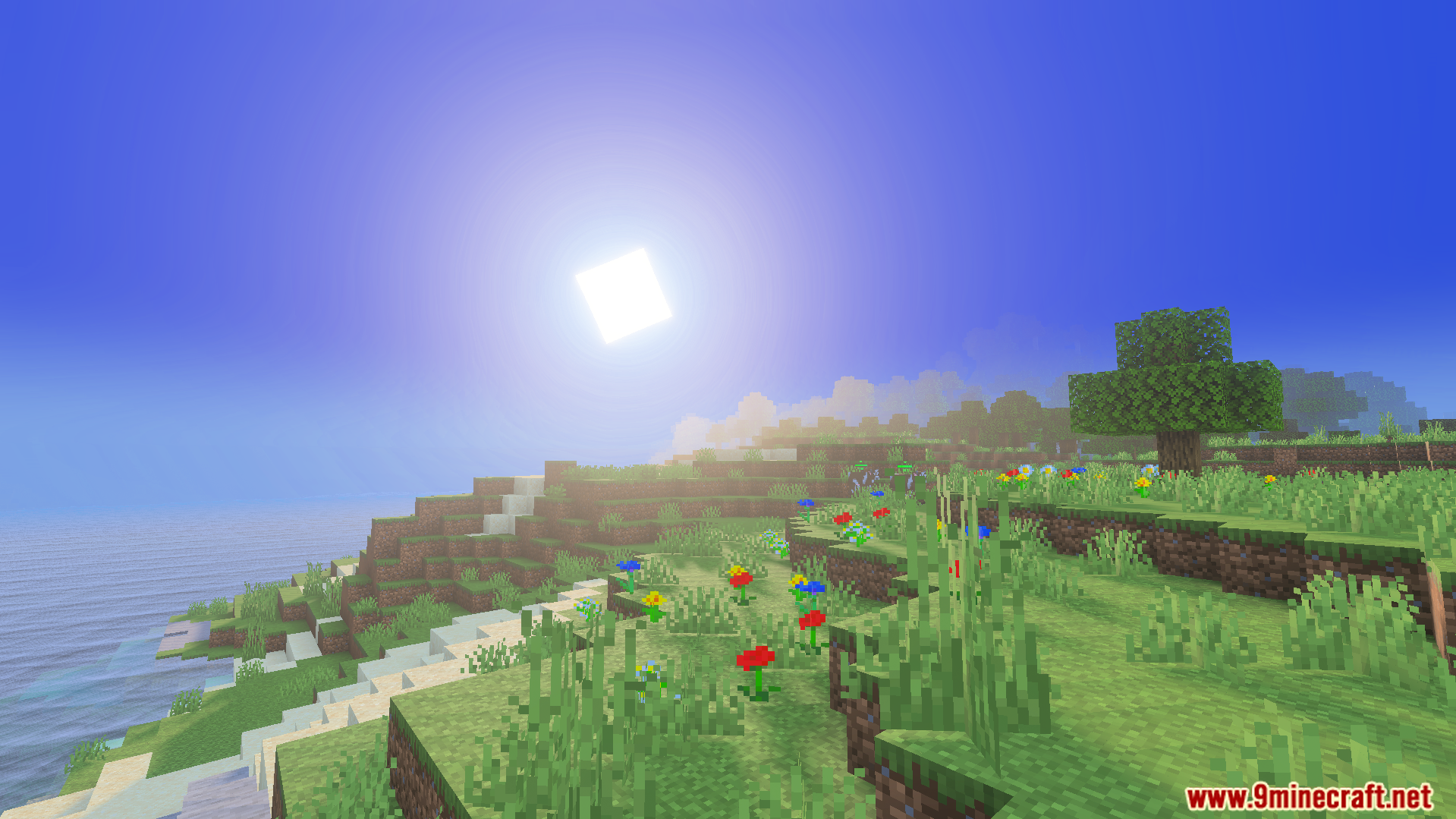
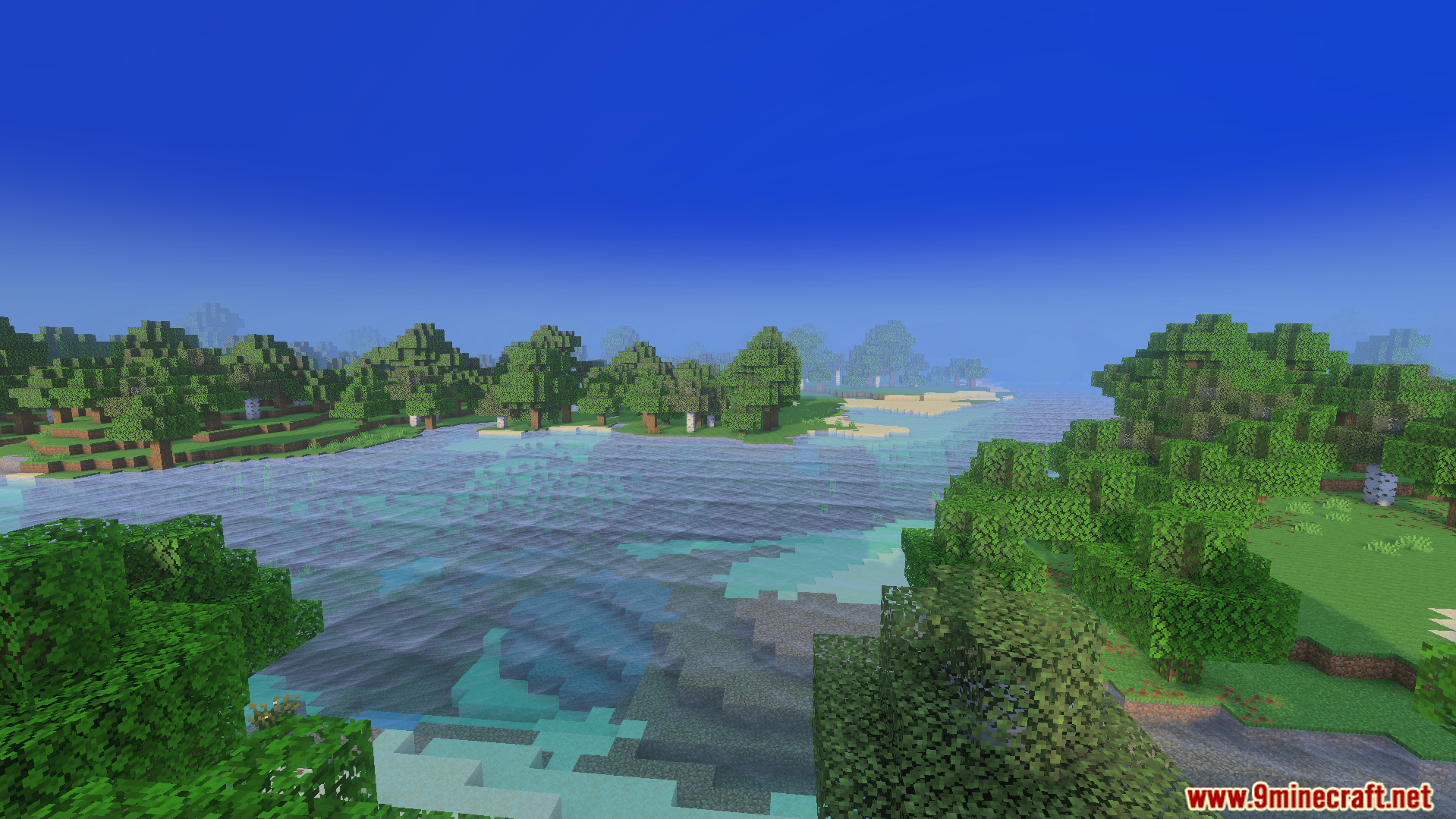
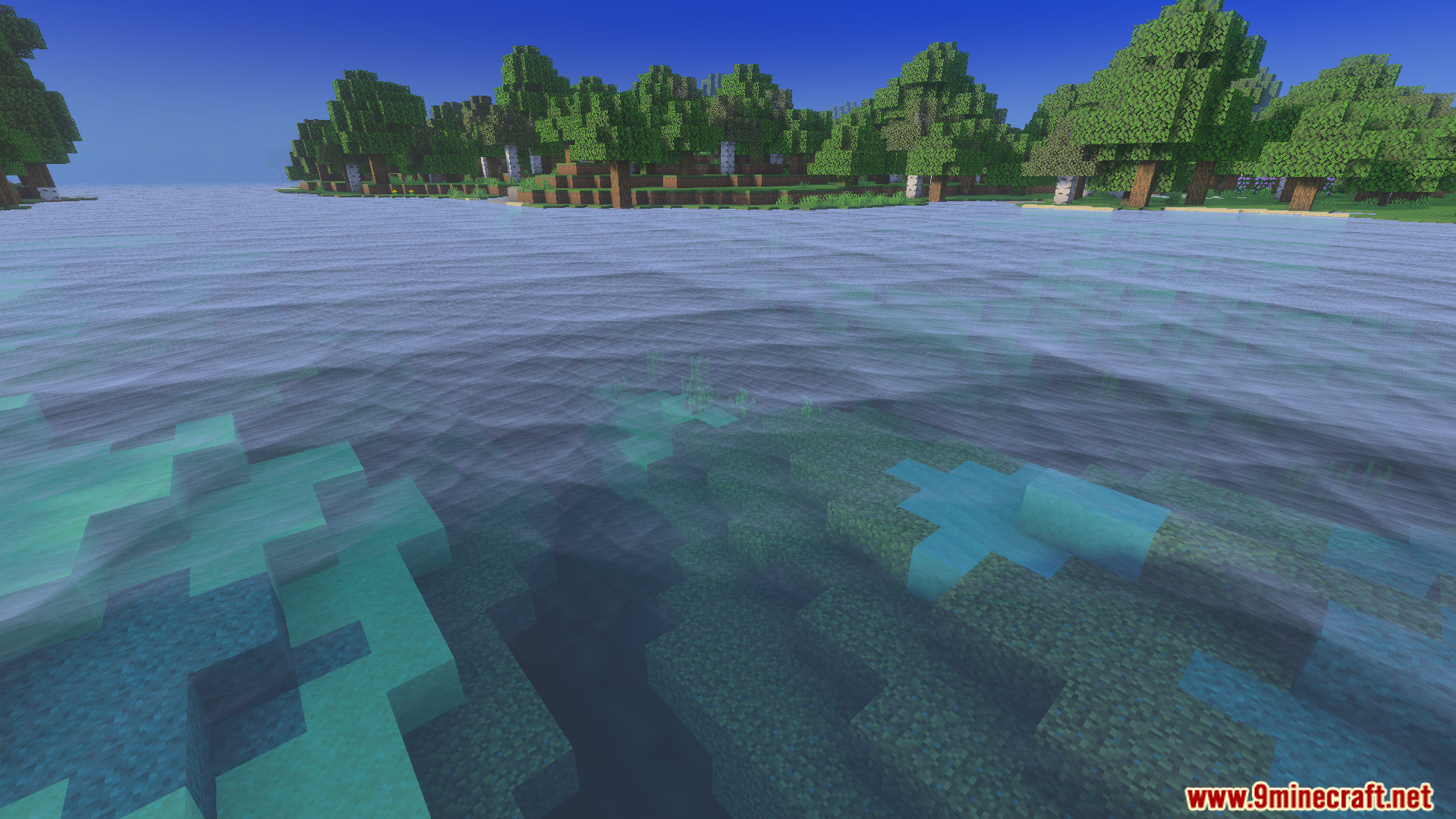
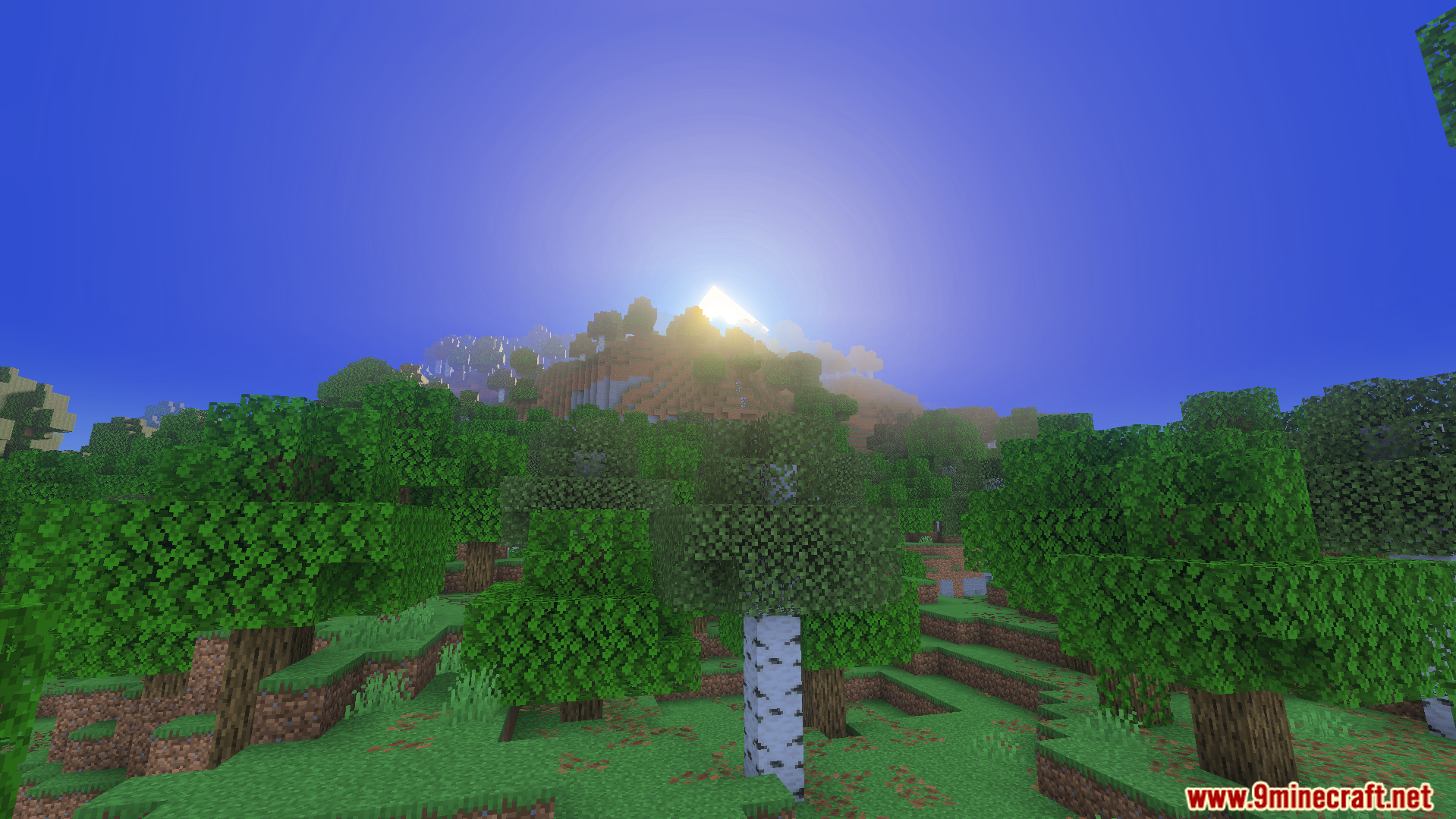
Luvid Visual Refined Texture Pack Bathe your world in warm golden light — refined realistic textures paired with a rich, sun-kissed atmosphere. Features: Golden-hour lighting tones across your entire world Realistic refined textures for blocks and terrain Warm color palette that makes builds glow beautifully A polished, cohesive look from grass to gold Why You'll Love It: 1 That golden lighting makes every scene feel cinematic 2 Realistic detail without a heavy performance hit 3 Your existing builds instantly look warmer and richer How to Get Started: 1 Download the Luvid Visual Refined Texture Pack. 2 Install it in Minecraft PE. 3 Open your world an
Read the full details and screenshots
Open this resource in CraftyBox