
CRAFTYBOX
Preparing your block world
正在准备你的方块世界
First visit setup
首次访问设置
CRAFTYBOX
Preparing your block world
正在准备你的方块世界
First visit setup
首次访问设置
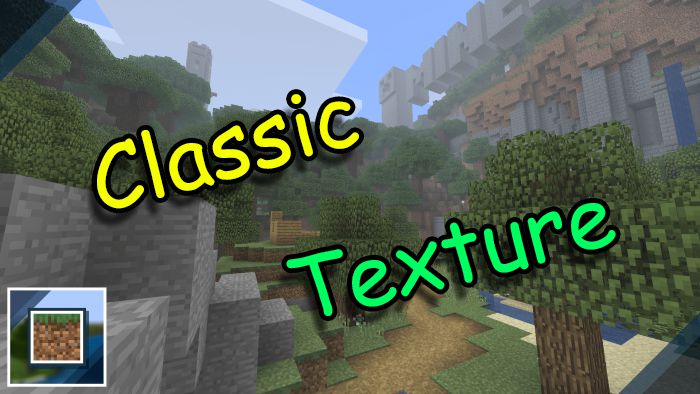
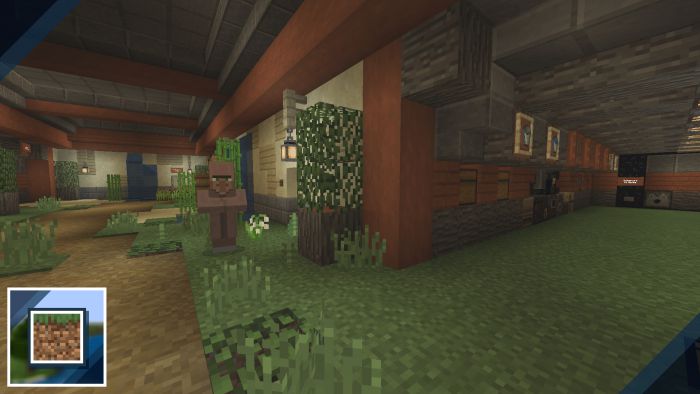
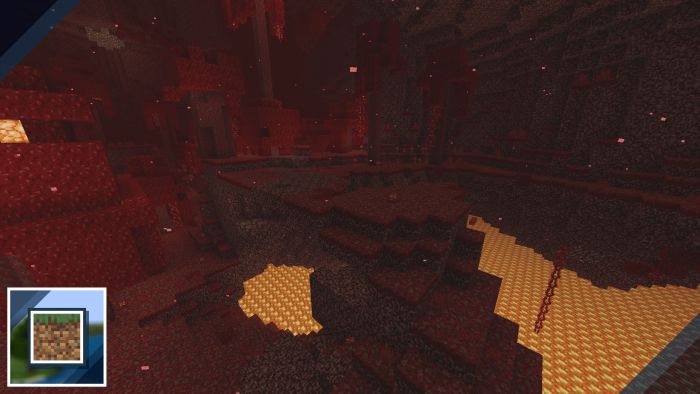
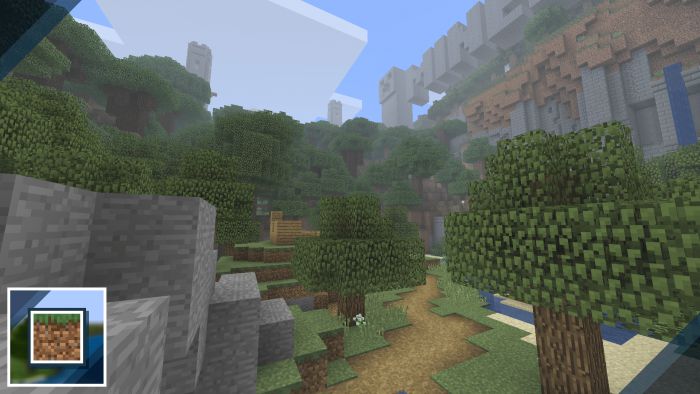
Minecraft Classic Texture Pack Travel back to where it all began with the Minecraft Classic pack, restoring the beloved textures of the game's earliest days. Features: Faithful classic-era block textures on modern Bedrock Old cobblestone, grass and gravel just like you remember Nostalgic charm with full support for current versions Mixes retro visuals with all of today's blocks and biomes Why You'll Love It: 1 Instant nostalgia for long-time Minecraft fans 2 A fun retro twist on your modern survival worlds 3 Simple, clean textures that run great anywhere How to Get Started: 1 Download the Minecraft Classic Texture Pack. 2 Install it in Minecraft PE. 3
Read the full details and screenshots
Open this resource in CraftyBox