
CRAFTYBOX
Preparing your block world
正在准备你的方块世界
First visit setup
首次访问设置
CRAFTYBOX
Preparing your block world
正在准备你的方块世界
First visit setup
首次访问设置
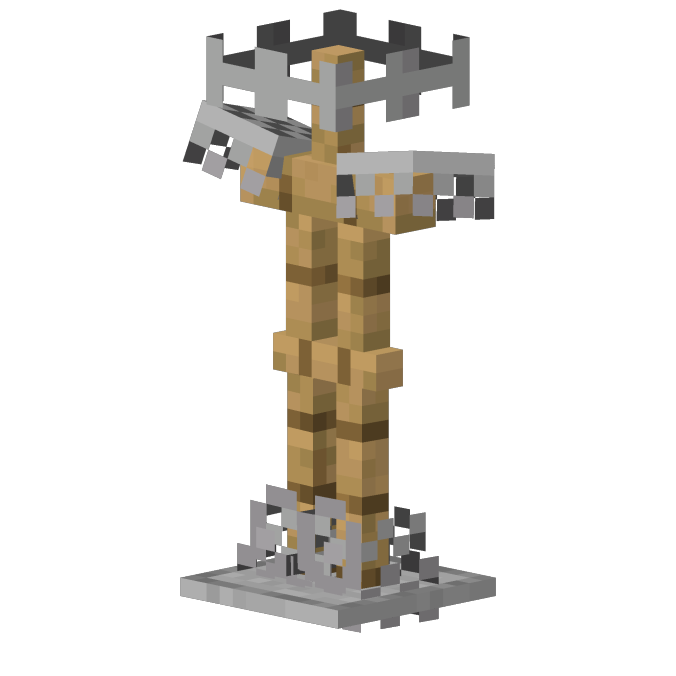
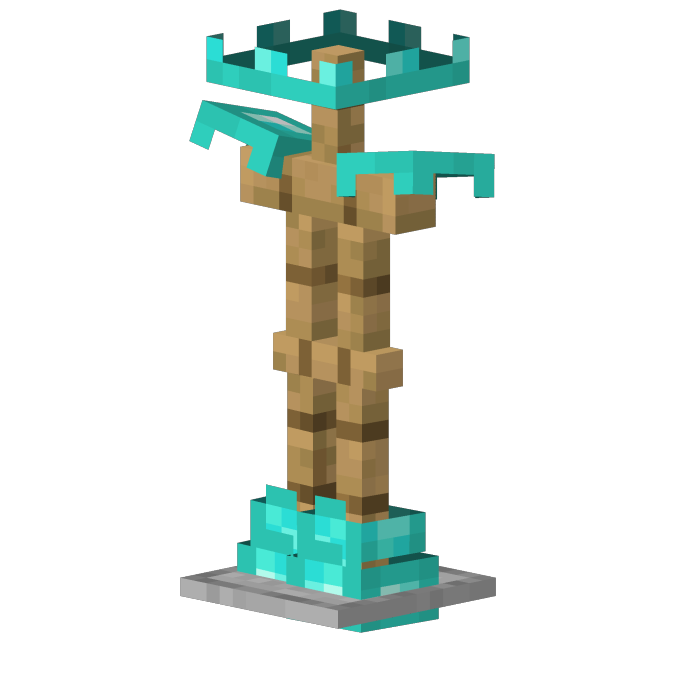
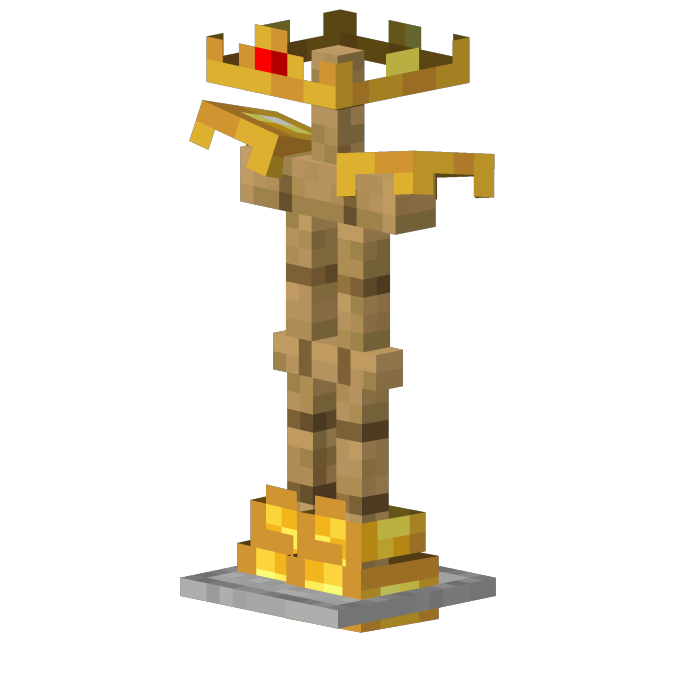
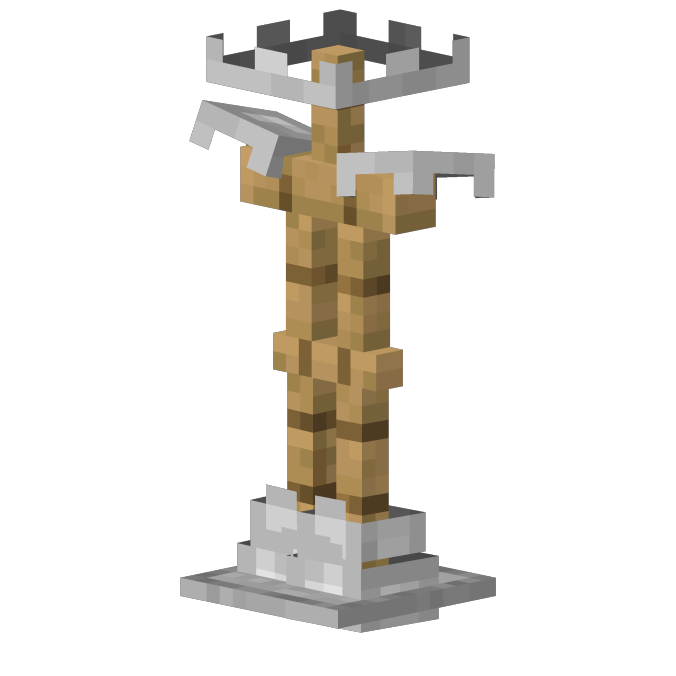
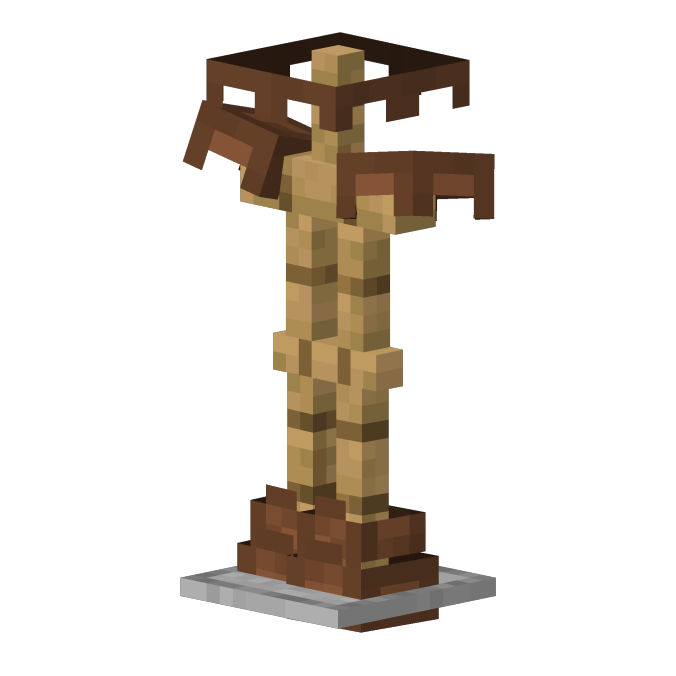
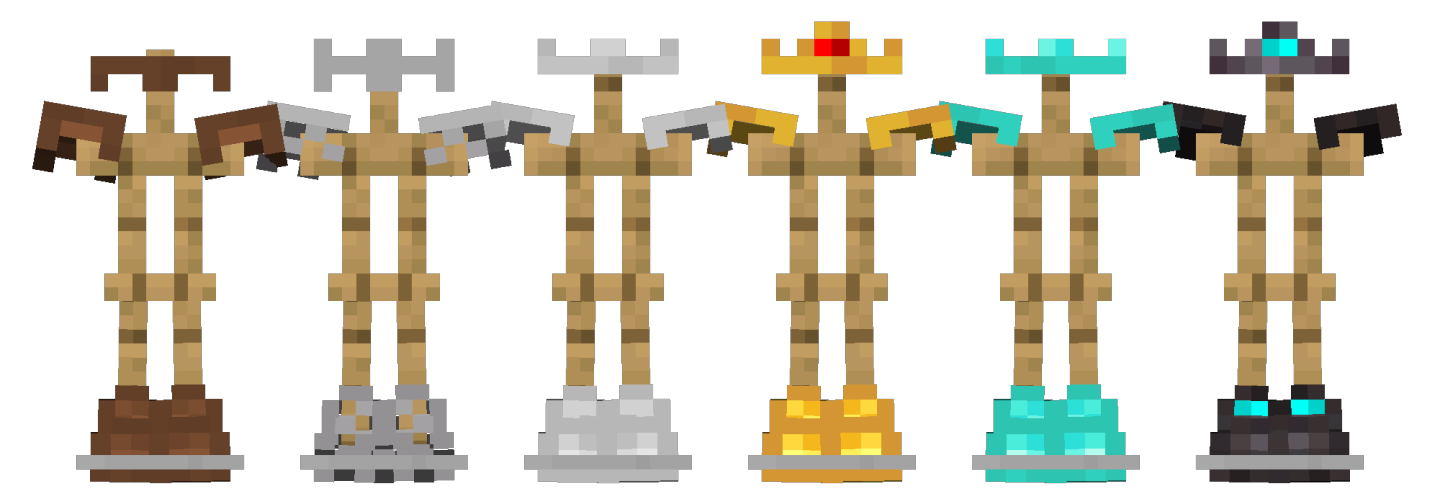
Minimal Armor Bedrock Showcase your favorite custom player skins clearly while still keeping your protective armor fully visible and functional! Features: Slimmed-down visual armor overlays Preserves full defensive stats and mechanics Clear view of custom player skins Lightweight and completely non-intrusive Why You'll Love It: 1 Never hide your custom character skin behind bulky armor. 2 Keep full protection during intense survival adventures. 3 Enjoy a cleaner and more personalized look. How to Get Started: 1 Download the Minimal Armor Bedrock. 2 Install it in Minecraft PE. 3 Open your world and enjoy the new experience. Stay protected while show
Open this resource in CraftyBox