
CRAFTYBOX
Preparing your block world
正在准备你的方块世界
First visit setup
首次访问设置
CRAFTYBOX
Preparing your block world
正在准备你的方块世界
First visit setup
首次访问设置
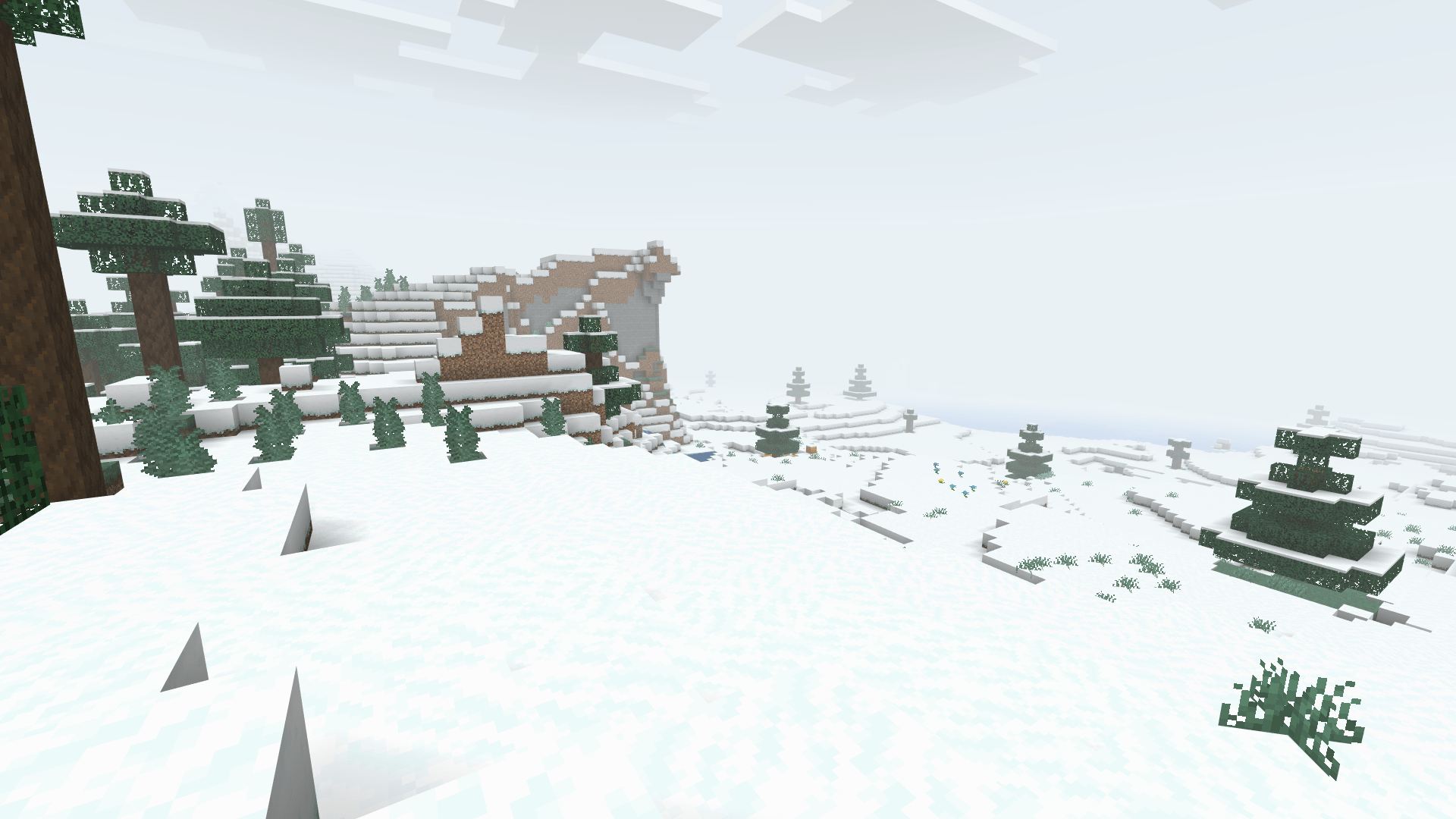
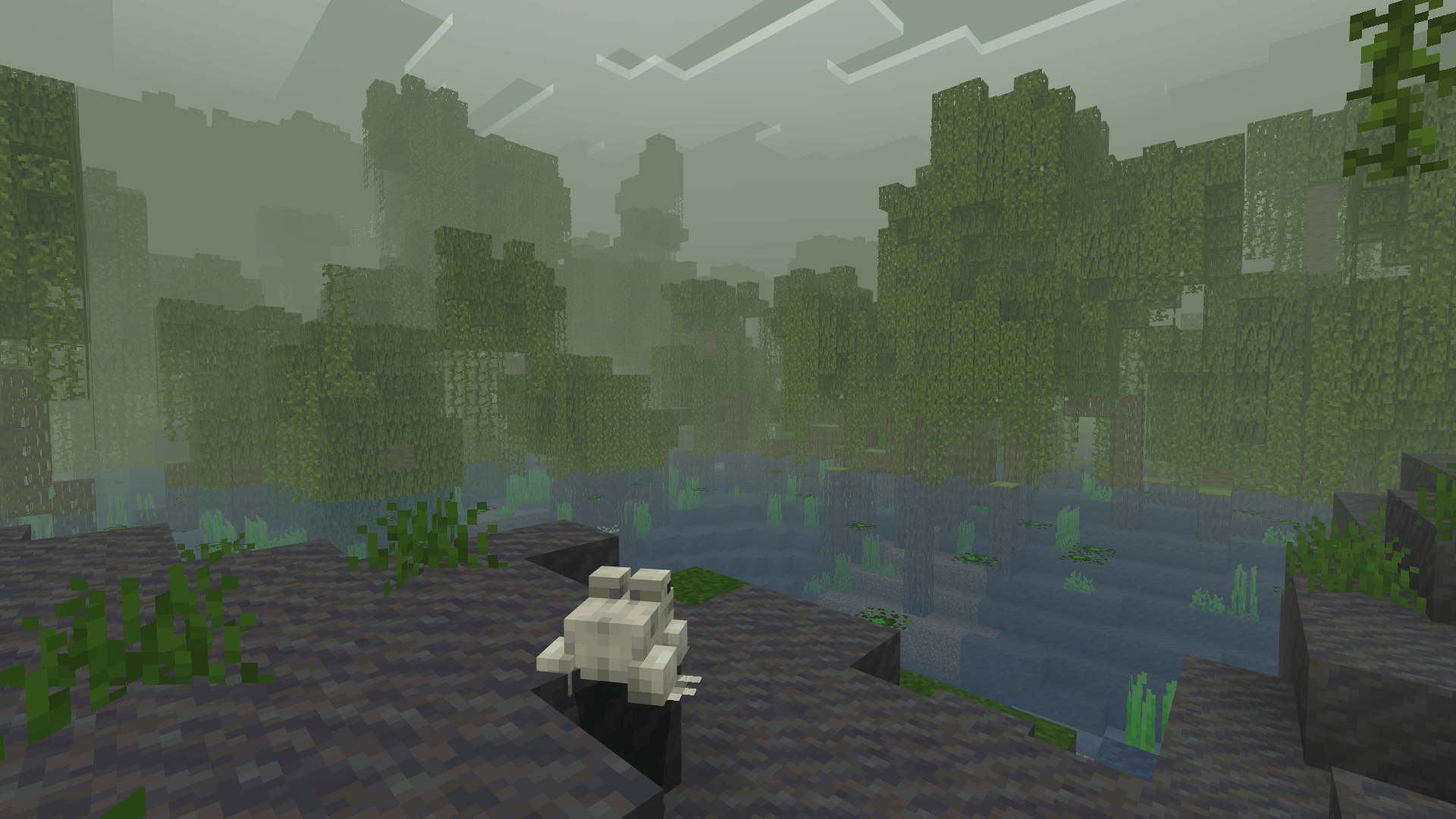
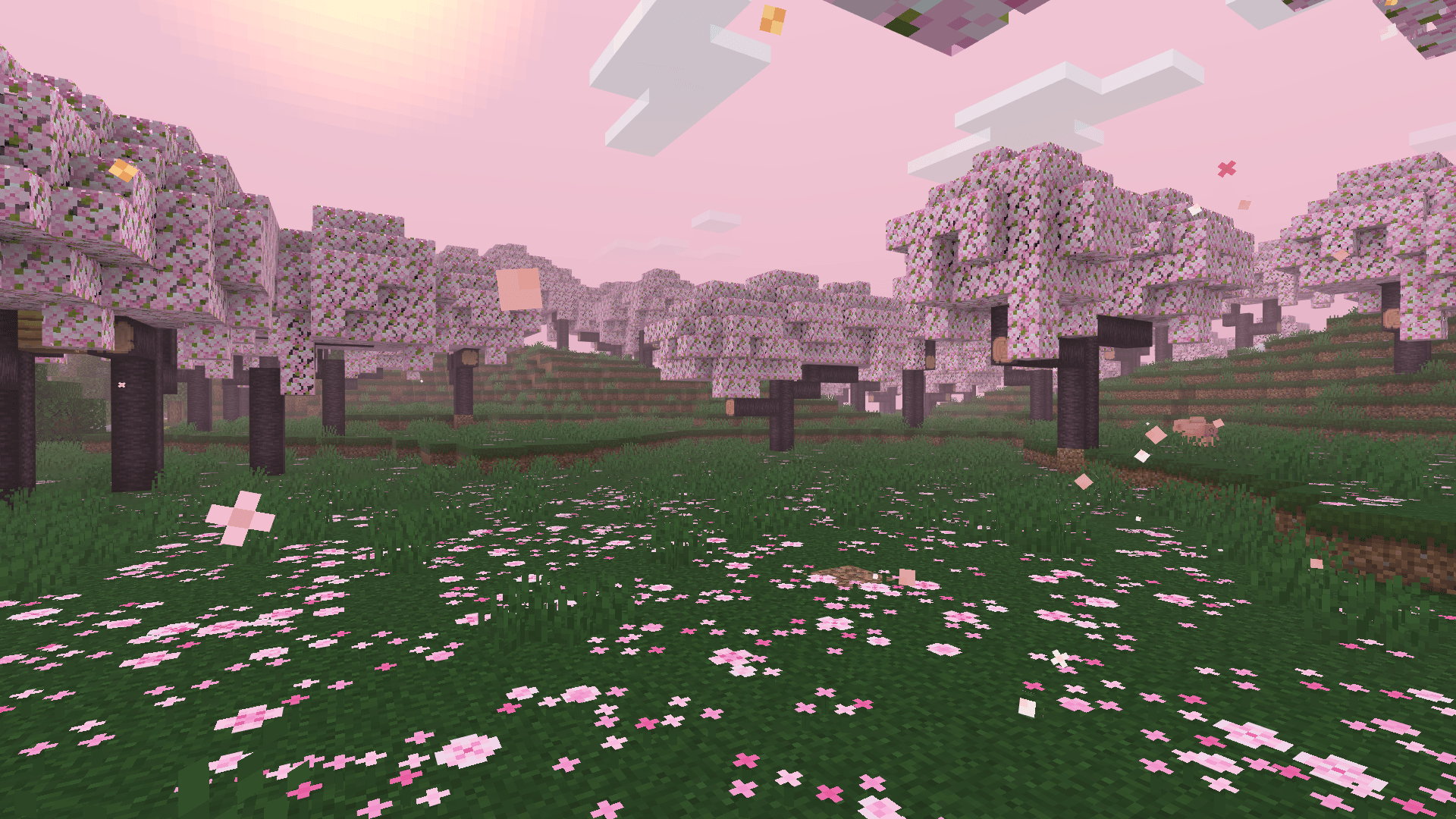
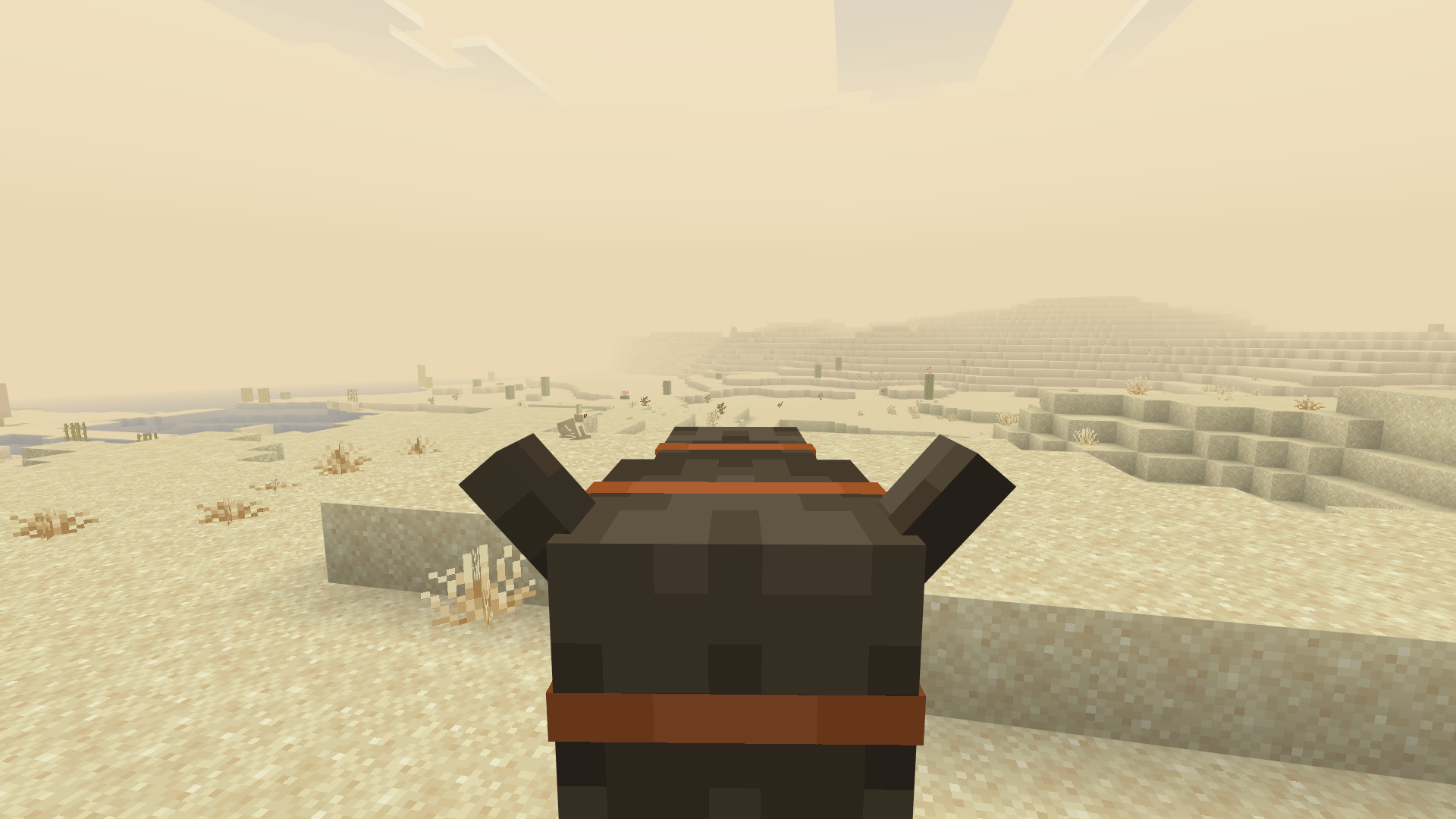
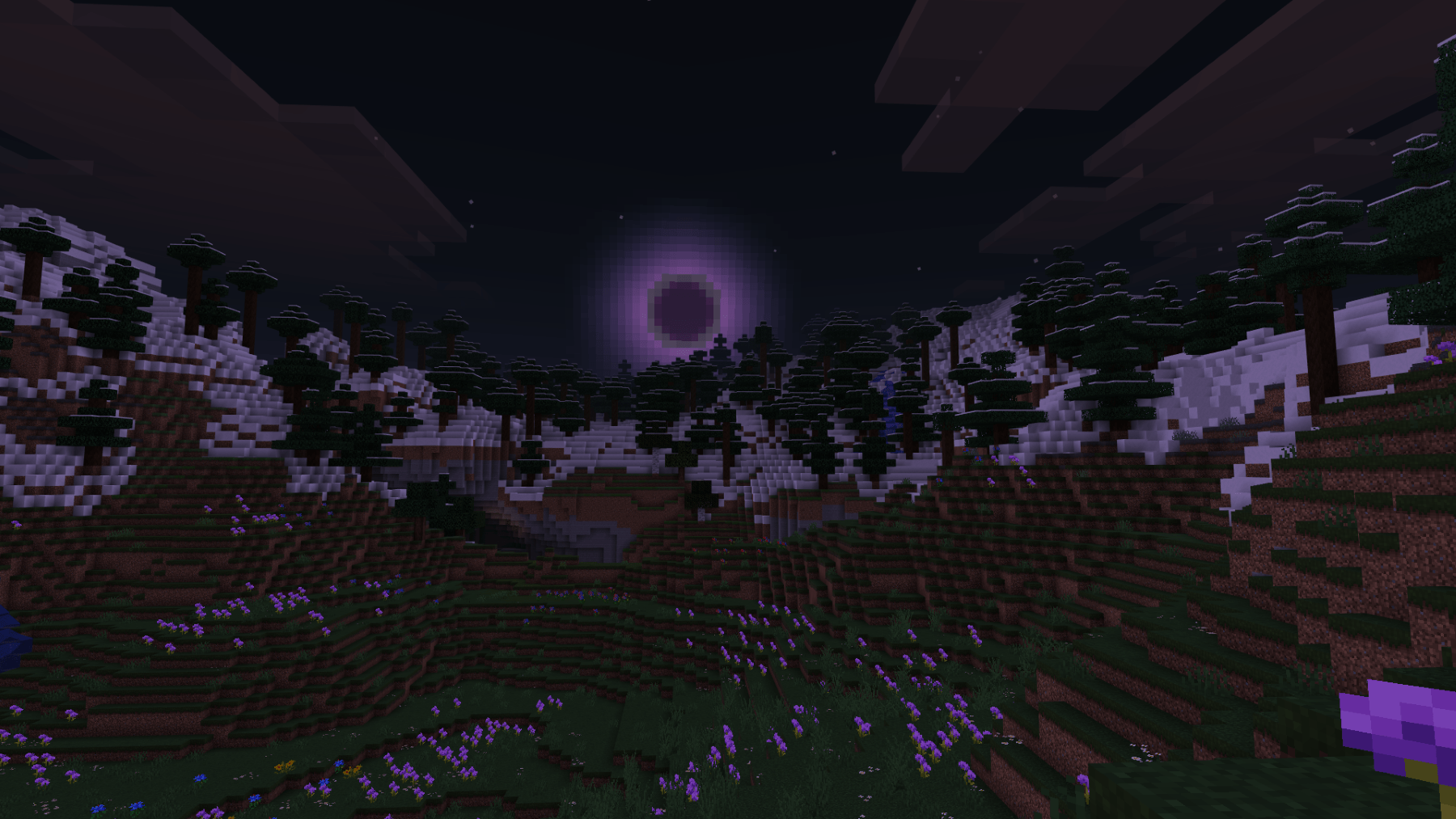
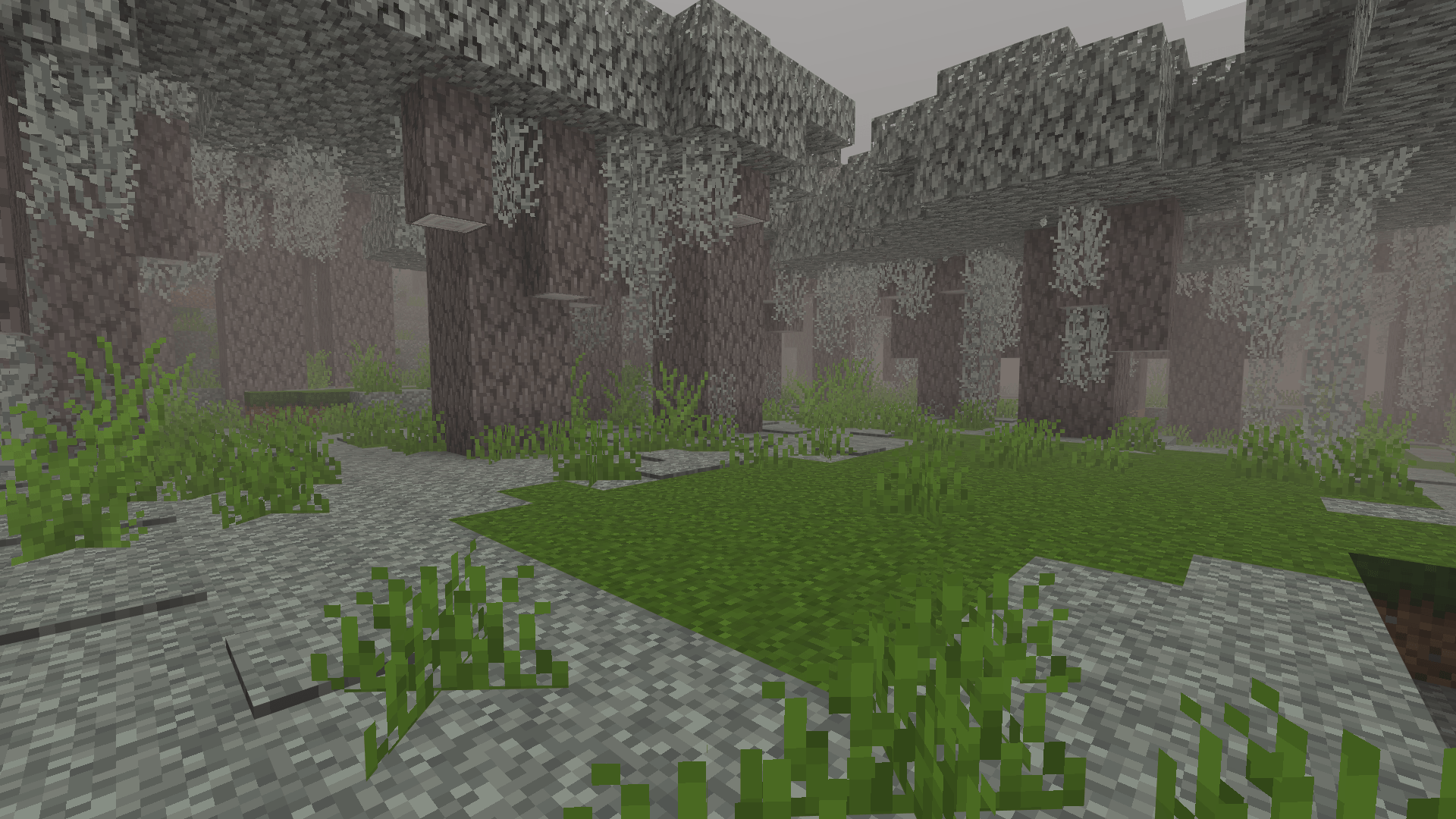
Mystica Shader Drift through a dream — Mystica wraps MCPE/Bedrock 1.21.20+ in soft, mystical fog for an ethereal, storybook atmosphere. Features: Signature dream fog that softens the horizon Mystical color tones with a gentle glow Hauntingly beautiful moonlit nights Light rendering footprint for smooth play Why You'll Love It: 1 A one-of-a-kind dreamy mood no other shader matches 2 Perfect backdrop for fantasy and fairy-tale builds 3 Fog adds mystery without hurting visibility where it counts How to Get Started: 1 Download the Mystica Shader. 2 Install it in Minecraft PE. 3 Open your world and enjoy the new experience. Step into the mist — the dre
Open this resource in CraftyBox