
CRAFTYBOX
Preparing your block world
正在准备你的方块世界
First visit setup
首次访问设置
CRAFTYBOX
Preparing your block world
正在准备你的方块世界
First visit setup
首次访问设置
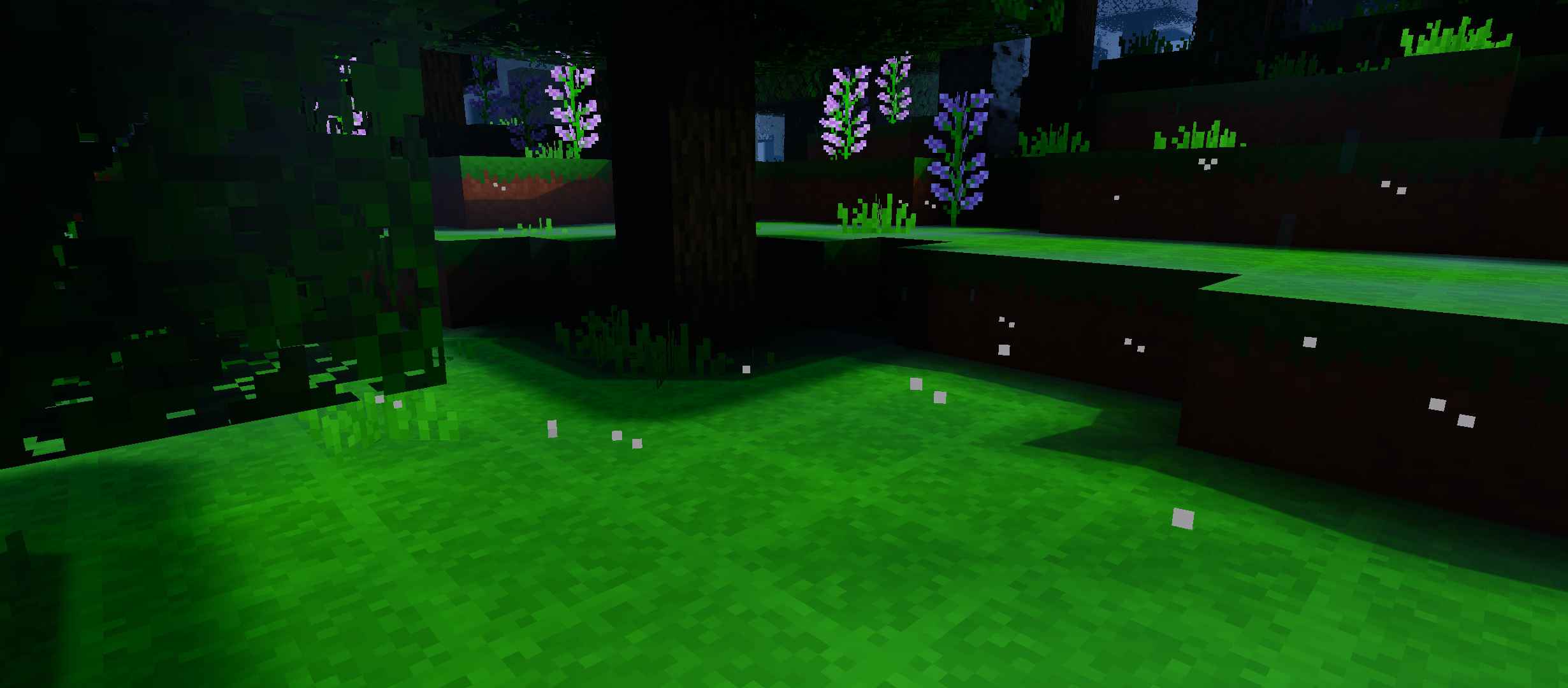
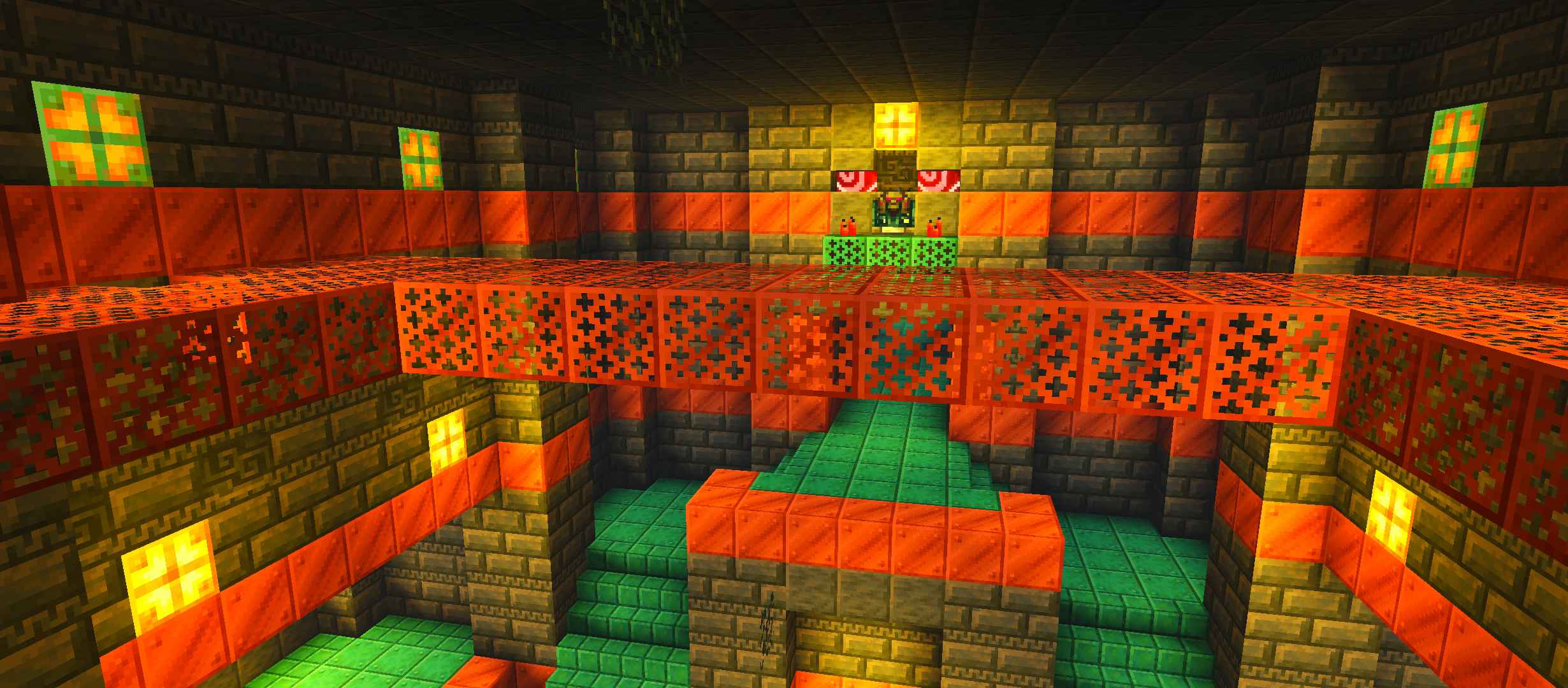
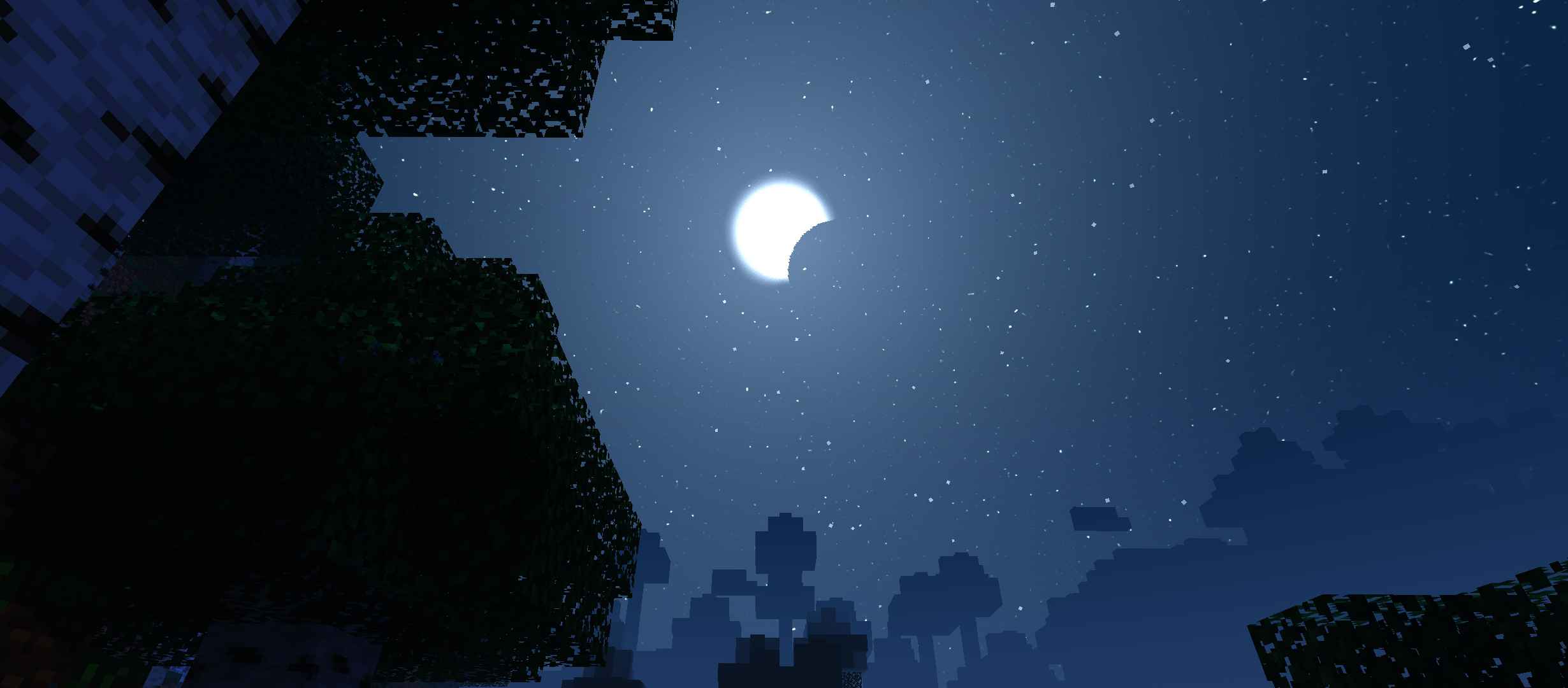
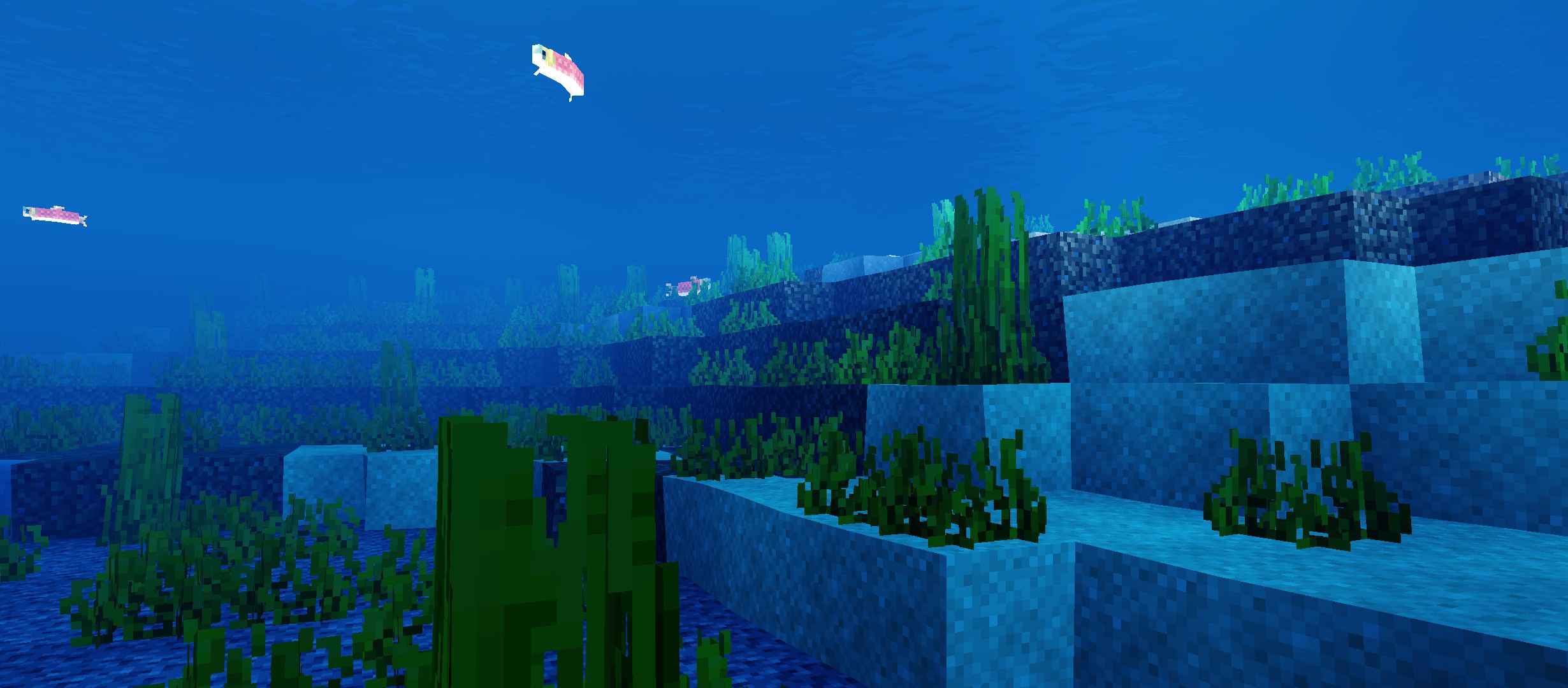
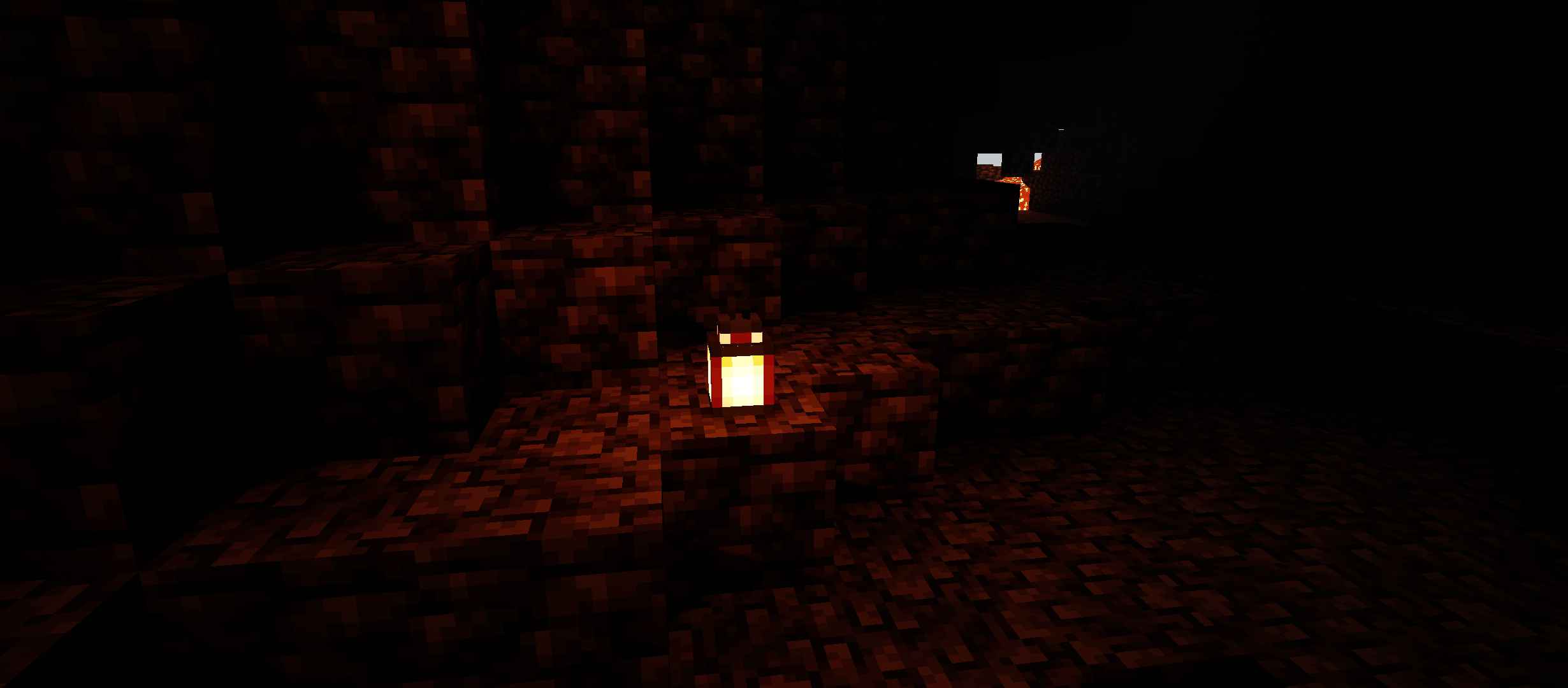
Newb Nostalgia Edition Shader The beloved Newb shader reimagined with a nostalgic filter — warm retro vibes meet smooth modern rendering on MCPE 1.21.20+. Features: Nostalgic color tones inspired by classic Minecraft eras Signature Newb soft lighting and bloom Dreamy golden-hour sunsets Optimized for smooth play on mobile Why You'll Love It: 1 Feels like the old days, looks like the future 2 Trusted Newb quality and stability 3 Light enough for low-end phones How to Get Started: 1 Download the Newb Nostalgia Edition Shader. 2 Install it in Minecraft PE. 3 Open your world and enjoy the new experience. Relive your first Minecraft memories — now in b
Open this resource in CraftyBox