
CRAFTYBOX
Preparing your block world
正在准备你的方块世界
First visit setup
首次访问设置
CRAFTYBOX
Preparing your block world
正在准备你的方块世界
First visit setup
首次访问设置
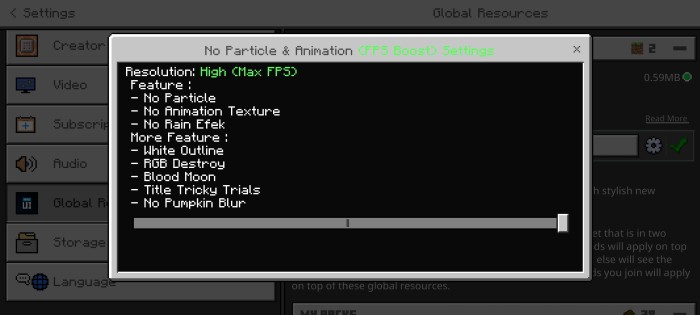
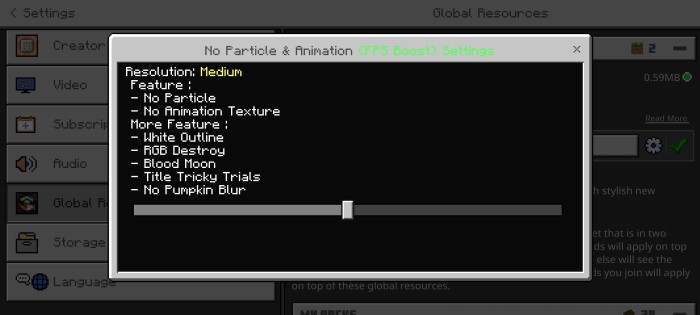
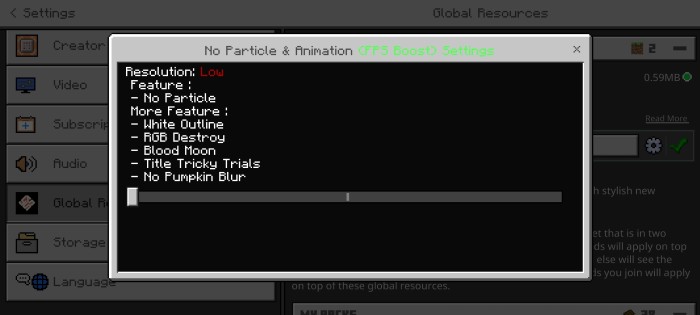
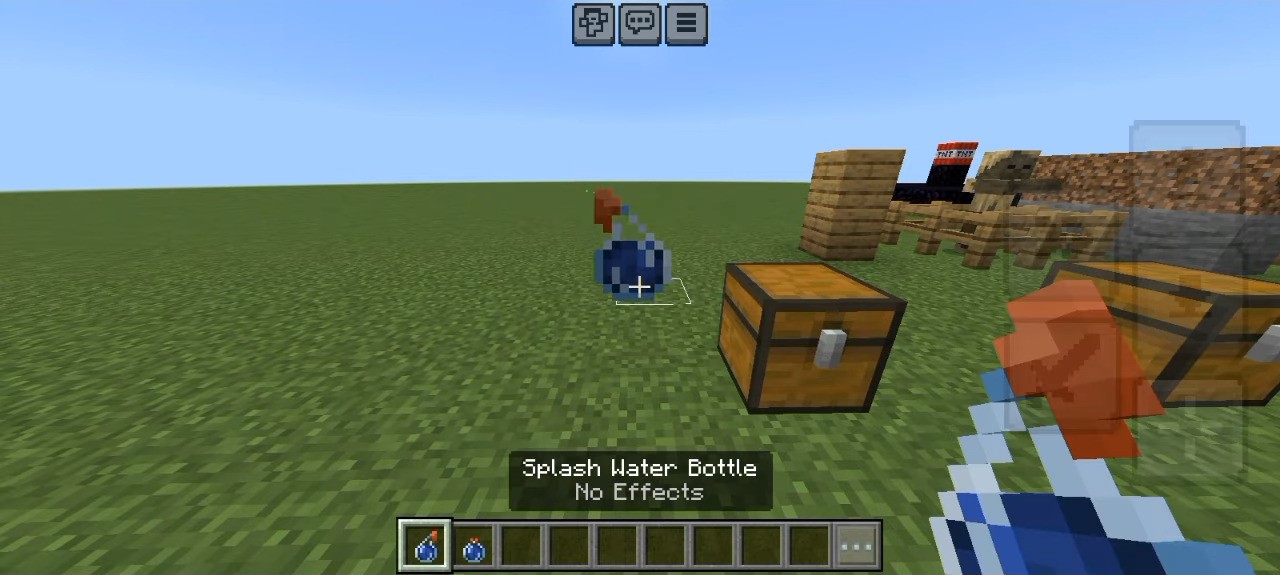
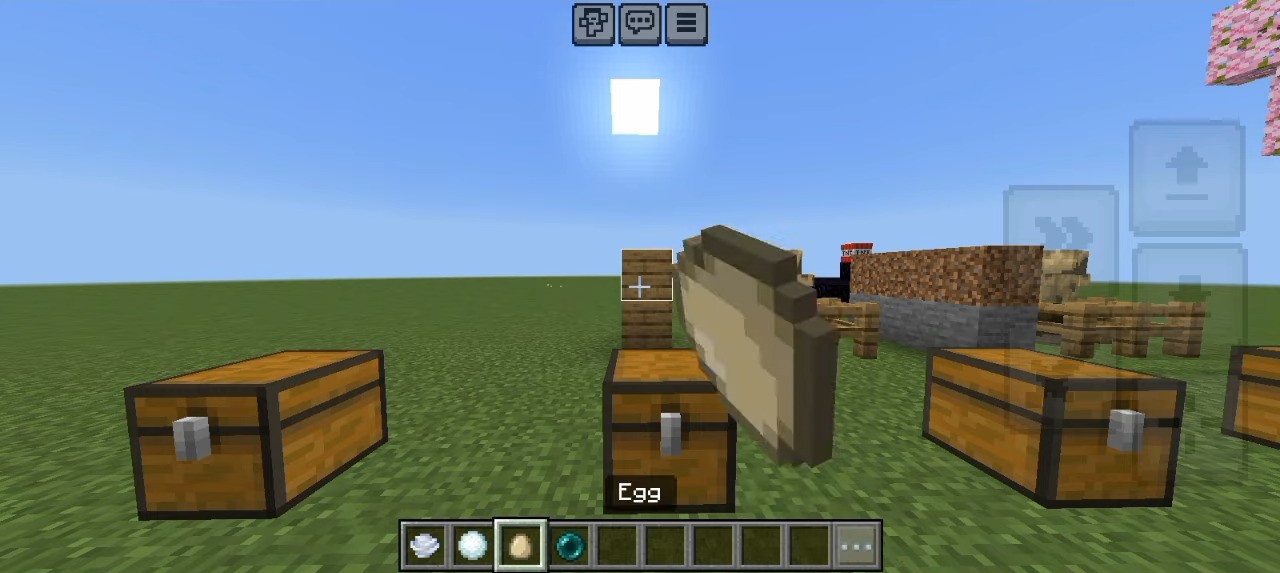
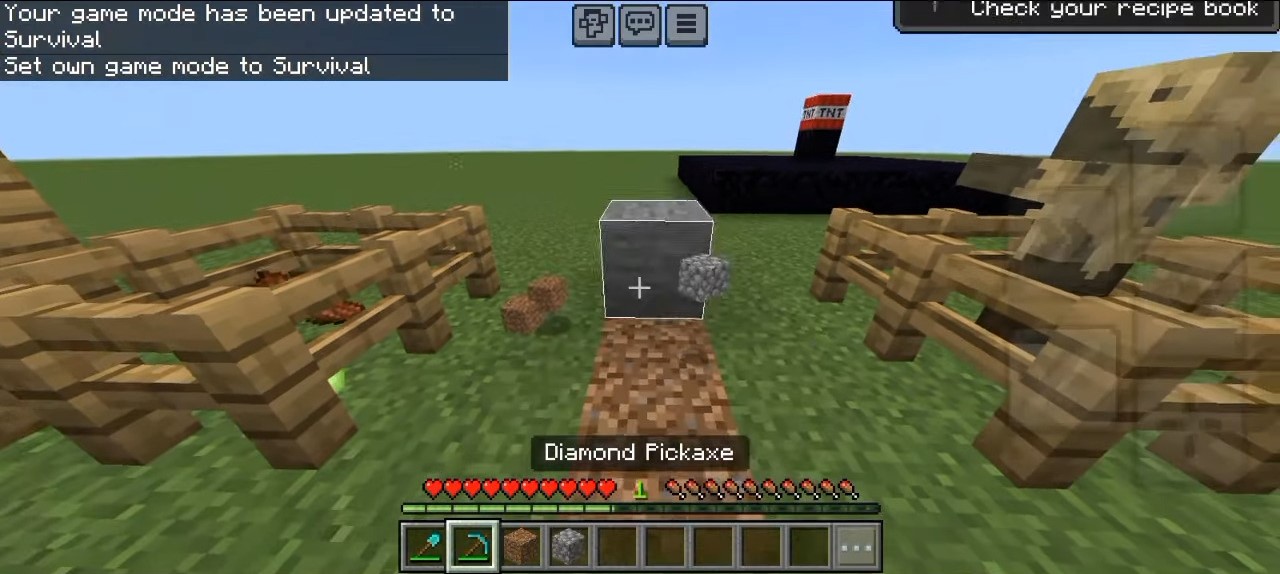
No Particle & Animation Texture Pack Strip away the visual noise — remove particles and animations to unlock maximum FPS and crystal-clear combat vision! Features: Disables lag-causing particles across the game Removes unnecessary animations for extra frames Cleaner screen for unobstructed PvP vision Optimized for MCPE/Bedrock 1.21 Why You'll Love It: 1 Instant FPS gains on any device 2 No more explosion clouds blocking your aim 3 The simplest performance upgrade you can install How to Get Started: 1 Download the No Particle & Animation Texture Pack. 2 Install it in Minecraft PE. 3 Open your world and enjoy the new experience. Clear screen, clear
Read the full details and screenshots
Open this resource in CraftyBox