
CRAFTYBOX
Preparing your block world
正在准备你的方块世界
First visit setup
首次访问设置
CRAFTYBOX
Preparing your block world
正在准备你的方块世界
First visit setup
首次访问设置
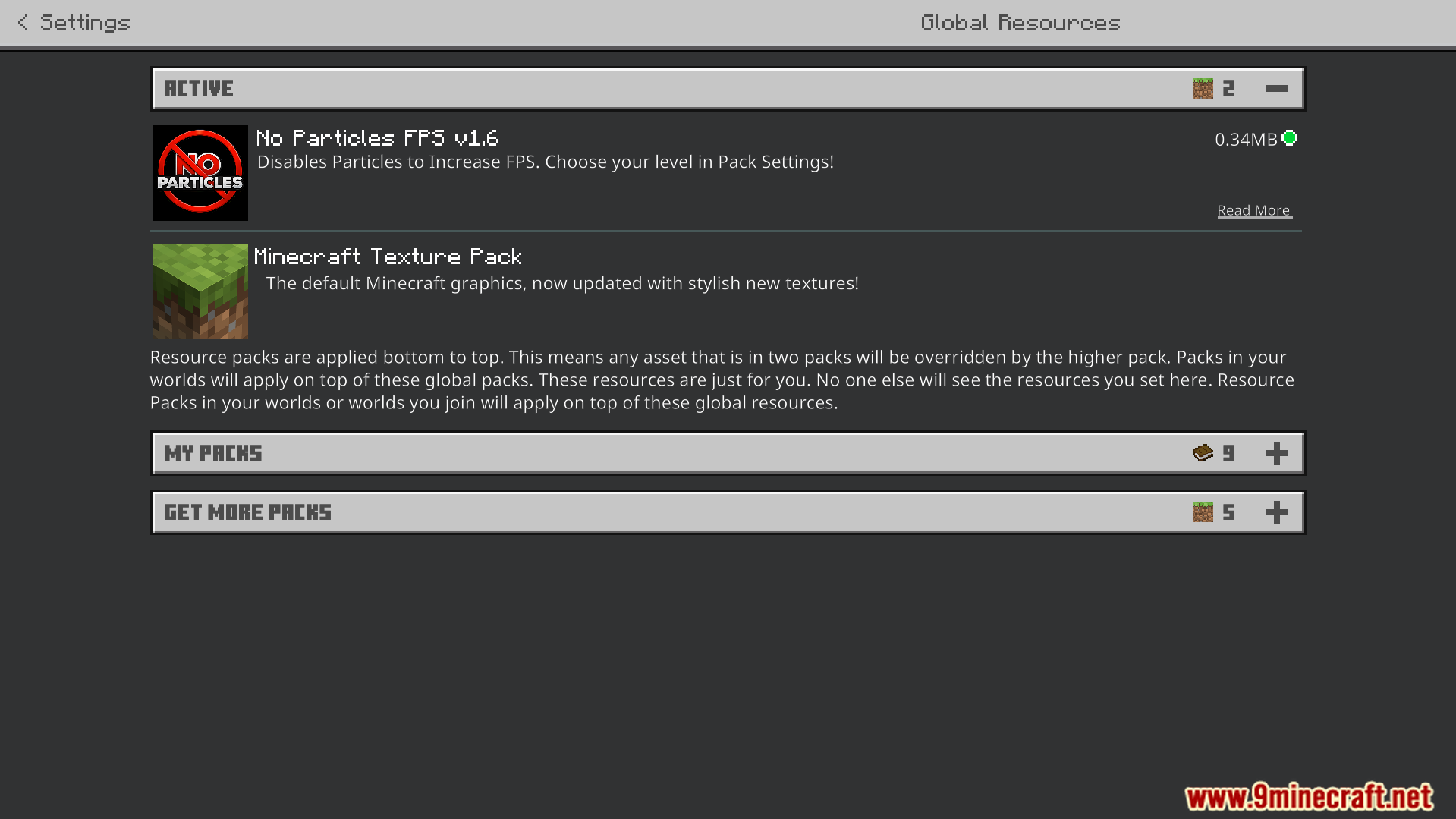
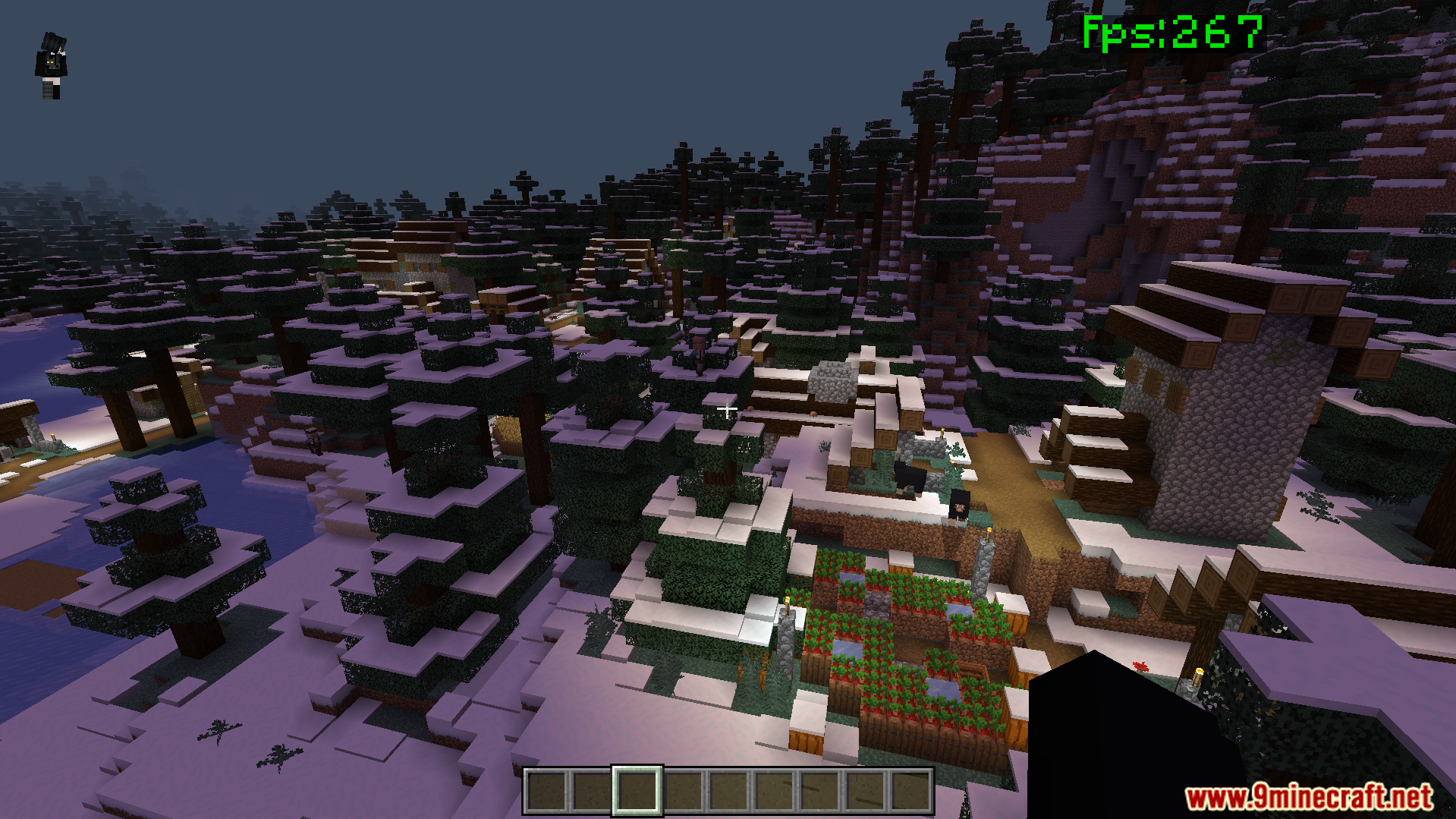
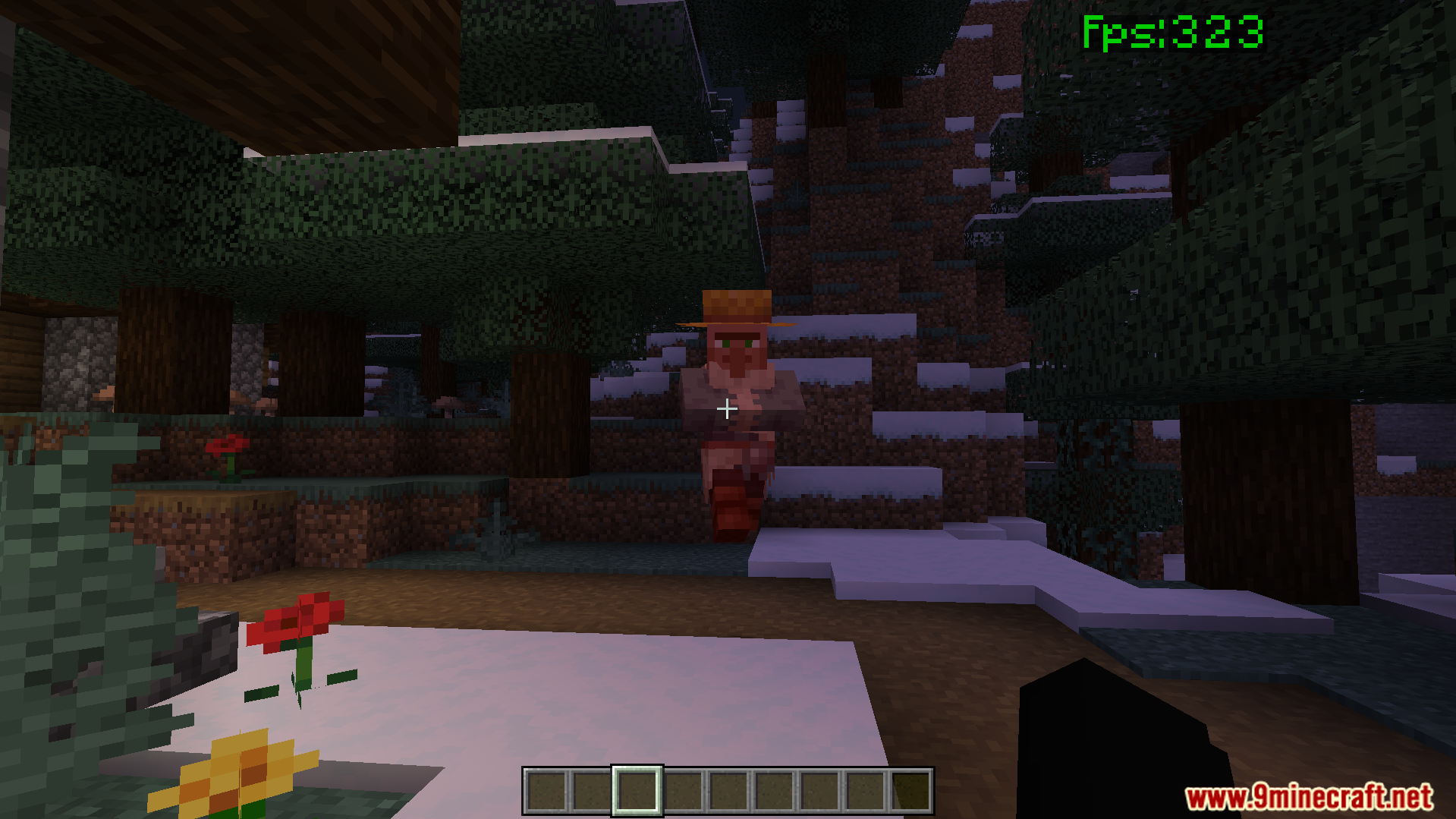
No Particles FPS Texture Pack Strip away heavy visual particles in Minecraft PE for smoother, faster gameplay on any device. Features: Removes explosion, smoke and ambient particle effects Boosts frame rates by cutting visual clutter Lightweight pack that works with vanilla textures Compatible with Bedrock 1.21 and 26.x builds Why You'll Love It: 1 Enjoy noticeably higher FPS during battles and mining 2 Reduce lag on older or low-end phones 3 Keeps your world clean and distraction-free How to Get Started: 1 Download the No Particles FPS Texture Pack. 2 Install it in Minecraft PE. 3 Open your world and enjoy the new experience. Play faster with a cle
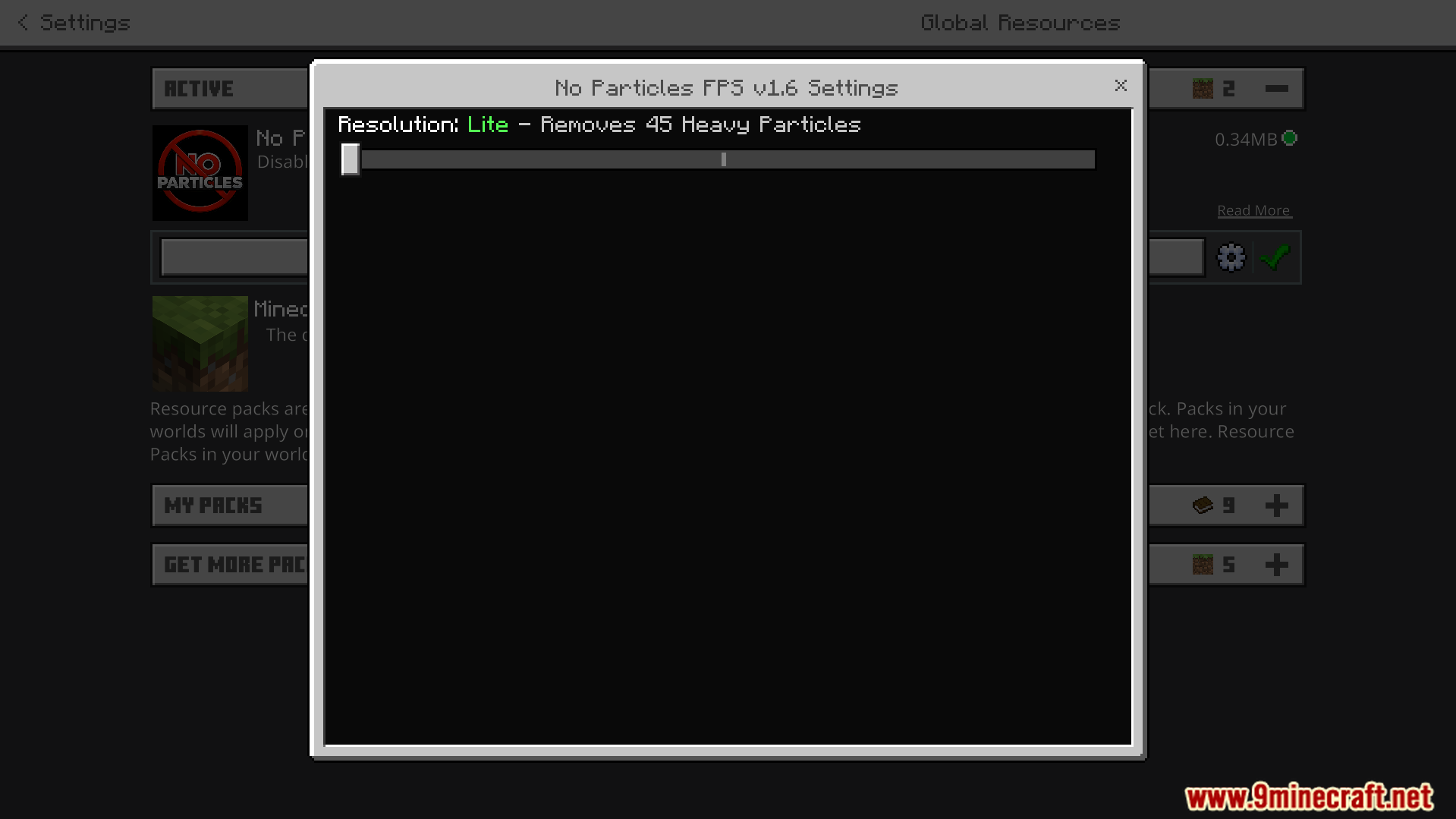
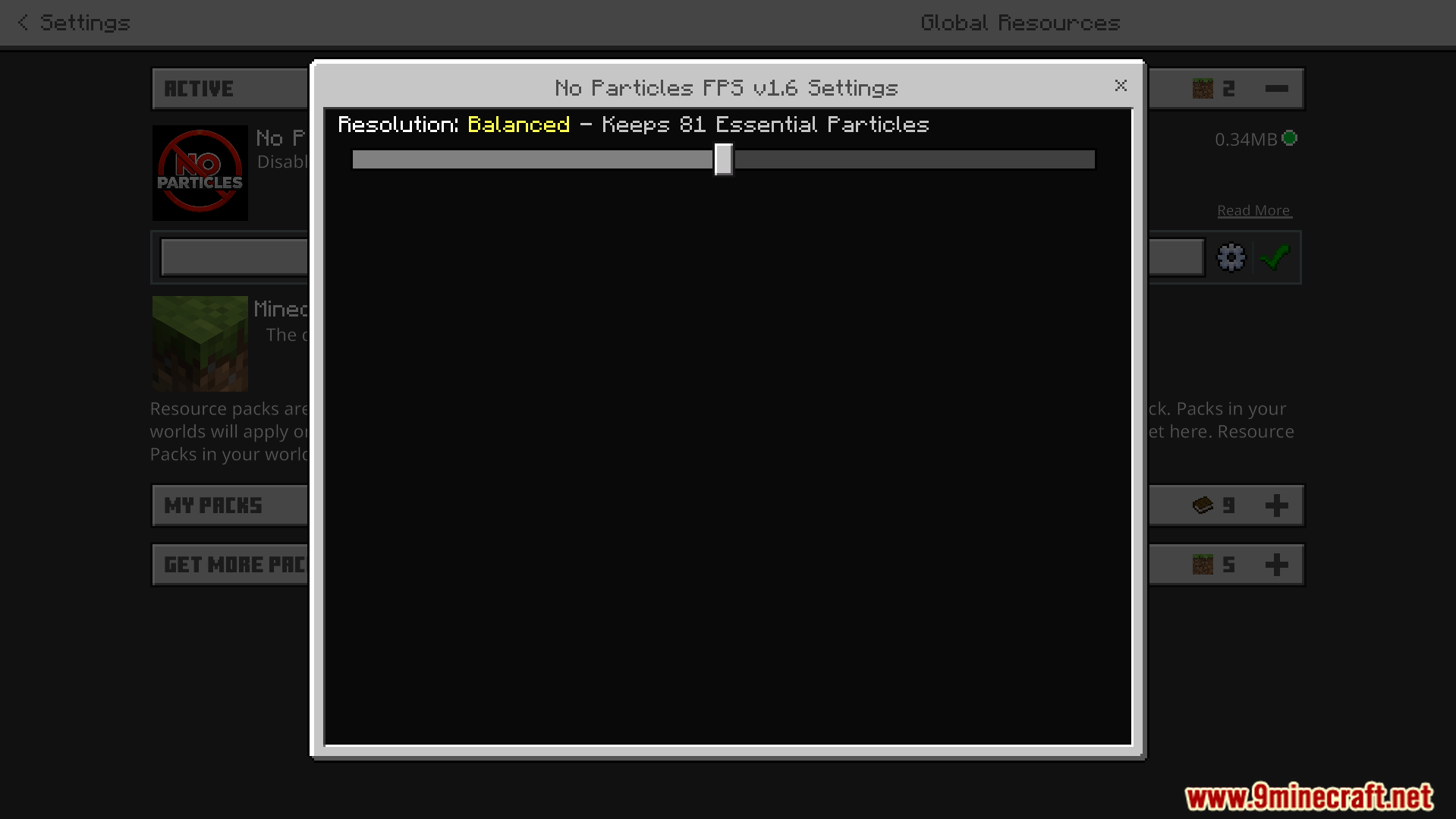
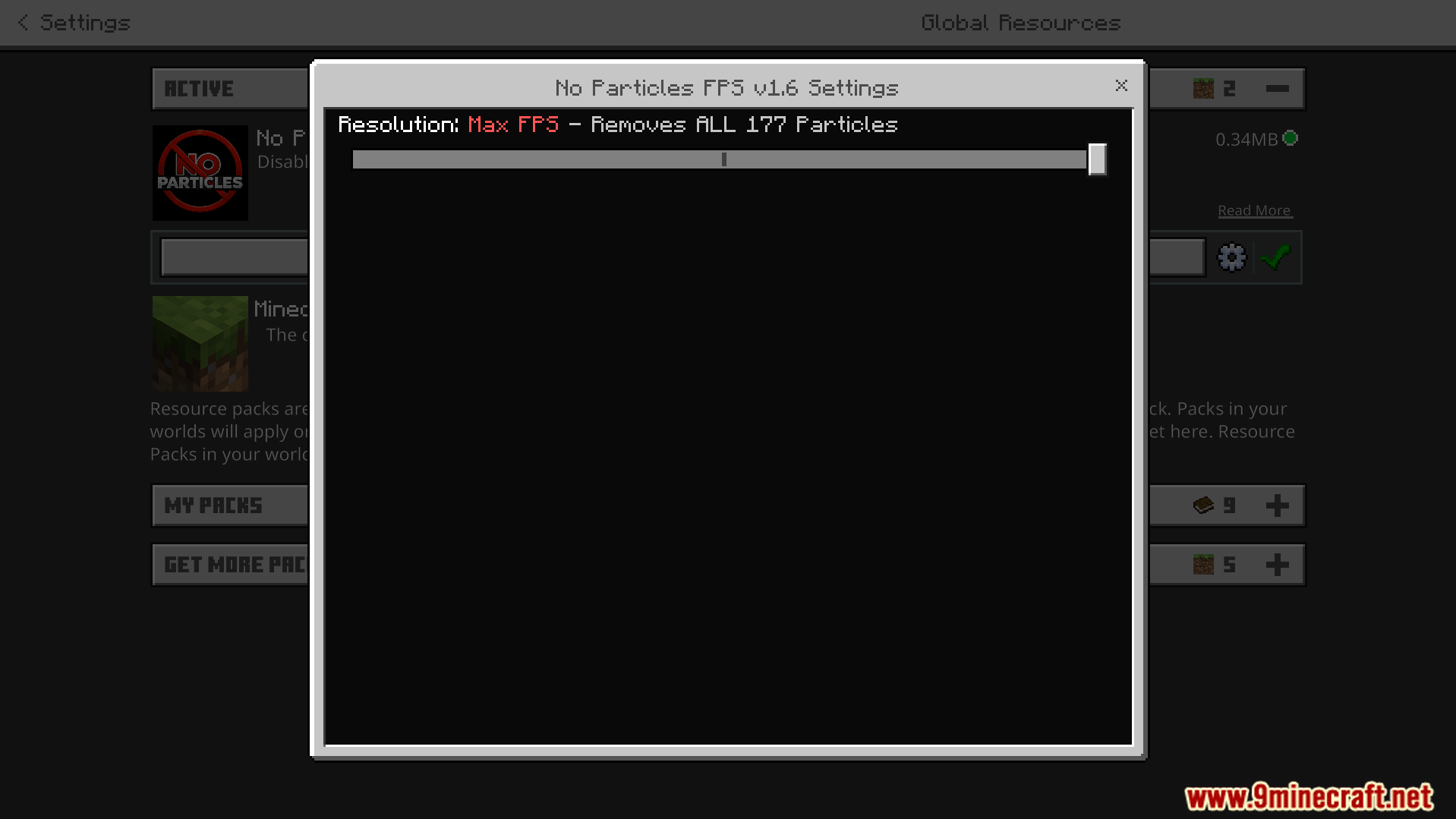
Read the full details and screenshots
Open this resource in CraftyBox