
CRAFTYBOX
Preparing your block world
正在准备你的方块世界
First visit setup
首次访问设置
CRAFTYBOX
Preparing your block world
正在准备你的方块世界
First visit setup
首次访问设置
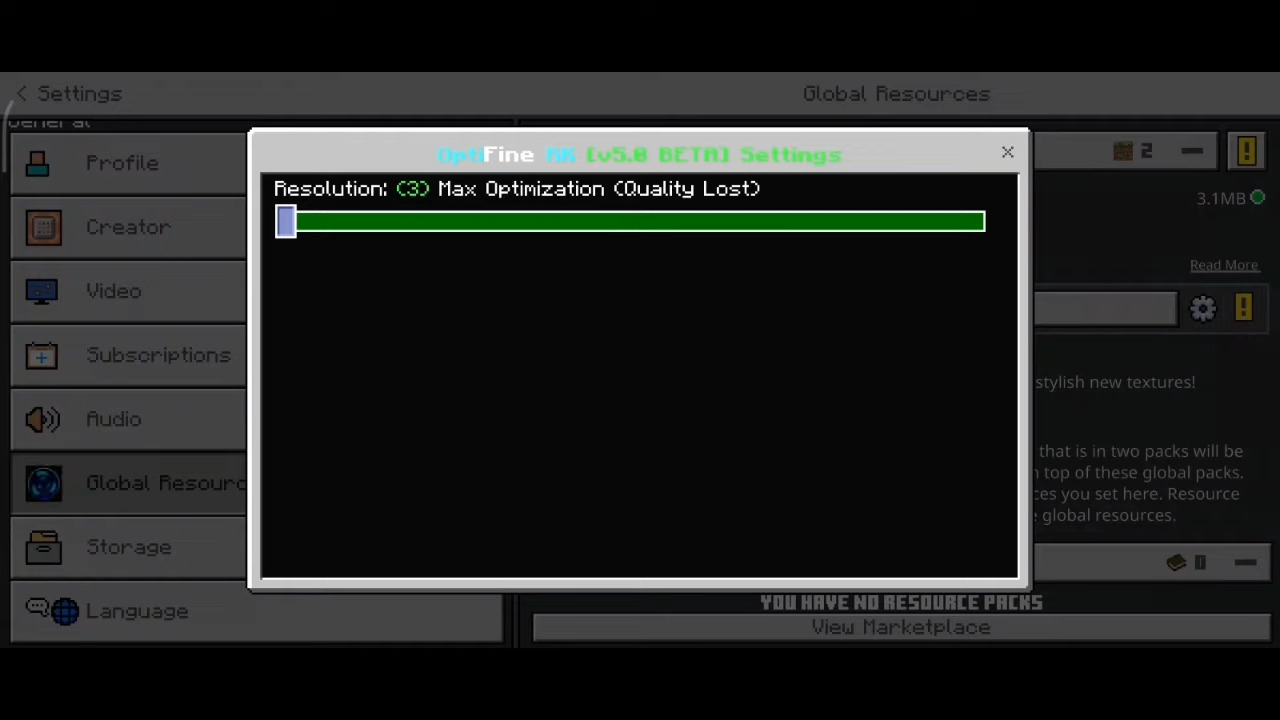
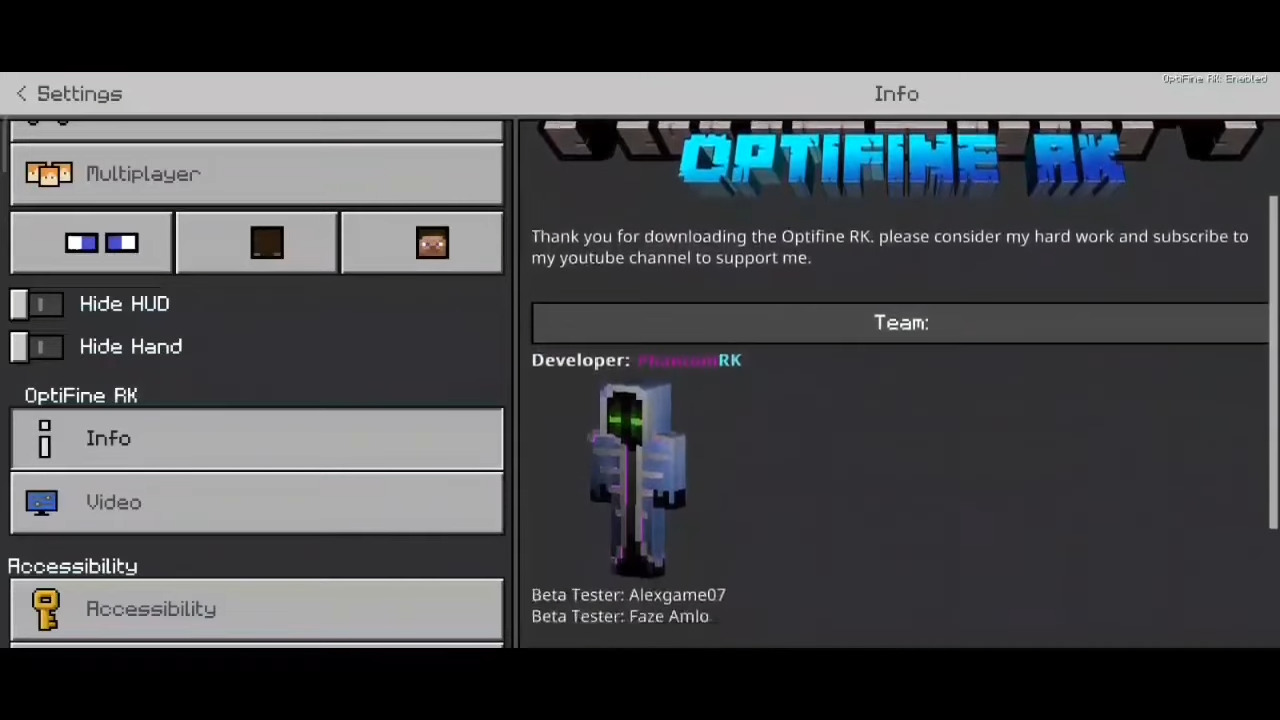
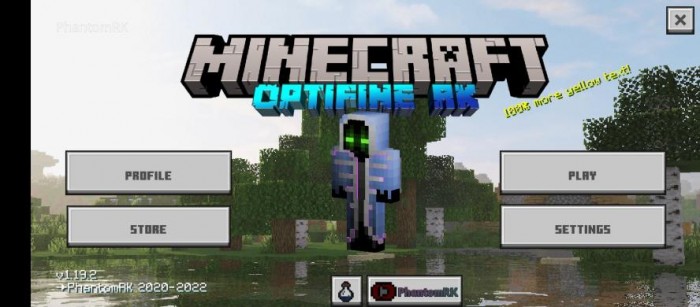
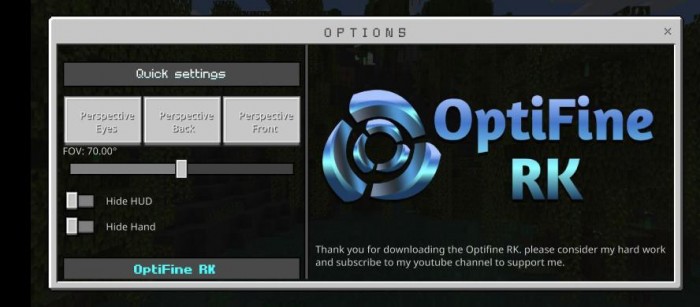
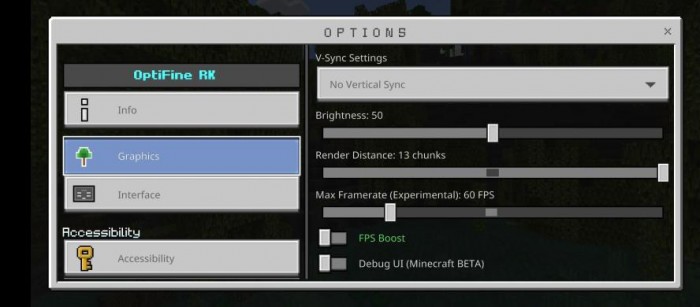
OptiFine RK V5.3 The OptiFine experience, Bedrock style — this client pack brings performance tweaks, a slick HUD and quality-of-life extras to MCPE. Features: FPS-boosting optimizations for smoother gameplay Clean OptiFine-style HUD and interface elements Handy client features like FPS display and quick settings Runs great even on budget Android devices Why You'll Love It: 1 Noticeably smoother frames in heavy scenes 2 That classic OptiFine feel PC players know and love 3 Useful client tools without any cheating nonsense How to Get Started: 1 Download the OptiFine RK V5.3. 2 Install it in Minecraft PE. 3 Open your world and enjoy the new experience.
Read the full details and screenshots
Open this resource in CraftyBox