
CRAFTYBOX
Preparing your block world
正在准备你的方块世界
First visit setup
首次访问设置
CRAFTYBOX
Preparing your block world
正在准备你的方块世界
First visit setup
首次访问设置
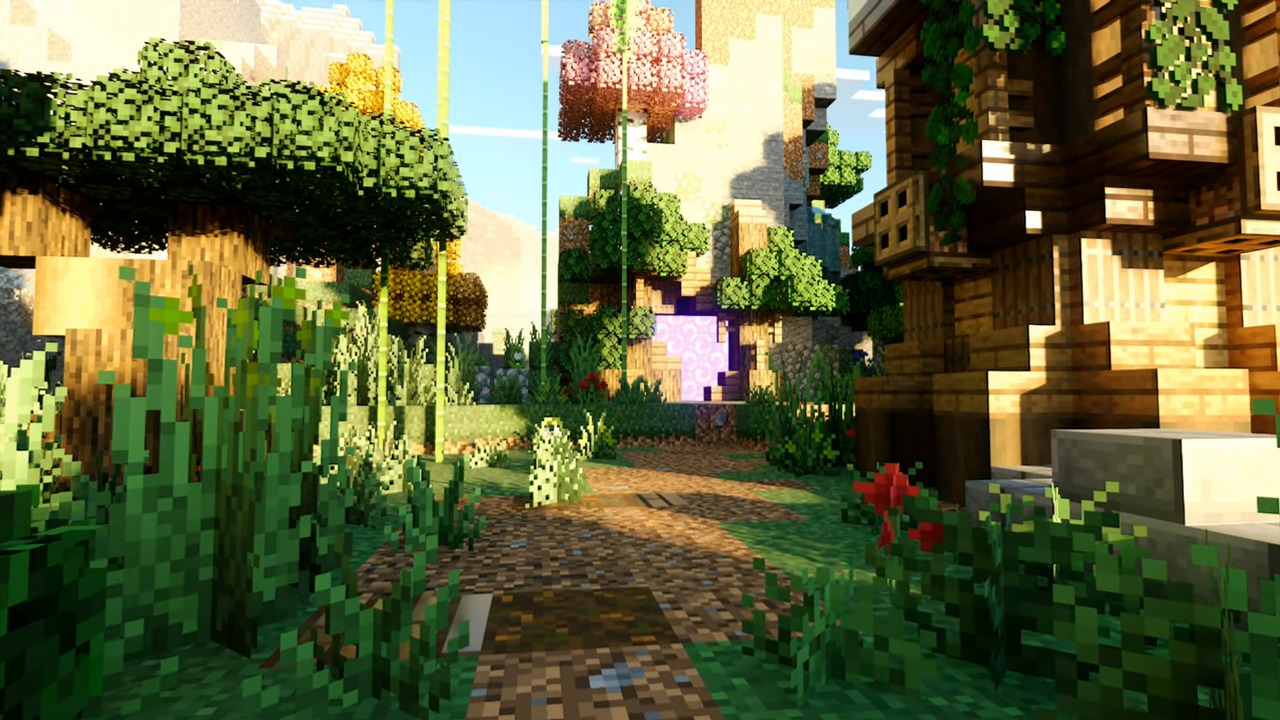
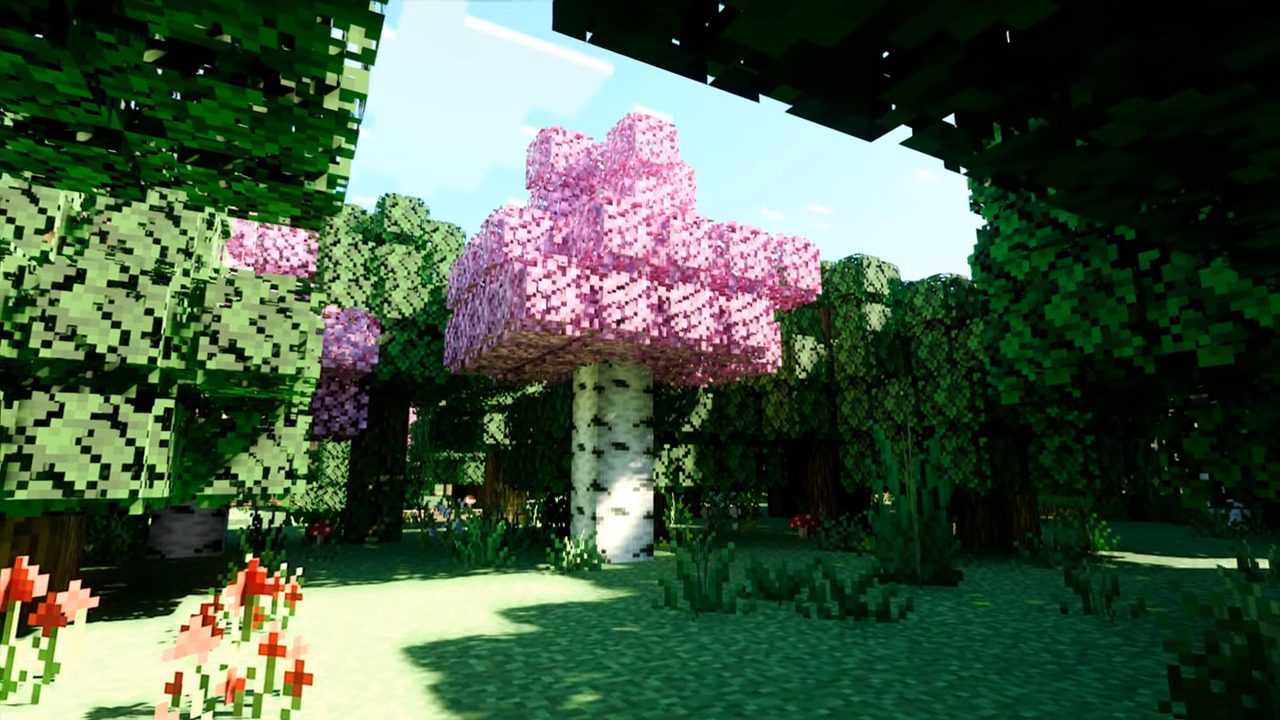
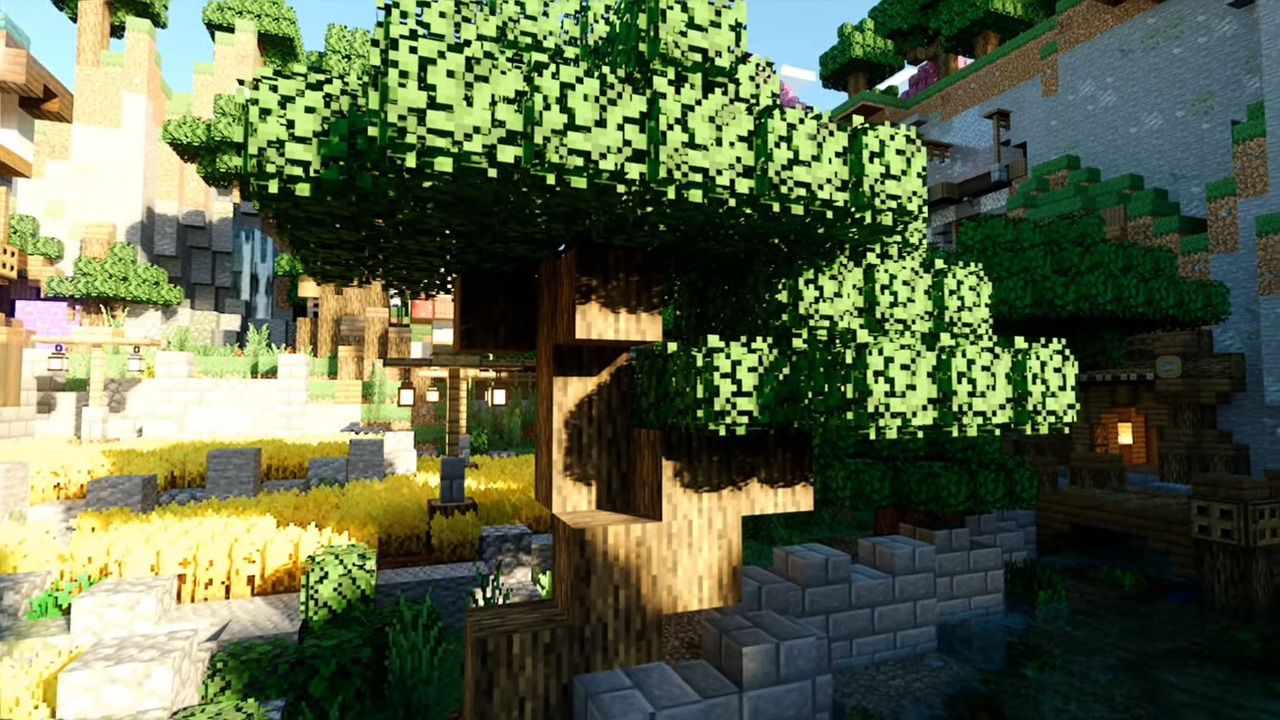
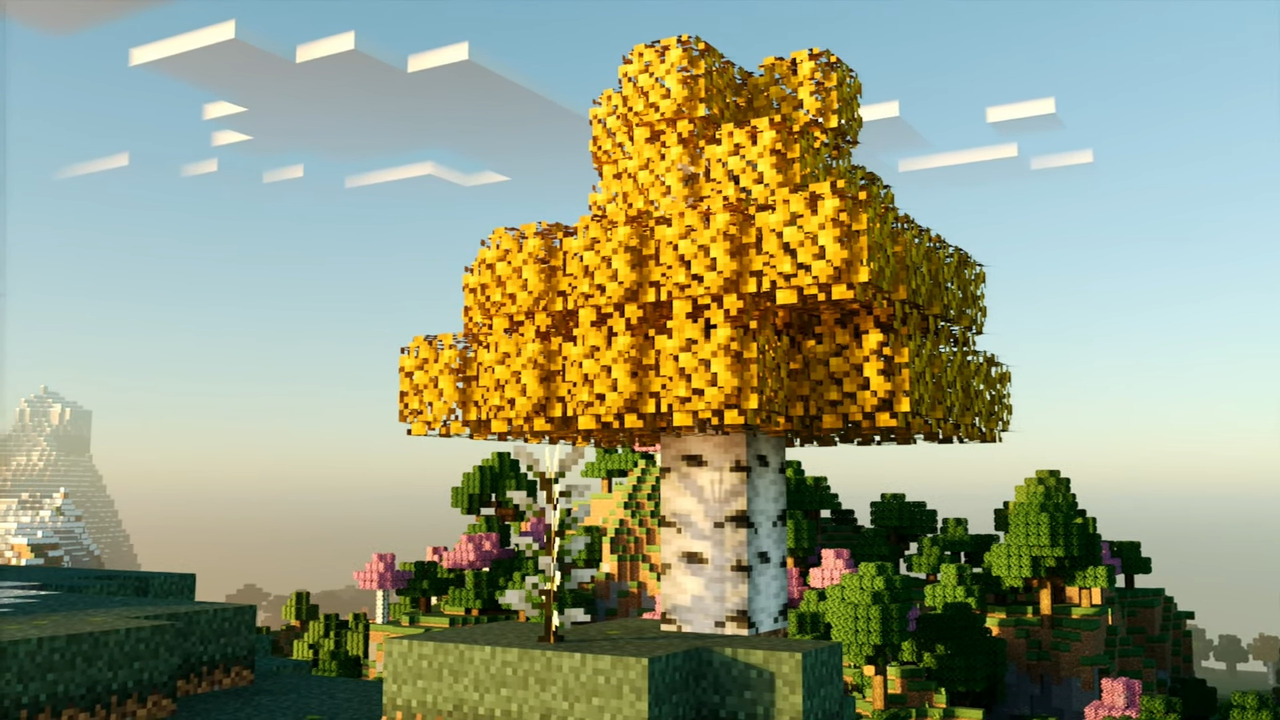
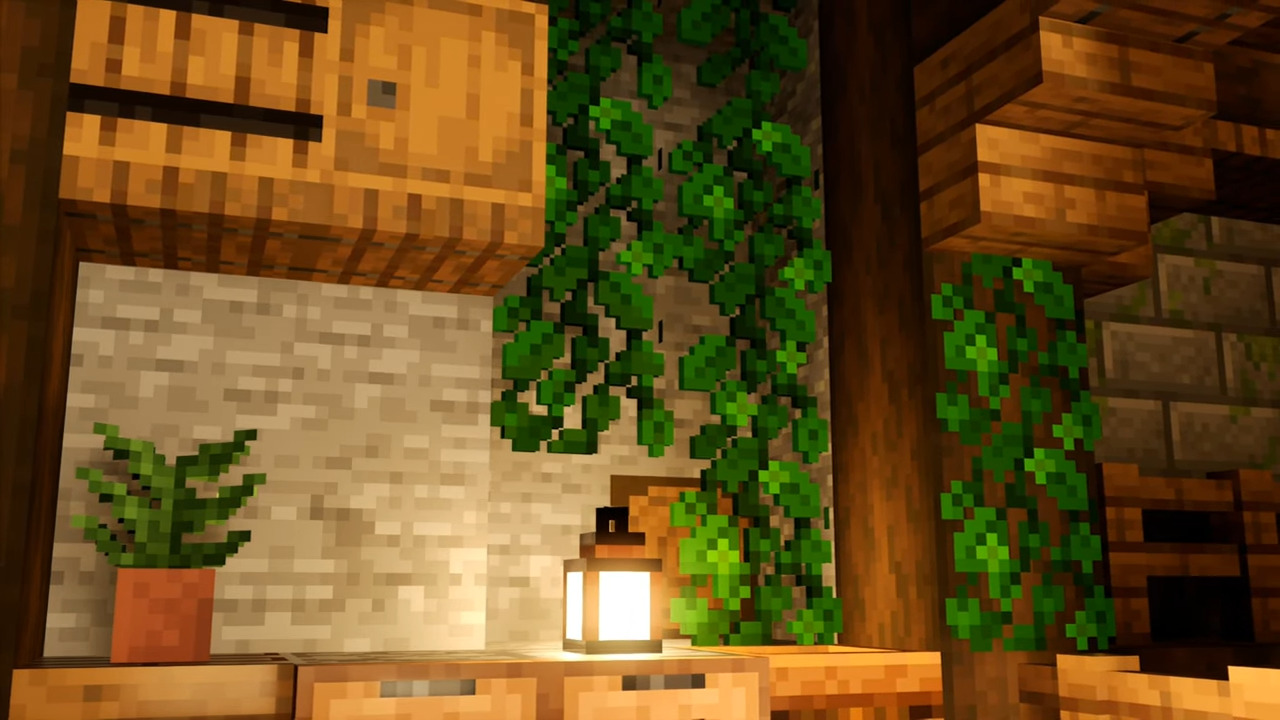
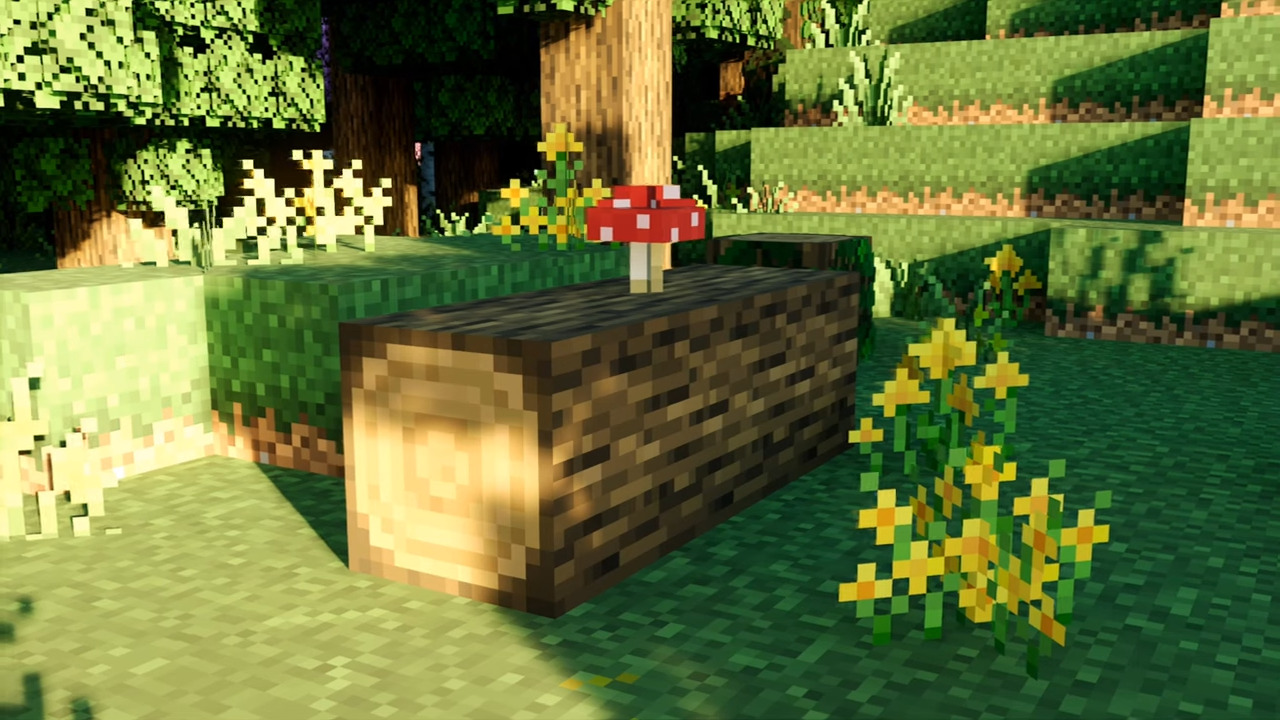
Overgrown Watch nature reclaim your world with a lush texture overhaul that makes leaves, plants and terrain feel wild and alive. Features: Nature-focused texture overhaul for a lusher look Reworked foliage, grass and plant details Vibrant, organic feel across biomes Keeps performance friendly while adding beauty Why You'll Love It: 1 Transforms bland terrain into thriving nature 2 Gorgeous, immersive greenery everywhere 3 Perfect for scenic survival and building How to Get Started: 1 Download the Overgrown. 2 Install it in Minecraft PE. 3 Open your world and enjoy the new experience. Let the wild take over your world.
Open this resource in CraftyBox
More Vibrant Visuals resources