
CRAFTYBOX
Preparing your block world
正在准备你的方块世界
First visit setup
首次访问设置
CRAFTYBOX
Preparing your block world
正在准备你的方块世界
First visit setup
首次访问设置
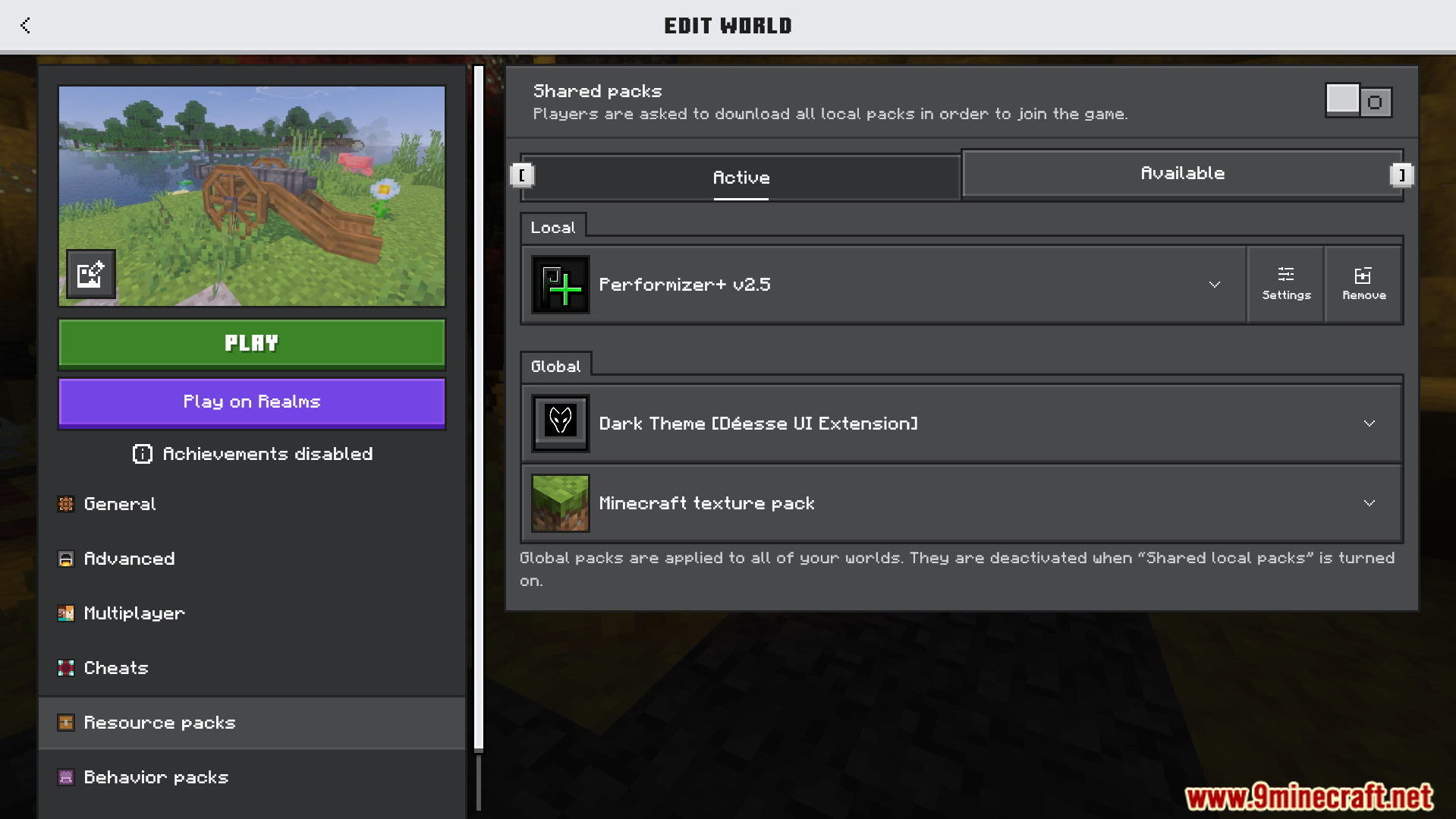
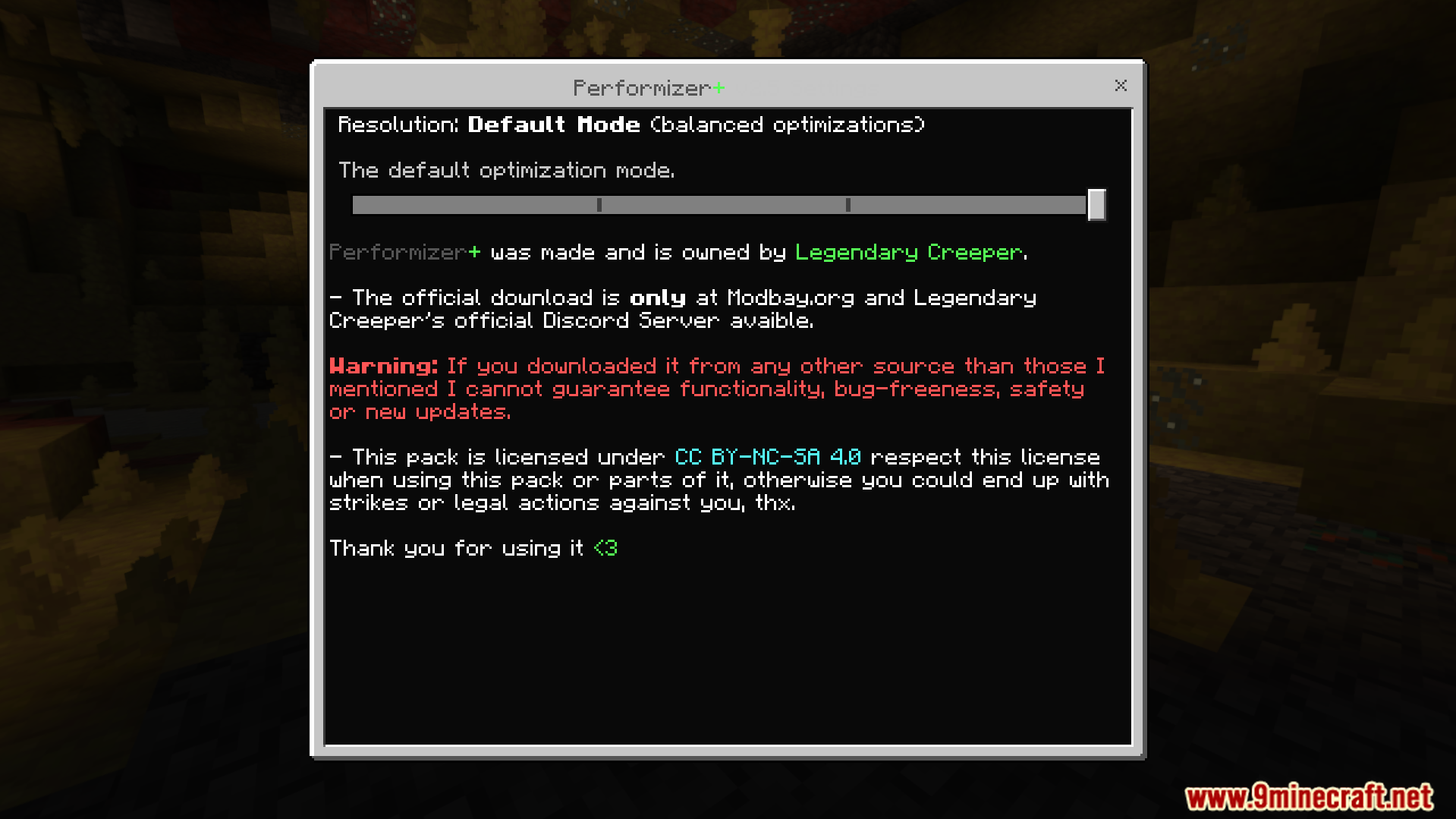
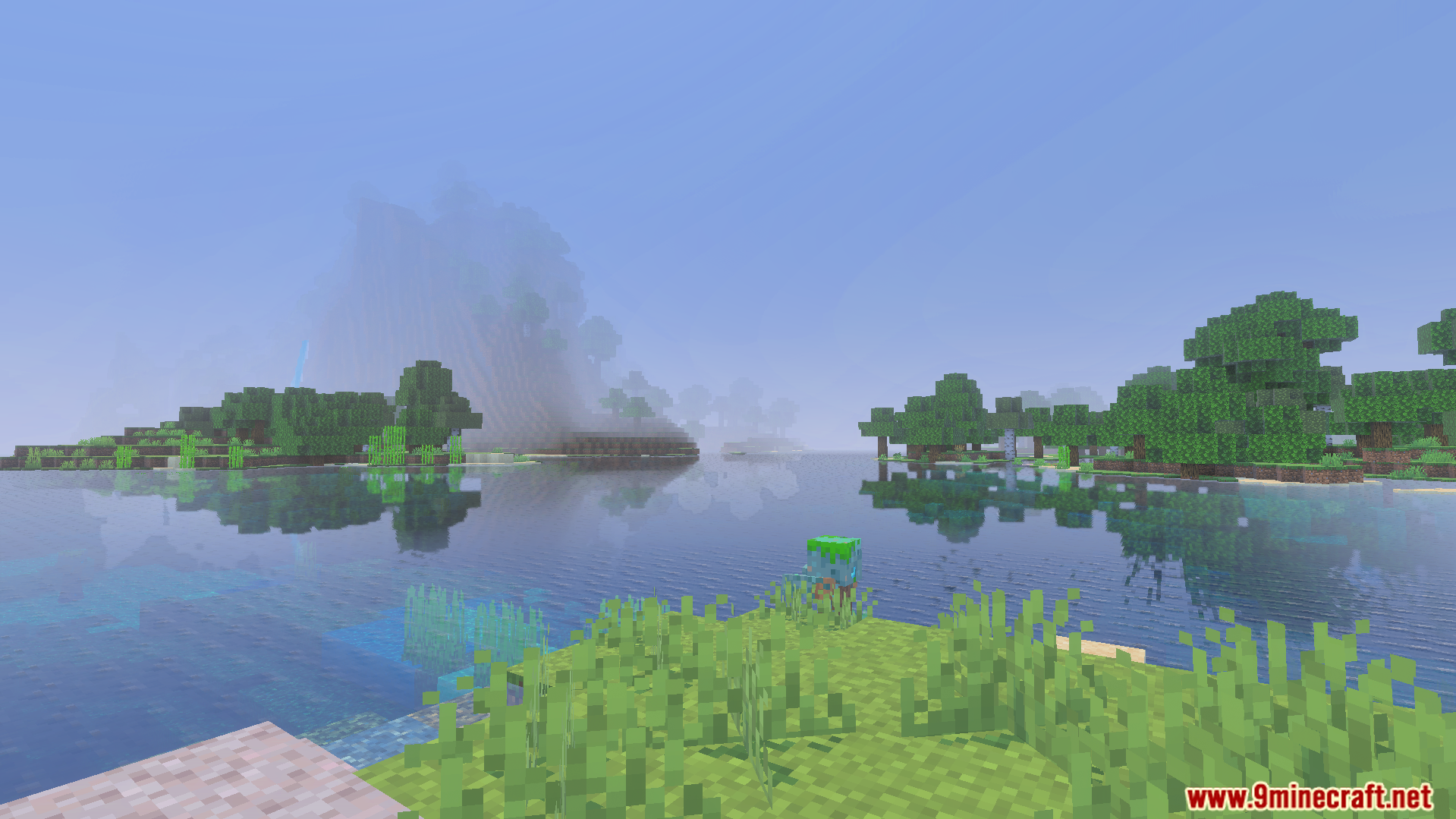
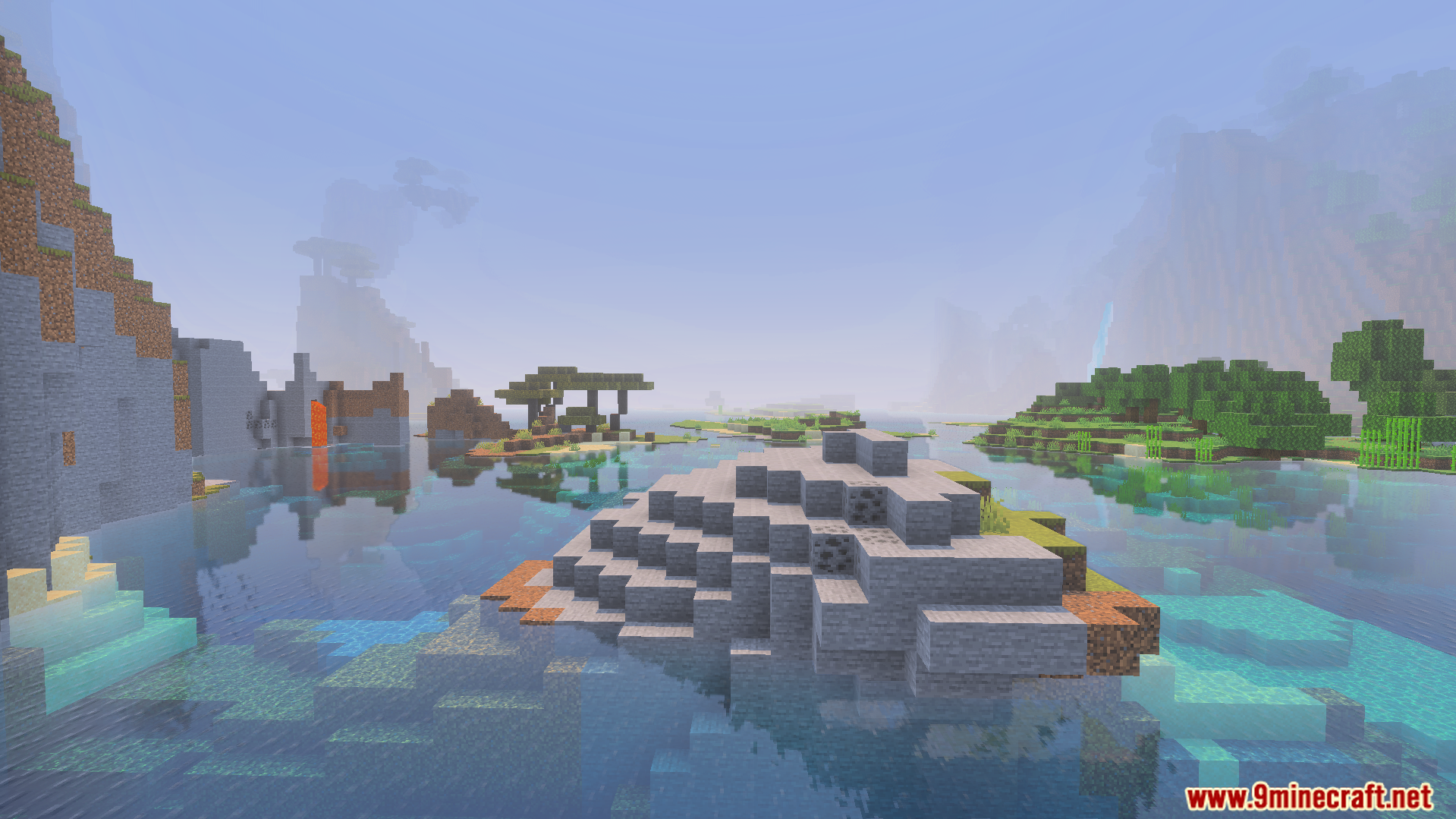
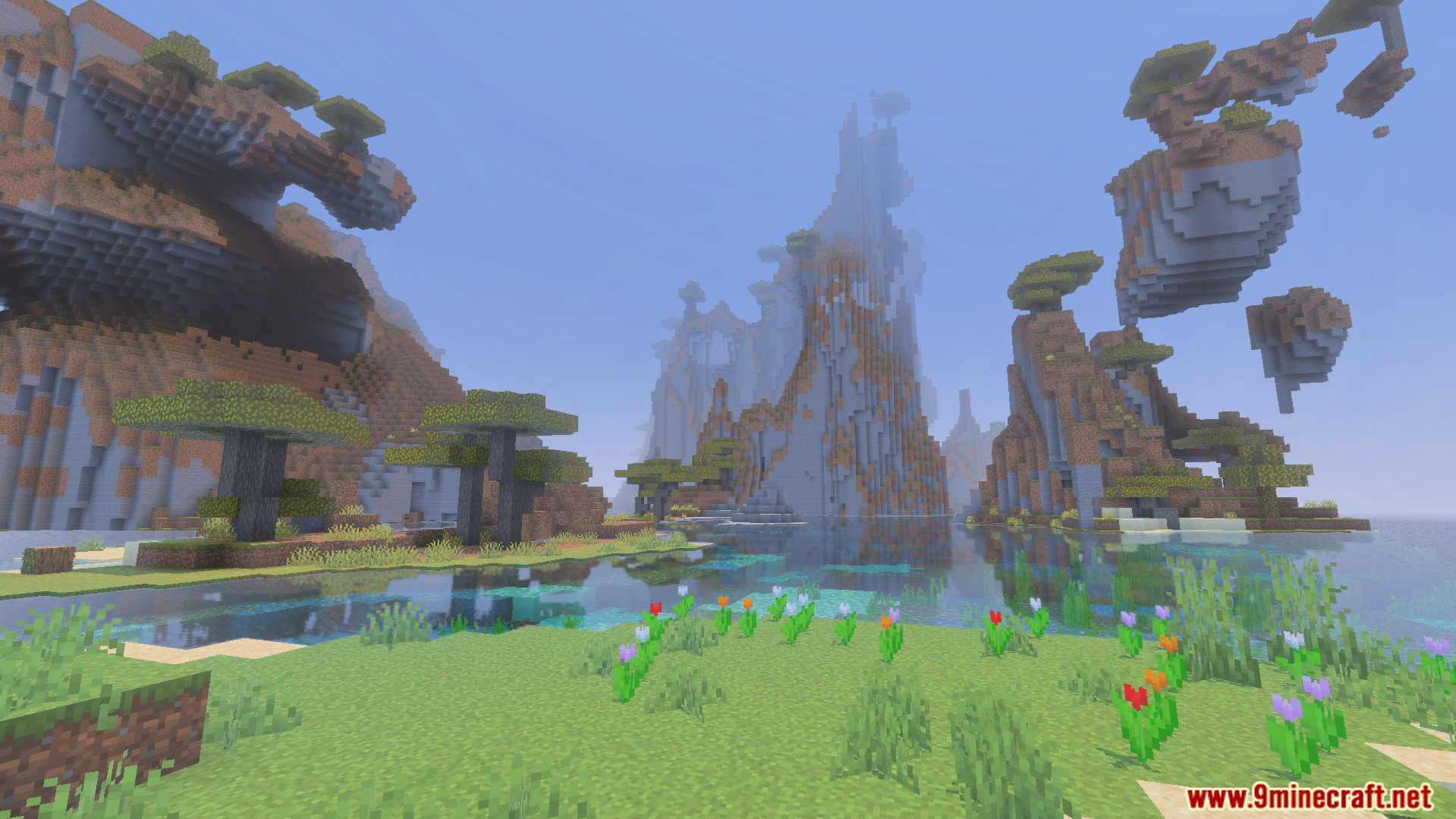
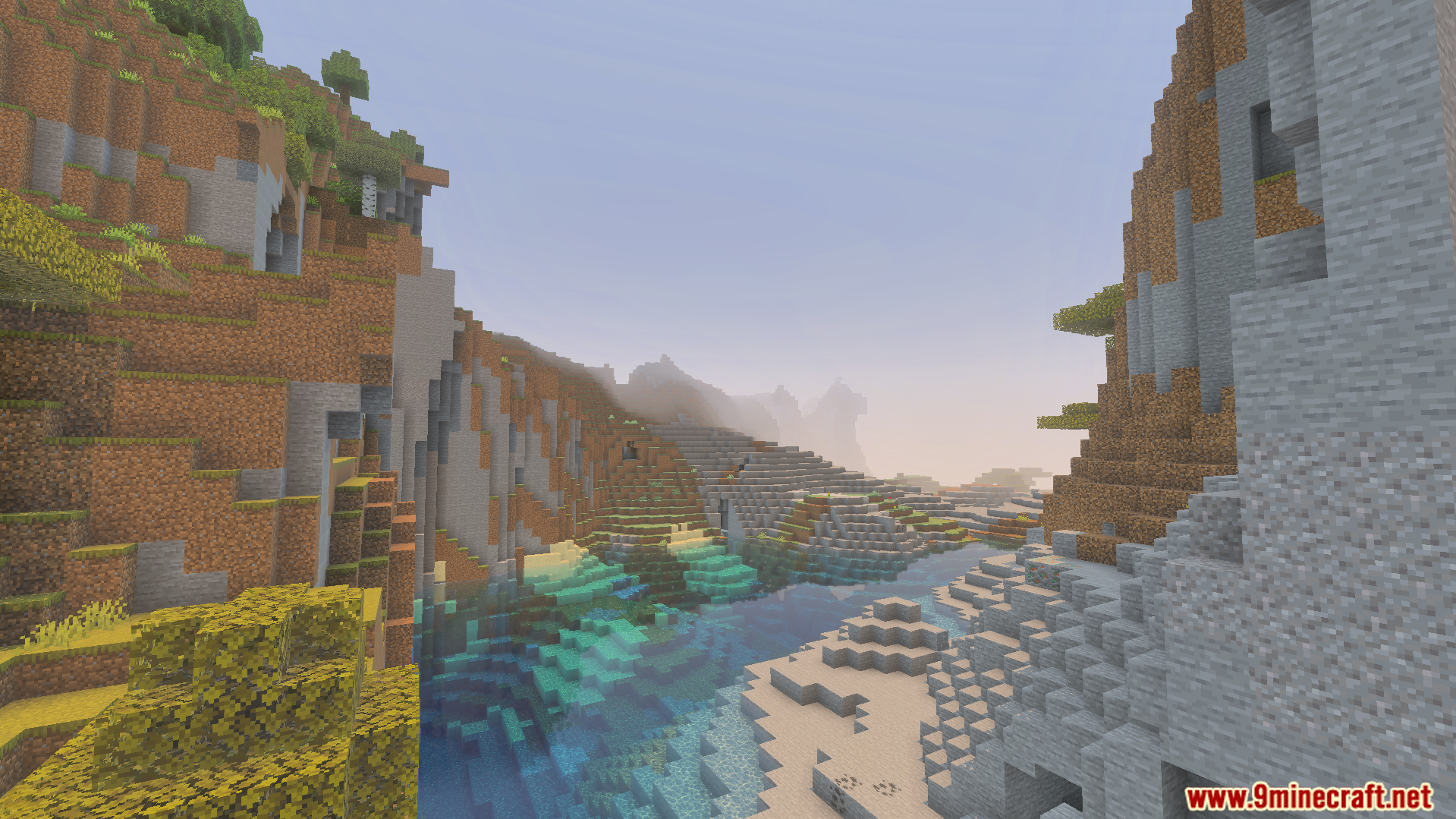
Performizer Plus Texture Pack Squeeze every drop of performance out of Minecraft PE — this pack boosts game speed and stabilizes framerates on low-end and mobile devices. Features: Optimized textures that dramatically reduce lag Stable, consistent FPS even in busy areas Perfect for older phones and budget devices Keeps the vanilla look while cutting the weight Why You'll Love It: 1 Smoother gameplay in survival, PvP and multiplayer 2 Fewer stutters and faster chunk loading 3 No fancy hardware required How to Get Started: 1 Download the Performizer Plus Texture Pack. 2 Install it in Minecraft PE. 3 Open your world and enjoy the new experience. Play
Open this resource in CraftyBox