
CRAFTYBOX
Preparing your block world
正在准备你的方块世界
First visit setup
首次访问设置
CRAFTYBOX
Preparing your block world
正在准备你的方块世界
First visit setup
首次访问设置
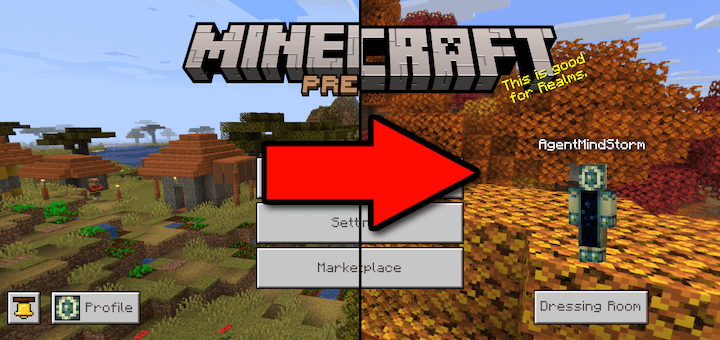
Preview Hider Clean up your menu screens and hide all distracting beta and preview watermarks for a standard game experience! Features: Replaces preview main menu panorama Removes debug text and beta subtitles Restores default loading messages and splashes Optional Chaos Cubed panorama subpack included Why You'll Love It: 1 Eliminates annoying preview banners from buttons. 2 Gives your game a clean, polished look. 3 Fully customizable subpack options. How to Get Started: 1 Download the Preview Hider. 2 Install it in Minecraft PE. 3 Open your world and enjoy the new experience. Enjoy a clean, distraction-free main menu!
Read the full details and screenshots
Open this resource in CraftyBox