
CRAFTYBOX
Preparing your block world
正在准备你的方块世界
First visit setup
首次访问设置
CRAFTYBOX
Preparing your block world
正在准备你的方块世界
First visit setup
首次访问设置
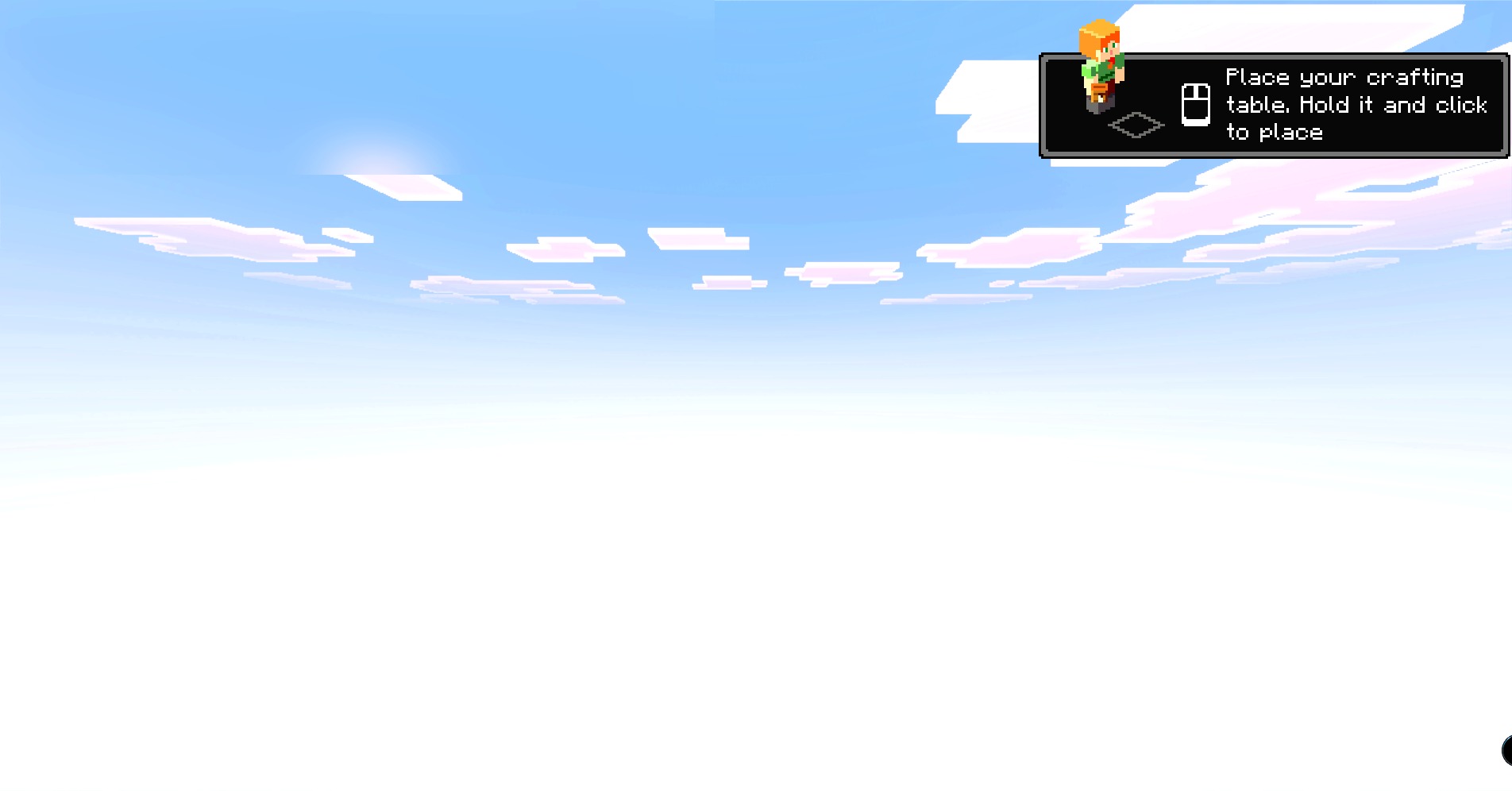
PrizmaRTX PBR RTX Lumenrtx Texture Pack Overhaul your world with stunning PBR and RTX textures that make every surface shine with realism. Features: Full PBR and RTX textures Realistic light and reflections Stunning visual overhaul Works on 1.21 and 1.20 Why You'll Love It: 1 Photorealistic ray-traced look 2 Transforms every block 3 Jaw-dropping screenshots How to Get Started: 1 Download the PrizmaRTX PBR RTX Lumenrtx Texture Pack. 2 Install it in Minecraft PE. 3 Open your world and enjoy the new experience. Experience Minecraft in dazzling RTX!
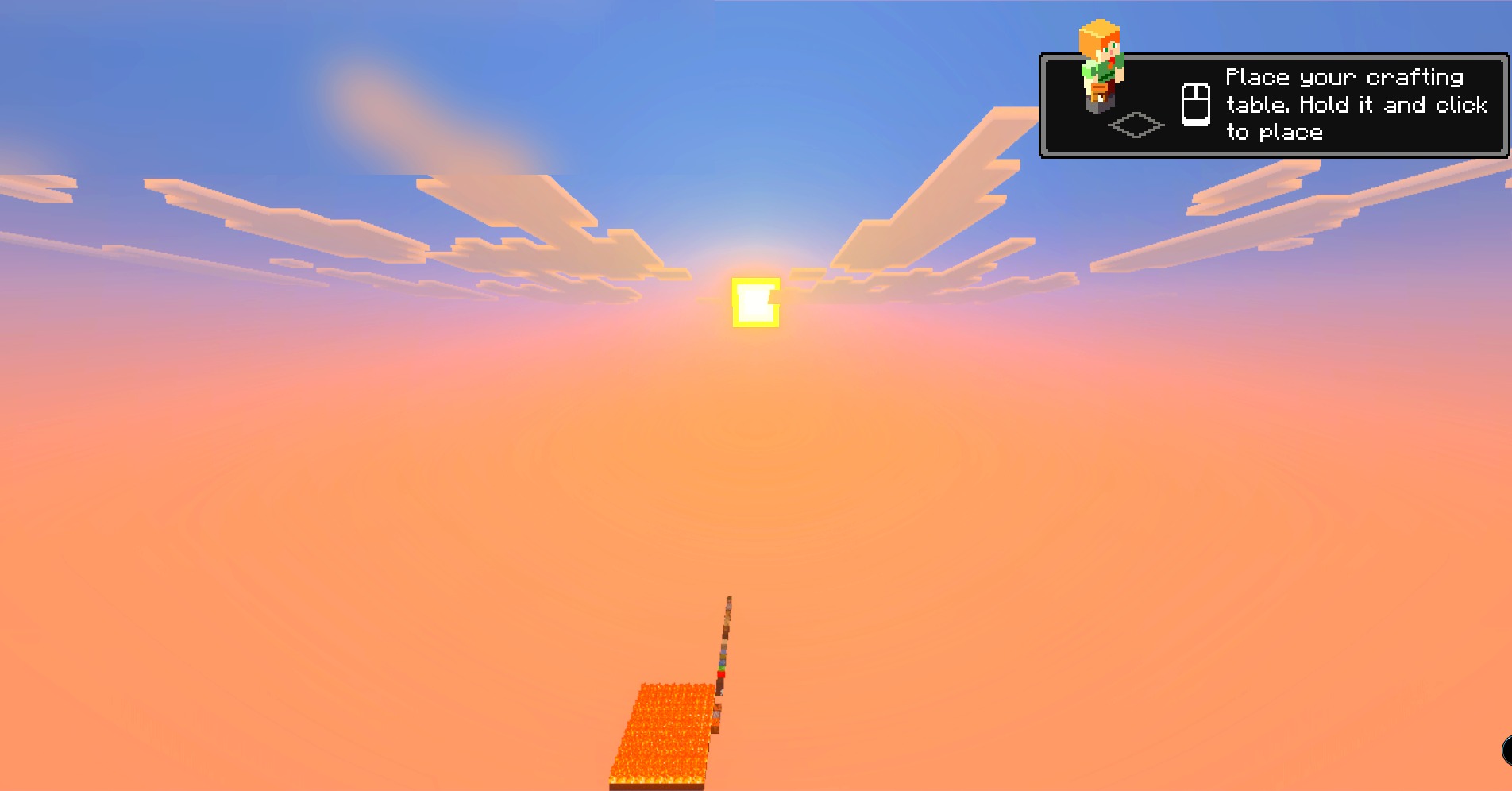
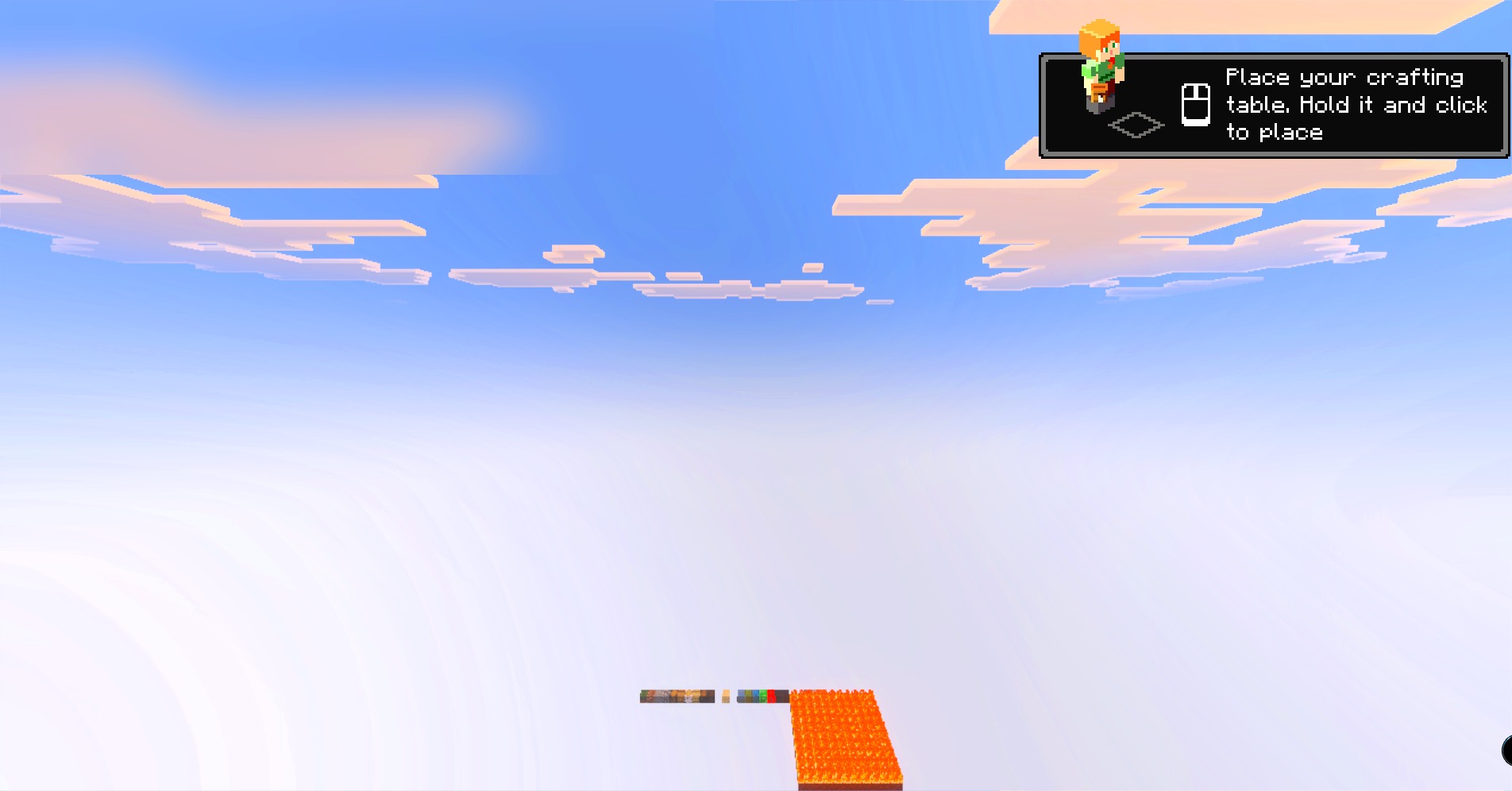
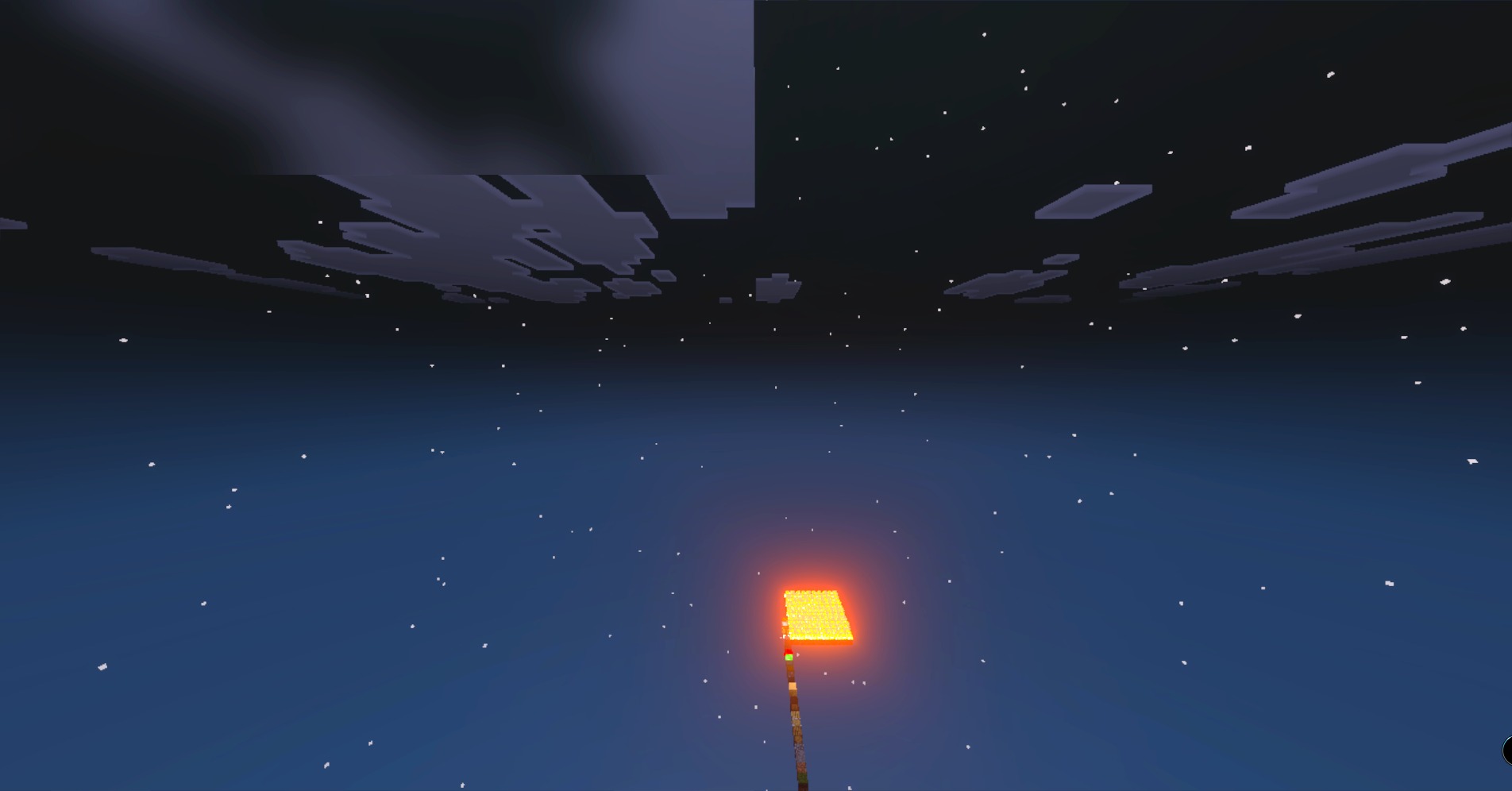
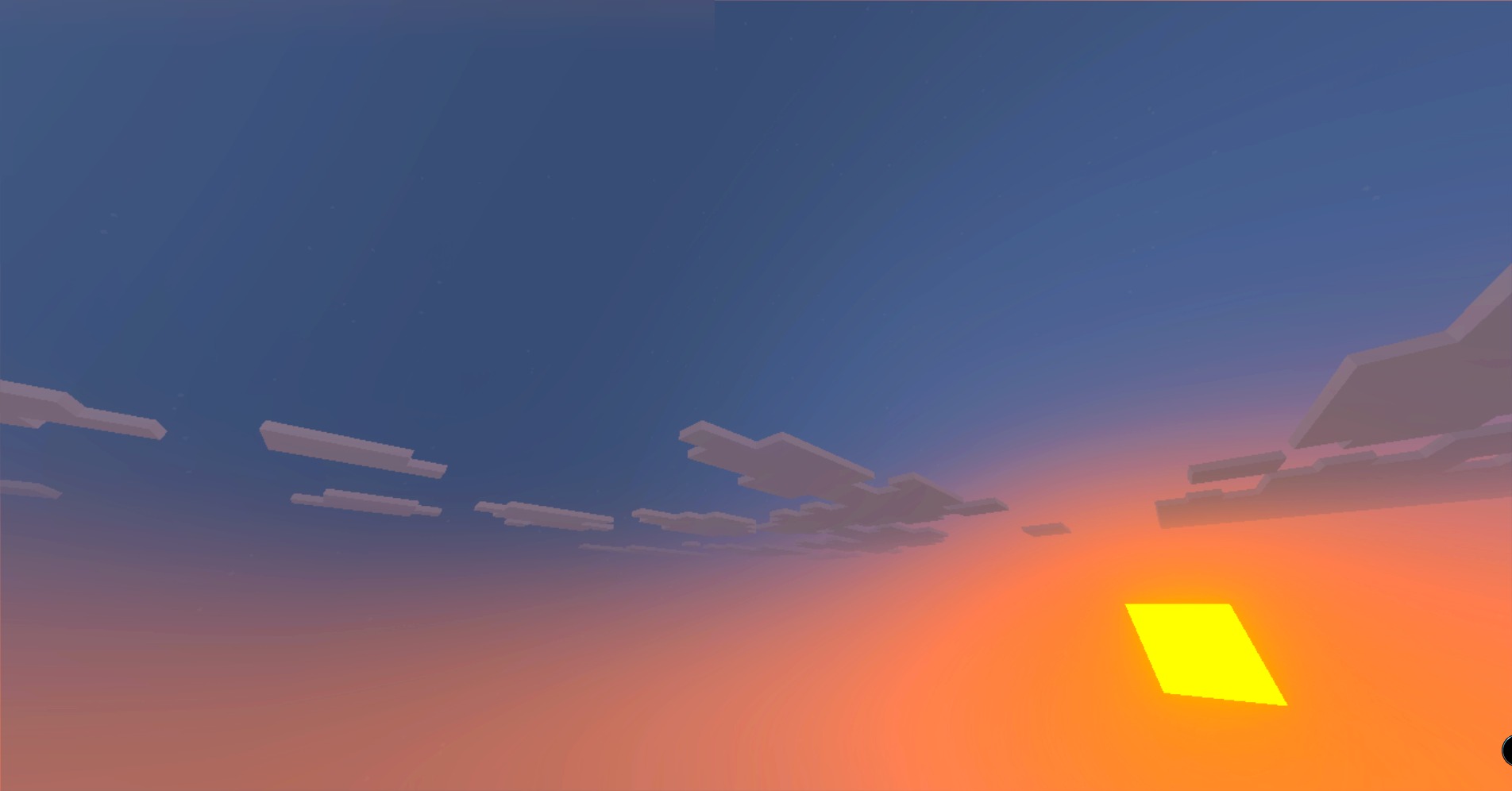
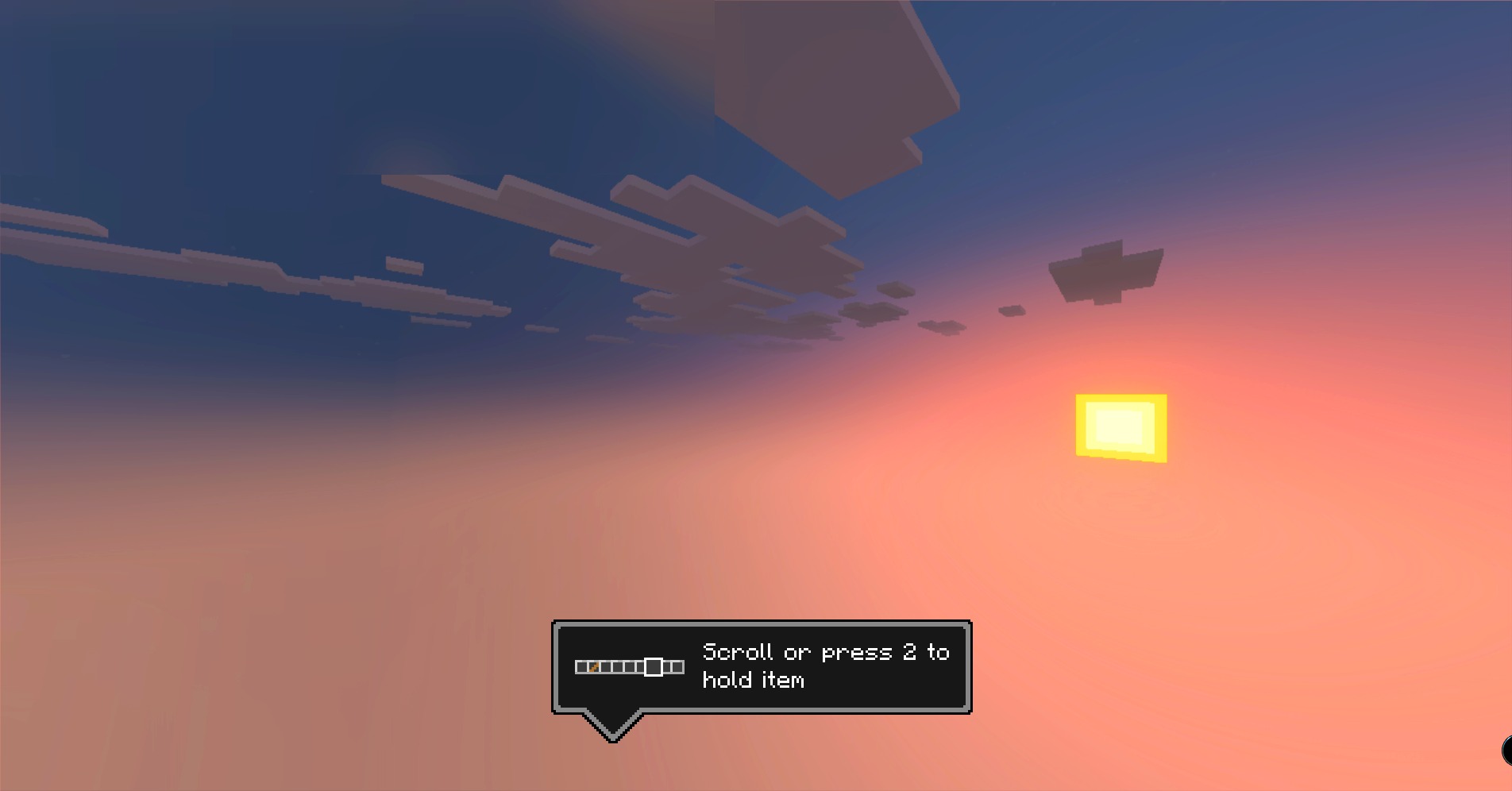
Read the full details and screenshots
Open this resource in CraftyBox