
CRAFTYBOX
Preparing your block world
正在准备你的方块世界
First visit setup
首次访问设置
CRAFTYBOX
Preparing your block world
正在准备你的方块世界
First visit setup
首次访问设置
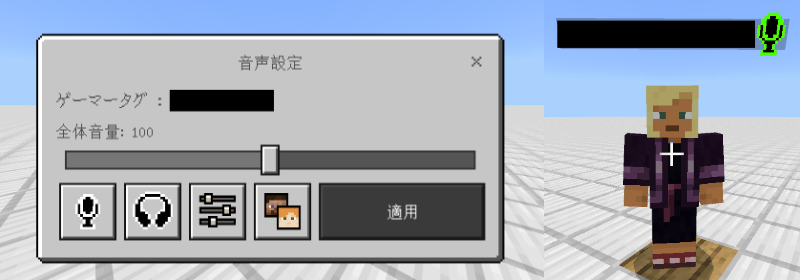
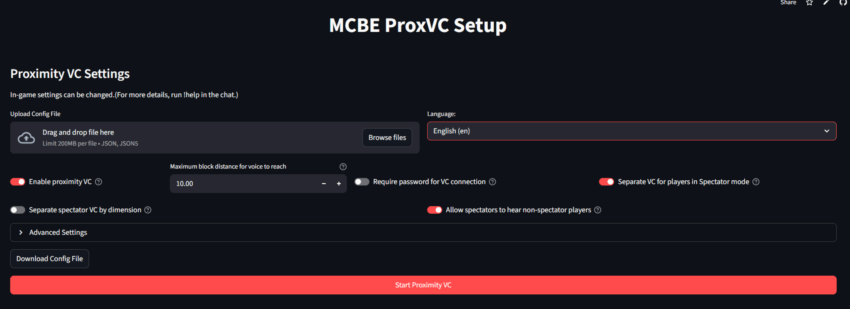
Proximity Voice Chat&Proximity Text Chat Enhance your multiplayer worlds with realistic distance-based voice and text communication just like Java Edition! Features: 3D Positional Audio Cross-Platform Mobile Support Proximity Text Filtering Server-Exclusive Persistent Connection Why You'll Love It: 1 Hear friends accurately from the direction they are speaking. 2 Keep multiplayer immersion alive with realistic chat limits. 3 Easily configure everything with simple web and command setups. How to Get Started: 1 Download the Proximity Voice Chat&Proximity Text Chat. 2 Install it in Minecraft PE. 3 Open your world and enjoy the new experience. Talk and

Open this resource in CraftyBox